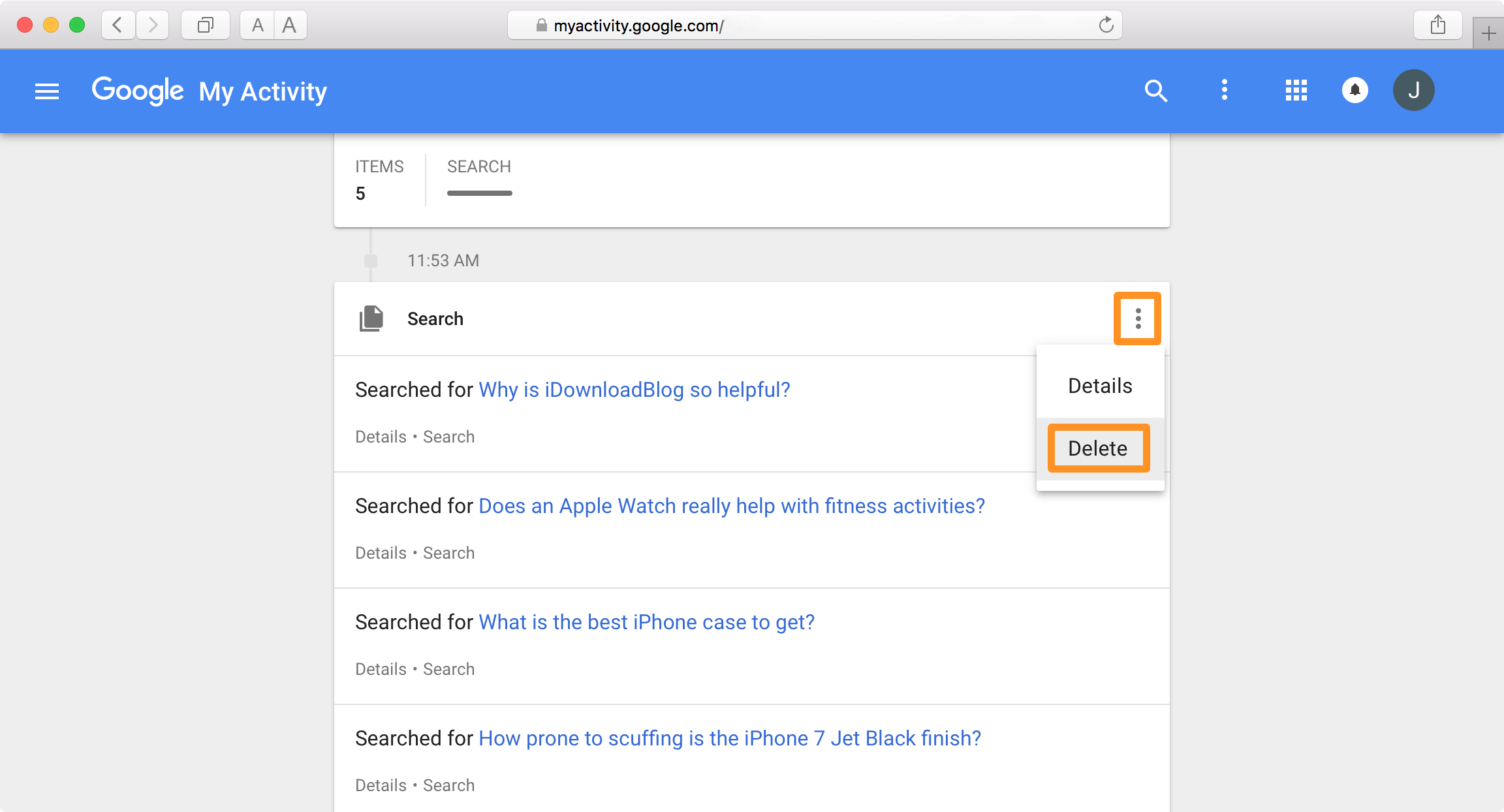
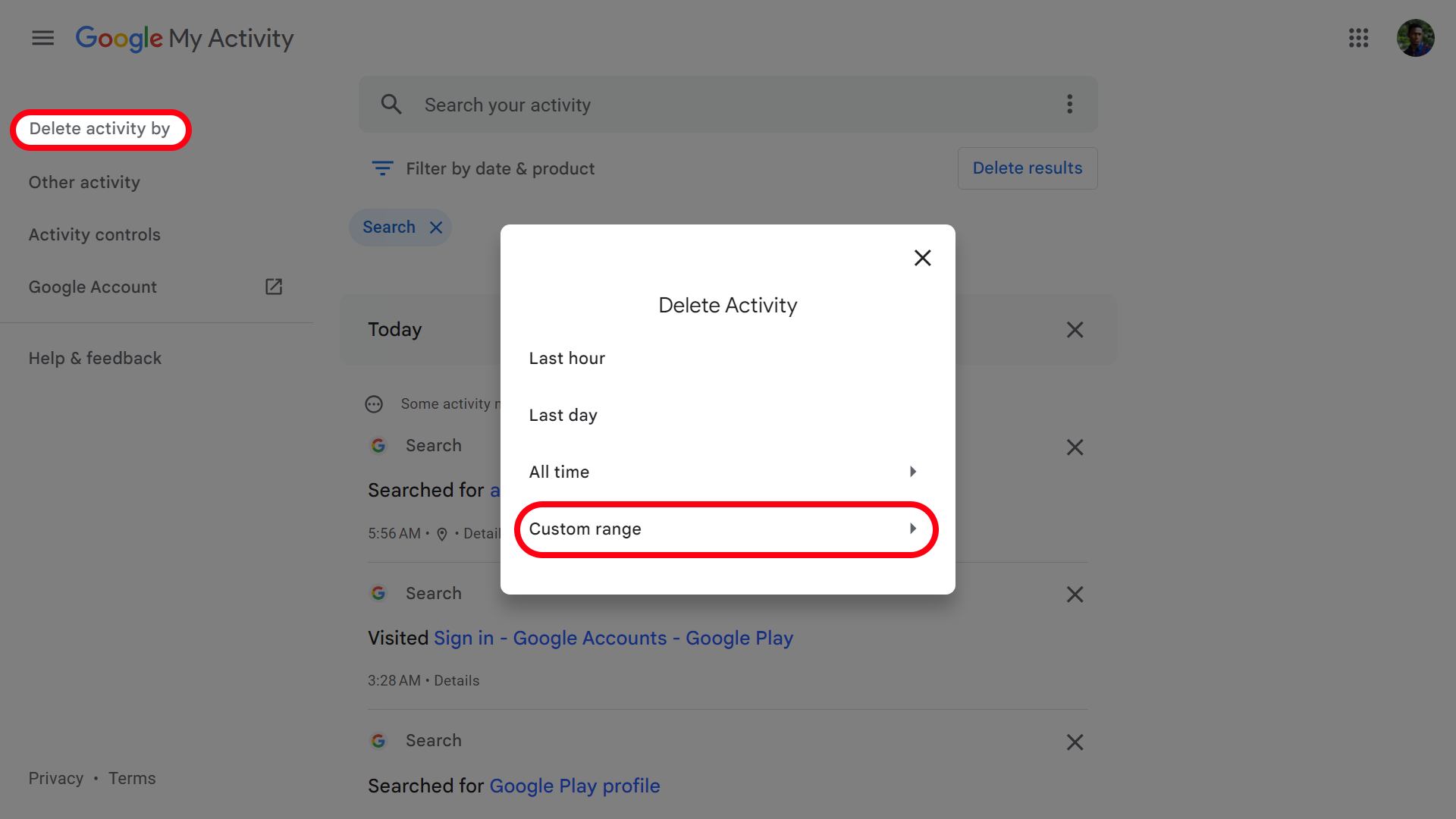
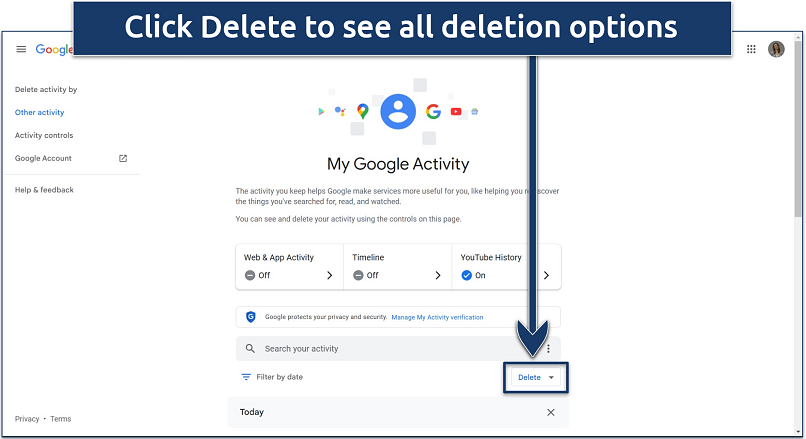
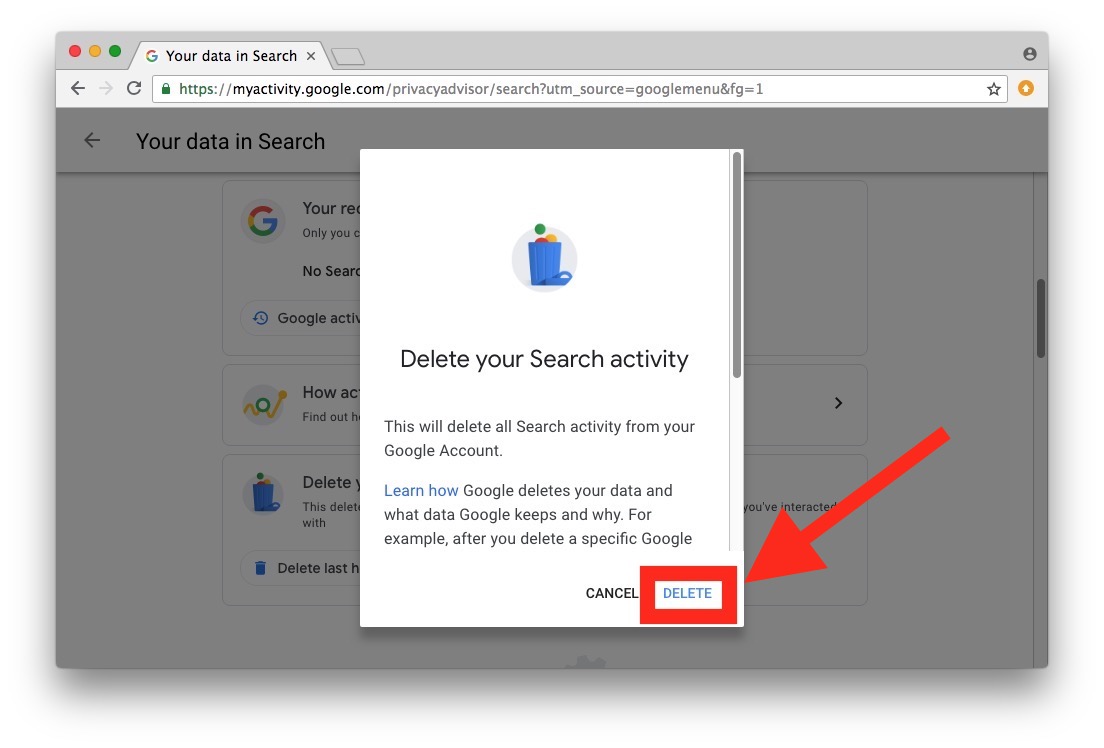
How To Delete Items In Google Search
Last Tuesday, I was showing my friend a hilarious meme I’d made years ago, only to have Google serve up a photo of me at a college party wearing a dolphin costume. You know the one—the full-body, head-in-the-mouth kind. My friend asked, “Can’t you just, like, delete that?” And I sat there, staring at my pixelated shame, realizing I had absolutely no idea how to make it disappear.
It’s a weird moment when you realize the internet has a better memory than you do. But here’s the kicker: you can’t actually delete anything from Google. Not really. Google is just a librarian pointing at books that live in a million other libraries. But you can make that librarian shut up about you.
Let’s get one thing straight first, because I know you’re itching to click a “Delete” button that doesn’t exist. Google doesn’t host your data—it indexes it. So when you “delete” something from search results, you’re basically asking Google to un-link the webpage, not erase the webpage itself. It’s like asking a gossip to stop repeating your story, not making the story vanish from the town square.
Must Read
Step One: Find Out Where the Dirt Lives
Before you do anything, you need to locate the exact URL of the page that’s haunting you. Search for your name, your handle, or that specific dolphin photo, and click the result. Copy the web address from the browser bar—this is your target.
If the image or page is on a site you control (like your own blog or social profile), you’re in luck. Just log in and delete it manually, then wait for Google to re-crawl the page. That can take days, so be patient or submit a URL removal request after you’ve nuked the content.
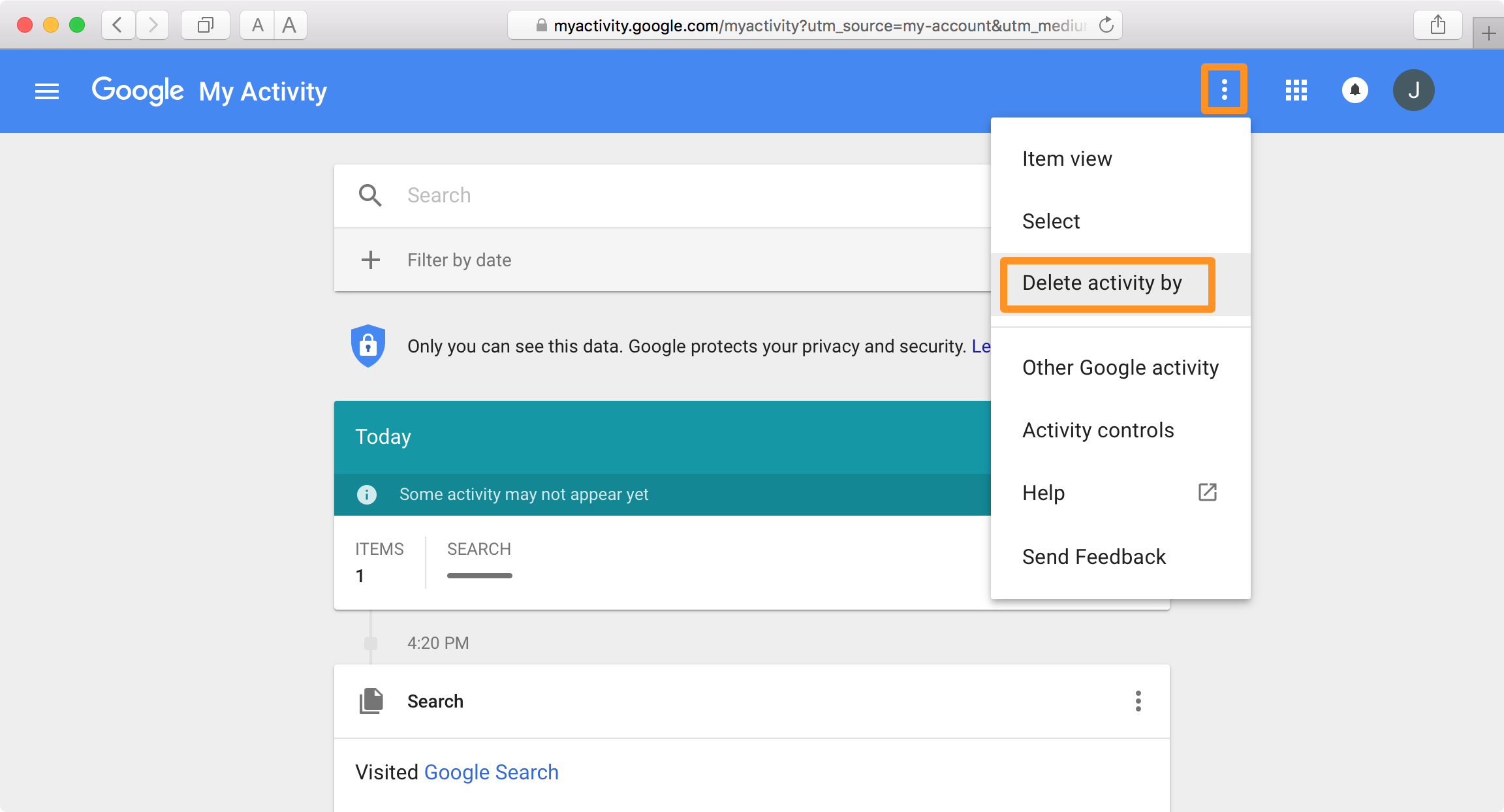
Step Two: The “Outdated Content” Removal Tool
This is the closest thing to magic you’ll find. Head over to Google’s Removal Request page (just search “Google removal request” and you’ll find it). Click on “Remove information on a website” and then “Temporarily remove a page you own.”
Here’s the trick: if you’ve already deleted the page or image, you can request Google to forget the cache. You’ll need to paste the URL, and optionally upload a screenshot showing the page is now a 404 error. It’s not instant—usually takes a few days—but it works like a charm for your own content.

But what if it’s not your website?
Ah, this is where the plot thickens. If someone else posted your embarrassing fin, you can’t just delete their page. But you can ask Google to remove the specific image or text if it violates their policies—think doxxing, explicit images without consent, or copyright infringement.
For anything else, you’ll need to contact the website owner directly. Send a polite email, explain the situation, and hope they’ve got a heart. If they don’t, you’re stuck with the digital equivalent of a tattoo—unless you get a lawyer, but that’s a whole other article about adulting.
The “Right to Be Forgotten” (a.k.a. The EU Perk)
European readers, rejoice! If you live in the EU, you can invoke the Right to Be Forgotten via a form on Google’s site. It lets you request removal of results that are “inadequate, irrelevant, or no longer relevant” to your life. It’s not a free pass—Google will weigh public interest against your privacy—but it’s a powerful arrow in your quiver.

For everyone else in the world, you’re stuck with the “outdated content” trick, which works only if the page no longer exists. Pro tip: if the page is still up but you just hate it, you can try burying it. Create new, positive content (LinkedIn, a portfolio, a cooking blog) and push the bad result to page two. Because let’s be honest—nobody scrolls past page one.
One More Thing: Google’s “About Me” Search
Did you know Google has a dedicated tool for this? Go to your Google account, search for “Results about you” or “About me” in your account settings. It shows you a list of search results that include your name, and you can request removal for ones that are doxxing, explicit, or clearly harmful.

It’s a newer feature, so it’s not perfect—but it’s a start. And honestly, it feels good to click “Request removal” even if it doesn’t work. It’s like pressing the panic button just to hear a reassuring beep.
Bottom Line (with a wink)
You can’t scrub the internet clean, but you can absolutely clean your search footprint with a little elbow grease. Start with the URL, then decide if you own it, beg the webmaster, or use Google’s removal tools. And if all else fails, create a killer new “dolphin costume” redesign blog post that ranks higher than the original. Make the internet remember you for the right reasons, not the fin.
Now go forth and un-Google yourself—just don’t forget the rest of the party photos. I’ve still got a llama costume pic I’m trying to bury, and if you figure out a hack for that, please tell me.