
How To Day Trade On Charles Schwab

So, there I was, at 9:31 AM on a random Tuesday, clutching my coffee like a lifeline and staring at a red number that was dropping faster than my motivation to go to the gym. I’d bought 100 shares of a “sure thing” stock, and within 90 seconds, I was down the cost of a nice dinner for two. My heart was doing the cha-cha, and I had absolutely no plan for what to do next—other than panic.
That was me, a few years ago, trying to day trade on a platform I barely understood. But here’s the kicker: I wasn’t using some sketchy, gamified app with confetti and rocket ships. I was on Charles Schwab, a behemoth of traditional finance that feels more like a library than a trading floor. And honestly, that’s both its biggest strength and its sneakiest challenge.
Let’s get real for a second: day trading on Schwab is like bringing a Swiss Army knife to a gunfight. It can do it, but you need to know which blade to pull out. The platform, now supercharged by the Thinkorswim integration (yes, the good one from TD Ameritrade), is a beast. But if you don’t tame it, it will absolutely chew you up and spit out your stop-loss orders.
Must Read
First Things First: Are You Even Allowed to Day Trade?
Before you start dreaming of Lamborghinis, let’s talk rules. If your account has less than $25,000, you are officially a pattern day trader (PDT) if you make more than three day trades in a rolling five-day period. Schwab will flag you faster than a kid with a permanent marker in a library.
I know, I know—it’s a stupid rule, but it’s the rule. So, if you’re starting small, you’re limited to those three trades per week. This isn’t a suggestion; it’s a hard lock. You’ll get a friendly warning, then a margin call, and suddenly your account is frozen like a popsicle in January.
My advice? Either deposit the 25 grand (if you have it lying around, congrats, you fancy) or practice with Schwab’s paper trading feature. Yes, it’s pretend money, but it’s perfect for learning when to hold ’em and when to fold ’em without kissing your rent money goodbye.
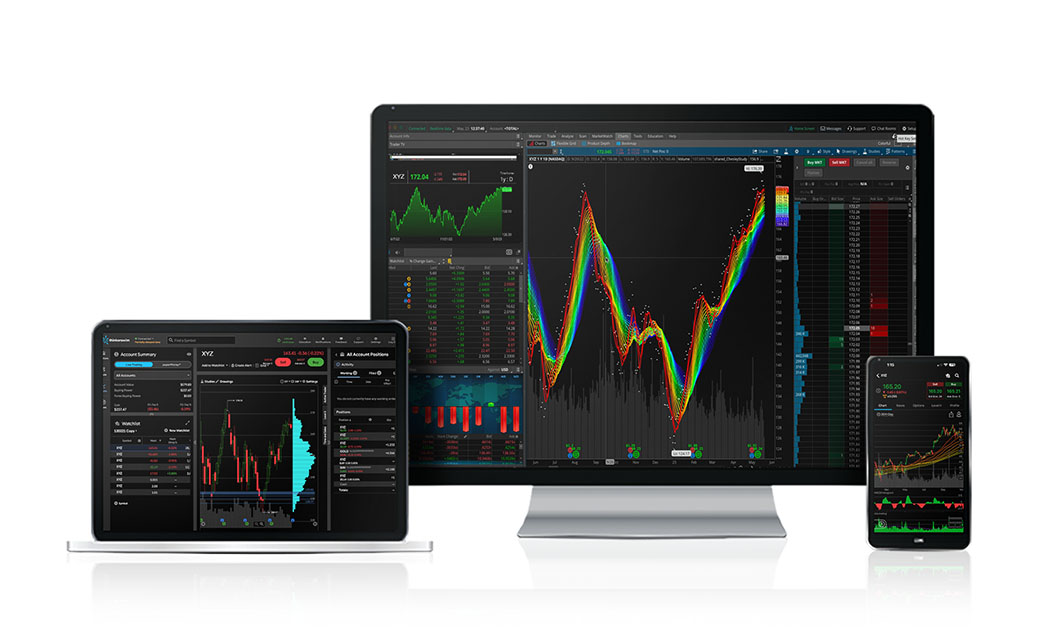
Setting Up Your Cockpit: The Thinkorswim Workspace
Here’s where the fun begins. Once you log into Thinkorswim (you can use the web version or the desktop app—use the desktop app, seriously), you’ll feel like you’re in the cockpit of a spaceship. There are charts, ladders, time & sales, and about 47 different indicators blinking at you.
Don’t get overwhelmed. It’s like a buffet—you don’t have to eat everything. Start fresh: open a simple candlestick chart, add a 9 EMA (exponential moving average) and a 20 EMA, and slap on the volume indicator. That’s your bread and butter for momentum trading.
Now, here’s a side note that might save your sanity: customize your hotkeys. You want to buy and sell with a single keystroke, not by clicking through menus while the market tanks. Trust me, trying to find the “Sell” button while your stock drops 4% is like trying to find your keys in the dark during an earthquake.
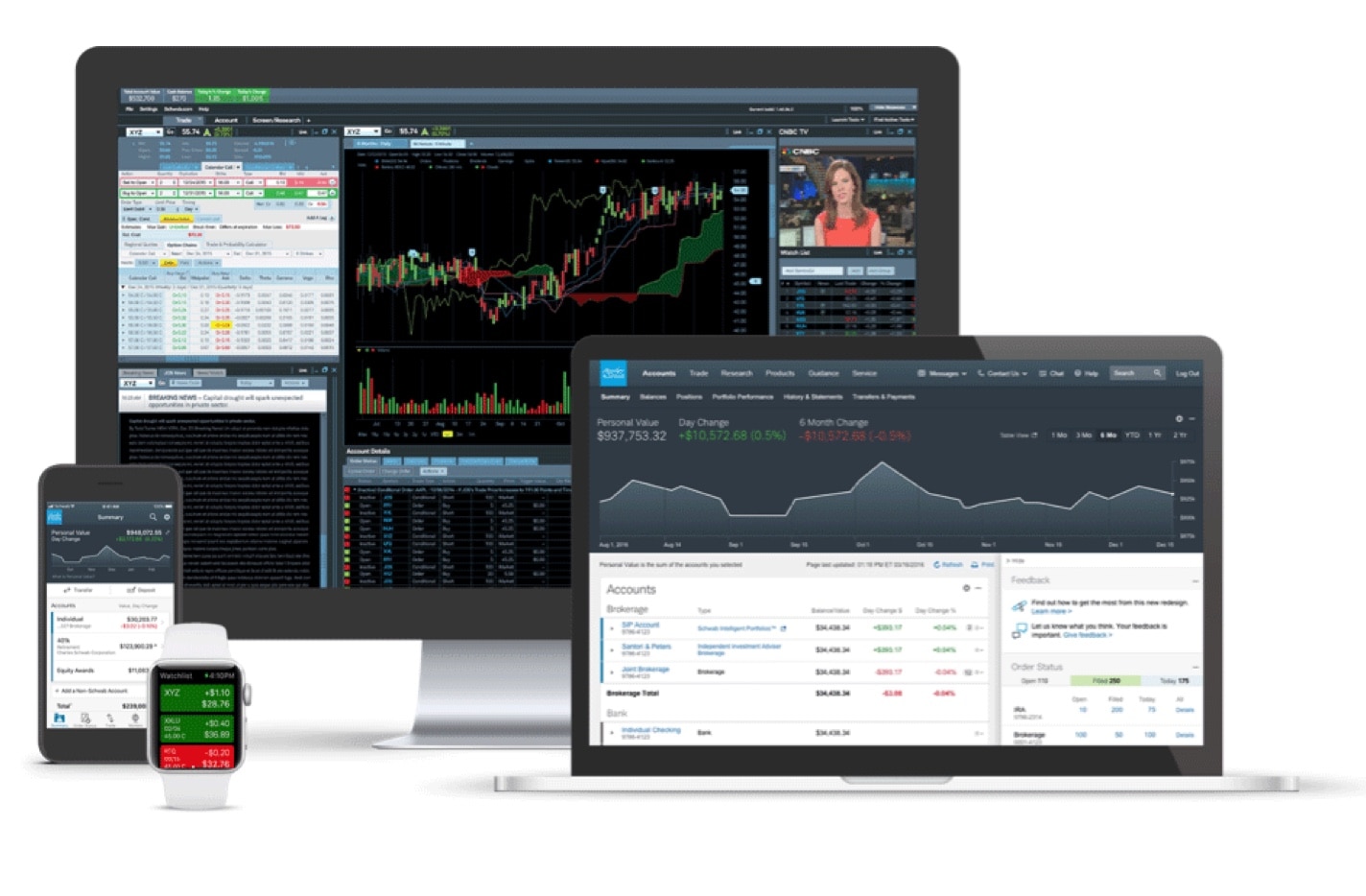
The Strategy: Forget the “Get Rich Quick” Stuff
Day trading on Schwab isn’t about catching a 200% moonshot in five minutes. That’s gambling, not trading. I learned this the hard way when I chased a meme stock and ended up holding the bag (it’s still in my portfolio as a tax write-off, let’s move on). Instead, focus on small, consistent wins.
A simple approach: look for stocks with high relative volume (at least 1.5x their average) in the first 30 minutes after the open. Wait for a pullback to your 9 EMA, then enter with a tight stop-loss below the recent swing low. Target a 1.5% to 2% gain, and get out.
Sounds easy, right? It’s not. The market will fake you out. You’ll think it’s going up, it’ll dip, and you’ll sell in a panic. Then it’ll rip right up without you. That’s the game, folks. You’re not a genius; you’re a risk manager with a hotkey.
Don’t Ignore the Fees and the “Free” Trap
Here’s a dirty secret: Schwab offers commission-free trades, which is great, but don’t think it’s all roses. They make money on your order flow—meaning they sell your trade data to market makers. This can lead to slightly worse fill prices, but honestly, for retail traders, it’s a fair trade-off.

You’ll also pay a fee for options contracts (around $0.65 each) and for using the live futures data. So, if you’re scalping options, those fees add up like a bar tab on a Friday night. Keep an eye on your execution price versus the quoted price. If you’re consistently getting filled worse than you see, that’s a signal to slow down.
Risk Management: The Boring Superpower
If I could go back and slap my younger self, I’d scream one thing: never risk more than 1% of your account on a single trade. Let’s do the math. If you have $30,000, your max loss per trade is $300. That’s it. You lose $300, you live to fight another day.
Use stop-loss orders every single time. Not “mental stops” (those are lies), but actual, hard, resting orders in the system. Schwab’s interface lets you set these easily, but you have to set them before you hit buy. If you don’t, you’re just a spectator watching your money evaporate.

And for the love of all that is holy, don’t keep your entire balance in one stock. Diversify your day trading, even if it means trading five shares of three different tickers. You’re playing a game of probabilities, not trying to hit a home run with every pitch.
The Final, Honest Truth
So, is day trading on Charles Schwab worth it? Yes, if you treat it like a professional, not a gambler. The tools are top-tier (once you learn them), the fills are decent, and the platform is stable. But it’s work. You’ll have green days and red days that make you want to throw your monitor out the window.
Start small. Paper trade for a month. Then, when you go live, use a tiny size that doesn’t make your stomach flip. Your goal isn’t to get rich by Friday—it’s to still be trading next year. Because the real secret to day trading on Schwab isn’t the charts or the hotkeys; it’s discipline. That’s the one indicator that never lies.
Now, go open that demo account, and for once, let’s keep the panic attacks to a minimum, okay?


.jpg)