How To Create Time Lapse With Photos

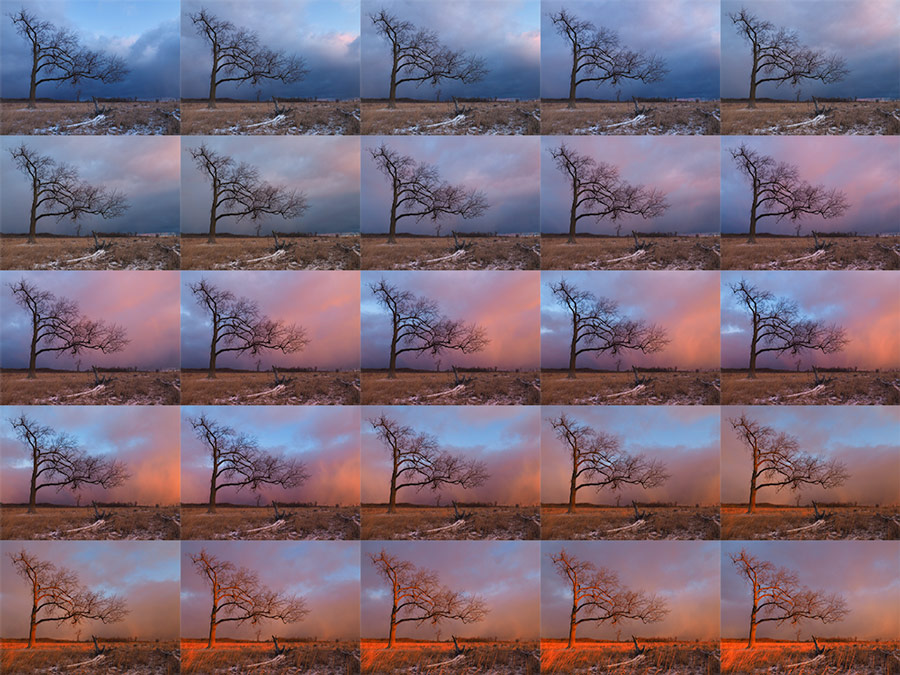
Let’s be honest—life moves at a ridiculous pace. One minute you’re planting a tiny basil seedling, and the next you’re blinking at a jungle that’s taken over your kitchen counter. Time-lapse photography is your secret weapon to actually see the chaos happen. It’s like giving your camera a superpower to condense a boring Tuesday into a five-second miracle.
Why You Already Want To Do This
You’ve probably seen those mesmerizing videos of a flower blooming or a city skyline shifting from day to night. Your first thought was, “That’s cool, but I’m not a wizard.” Newsflash: You don’t need a wizard’s staff, just a camera and a sprinkle of patience. Think of it as making a flipbook, but instead of drawing stick figures, you’re using real life.
The best part? You can do this with your phone, a point-and-shoot, or that fancy DSLR you only use for vacation. If you can press a button, you’re 90% of the way there. The other 10% is just not knocking the camera over when your cat walks by.
Must Read
Step One: The Setup (Or, The Art of Not Falling Over)
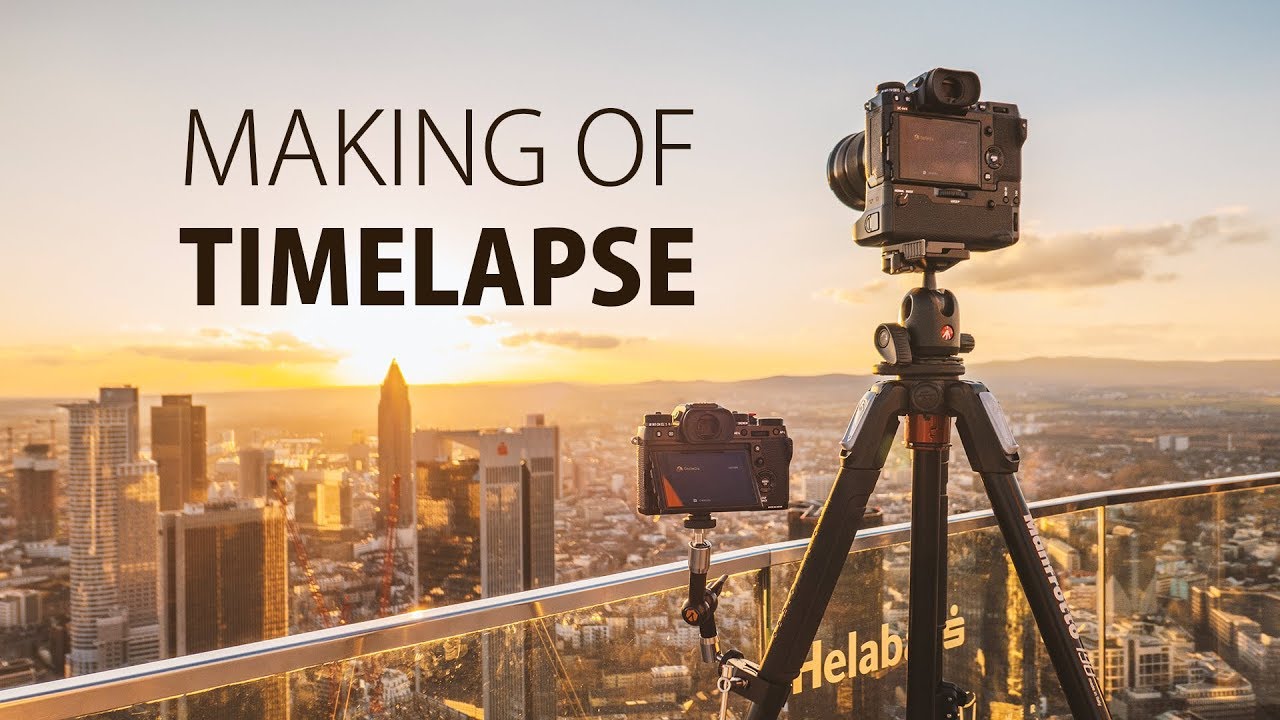
First, find a subject that actually changes. Good options: clouds rolling by, a sunset melting into the horizon, or your leftover pizza slowly being claimed by mold (okay, maybe not that one). A sturdy tripod is your best friend here. If you don’t have one, stack some books like a digital-age Stonehenge.
Frame your shot and lock the focus. Autofocus is a fickle beast—it will hunt for something to lock onto every five seconds, and your video will look like a seasick squirrel. Switch to manual focus, set it, and then don’t touch anything. Think of it as a game of “Floor Is Lava” with your camera.
Step Two: The Interval (Don’t Be a Button Masher)
Now, you need to decide how often to snap a photo. This is the "tick-tock" of your time-lapse metronome. Fast-moving scenes (like traffic) need a short interval, say every 2 seconds. Slow scenes (like a blooming flower) need a longer wait, like every 10 minutes.
Here’s a funny truth: I once set up a sunset shoot and took a photo every second. The result was a frantic, jittery mess that looked like the sun was having a seizure. Slow down. For a sunset, try a 5-second interval. For clouds, go for 10 seconds. You’re not in a hurry—you’re being a silent, patient observer of the universe.
Step Three: The Math That Doesn’t Suck
Let’s do some quick napkin math. If you want a 10-second final video at 30 frames per second, you need 300 photos. That sounds like a lot, but if you shoot one photo every 5 seconds, that’s only 25 minutes of real time. Boom. You’ve just mastered the universe’s most forgiving equation.
Pro tip: Always shoot more than you need. You can trim the fat later. Nothing is more heartbreaking than getting 299 photos and then bumping the tripod on number 300. Your final video will just be a glorious 9.9 seconds of beauty.
Step Four: The Waiting Game (Or, Go Touch Grass)
This is the hardest part. You’ve set up your gear, you’ve dialed in the interval, and now… you wait. Do not stare at the camera. That’s like watching a pot of water boil—it will never happen. Go read a book, take a nap, or finally reply to that text from your mom.
I once set up a time-lapse of my succulents rotating on a lazy Susan. I went to make coffee, came back, and my dog had nudged the tripod. The result was a 15-second video of the ceiling fan—thrilling. So, ensure your setup is in a low-traffic zone. Your future self will thank you.
Step Five: Stitching It All Together
After your patience runs out, import all those photos into software. Free options like DaVinci Resolve or even Google Photos can do the trick. If you use a phone app like Framelapse, it does the math for you. You’re basically a movie director now.

Import the sequence, select “time-lapse” or “image sequence,” and let the software work its magic. Don’t be alarmed if it takes a while—your computer is doing yoga to compress all that reality. Once it’s done, add a cheesy soundtrack and post it online. Watch the likes roll in.
The Moral of the Story
Time-lapse photography is just a way to hack your own impatience. It teaches you to appreciate the slow burn of life—the way shadows creep, or the way ice melts in your drink. It’s a little bit of magic you create with your own two hands.
And hey, even if your first attempt looks like a blurry potato, you still tried. That’s more than the guy who just watches YouTube videos about it. So grab your camera, pick a subject, and give time a swift kick in the pants. You’re not just taking photos—you’re bending reality, one frame at a time. Now go make some glorious chaos.