How To Create A Link For Your Video
Let’s be honest: sharing a video without a link is like mailing a letter with no address. It’s just a floppy disk of hope. And nobody wants that.
The Great Copy-Paste Panic
First, you need to find your video. It’s probably sitting in your phone’s camera roll, judging you with its shaky footage. Or it’s on YouTube, waiting for its fifteen minutes of fame.
Now, the big question: where do you want this link to live? The answer is everywhere, obviously. But let’s start with the easiest trick on Earth.
Must Read
Open your video platform. Look for a button that says “Share.” It’s usually hiding near a little paper airplane icon. Click it before you overthink it.
The Magic Button That Thinks For You
Here’s the unpopular opinion: you should never manually type a link. Ever. Your fingers are for snacking, not for slashes and colons.
When you hit that Share button, the universe hands you a gift. You’ll see a box with a URL already inside. It’s like the platform read your mind and did the heavy lifting.
Just tap or click that box. Then, press “Copy.” That’s it. You just created a link. Feel the power coursing through your veins.

The Sneaky “Copy Link” Shortcut
But wait, there’s more. Some platforms let you right-click (or long-press on your phone) right on the video itself. A tiny menu pops up like a helpful gremlin.
Look for the words “Copy video URL” or “Copy link address.” That’s your golden ticket. One click, and the link is secretly stored in your clipboard.
For YouTube specifically, the address bar at the top of your browser is also a link thief. Highlight the whole web address, copy it, and boom. Link created. No applause needed, but I’ll take it.
What About Those Messy Long Links?
Now, let’s talk about the elephant in the room. Some links look like a cat walked on the keyboard. “youtube.com/watch?v=abc123&list=xyz&index=2&t=45s” — yuck.

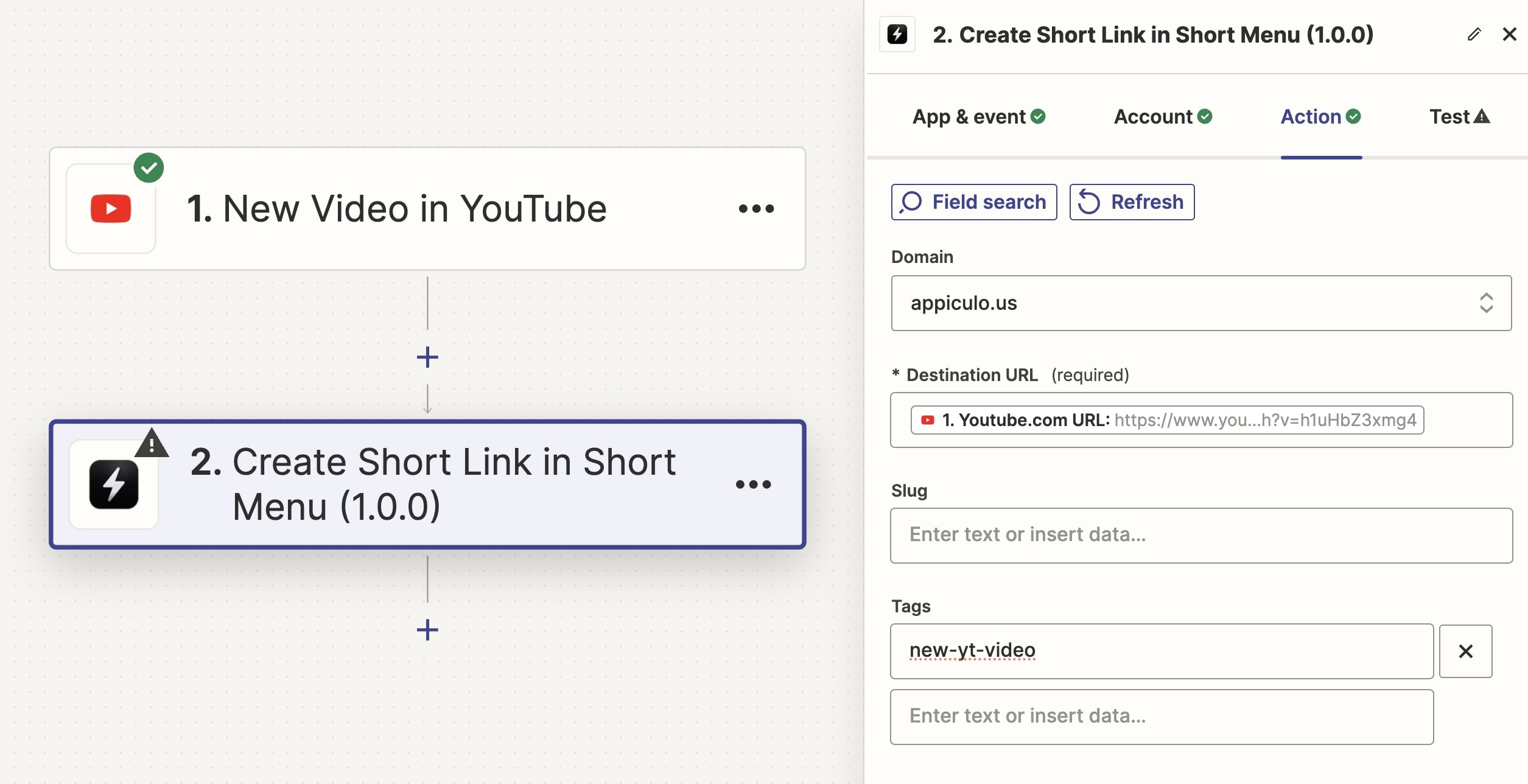
You can clean that up with a link shortener. Sites like Bitly or TinyURL will take your ugly monster and turn it into a neat little “bit.ly/greatvideo.”
It’s like giving your link a shower and a haircut. And yes, it’s still a link. Just a prettier one.
The Terrible, Horrible, No-Good Manual Way
Some masochists insist on creating links by hand. They type “https://” and feel a rush of adrenaline. I respect them, but I also fear them.
Here’s the truth: if you try to make a link by hand, you’ll forget the “www.” or add an extra slash. Then you’ll suffer a mild heart attack when nobody can open it.
![How To Add Hyperlink In Canva 2022 [Create Clickable Links!]](https://thebrandedbucks.com/wp-content/uploads/2022/02/Hyperlink-1-1536x747.png)
Please, for the love of all that is clickable, use the copy button. Your future self will thank you while eating popcorn.
Testing Your Link Like a Boss
Once you’ve copied your link, you must test it. Send it to yourself in a text message. Open it. If it plays, you win at life.
If it doesn’t work, don’t panic. Go back and copy it again. Nine times out of ten, you copied the wrong thing, like your grocery list.
And when someone asks you, “How did you make that link?” Just smile mysteriously. Say, “I have my ways.” They’ll think you’re a tech wizard.

The Final Unpopular Verdict
Creating a link for your video is not a skill. It’s a reflex. It’s as simple as pressing a button, copying some text, and moving on with your day.
So stop overthinking it. Stop asking your grandma for help. Just find the Share button, hit copy, and go share your masterpiece with the world.
In a world full of broken embeds and password-protected files, being the person who shares a working link is a quiet superpower. And now you have it.
Remember: your video doesn’t need a fancy link. It just needs a clickable one. Go forth and paste.