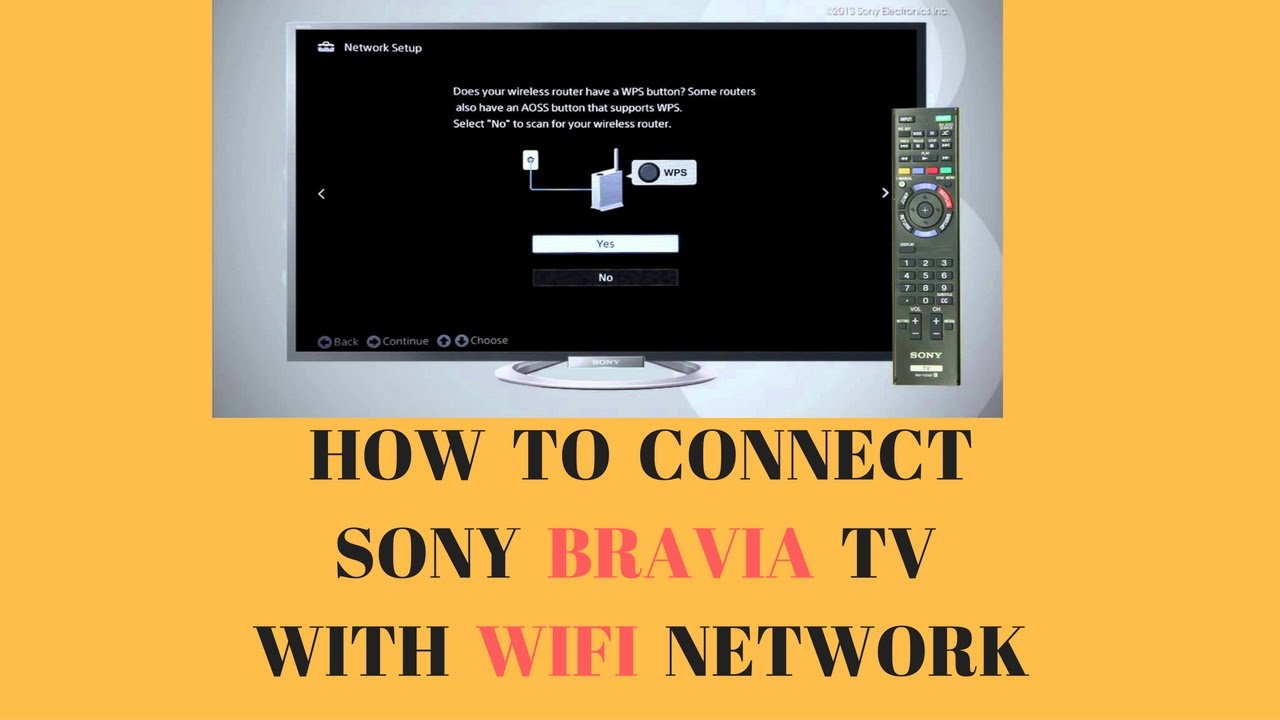
How To Connect Netflix To Sony Bravia Smart Tv

Watching your favorite shows and movies on a Smart TV is one of the most enjoyable experiences, and with Netflix being one of the most popular streaming services, it's no wonder that many people want to connect it to their Sony Bravia Smart TV. This process is not only fun, but also very useful, as it allows you to access a wide range of content with just a few clicks. By connecting Netflix to your Sony Bravia Smart TV, you'll be able to enjoy your favorite shows and movies in high definition, with great sound quality.
The purpose of connecting Netflix to your Sony Bravia Smart TV is to have access to a vast library of content, including TV shows, movies, and original content that can only be found on Netflix. This connection also allows you to control your viewing experience with ease, using the TV's remote control or the Netflix app on your smartphone or tablet. With this connection, you'll be able to pause, play, and rewind your favorite shows and movies, making it a very convenient way to watch your favorite content.
Getting Started
To connect Netflix to your Sony Bravia Smart TV, you'll need to make sure that your TV is connected to the internet, either through a wired or wireless connection. Once you've done this, you can navigate to the TV's menu and select the Netflix app, which should be pre-installed on your Sony Bravia Smart TV. If you can't find the Netflix app, you can also download it from the TV's app store.
Must Read
Once you've launched the Netflix app, you'll need to sign in with your Netflix account details, which will link your account to your Sony Bravia Smart TV. If you don't have a Netflix account, you can sign up for one directly through the app, and start enjoying your favorite shows and movies right away.
Make sure you have your Netflix account details handy, as you'll need them to complete the sign-in process.
After signing in, you'll be able to browse through the Netflix catalog, which includes a wide range of content, from action movies to romantic comedies, and from documentaries to original series. You can search for specific titles, or browse through the various categories, such as new releases, popular titles, and genre-specific content. With so much content to choose from, you're sure to find something that suits your mood and interests.

Troubleshooting Tips
If you encounter any issues while trying to connect Netflix to your Sony Bravia Smart TV, don't worry, there are a few troubleshooting tips you can try. First, make sure that your TV is connected to the internet, and that your Netflix account is active and up-to-date. You can also try restarting your TV and the Netflix app, which can often resolve any connectivity issues.
Sony Bravia Smart TV owners can also use the Netflix app to access a range of settings and features, such as parental controls, subtitles, and language options. These features can be accessed through the Netflix app's menu, and can be used to customize your viewing experience. By taking advantage of these features, you can enjoy a more personalized and enjoyable viewing experience on your Sony Bravia Smart TV.

Connecting Netflix to your Sony Bravia Smart TV is a simple and straightforward process that can be completed in just a few minutes. With its user-friendly interface and wide range of content, Netflix is a great addition to any Smart TV, and can provide hours of entertainment for you and your family. So why not give it a try, and start enjoying your favorite shows and movies on the big screen today?
In conclusion, connecting Netflix to your Sony Bravia Smart TV is a great way to access a wide range of content, and enjoy a more convenient and personalized viewing experience. With its simple and intuitive interface, Netflix is a must-have app for any Smart TV owner, and can provide hours of entertainment for you and your family. So if you haven't already, be sure to connect Netflix to your Sony Bravia Smart TV today, and start enjoying the best of TV and movies in the comfort of your own home.