How To Clean Disk Space On Laptop
Let’s be honest—your laptop is basically a digital junk drawer. You know, the one where you shove old chargers, takeout menus, and that one mysterious key you’re afraid to throw away? Well, your hard drive is the same, except it’s filled with cached cat videos, duplicate downloads, and five-year-old screenshots of memes you forgot existed.
When that “Disk Full” warning pops up, it feels like your laptop is throwing a tiny tantrum. But here’s the good news: you don’t need to be a tech wizard to fix it. You just need a bit of patience and a willingness to say goodbye to your digital clutter.
Why Should You Even Care?
Think of your disk space like the counter space in your kitchen. If it’s piled with old bills and cereal boxes, you can’t even find a spot to chop an onion. Similarly, a stuffed hard drive makes your laptop slower, apps take forever to open, and your fans whir like a tiny helicopter taking off.
Must Read
Plus, a clean laptop is a happy laptop. It’s like giving it a mini spa day—it just feels fresher, and you’ll feel more productive without that constant “storage almost full” guilt nagging at you.
Start With the Easy Wins
1. Empty That Recycle Bin (Seriously, Do It)
You know that pile of clothes you keep “just in case” you fit into them again? Your Recycle Bin is exactly that. Those deleted files are still taking up space until you hit “Empty Recycle Bin.” Go on, click it. It’s oddly satisfying, like popping bubble wrap.
2. Hunt Down the Downloads Folder
Ah, the Downloads folder—the black hole of forgotten PDFs and installers. If you haven’t opened that file in three months, it’s probably not your new favorite recipe. Sort by “Date Modified” and delete anything older than, say, your last birthday. You won’t miss that 400MB video editing trial, I promise.
Use Built-in Tools (They’re Not as Scary as They Sound)
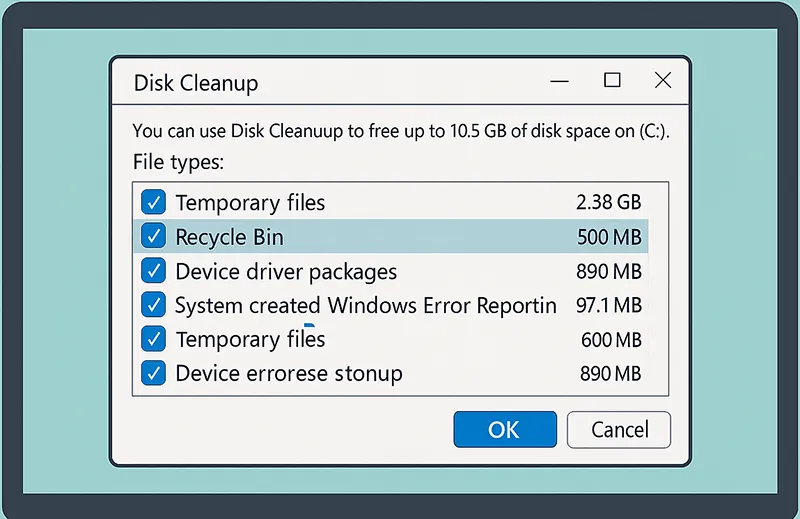
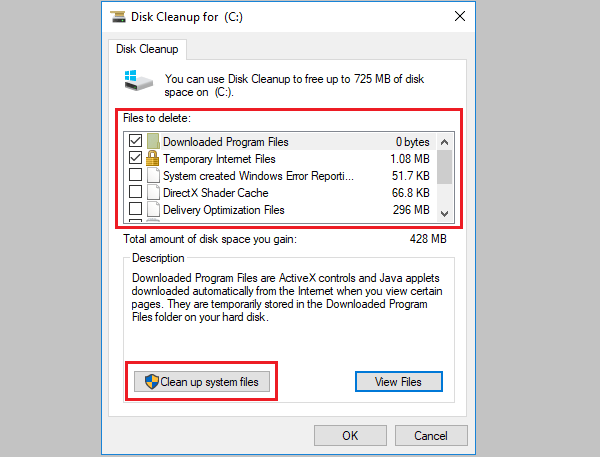
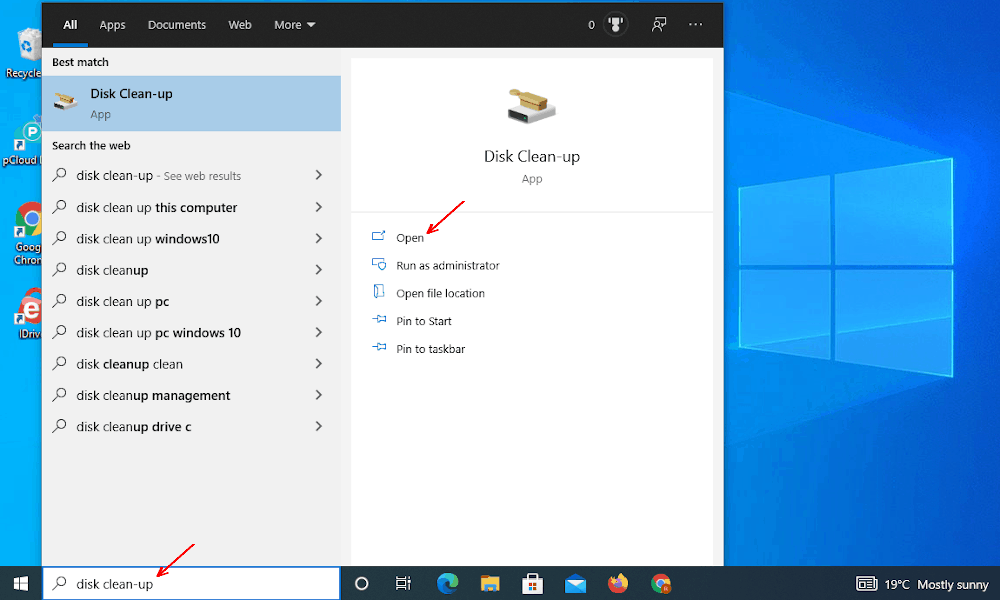
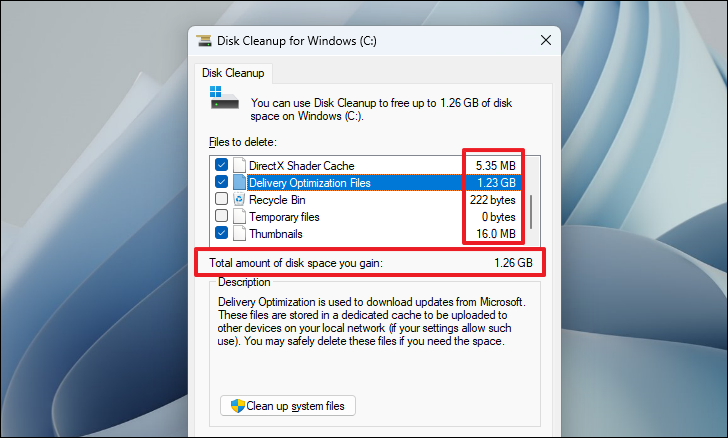
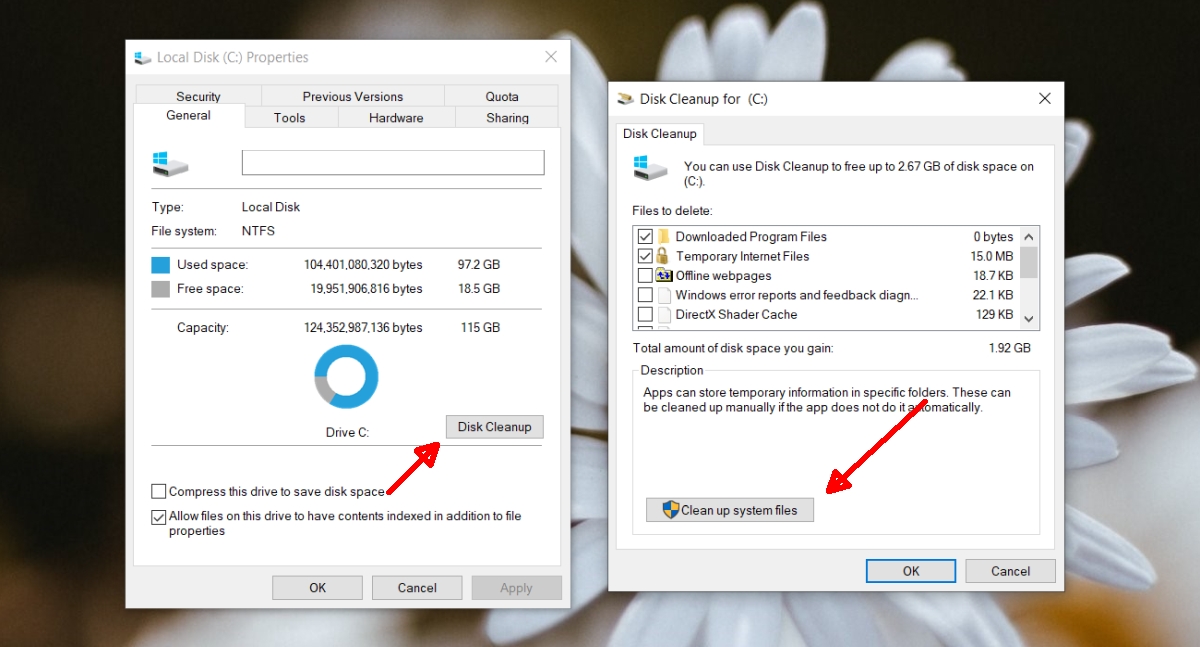
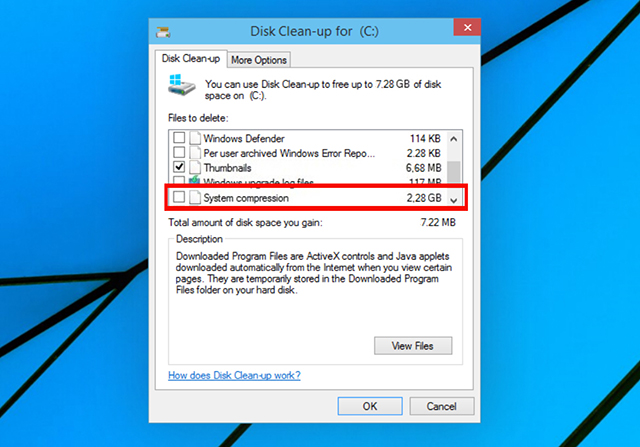
Windows and Mac both have free cleaning tools. On Windows, search for “Disk Cleanup” or “Storage Sense.” On a Mac, go to “About This Mac” → “Storage” → “Manage.” These tools are like a friendly robot that points out the big, dumb files you forgot about.

Let them clear the cached files—those temporary leftovers from websites and apps. They’re useless now, and your laptop will thank you for the breathing room.
Uninstall the Apps You’ve Forgotten
Remember that free trial of a photo editor you installed in 2021? No? Well, it’s still sitting there, hogging space like an uninvited houseguest. Go to your app list, and uninstall anything you don’t use weekly. Be ruthless. You’re not going to suddenly become a graphic designer at 11 PM on a Tuesday.
Move Big Files to the Cloud (or a Flash Drive)
Photos and movies are heavy. If you have 8,000 pictures of your dog, consider uploading them to Google Photos or iCloud. Alternatively, buy a tiny USB stick for $10 and move your old family vacation videos there. It’s like moving winter coats to the attic—you’re not throwing them away, just giving them a new home.
The Final Sweep
After you’ve done all this, restart your laptop. Watch it boot up faster—that’s your little reward. And then, make a habit of doing a 10-minute declutter every month. Think of it as brushing your teeth for your computer; it prevents future pain.
You don’t need a perfect system. Just a few minutes of “digital tidying” will keep your laptop zippy and your sanity intact. Now go ahead, give that junk drawer some love—you’ll feel like a super-organized superhero.