
How To Change Wifi Password In Nepal

Let’s be honest: the Wi-Fi password in a Nepali home is a national treasure. It’s the secret handshake that turns guests into family. But when your neighbor’s cousin’s friend starts “borrowing” your internet for 4K movies, it’s time for a change.
Don’t panic. You won’t need a degree in computer science or a sherpa to climb this mountain. We’re going to show you how to do it in about five minutes, with a cup of chiya in hand.
Step One: Find Your Router’s Secret Door
First, you need to talk to your router. This is that little box with blinking lights that usually sits near the TV or under a pile of school books. It has a secret address, not a physical one, but a magic number.
Must Read
Flip the router over. You’ll see a sticker with words like “192.168.1.1” or “192.168.0.1.” That’s your router’s front door. Write it down, because you’re about to become a digital locksmith.
Open your web browser—Chrome, Safari, whatever—and type that number into the address bar. Then press Enter. It feels like hacking, but it’s totally legal, promise.
Step Two: The Login That Everyone Forgets
Suddenly, a login box pops up, demanding a username and password. This is where most people in Nepal give up and call their nephew. But you are braver than that.

Look at that same sticker again. Usually, the default login is “admin” for both the username and password. If that doesn’t work, try “user” or just leave the password blank. It’s like the router is saying, “Welcome, boss.”
If you’ve changed it before and forgotten, then my friend, you’re in for a bigger adventure. You might need to press the tiny reset button on the back with a pen for 10 seconds. That’s the “undelete” button for the whole internet.
Step Three: Find the Magic Word “Wireless”
Once you’re inside, you’ll see a dashboard full of scary acronyms like WPA2 and SSID. Don’t run away. Look for a tab that says “Wireless” or “Wi-Fi” or “Security.” It’s usually at the top of the screen.

Click on it, and you’ll see a box labeled “Password” or “Passphrase.” That’s your golden ticket. You’ll see your current password, which is probably something like “Ganesh1234” or your aunt’s birth year.
This is your moment to be creative. Choose something strong but memorable. I suggest “DalBhatPower24” or “HimalayaIsCalling.” Just avoid using your own name, unless you enjoy random logins from the tea shop downstairs.
Step Four: Save and Break Everything (Briefly)
After you type in your new, glorious password, look for the “Save” or “Apply” button. Click it, and hold your breath. The internet will stop working for about 30 seconds. Yes, this is normal.
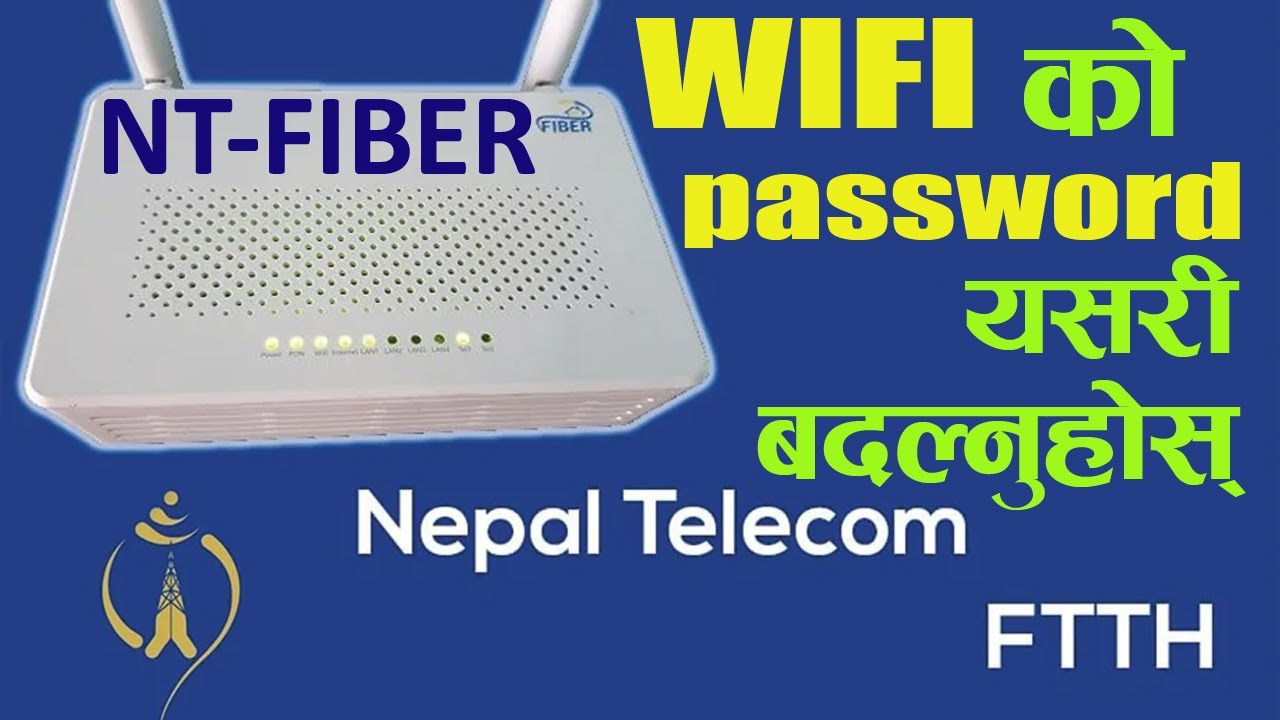
Your router is restarting, getting used to its new identity. It’s like a butterfly emerging from a cocoon, but with more blinking lights. During this time, your phone will scream “No Internet,” but fear not. The storm will pass.
“The real heartbreak is when you forget the new password yourself ten minutes later.”
Write the new password on a sticky note and put it on the fridge. Or, better yet, write it in your diary under “Secret Recipes.” Just don’t lose it.
Step Five: Reconnect All Your Devices
The final step is a parade of reconnection. Your phone, your laptop, your mother’s smart TV. Each device will ask for the new password. You’ll type it once, twice, five times.

This is the true test of patience. You’ll feel like a DJ spinning tracks, but instead of music, you’re typing the same phrase over and over. It’s also the perfect excuse to finally disconnect from the internet and stare at the mountains for a bit.
When it’s all done, you’ll feel a surge of pride. You are the master of your digital domain. The neighbors? They’ll be scratching their heads, wondering why Netflix suddenly stopped loading.
And that, my friend, is how you change the Wi-Fi password in Nepal. It’s not a chore; it’s a rite of passage. Go forth and protect your precious bandwidth. Just remember to share the new password with your closest friends—because in Nepal, a good connection is only as strong as the bond it keeps.


