How To Add Cw App To Samsung Smart Tv
:max_bytes(150000):strip_icc()/samsung-tv-add-apps-rob-l-step-2--5cb2e47e06434adc9976dfca57fef7bc.jpg)
Last Tuesday, I was ready to binge the new season of Riverdale—yes, I know, don’t judge me—only to find my Samsung TV had silently kicked the CW app off its home screen. I sat there, remote in hand, feeling like a caveman who just discovered fire had been stolen. My first instinct? Panic. My second? Text my tech-savvy friend who replied, “Just reinstall it, genius.” But here’s the kicker: it wasn’t as simple as hitting ‘Install’ because the app wasn’t showing up in the store at all.
That’s when I realized I wasn’t alone. Millions of people with Samsung Smart TVs hit this exact wall, usually after a firmware update or when the app mysteriously vanishes into the void. You’d think a smart TV would be, you know, smart about this. But nope—sometimes you have to outsmart the smartest thing in your living room.
So, let’s fix this. Whether you’re trying to watch Superman & Lois or just need your nightly dose of Walker, I’ve got your back. Here’s the real, no-BS guide to adding the CW app to your Samsung TV—without throwing the remote through the screen.
Must Read
First, Check If You’re on a Supported Model
Before you go digging through menus, know this: the CW app isn’t available on every Samsung TV. It’s a bit picky, like a cat that only sits on certain laps. Models from 2017 and later usually work, but if you’ve got an older unit, you might be out of luck.
How to check? Press the Home button on your remote, then go to Settings > Support > About This TV. Look for the model code—if it starts with “UN” or “QN” and has a year tag, you’re probably fine. Pro tip: if your TV is older than your last breakup, it might not cut it.
Still with me? Good. Because here’s where the fun begins.
The Easy Way: Search the App Store (Again)
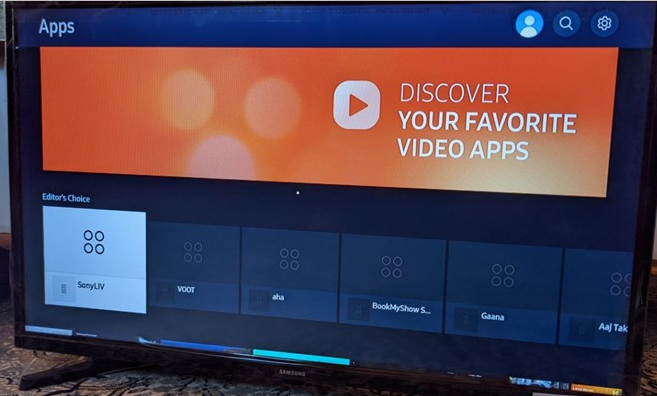
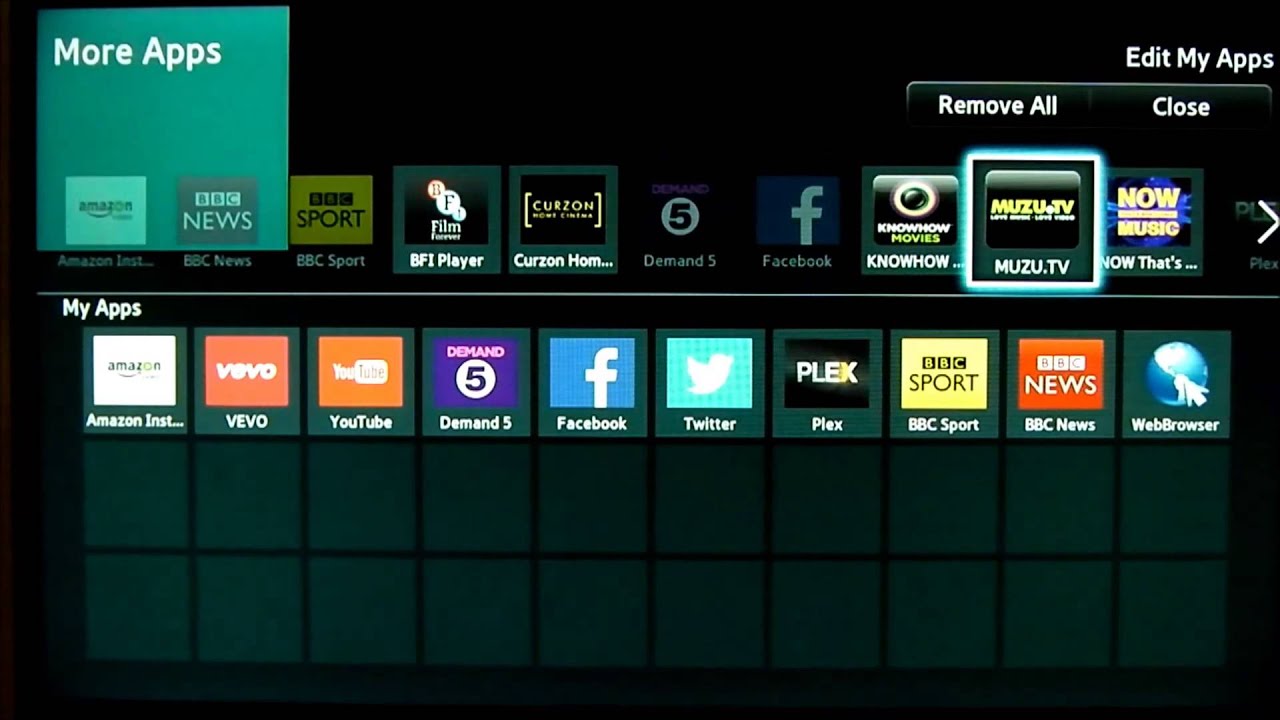
Open your TV’s app store—the icon looks like a shopping bag with a little “Apps” label. Now, use the search function and type “CW.” Wait for the results. If you see it, great: hit Install and wait for the magic to happen. If it’s missing, don’t scream yet. Try typing “The CW” or “CW TV” instead. Sometimes the app hides under a slightly different name, like a runaway teenager.
Another trick? Force quit the app store by holding the Back button for five seconds. Then reopen it. I know, it sounds stupid, but Samsung’s store is like a moody friend—it acts up for no reason. A little reset of the store itself works wonders.
If it’s still not there, don’t panic. You’re not broken; the TV is just being dramatic. Move to the next step.
The Sneaky Workaround: Update Your TV’s Firmware
Here’s the deal: the CW app often disappears because your TV’s software is outdated. Samsung pushes updates that sometimes remove older apps to make room for new ones—rude, right? To get it back, you need to update the firmware manually.
:max_bytes(150000):strip_icc()/samsung-smart-hub-and-apps-menus-arrows-xabc-5b4a255946e0fb003762ca90.jpg)
Go to Settings > Support > Software Update > Update Now. Let the TV do its thing. It might take ten minutes, so maybe grab a snack. Do not turn off the TV during this, or you’ll have bigger problems than missing superheroes.
Once it’s updated, restart the TV and check the app store again. Usually, the CW app reappears like a bad penny. If not, we go nuclear.
The Nuclear Option: Delete and Reinstall (From the TV’s Memory)
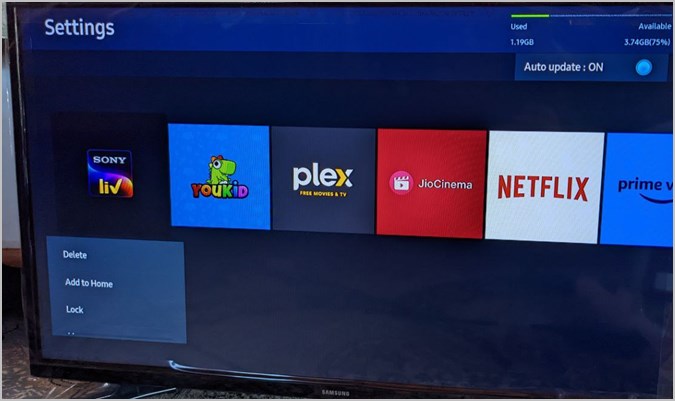
Sometimes the app is actually still on your TV, but hidden. Go to Settings > Apps (or “Installed Apps”) and look for anything named “CW”. If you see it, delete it. Then, go back to the app store and search again. This forces the TV to “forget” the old version and fetch a fresh one.

But wait—there’s a catch. After deleting, the store might still say “Get” instead of “Install,” which is fine. Just click it. If you’re getting an error like “App not compatible,” that’s Samsung’s way of saying your TV is too old-school for the CW’s new streaming tech.
And if that happens? You’re not done yet.
When All Else Fails: Cast or Use a Device
Look, I’m not saying you should give up, but sometimes the TV is just a lost cause. In that case, use your phone. Download the CW app on your phone or tablet, then use Screen Mirroring or Smart View on your Samsung TV. It’s not perfect—you’ll see a tiny battery icon on screen—but it gets the job done.
Alternatively, grab a streaming stick. A $30 Roku or Fire Stick will run the CW app flawlessly, and you’ll never deal with this again. Honestly, that might be the best investment you make today.
:max_bytes(150000):strip_icc()/001_how-to-add-apps-to-a-smart-tv-4172379-5c8bef9bc9e77c0001eb1be3.jpg)
But before you spend money, try one more thing: unplug your TV from the wall for 60 seconds. Yes, seriously. This “power cycle” clears the cache and often resurrects vanished apps. It’s the tech equivalent of turning it off and on again, but with more drama.
Final Thoughts (and a Small Rant)
Adding the CW app to a Samsung TV shouldn’t feel like solving a riddle from an ancient civilization, but here we are. The good news? With the steps above, you’ll get your shows back in under fifteen minutes. The bad news? Samsung and the CW don’t always play nice, so you might need to repeat this process every few months.
My advice? Save this article in your notes. Bookmark it. Because the next time your TV decides to play hide-and-seek with the CW app, you’ll be ready. And if you still can’t get it to work, just blame your Internet provider. It’s what I do.
Now go watch your show—you’ve earned it. Just don’t forget to tell me what happens on Riverdale, because I’m at least three episodes behind and nobody’s spoiling it for me. Deal?