How Does Norton Vpn Work On Iphone
Picture this: you’re at a coffee shop, sipping a latte, and connected to “Free_Public_WiFi_420.” Your iPhone is basically shouting your secrets into the void. That’s where Norton VPN swoops in like a digital superhero in a cape made of encryption.
The Magic Tunnel Trick
Your iPhone normally sends data straight from your device to the internet. Anyone with a bit of tech-savvy can peek at that data like it’s an open book. Norton VPN builds a secure, encrypted tunnel between your phone and a private server.
Think of it as mailing your data in a locked, titanium box instead of a postcard. Even if a hacker sneaks into that coffee shop’s network, all they’ll see is gibberish. Total gibberish – the digital equivalent of a cat walking on a keyboard.
Must Read
The “Handshake” That Happens in a Blink
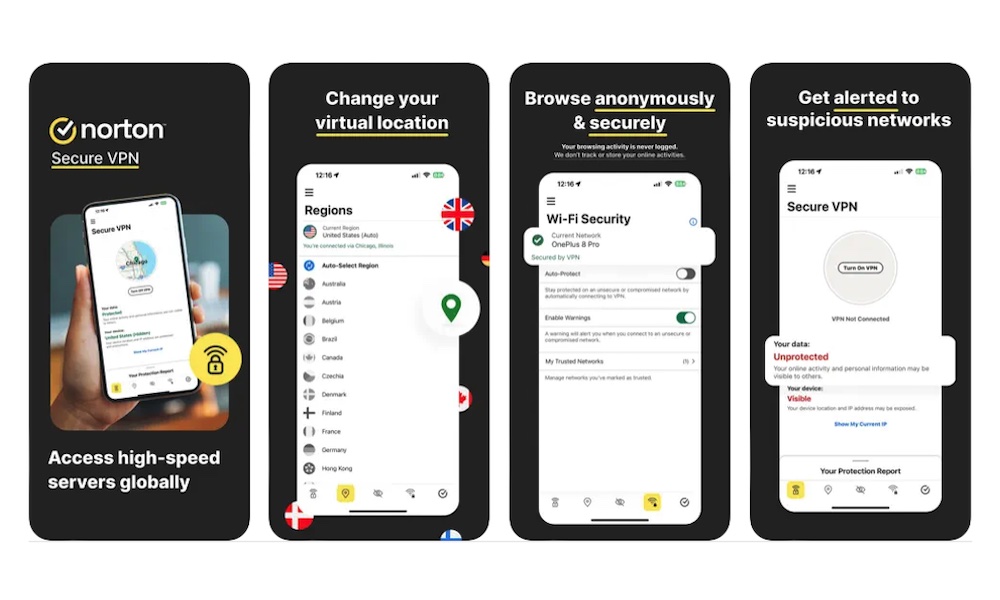
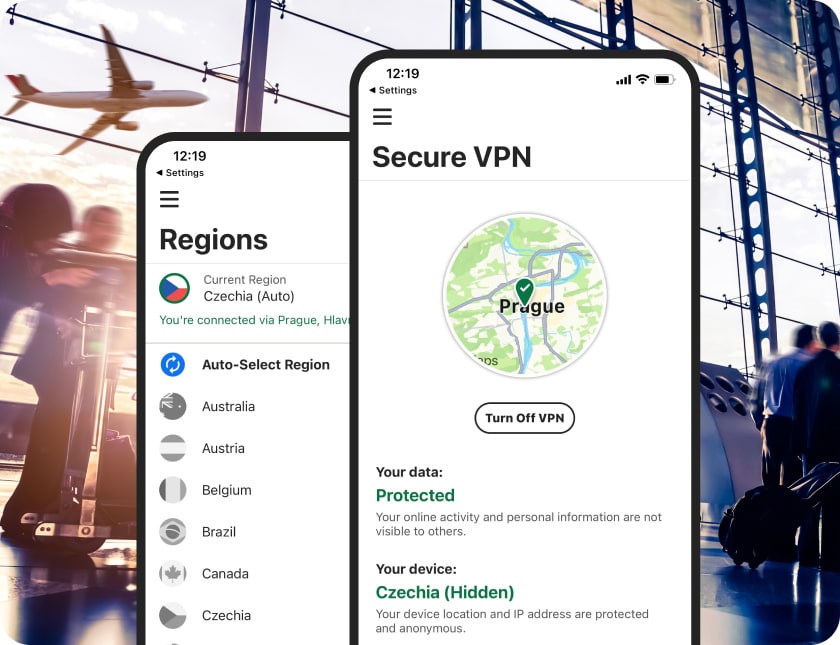
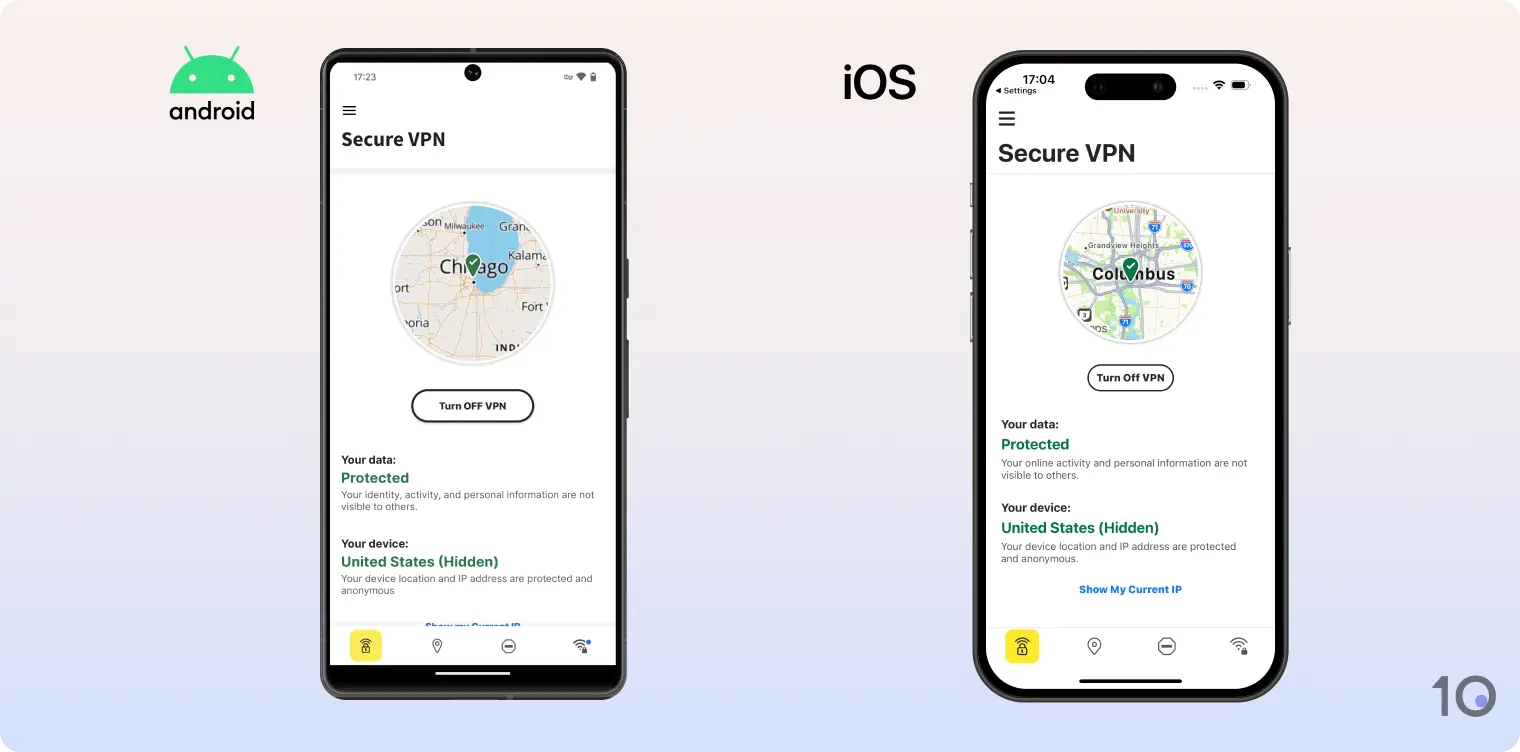
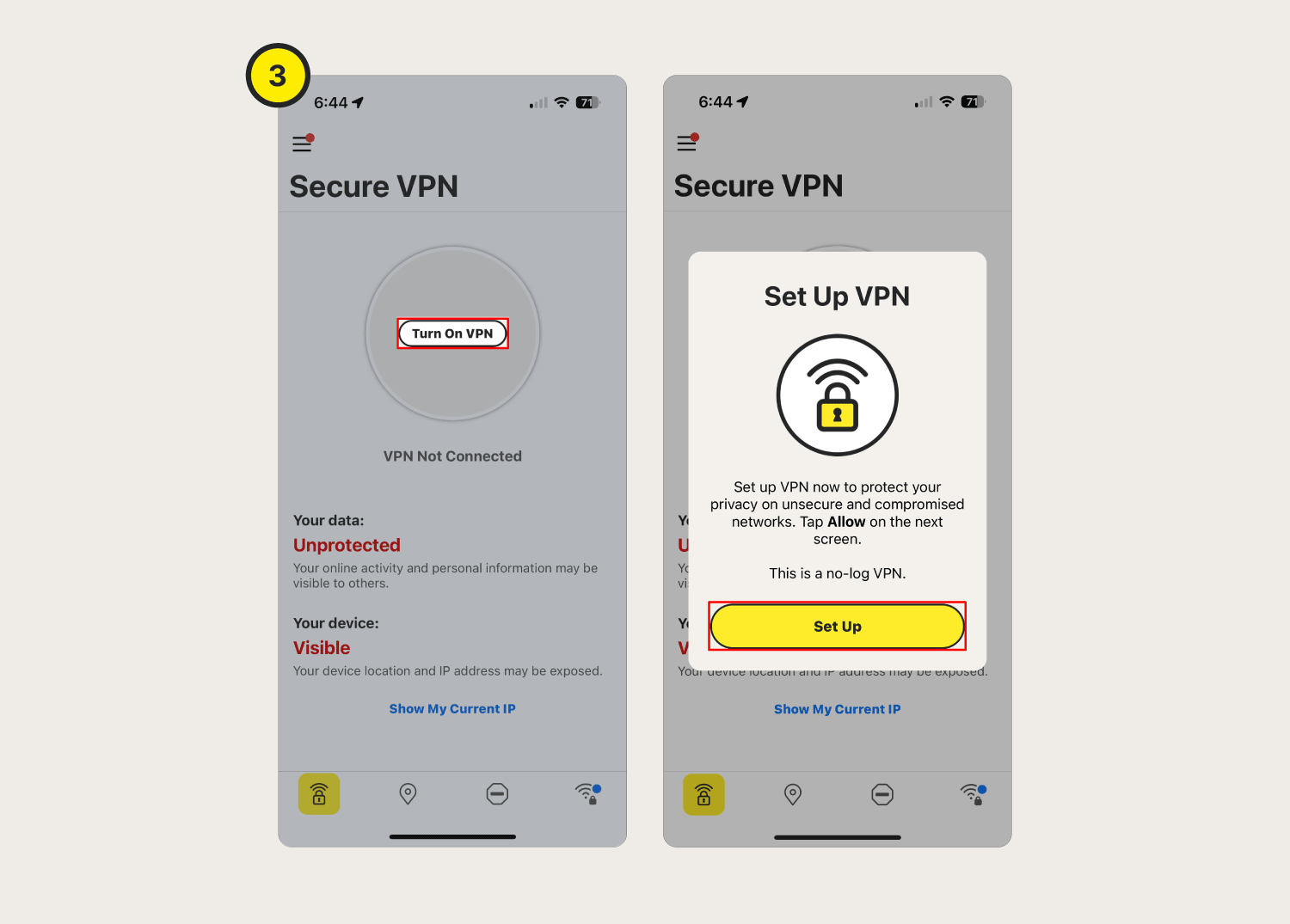
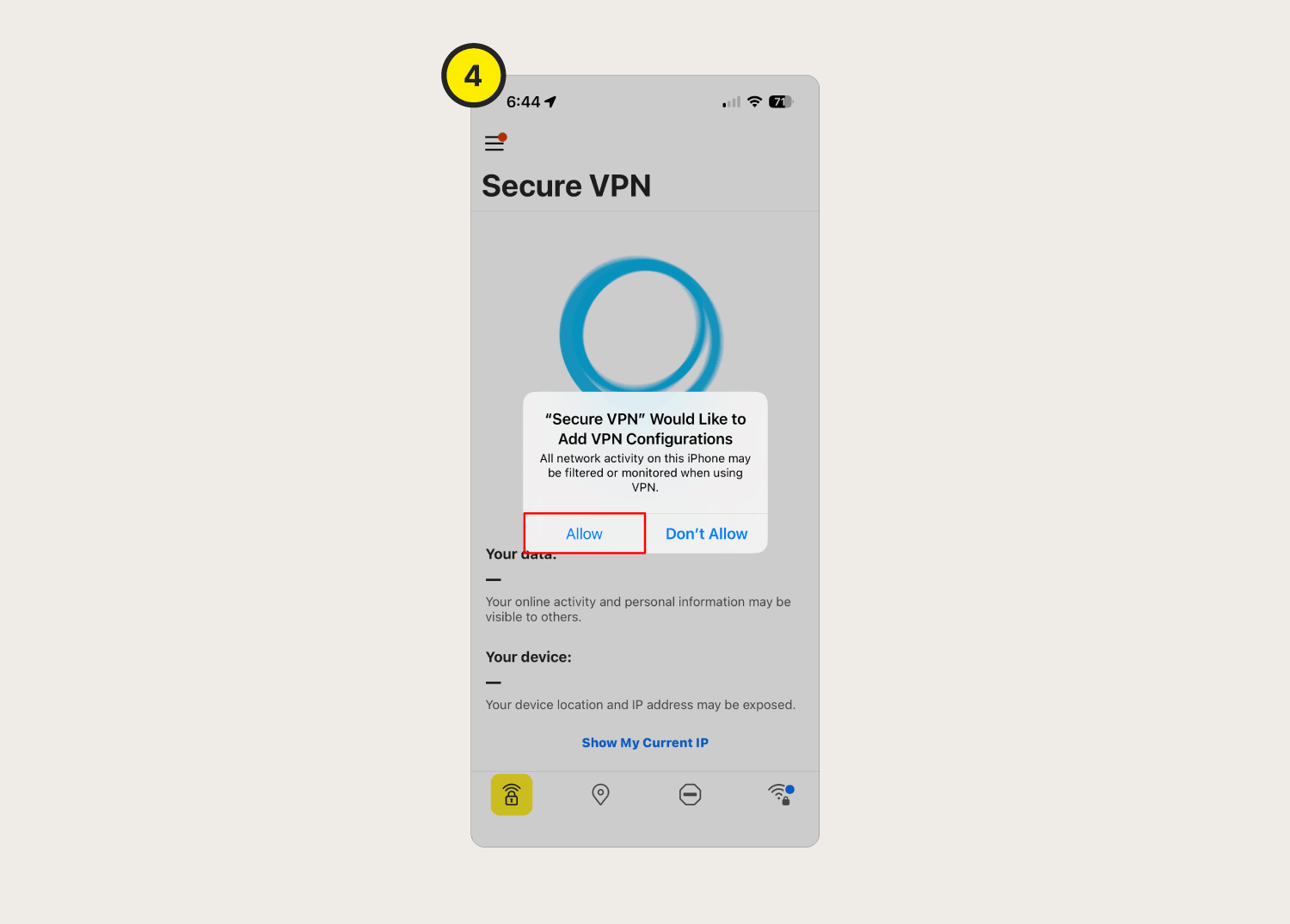
When you toggle Norton VPN on, your iPhone does a little dance with Norton’s servers. It’s a quick, encrypted “hello” – a handshake that confirms you’re a legit user. Then, the app assigns you a temporary virtual IP address from their global network.
This means websites think you’re in, say, Tokyo, while you’re actually in your pajamas in Ohio. Fun, right? It’s like wearing a digital Halloween mask that changes your online identity every session.

Kill Switch: The Safety Net for Your Data
Here’s a quirky bit: Norton VPN for iPhone has a Kill Switch. That’s a blunt name for a very polite feature. If your VPN connection drops for even a second, the app instantly kills your internet access.
Why? Because if the tunnel collapses mid-send, your data would suddenly spill out onto the open internet. So, Norton slams the brakes – no data leaves your iPhone unprotected. It’s like a bouncer who shuts the whole club down if the back door opens.
Battery Drain? Not a Big Drama
Now, let’s talk about the elephant in the room: battery life. Running a VPN sounds like it should chug power like a truck. But Norton’s iPhone app is surprisingly lean and sneaky about it.
It uses a super-efficient protocol and only activates when you’re on untrusted networks. At home on your private Wi-Fi? It can stay quiet and sip power like a tiny hummingbird. On public Wi-Fi? It ramps up and shields you without turning your phone into a pocket heater.
It’s Not Just About Hackers
Here’s a fun angle: Norton VPN also hides your browsing history from your internet provider. Yes, that giant cable company that knows you searched for “how to fold a fitted sheet” at 2 AM? They get blocked. Anonymity is power, my friend.
Plus, the app has a split-tunnel feature. You can choose which apps use the VPN and which don’t. Want your banking app to use the tunnel, but your local news app to load at full speed? Go ahead, play digital god.
The Quirky “Why” Behind It All
Your iPhone is already pretty secure, but that’s like wearing a seatbelt in a bumper car. Norton VPN adds a full crash helmet and airbags for the wild internet road. It’s overkill? Maybe. But it’s the fun kind of overkill that lets you check your bank balance on a dodgy hotel network without a panic attack.
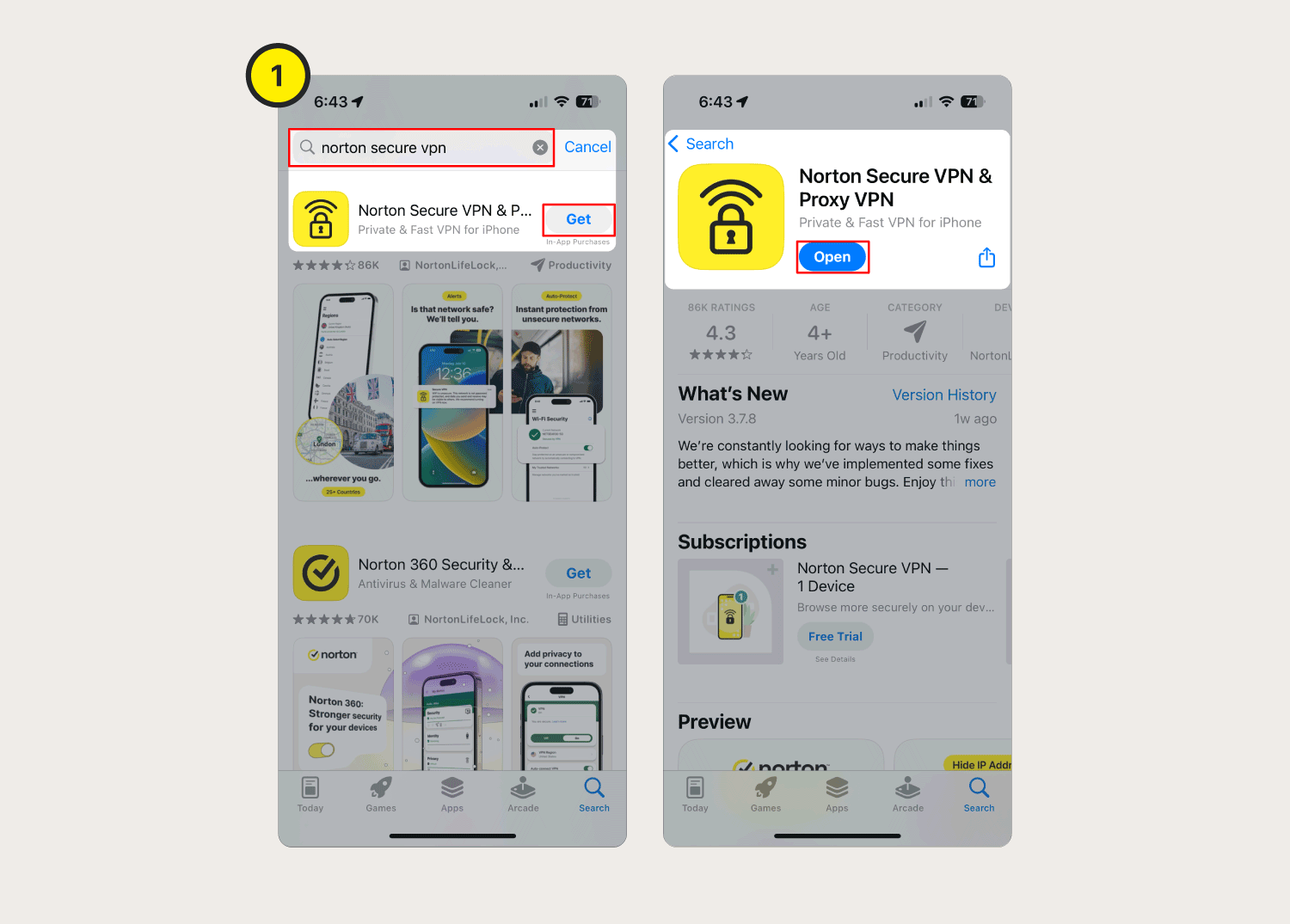
So next time you log onto that sketchy free Wi-Fi, remember: Norton VPN makes your iPhone whisper in a secret language. It’s fast, it’s clever, and it’s got your back – all from a tiny app that lives quietly in your settings. Go ahead, tap that connect button and feel like a spy. You’ve earned it.