How Do You Start A Facebook Page
Ever found yourself wondering what it takes to create your own little corner of the internet? Starting a Facebook Page is one of the simplest and most rewarding ways to do just that. It’s not just for big brands or celebrities; it’s for anyone with a hobby, a cause, or a story to share. The best part? You can set one up in less than ten minutes, even if you’re not tech-savvy.
Think of a Facebook Page as your public home on the world’s largest social network. Unlike your personal profile, which is for friends and family, a Page is designed to connect you with people who share your interests—strangers, fans, or customers who might never find you otherwise. It gives you a place to post updates, share photos, and build a community around something you genuinely care about. Plus, it’s completely free, and you don’t need any special skills to get started.
So why bother? Because a Page is a powerful tool for growth, whether you’re promoting a small business, a local club, or just your latest baking experiments. For small business owners, it’s often the first place customers look for hours, menus, or news. For hobbyists, it’s a way to find your tribe—think of a gardening page where you swap tips with fellow plant lovers from across the globe. The benefits are practical, but they’re also deeply human: a sense of connection and a space to be heard.
Must Read
In education, a Facebook Page can be a goldmine for informal learning. A teacher might create a page for their class to post daily homework reminders, share interesting articles, or celebrate student achievements. Parents can follow along, making the classroom feel more transparent and inclusive. Even outside of school, you can use a page to curate resources on any topic—like a page dedicated to local hiking trails, where you post maps, weather updates, and photos from recent trips. It turns passive scrolling into active, meaningful engagement.
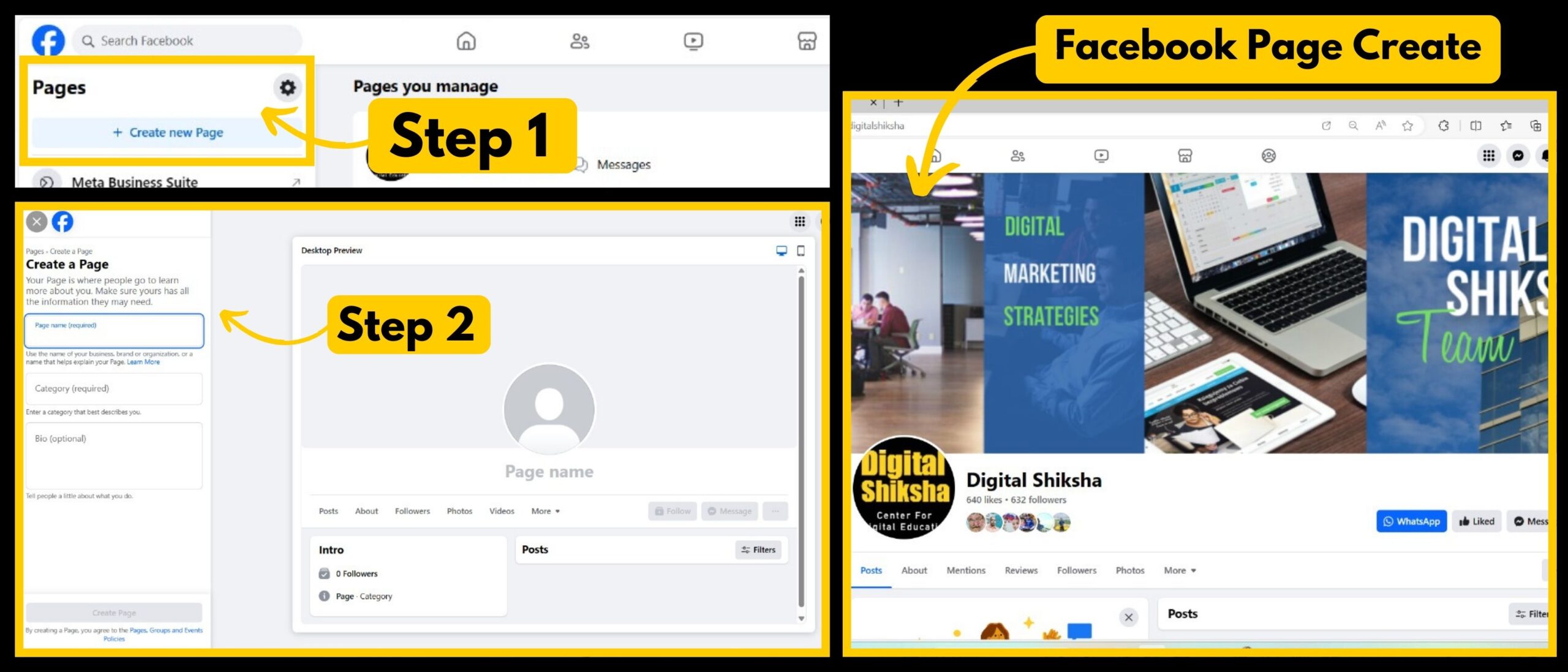
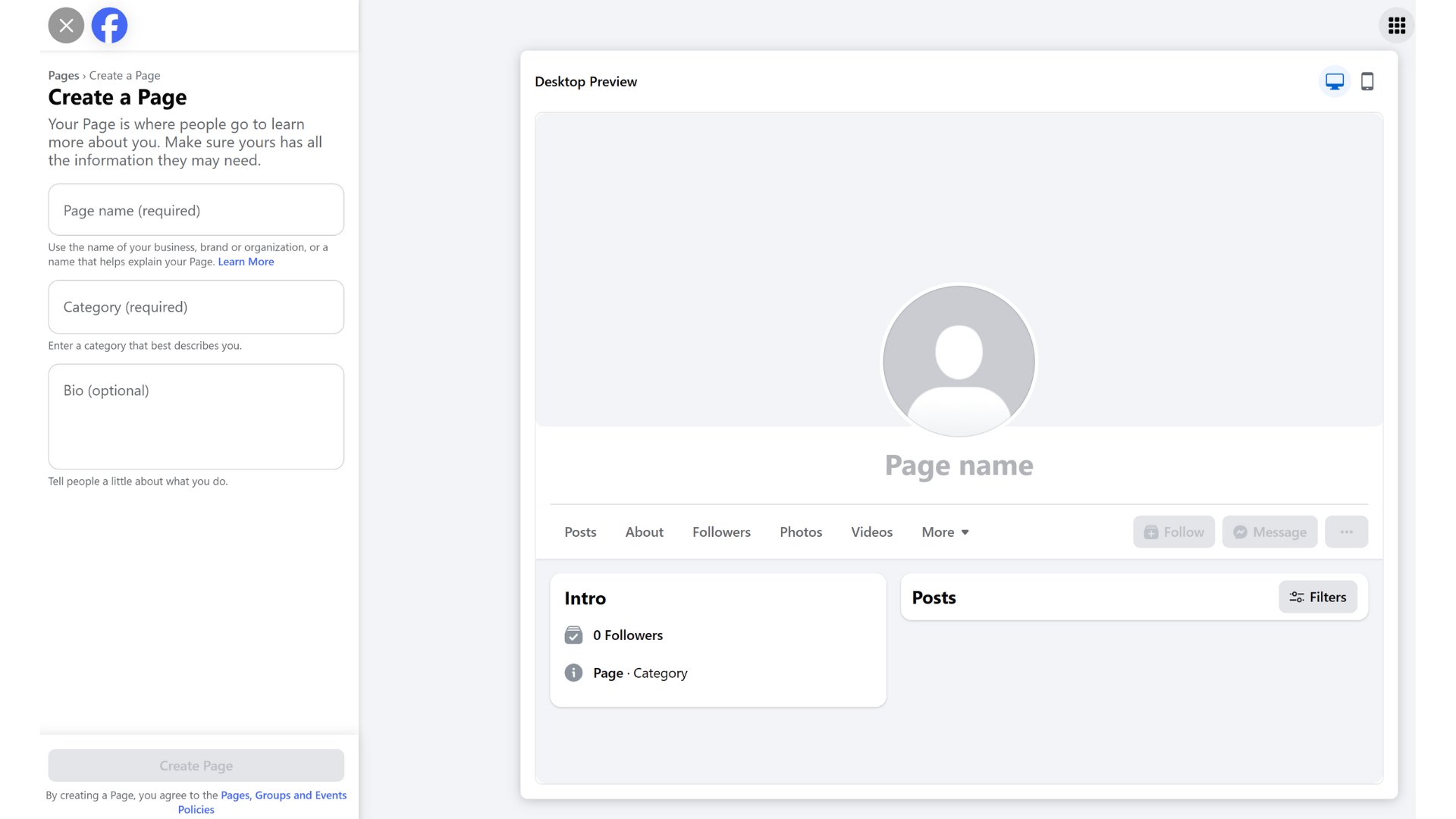
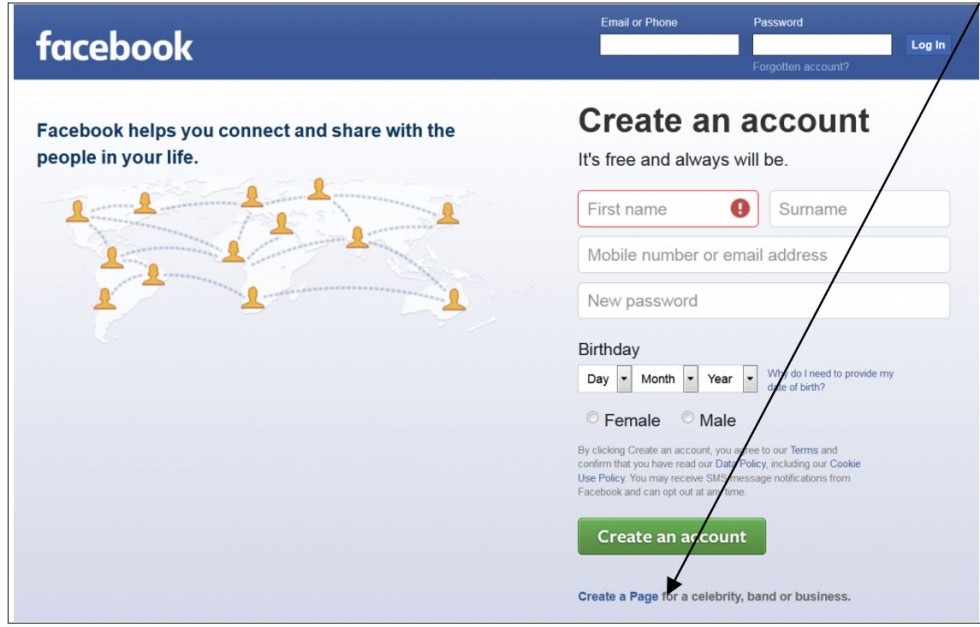
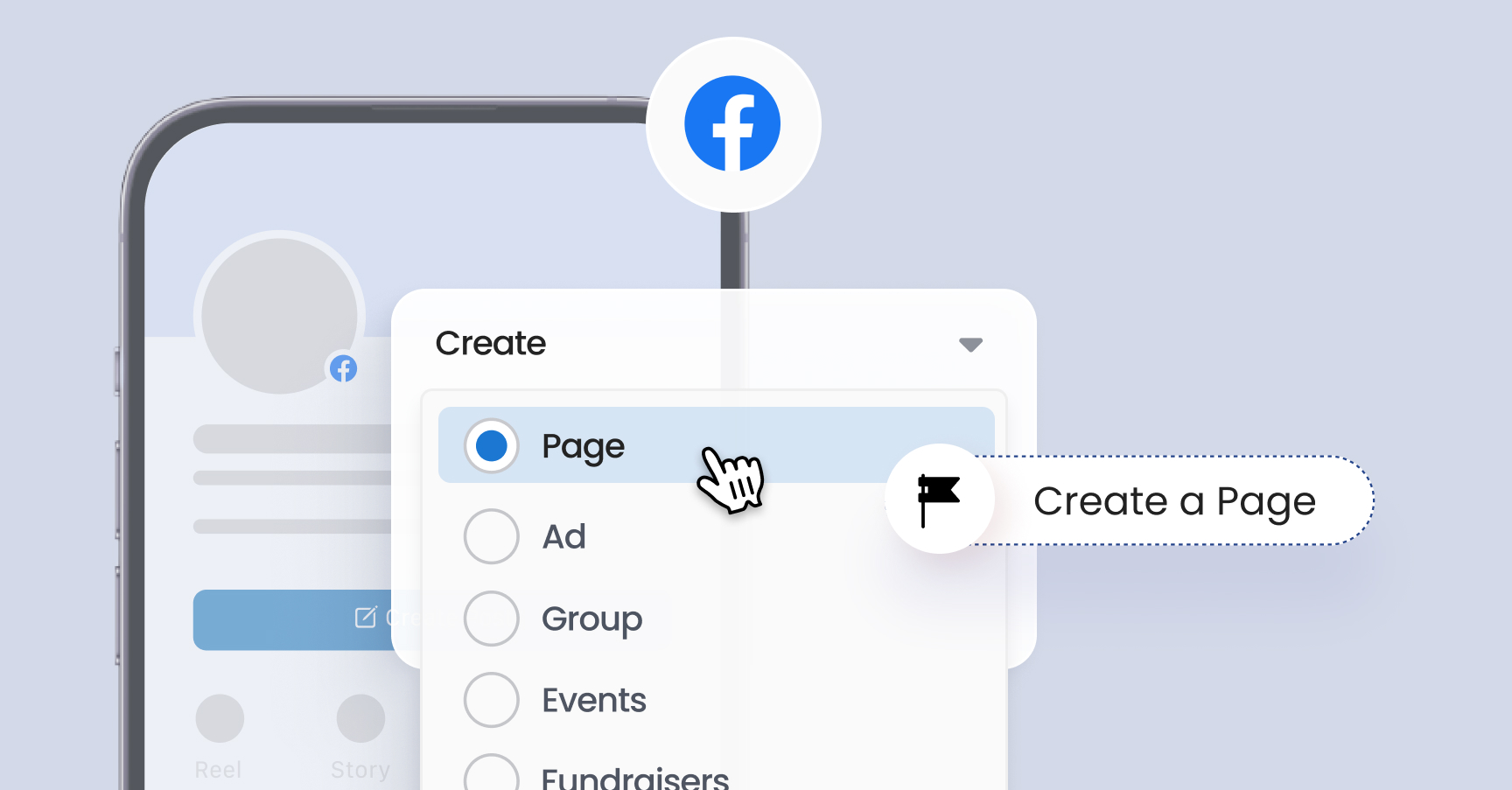
If you’re curious to try it yourself, the process is wonderfully straightforward. Log into your personal Facebook account, click the “+” icon at the top, and select “Page.” From there, pick a name and category—it’s okay if you change your mind later. You don’t need a perfect logo or a professional banner; just upload a clear photo and write a short, friendly description of what your page is about. The key is to start small and stay consistent—post once a week, reply to comments, and don’t worry about perfection.
Here’s a simple way to explore before you commit: create a page for a fun side project, like “My Family’s Sunday Dinners” or “Books I’ve Loved This Year.” Invite a few friends to follow it, and see how it feels to share something just for the joy of it. You’ll quickly notice that the more you post, the more you learn what works—and what doesn’t. There’s no pressure, and you can delete the page anytime if it’s not for you.
The real magic happens when you stop treating the page as a chore and start treating it as a digital garden. You plant seeds with every post, and over time, those tiny seeds grow into conversations, friendships, and opportunities. Whether you’re documenting your book club’s monthly picks or launching a side hustle, a Facebook Page gives you a stage. And the audience? They’re just one click away, waiting to see what you’ll share next.
So go ahead—click that “Create” button today. You’ll be surprised how quickly you get the hang of it, and even more surprised by who shows up to join you. The internet is a noisy place, but your page can be a quiet, friendly corner that people actually look forward to visiting. Start your page, and let the curiosity lead the way.