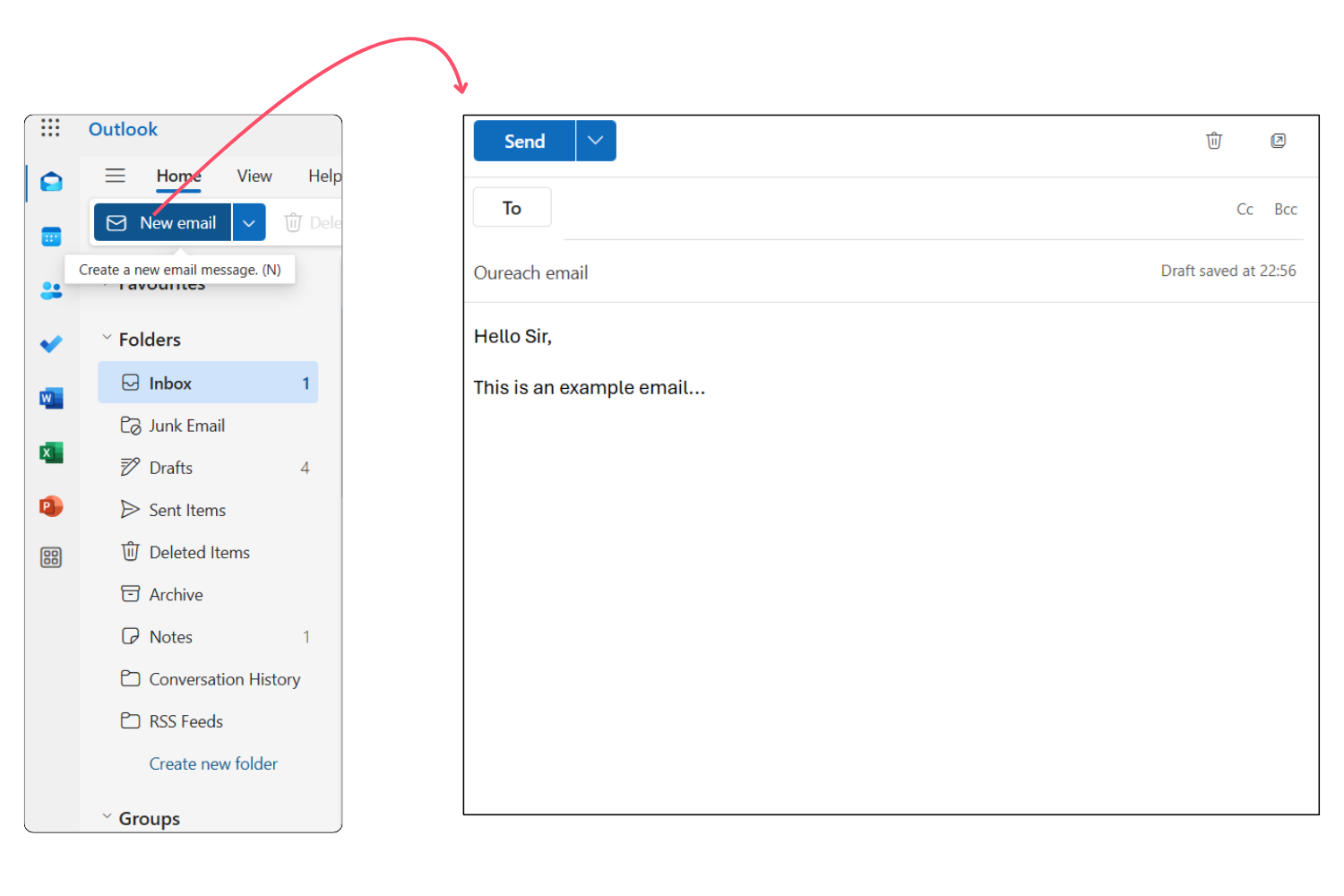
How To Send Email To Many Recipients
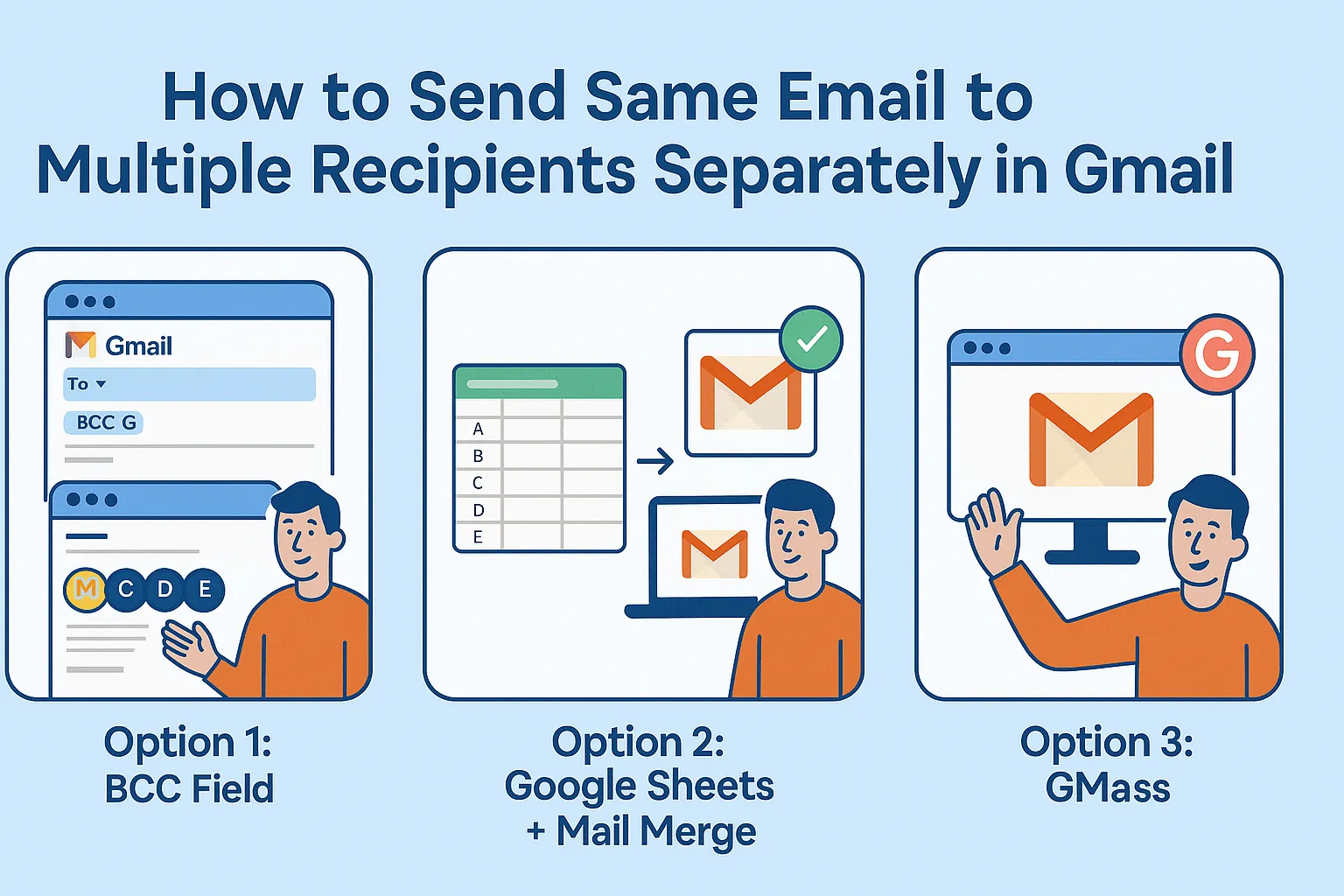
Let’s face it—nobody enjoys copying and pasting the same email fifty times. That’s a one-way ticket to typos, forgotten attachments, and a sore wrist. Sending an email to a crowd is a superpower for party invites, family updates, or client newsletters, and it’s easier than you think. You’ll save hours, look like a tech wizard, and keep your message personal without the soul-crushing monotony of manual sends.
The Golden Rule: BCC Is Your Best Friend
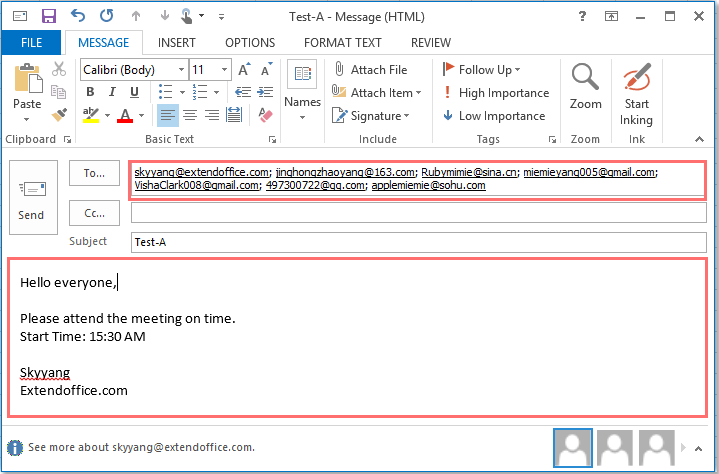
The BCC (Blind Carbon Copy) field is the quiet hero of group emails. When you place recipient addresses there, nobody can see who else got the message—with the CC field, everyone sees everyone’s email, which is a privacy nightmare. BCC keeps your list private, prevents “Reply All” chaos, and stops strangers from harvesting your friends’ addresses. Just put your own address in the To field, and drop the whole gang into BCC.
Quick tip: If you forget BCC and use CC, someone will hit “Reply All” and start a chain of “Okay.” Don’t be that sender.
Use a Mail Merge for a Personal Touch
Generic “Dear Friend” emails feel like spam, even to your grandma. A mail merge lets you insert names, birthdays, or custom links automatically for each recipient—without sending individual emails. You can do this free in Gmail with Google Sheets, or use tools like Mailchimp or HubSpot for fancier needs. The result? Every person reads “Hi Sarah!” or “Hi Tom!” and thinks you wrote to them alone.
Must Read
Setting up a merge is simple: create a spreadsheet with columns like “Name” and “Email,” then write your template with placeholders. The tool blasts out personalized copies in minutes—no clicking “send” a hundred times.
Know Your Audience: Small vs. Big Lists
For a dozen friends, a quick BCC email is perfect—it’s fast and casual. But for 500 subscribers, you need a proper email service provider (ESP) like MailerLite or Mailjet. These platforms handle unsubscribes, bounce rates, and spam complaints automatically, keeping you out of the junk folder. They also give you pretty templates and click-tracking, so you know who actually opened your invite to your legendary BBQ.
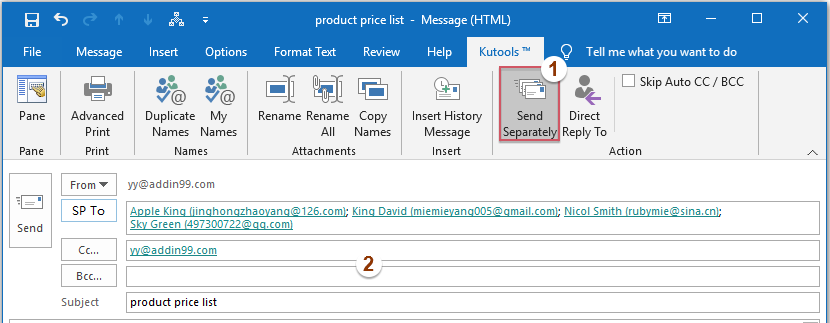
Mixing personal emails with ESP blasts is a rookie mistake. If you send too many from a free Gmail account, your address gets flagged as spam—forever. Use the right tool for the job, and your deliverability stays high.
Write a Killer Subject Line (Yes, It Matters)
Your subject line is the bouncer—if it’s dull, nobody enters. Make it specific and benefit-driven: “Your VIP Pass for Friday’s Party” beats “Friday Event” by a mile. Avoid all-caps and exclamation marks; they trigger spam filters, and your perfect email never lands. And always test a preview on your phone before sending to everyone.
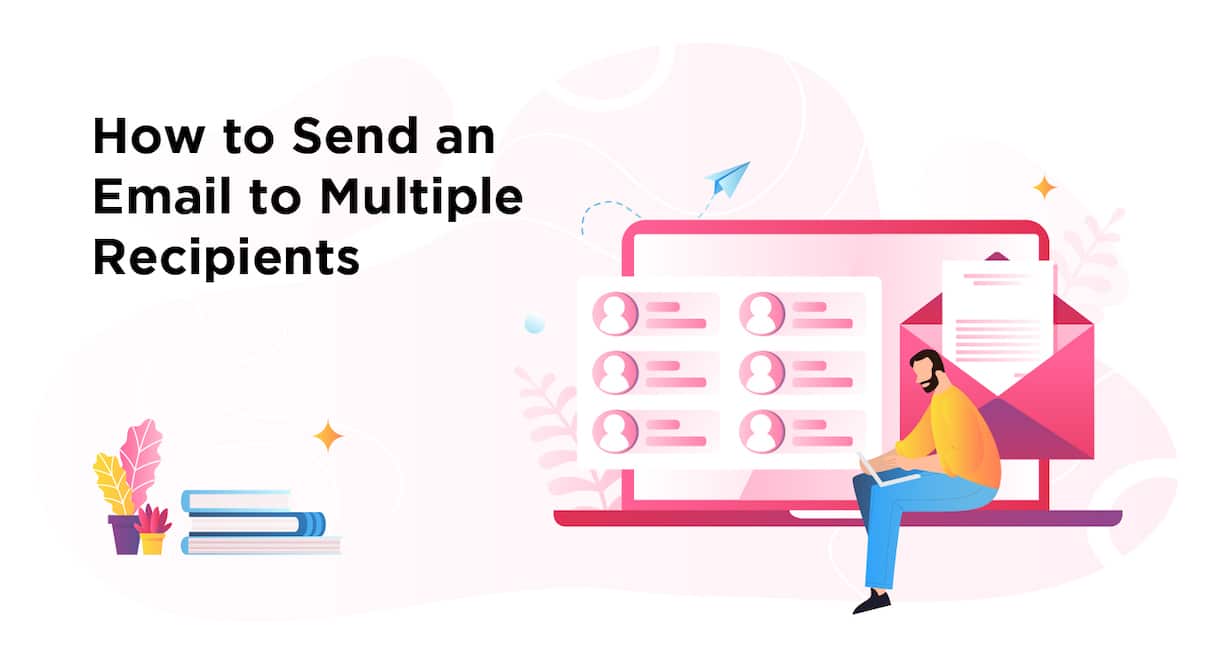
Politeness and Privacy: The Unspoken Rules
If you’re emailing a group, give them a reason to care—tell them why they’re receiving this. Add a line like “You’re getting this because you’re part of the book club,” so nobody feels random. Also, never put unsubscribe instructions in a personal BCC email; instead, offer a gentle “Just reply and I’ll take you off this list.” For larger lists, the law (like GDPR or CAN-SPAM) requires a clear opt-out—so follow the rules or risk fines.
Sending Time and Follow-Ups
Tuesday mornings around 10 AM tend to get the most opens for work-related stuff, while Sunday evenings work great for family letters. Don’t send at midnight—you’ll wake up to angry “Why did you email me?” replies. If you’re doing a follow-up, wait at least three days and send a lighter version, like “Just bumping this up.”
Double-Check Before You Hit Send
This is your final safety net. Read your email out loud, check every name in the BCC field, and preview how it looks on mobile. Then send one test to yourself—seriously, do it. A single typo in a mass email is amplified, and you can’t retract it. With these steps, you’ll send polished, private, and personal group emails that people actually read.
So go ahead—draft that group message, pick your method, and click send. Your future self will thank you every time you avoid the copy-paste grind.