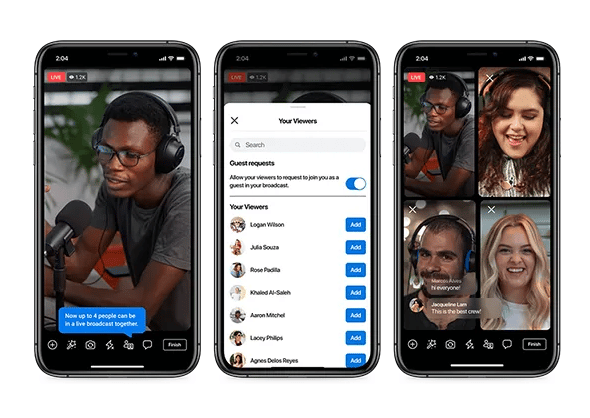
How Do You Livestream On Your Phone
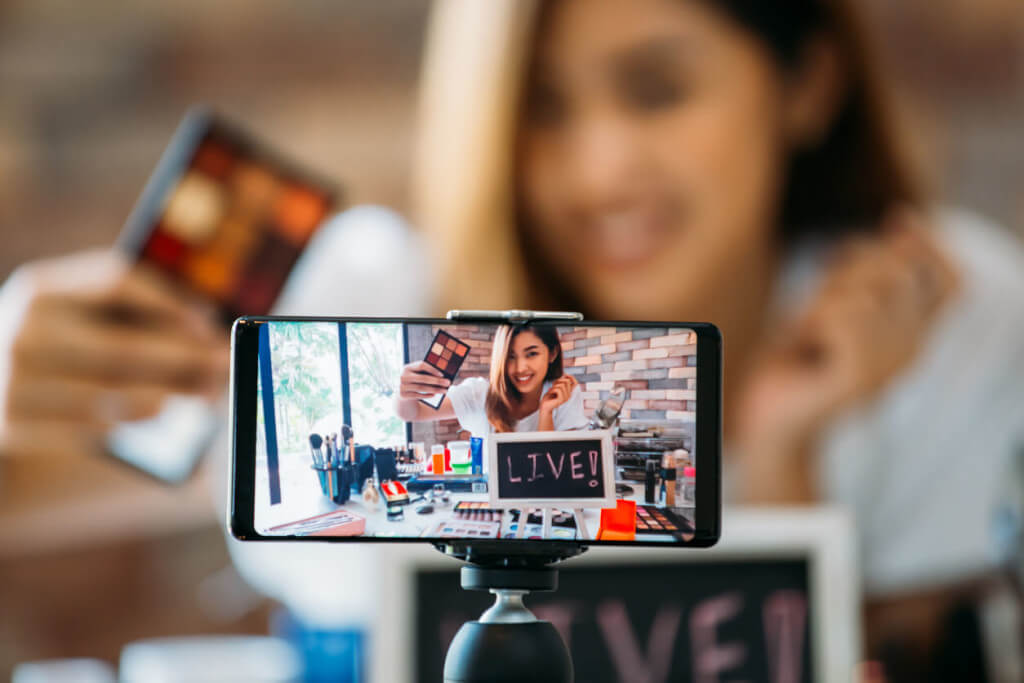
So, you want to livestream from your phone. Congratulations, you’re about to become a tiny, glowing rectangle of pure charisma. Or pure chaos. Honestly, it’s a coin flip.
First, the unpopular opinion: you don’t need a fancy camera, a ring light, or a microphone that costs more than your rent. Your phone is already a magic box that can beam your face to strangers. The only real requirement is a decent internet connection and a willingness to look slightly ridiculous.
Step One: Pick Your Poison
Before you go live, you need to choose a platform. Instagram is for people who want to pretend they’re having fun. TikTok is for people who want to dance or cry—sometimes both.
Must Read
And YouTube? That’s for folks who enjoy talking to an empty room for thirty minutes before anyone drops a "First!" in the chat.
Pick one, download the app, and log in. Try not to panic when you see the big "Go Live" button staring back at you.
Step Two: The Pre-Show Panic
Here’s the dirty secret: the five minutes before you hit that button are pure terror. Your palms sweat. You forget how to speak English. You suddenly remember that one weird comment your aunt made in 2019.
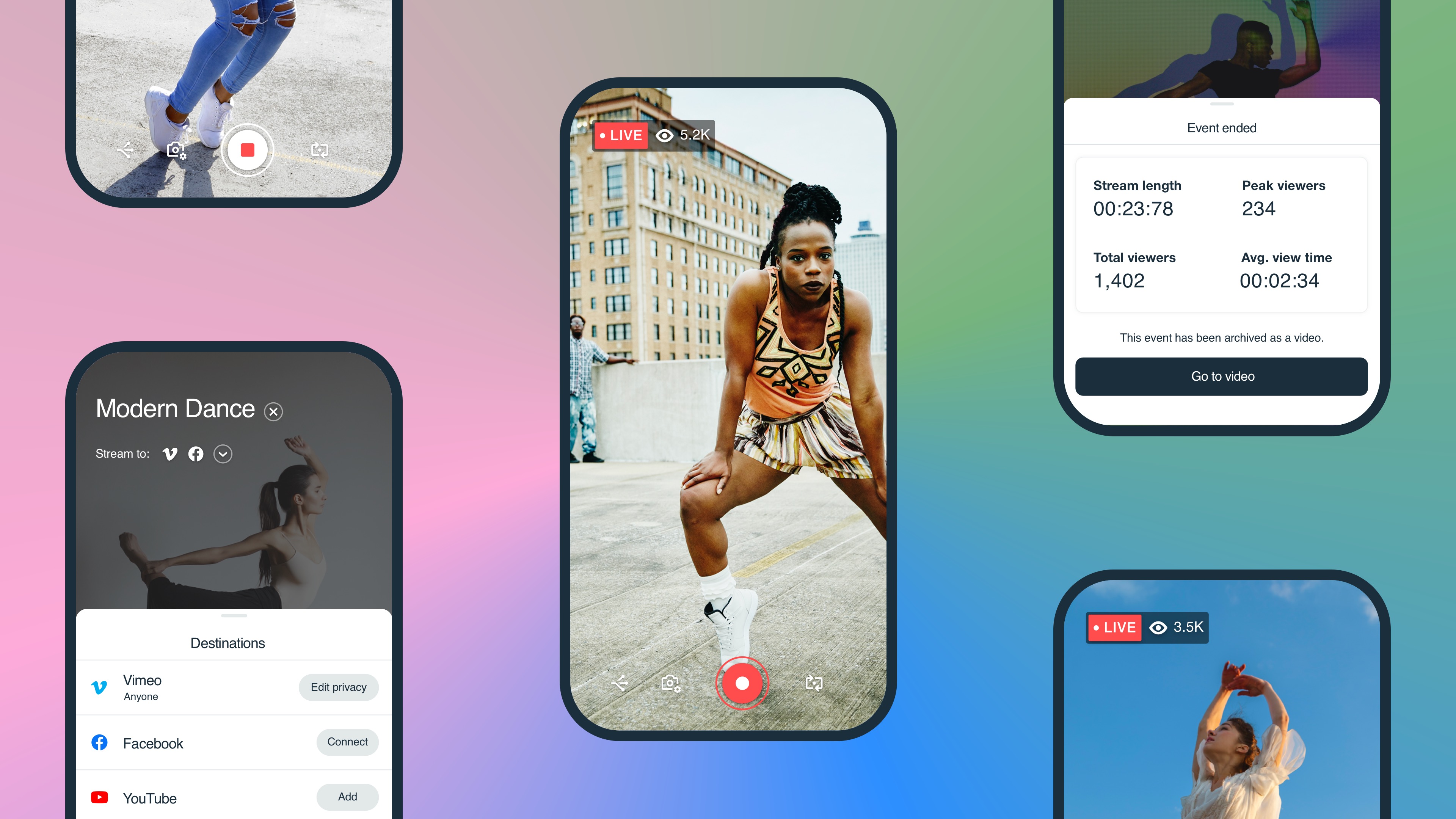
That’s normal. Just breathe, and maybe wipe your camera lens with your shirt. You’d be shocked how many people livestream with a greasy fingerprint smack in the middle of their face.
Also, check your battery. A dead phone mid-stream is the modern equivalent of tripping on stage. It’s hilarious for everyone but you.
Step Three: Just Hit the Dang Button
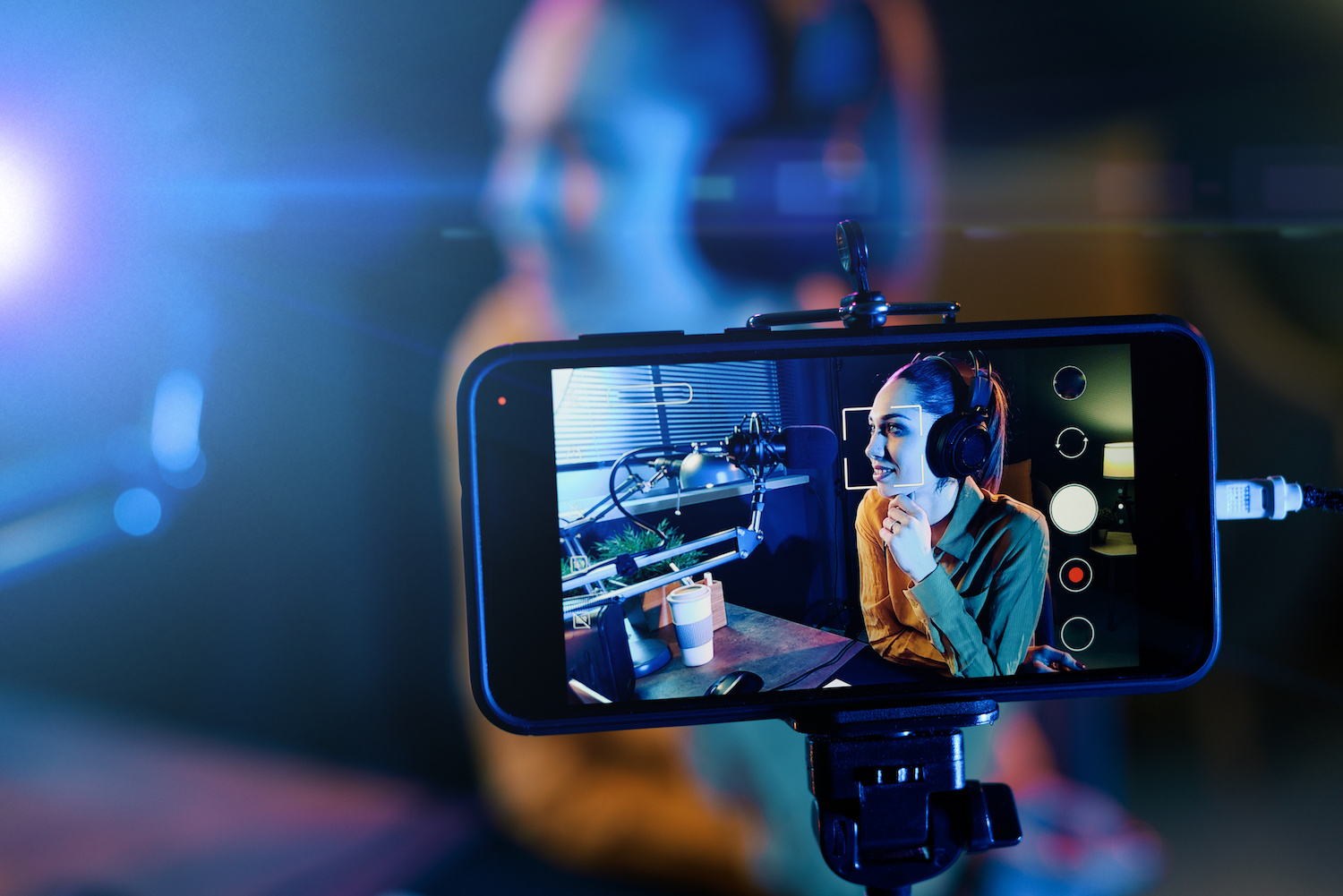
Find the red button. It’s usually at the bottom or the top, and it’s always inexplicably scary. Tap it. Congratulations, you’re now a “content creator” with a tiny audience of your mom and a bot named Kevin.
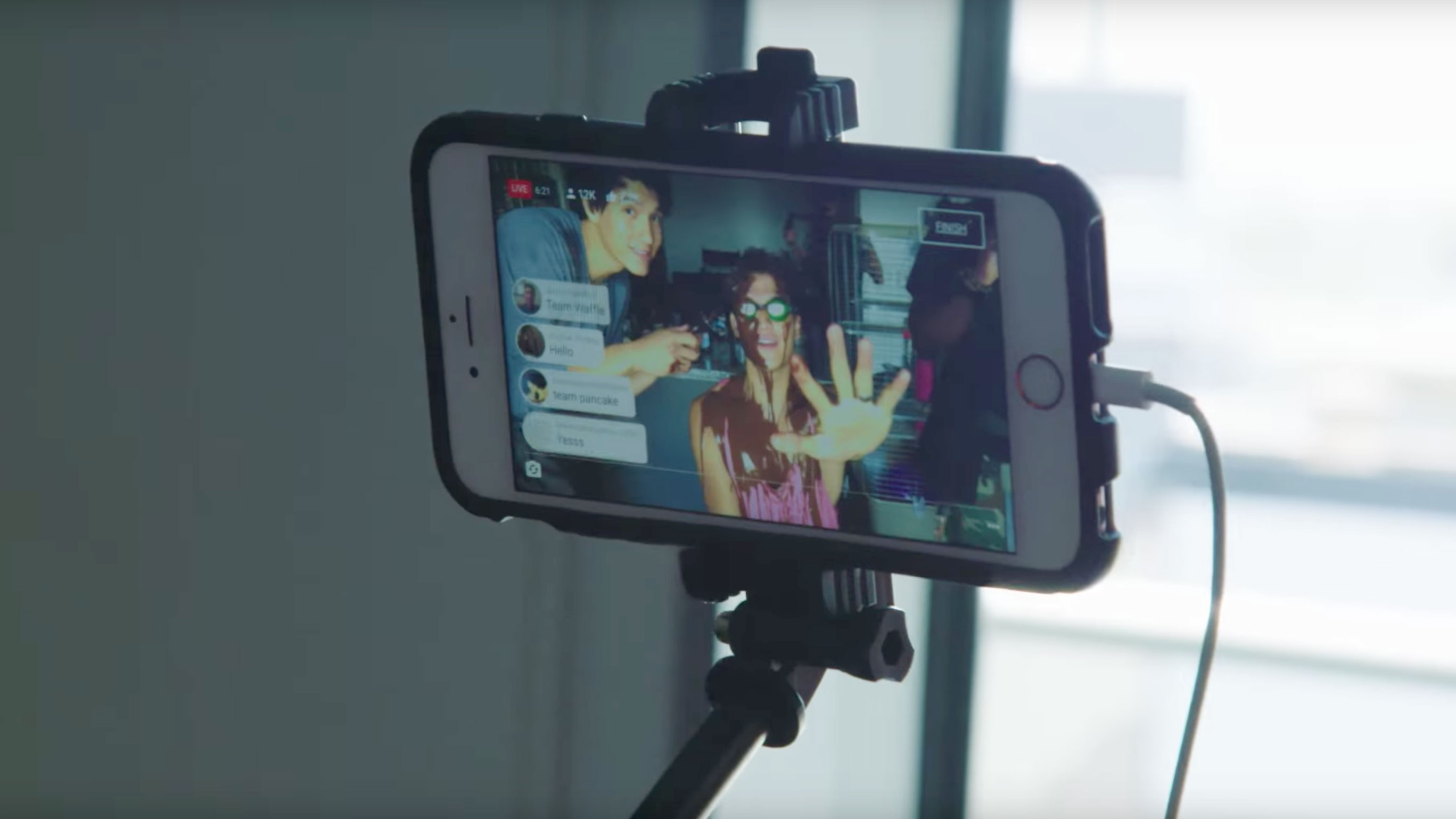
Say something. Anything. “Hello, hi, welcome to my bedroom” works fine. Remember, no one else knows what they’re doing either. We’re all just monkeys with pocket computers, hoping someone clicks the heart icon.
Don’t overthink the lighting. Natural window light makes you look like a human. Overhead ceiling lights make you look like a witness in a true-crime documentary. Choose wisely.
Step Four: The Awkward Chat
When people start typing, you must read their messages out loud. That’s the law. “Uh, ‘wow, your hair looks weird’—thanks, Kevin, appreciate that.”
Ignore the trolls. Or better yet, embrace them. Some viewer asking if you’re wearing pajamas is just free engagement. Laugh it off and change the subject to something dumb, like your favorite sandwich.
Pro tip: If you run out of things to say, just narrate your own life. “I’m going to open this drawer now. Watch out, drawer. Here we go.” Audiences love nothing more than watching a person struggle with basic tasks.
Step Five: The Grand Finale
End the stream before you get bored. Boredom is contagious, and your viewers can smell it through the screen. Say thanks, wave goodbye, and hit that end button with relief.

Then watch your view count. It’ll be embarrassingly low. That’s fine. My first livestream had seven viewers, and three of them were me on different devices.
Finally, don’t watch your own replay. Ever. You’ll flinch at your voice, cringe at your pauses, and swear off livestreaming forever. Instead, pat yourself on the back and go drink some water. You did it!
The Real Secret
Here’s the magic nobody tells you: livestreaming is just a glorified video call with strangers. Some nights, it’s awkward and stiff. Other nights, you’ll hit a groove, crack a terrible joke, and watch a stranger from another continent laugh out loud.
And that’s the entire point. Not to be perfect, not to be famous. Just to connect, fumble, and maybe make someone smile for a second. So go on—hit that button. The worst that happens is you delete the app. The best? You become a legend in Kevin’s chat.