How Do You Find Facebook Marketplace
The Great Facebook Marketplace Treasure Hunt
You know that moment when you desperately need a used treadmill? Or maybe a slightly haunted-looking armchair?
Your first thought is probably, “I’ll just check Facebook Marketplace.” But then comes the real question: how do you actually find it?
It’s not like there’s a giant neon sign. It’s hidden like a secret club for people who love other people’s junk.
Step One: The Accidental Discovery
Open your Facebook app. Yes, the same one you use to stalk your high school friends.
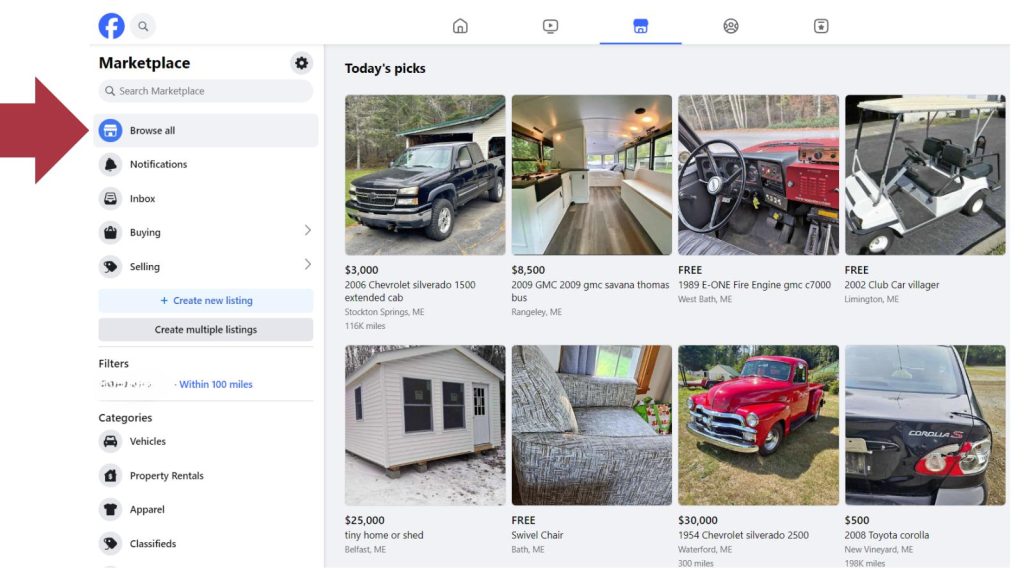
Now, look at the bottom. You’ll see a little icon that looks like a shopfront. It’s usually blue or orange, and it’s shy.
Tap it. Congratulations, you’ve just entered the wild west of secondhand goods. Marketplace is now your new favorite place.
Step Two: The Mystery of the Missing Icon
But wait—sometimes that little shop icon just isn’t there. It’s playing hide-and-seek with your sanity.
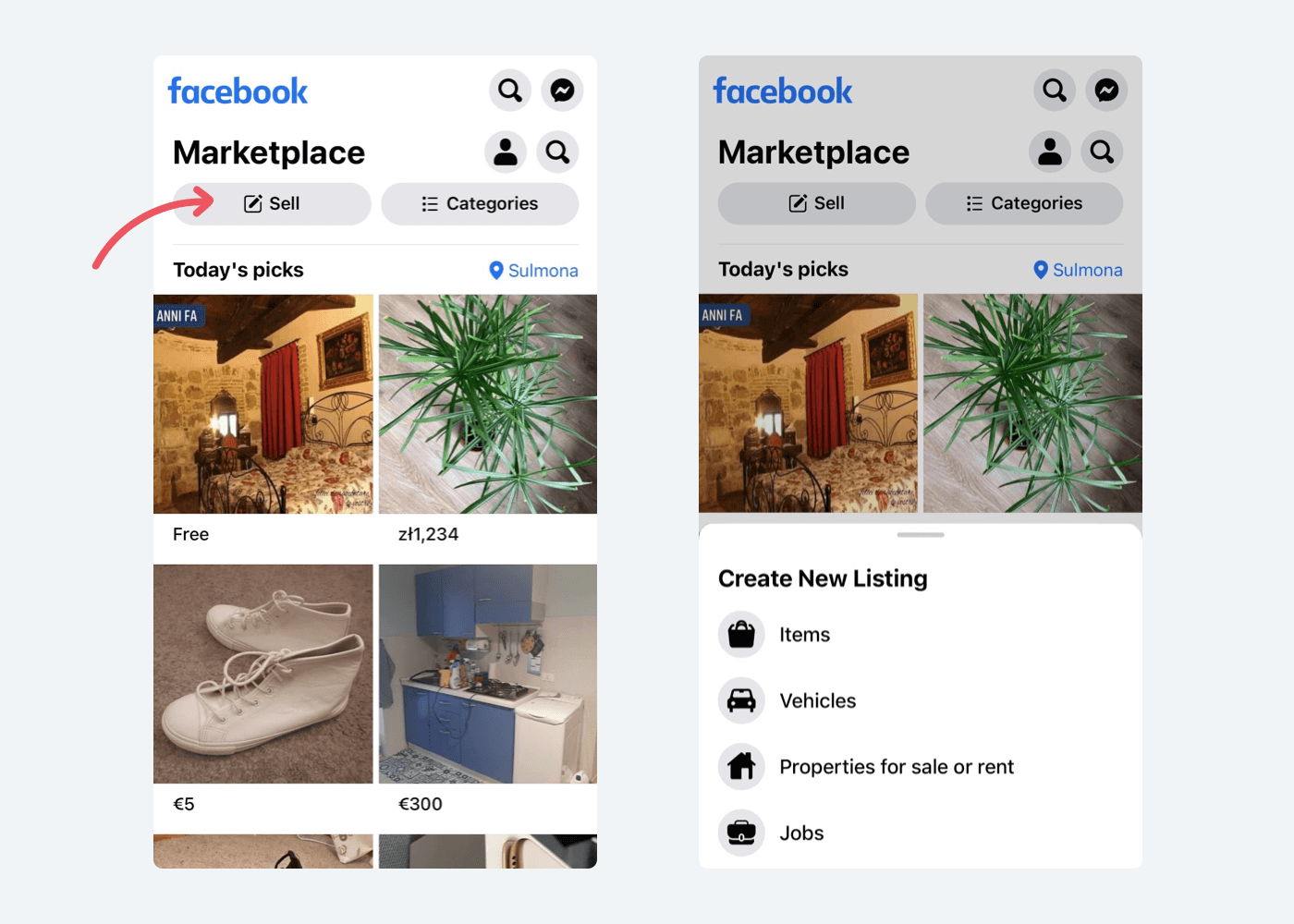
Don’t panic. This is a rite of passage. Every Facebook user has been here.
Your fix? Search the main search bar at the top. Type “Marketplace” and hit enter. It’s like calling a lost puppy by name.
If that fails, close the app. Reopen it. Then shake your phone gently. It works about 30% of the time, which is basically science.
Step Three: The Unpopular Opinion Time
Here’s my hot take: Facebook Marketplace is not actually easy to find. It’s designed like a scavenger hunt.
You’d think a billion-dollar company would put it front and center. But no. They hide it behind menus, notifications, and your aunt’s recipe videos.
It’s almost like they want you to get lost. Maybe it’s a test of your commitment to buying a rusty bicycle.

Step Four: The Desktop Trap
Now, if you’re on a computer, good luck. The icon is even more invisible there.
You have to click the little hamburger menu (three lines, not food). Then scroll down past groups, events, and memories.
It’s like digging for buried treasure in a landfill. But when you find it, you feel like a genius.
Step Five: The Search Bar Hero
Pro tip: just go to facebook.com/marketplace directly. Type that into your browser like a hacker.
Boom. You’re there. No fumbling, no crying, no yelling at your phone.
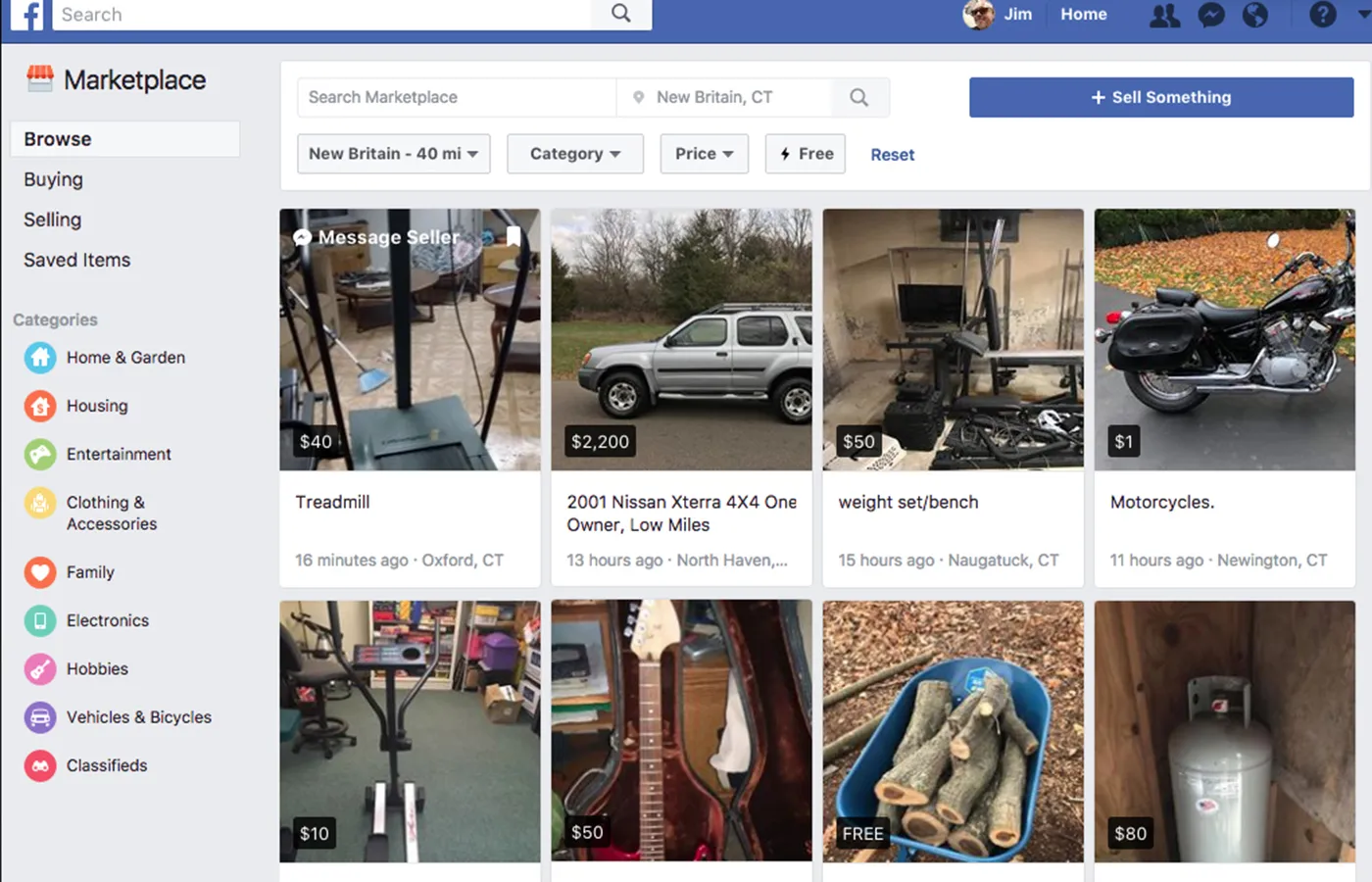
This is the cheat code that nobody tells you. It’s the secret back door that saves your soul.
Step Six: What You’ll Actually Find
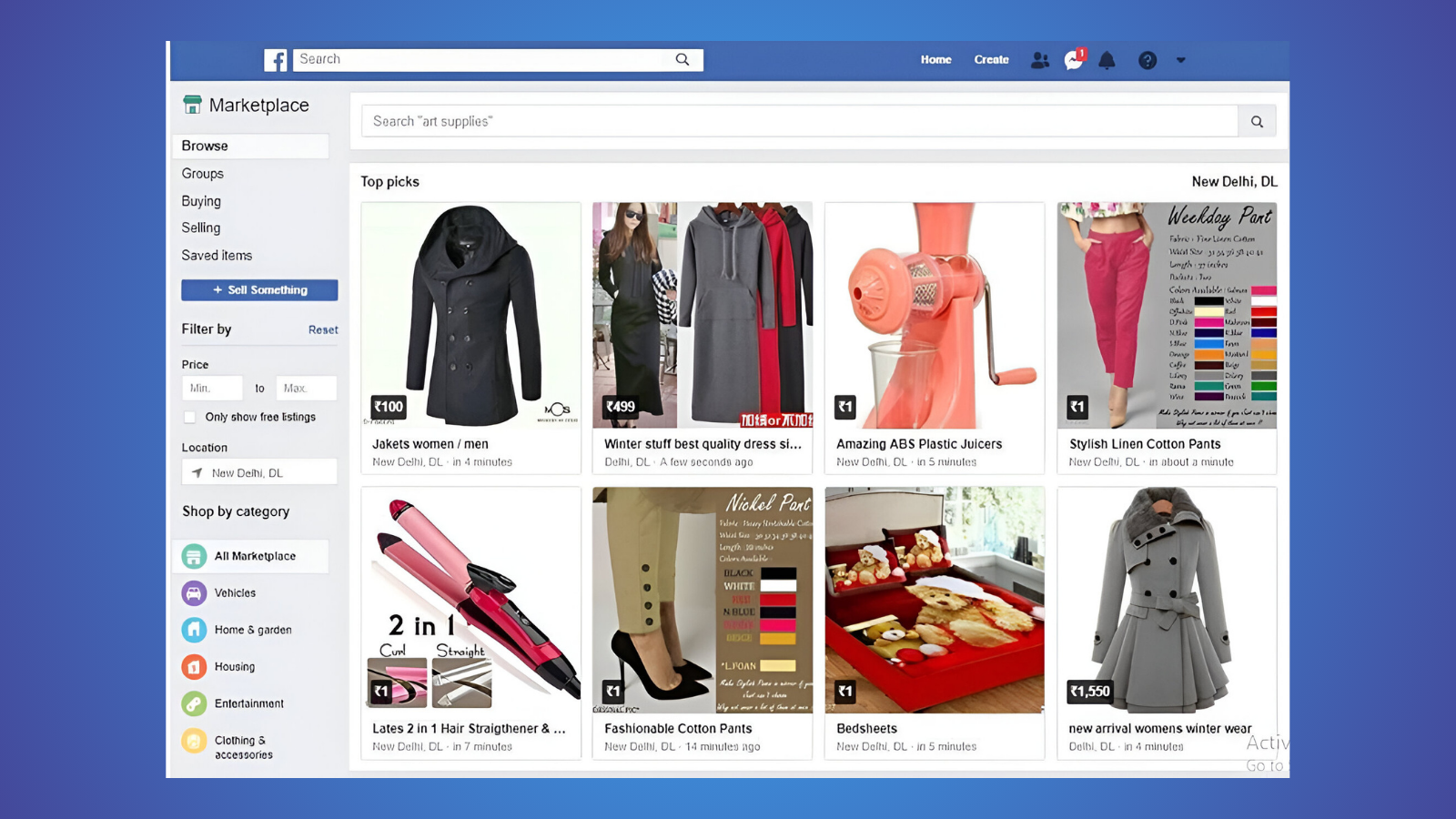
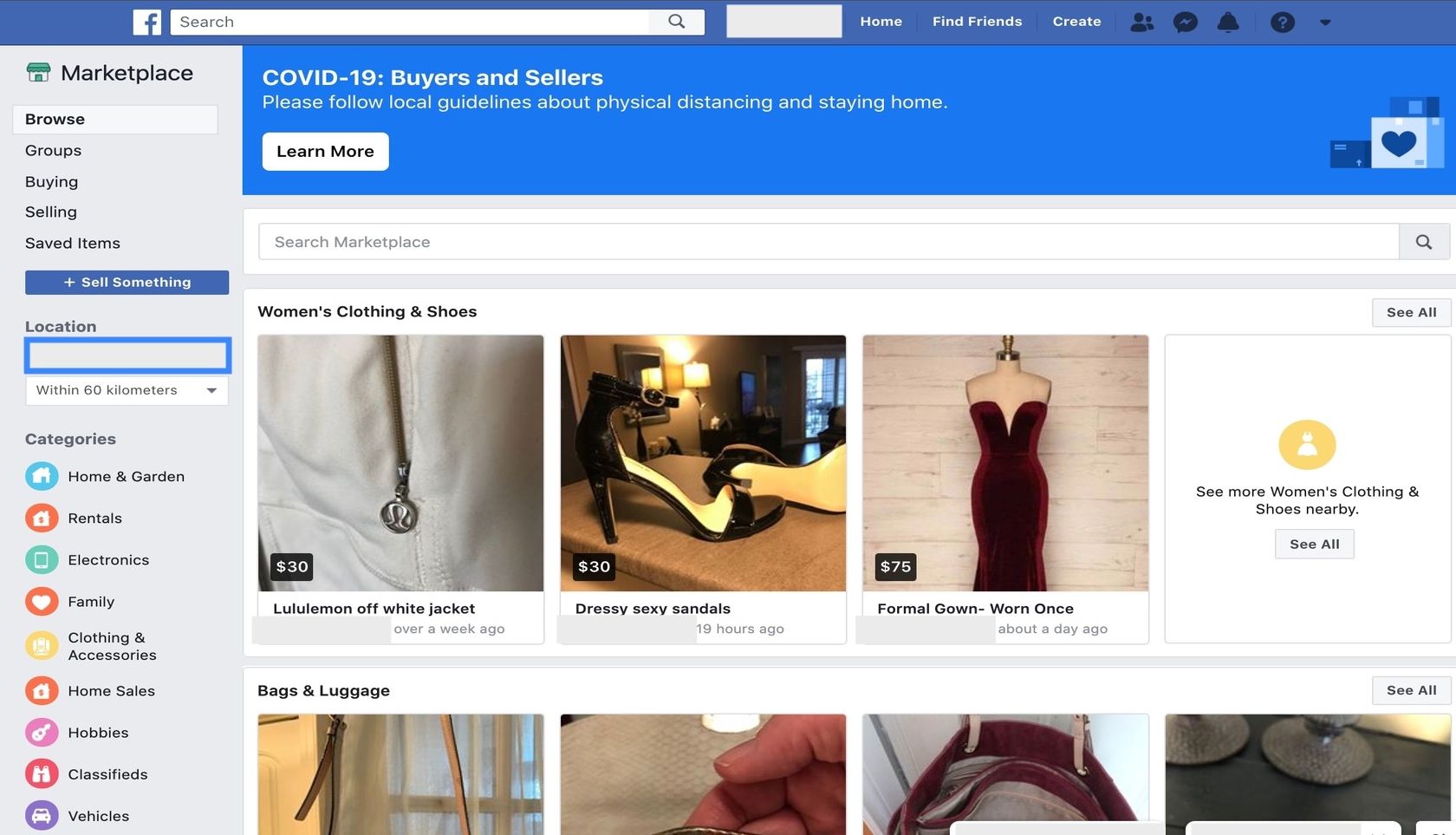
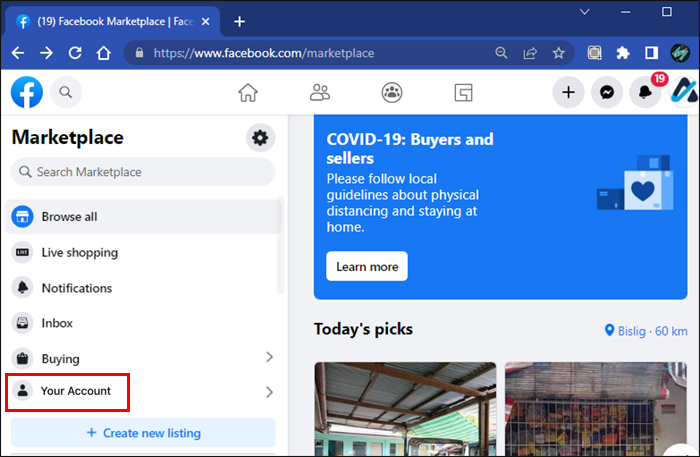
Once you’re in, prepare for chaos. You’ll see a pink electric scooter next to a free fish tank.
There’s always someone selling “mystery boxes” for fifty bucks. And yes, there’s always a used mattress with a suspicious stain.
It’s beautiful, it’s terrifying, and it’s oddly addictive. You’ll spend an hour looking at lamps you’ll never buy.
Step Seven: The Negotiation Game
Finding the marketplace is step one. Surviving the sellers is step two.
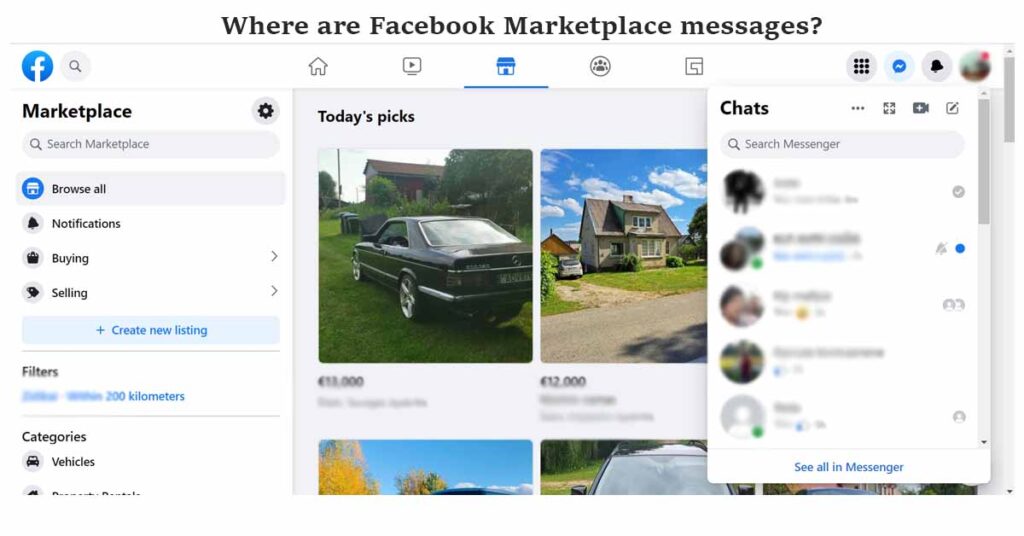
You’ll message someone about a shelf, and they’ll reply “is this still available?” to your own question. It’s a time loop.
Then they’ll ask if you can pick it up in 10 minutes, 30 miles away, at midnight. Say yes. It’s part of the fun.
The Final Verdict
So, how do you find Facebook Marketplace? Honestly, it’s a mix of luck, persistence, and direct URLs.
But once you do, you’ll never leave. It’s a rabbit hole filled with IKEA hacks and garage sale dreams.
And if you still can’t find it, just ask a teenager. They’ll roll their eyes and hand you the link. You’re welcome.