How Do I Make A Resume On Indeed
Last Tuesday, I watched my neighbor, Dave, stare at his laptop like it had personally insulted his cat. He was trying to apply for a warehouse job, and the online form kept yelling at him to “upload a resume.” The problem? Dave hadn’t written a resume since 2009, and the one he had was a Word document with a clip-art border of a sunset. (We’ve all been there, right? The digital equivalent of showing up to a job interview in a beach towel.)
So, I sat down with Dave, grabbed his coffee (sorry, Dave), and walked him through the easiest fix on the internet: building a resume directly on Indeed. And honestly? It took us about fifteen minutes, including the time we spent arguing about whether “professional snacker” counts as a skill. Spoiler: it does not. If you’re in the same boat, stuck in 2009 or just terrified of a blank page, here’s the no-nonsense, mildly sarcastic guide to making a resume on Indeed.
Why Use Indeed’s Builder At All?
First, let’s get one thing straight: you don’t need a fancy PDF from Canva to get a job. Indeed’s built-in resume builder is like the McDonald’s of job applications—it’s fast, it’s reliable, and it’s everywhere. When you apply for a job on Indeed, the system practically begs you to use their template, which means your info gets parsed into their application forms without you typing everything twice.
Must Read
It’s not glamorous, but it’s practical. And practical beats pretty when a hiring manager is skimming 200 applications while eating a sad desk salad. Plus, you can update it from your phone while waiting in line for coffee. (Multitasking at its finest, my friend.)
Step One: Log In and Click Your Profile Picture
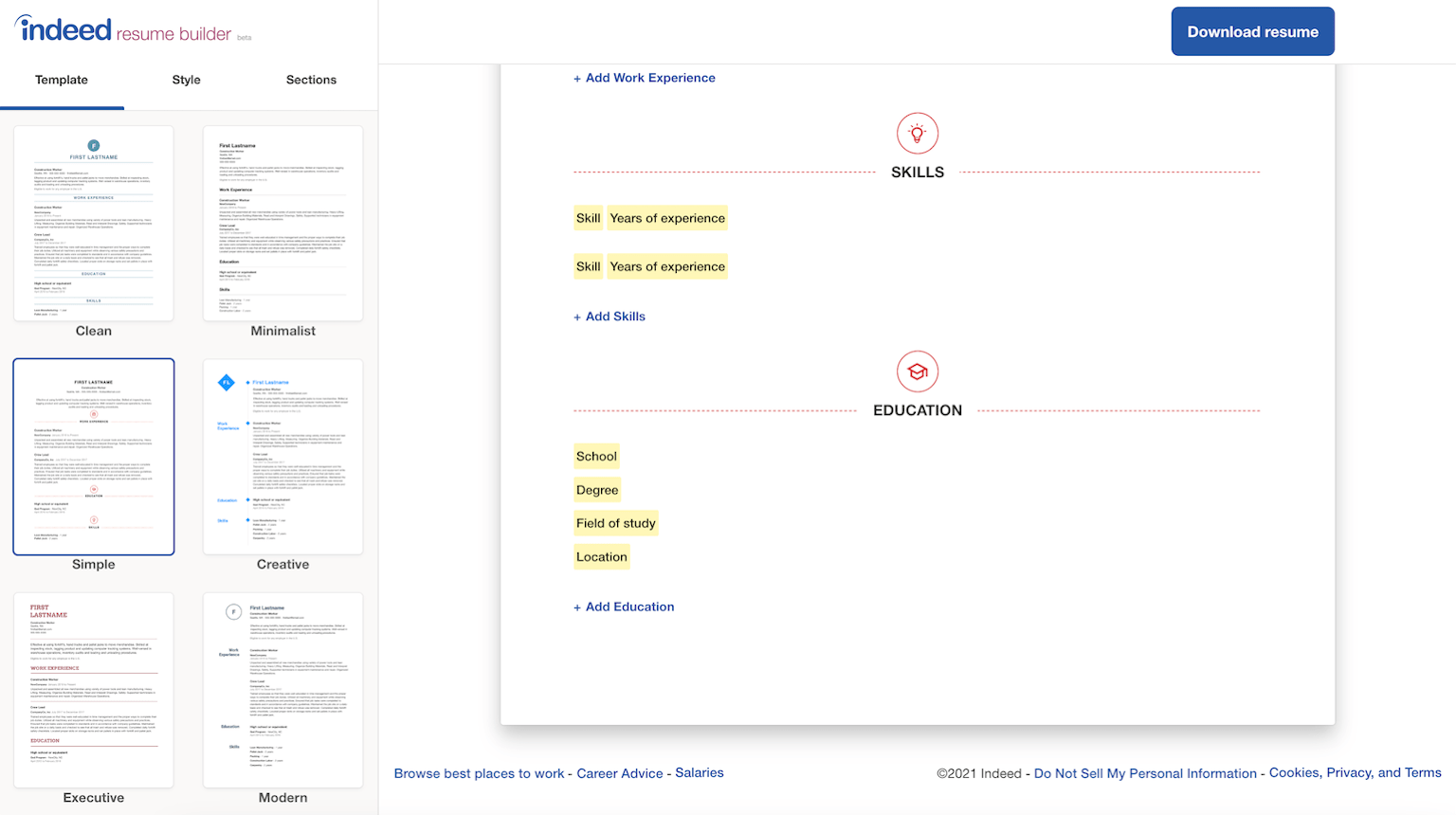
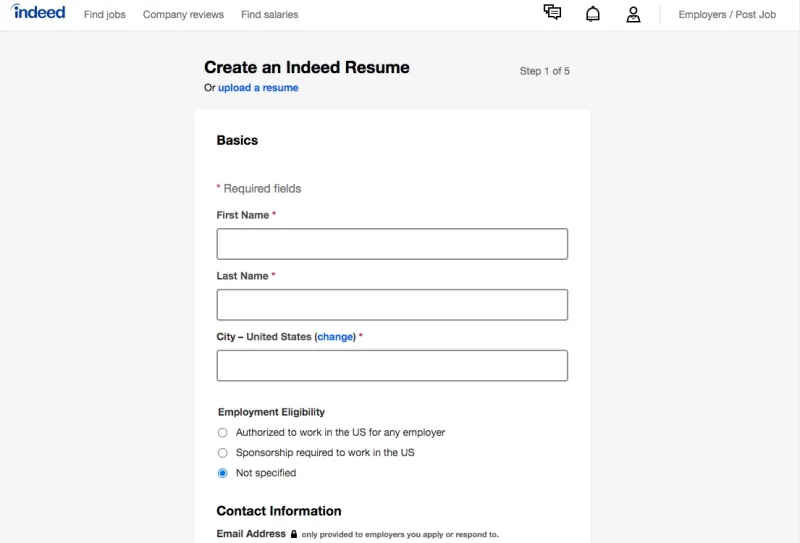
Go to Indeed.com and log in. If you don’t have an account, make one with your email or Google—it takes thirty seconds. Once you’re in, look at the top right corner. See that little circle with your face or a sad gray avatar? Click it. A dropdown menu will appear, and you’ll see “Resume” as an option. Click that, and you’re in the builder.
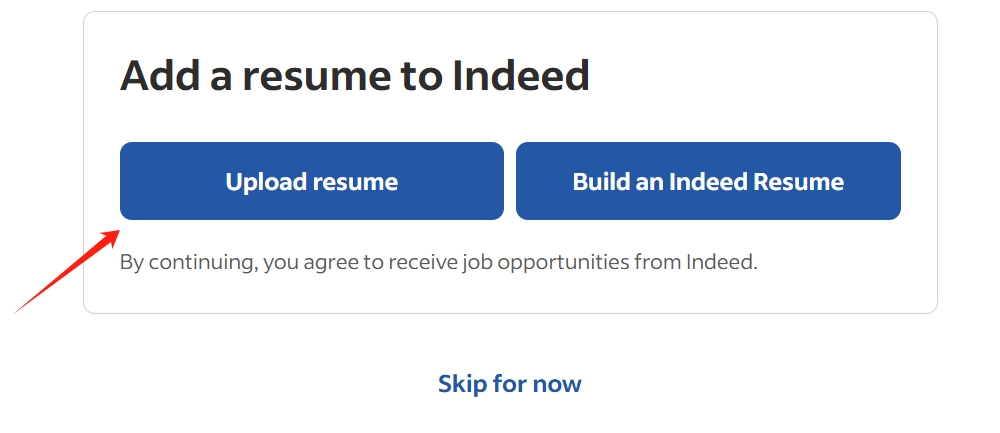
Now, here’s the trick: Indeed will show you a pre-filled resume based on your profile info. (Yes, they’ve been stalking—I mean, tracking—your work history.) Don’t panic. This is your starting point, not your final draft. You’re going to polish this turd until it shines like a disco ball.
Step Two: Fill In the Basics (But Spice It Up)
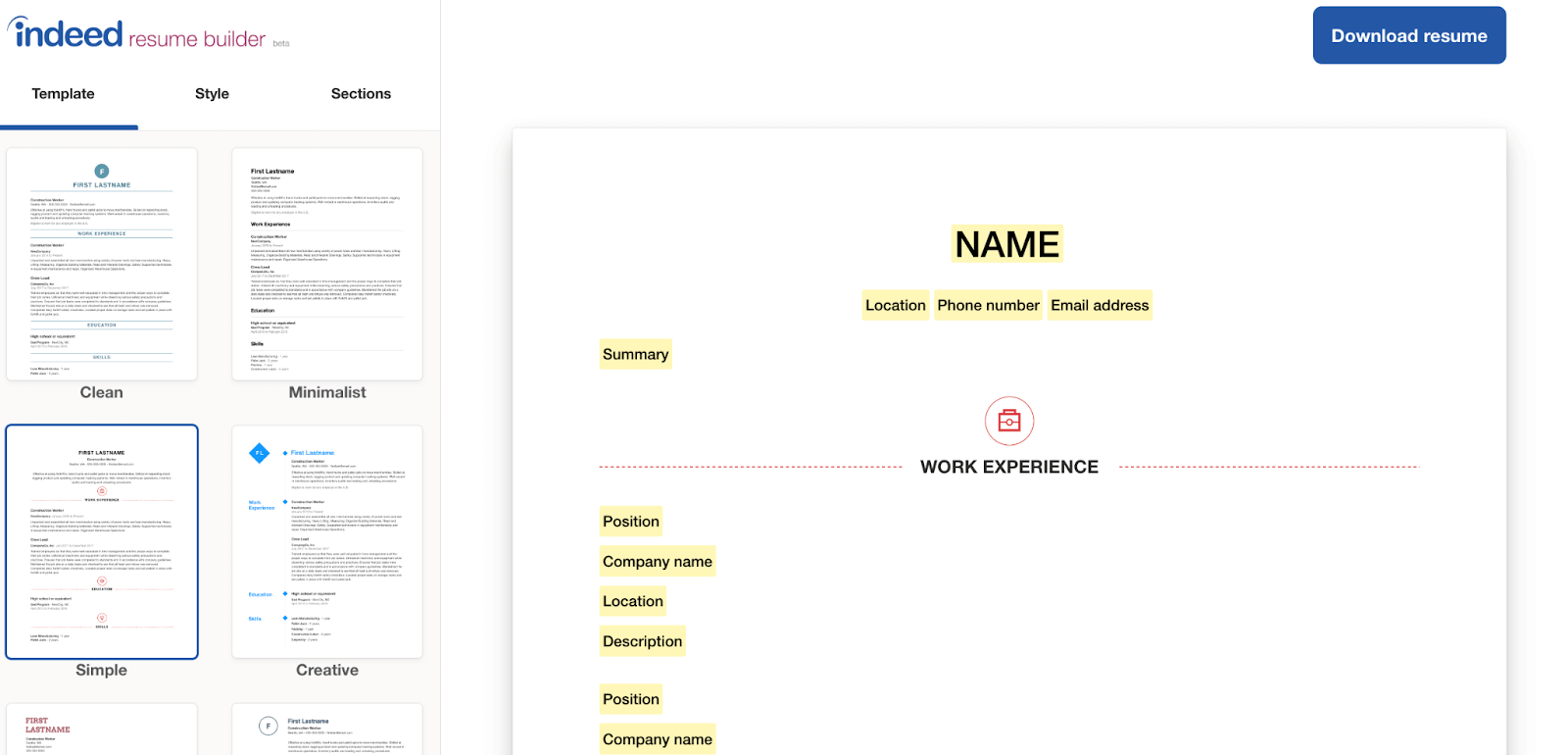
You’ll see sections for your name, location, phone number, and email. Obvious stuff, right? But here’s where people mess up: your headline. That little line under your name? Don’t leave it as “Looking for opportunities.” That’s the resume equivalent of a wet handshake. Instead, put something specific like “Certified Forklift Operator with 5+ Years of Logistics Experience” or “Aspiring Marketing Assistant Skilled in Social Media.” See? Instant upgrade, zero extra effort.
For your summary, write two to three sentences about your superpowers. No, not “I’m a hard worker.” That’s what everyone says, and it means nothing. Say, “I reduced customer wait times by 20% at my last job” or “I’m the person who always knows where the packing tape is.” Specific beats vague. Always.

Step Three: The Work History Section—Don’t Overthink It
Here’s where you add your jobs. Start with the most recent one at the top. For each role, put your job title, the company, and the dates. Then, under each job, you’ll see a box for responsibilities. Please, for the love of all that is holy, do not copy-paste your entire job description from a manual. That’s 4 pages of boring, and no one reads that.
Instead, list 3-5 bullet points that show results. Like this: “Managed inventory for a 200-store chain” vs. “Responsible for inventory.” See the difference? The first one makes you sound like a boss. The second one makes me think you just counted boxes. Add numbers if you can: “Handled 50+ calls a day” or “Trained 3 new staff members.” Numbers pop, my friend. They pop like bubble wrap.
Step Four: Skills – The Candy Store of Resumes
Indeed has a little section for skills, and it gives you a nifty dropdown of suggestions. Don’t just click everything. That’s like putting “Good at everything” on your Tinder profile—it’s a red flag. Instead, pick skills that match the job you’re targeting. If you’re applying for a retail gig, add “Customer Service,” “POS Systems,” and “Conflict Resolution.” If you’re applying for an office job, add “Microsoft Excel,” “Data Entry,” and “Time Management.”
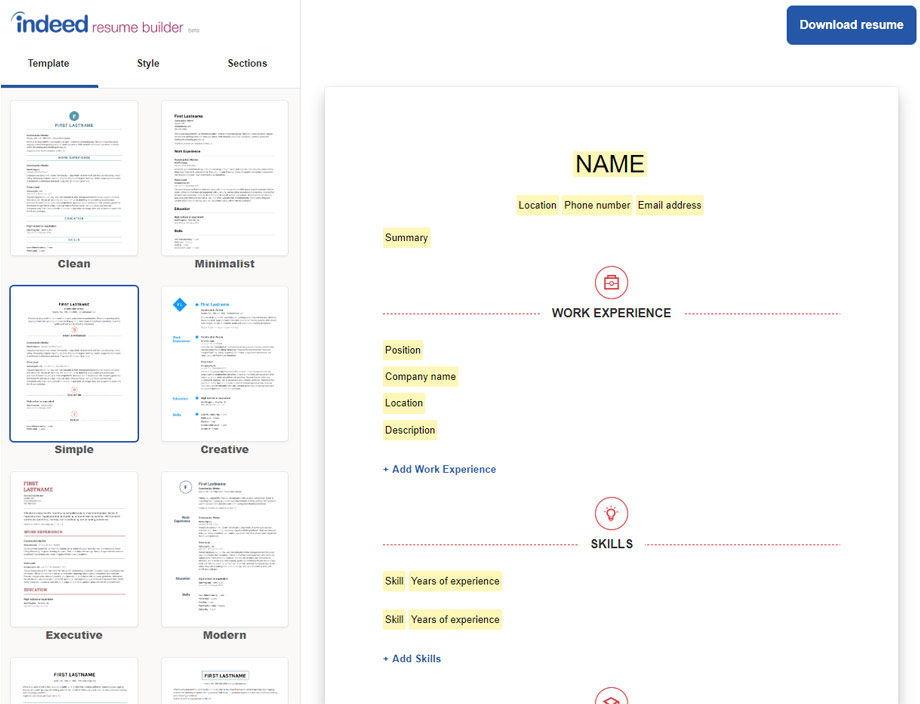
You can also type in custom skills. So, if you’re fluent in Spanish or know how to operate a pallet jack, add it! But here’s a pro tip: don’t lie. If you put “Project Management” and you’ve only ever managed a Netflix queue, that interview is going to be awkward. Trust me.
Step Five: Education and Certifications
This part is straightforward. List your degree, school, and graduation year. If you didn’t finish college, don’t stress—just list the school and the field of study. Same goes for certifications: put your CPR card, your OSHA license, your Google Analytics certificate. (Even your “Certified in Pizza Making” from that online course? Yes, that counts, but maybe only for food jobs.)
One thing to skip? Your GPA. Unless you graduated a month ago and it’s a 4.0, nobody cares. Remove it. That’s not a resume fact; that’s a life lesson.
Step Six: Save, Preview, and Download
Once you’re done, hit “Save.” Then click “Preview” to see what it looks like. Read it out loud. I’m serious. If you stumble over a sentence, so will a hiring manager. Fix the grammar, delete the clichés, and make sure your contact info is correct. (Nothing says “hire me” like a typo in your own phone number.)
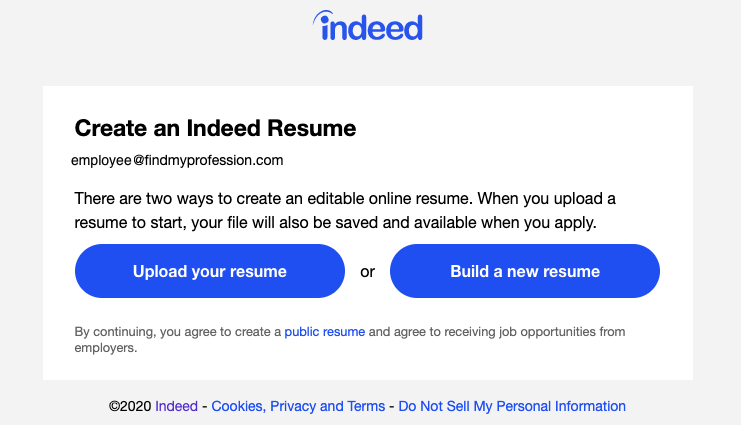
Finally, download it as a PDF or keep it live on Indeed. When you apply for jobs, Indeed will ask if you want to use your Indeed Resume or upload a different one. Just click “Use Indeed Resume,” and boom—you’re done.
The Moral of the Story
Dave now has a resume that doesn’t feature a sunset clip-art. He applied to five jobs in one afternoon, and he got a callback the next day. (The job was for “Snack Tester,” so maybe I was wrong about that skill.) The point is: you don’t need to be a professional writer to do this. You just need to be clear, honest, and slightly less boring than the next person. So go log in, fix that resume, and remember—your future boss is out there, and they’re probably tired of reading bad ones. Make them smile, okay?