
How Can I Download Songs To My Iphone
There’s nothing quite like having your favorite tunes right in your pocket, ready for any moment. Whether you’re on a road trip, hitting the gym, or just relaxing at home, a personal music library makes everything better. And the best part? Downloading songs to your iPhone is easier than ever, even if you’re not a tech wizard.
For beginners, this opens up a world of offline listening—no more worrying about spotty Wi-Fi or using up your data. Families can create shared playlists for long car rides or pump-up jams for chore time, keeping everyone happy. Hobbyists, like podcast lovers or aspiring DJs, can curate a collection that’s truly their own, mixing old classics with new discoveries.
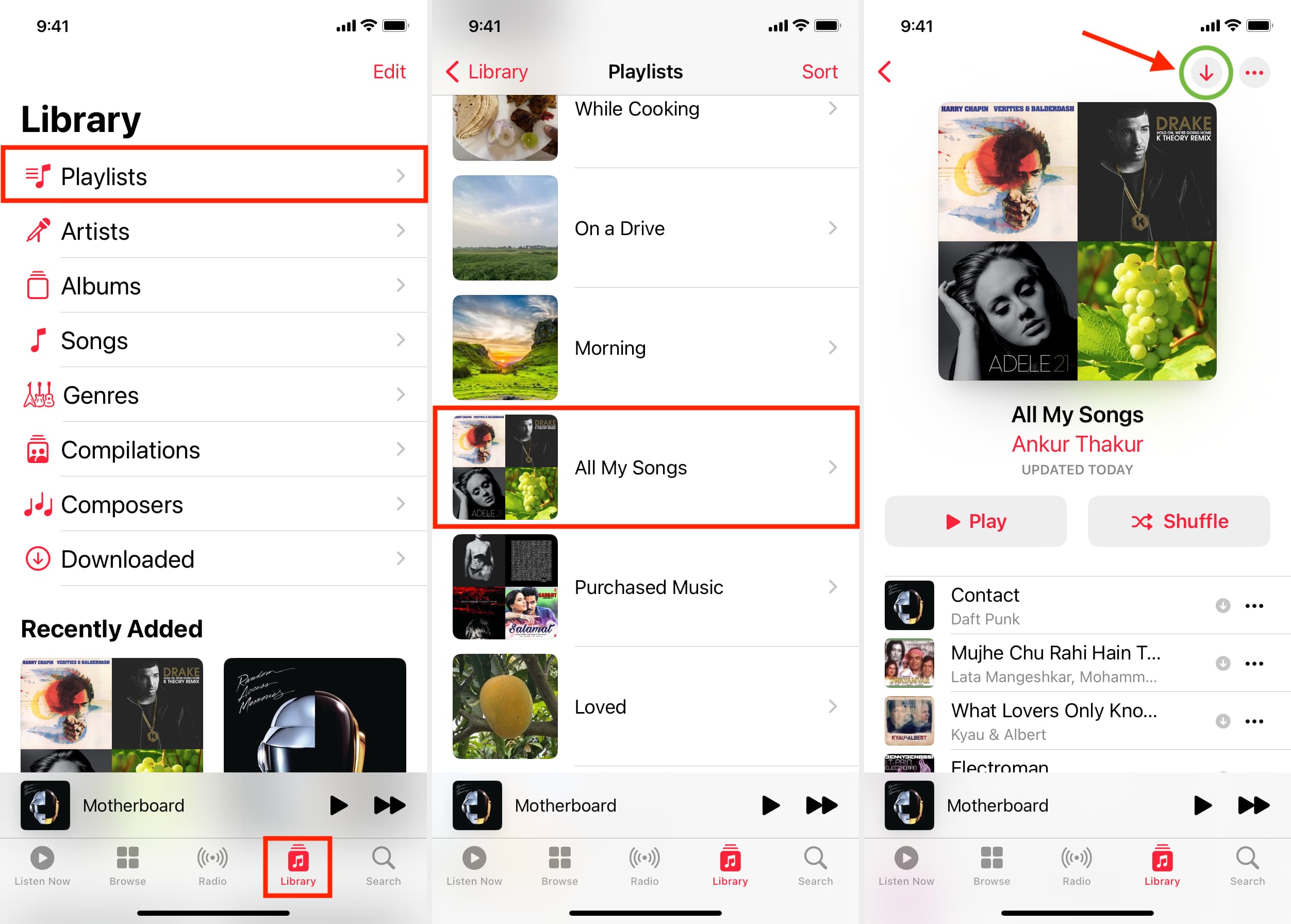
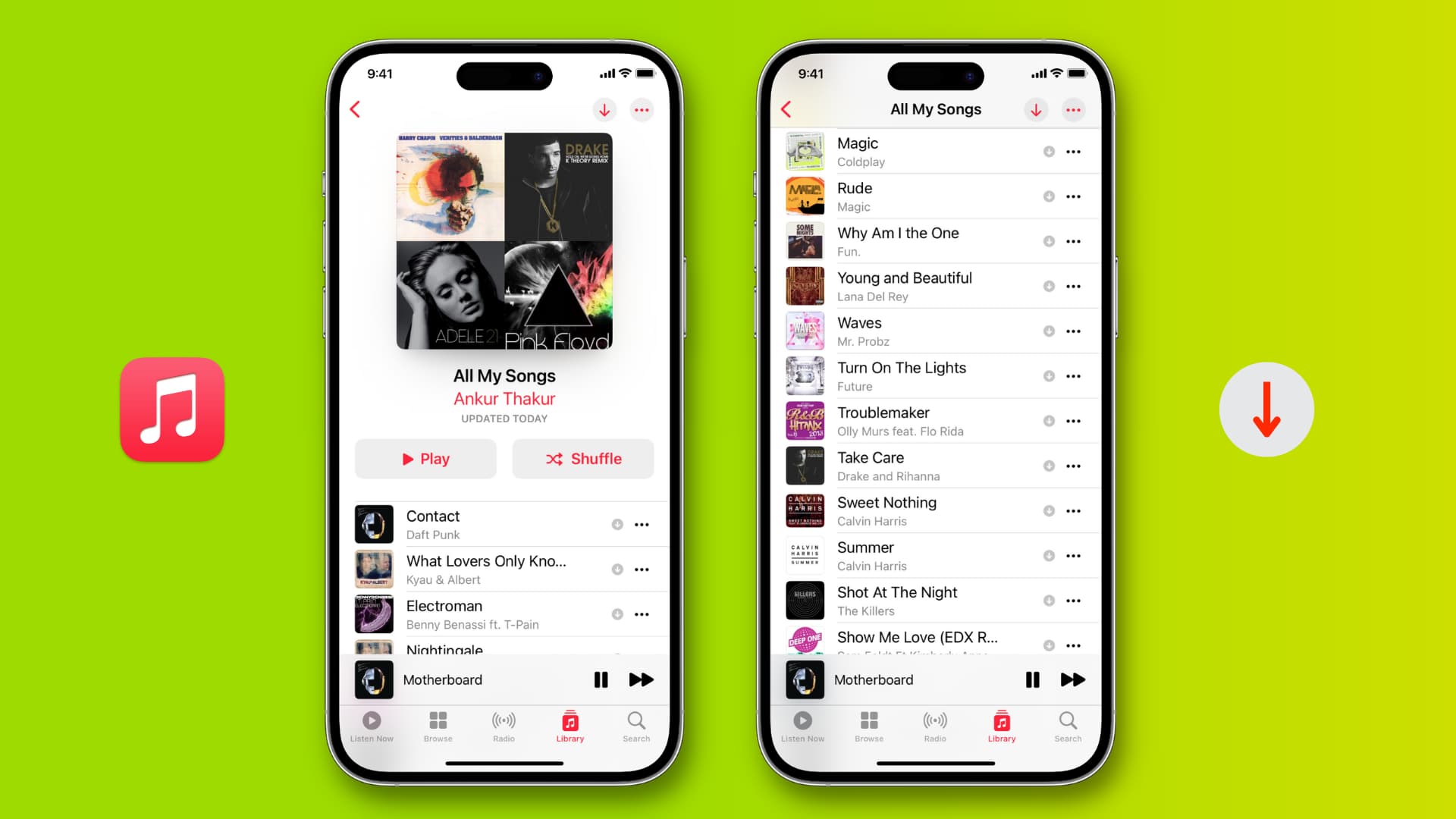
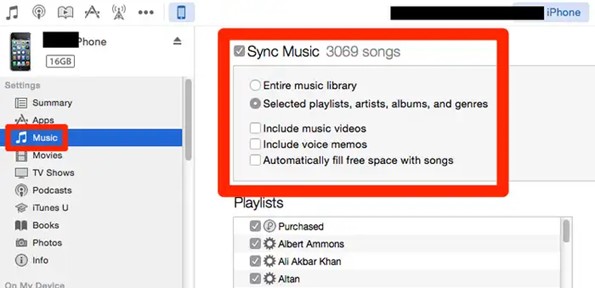
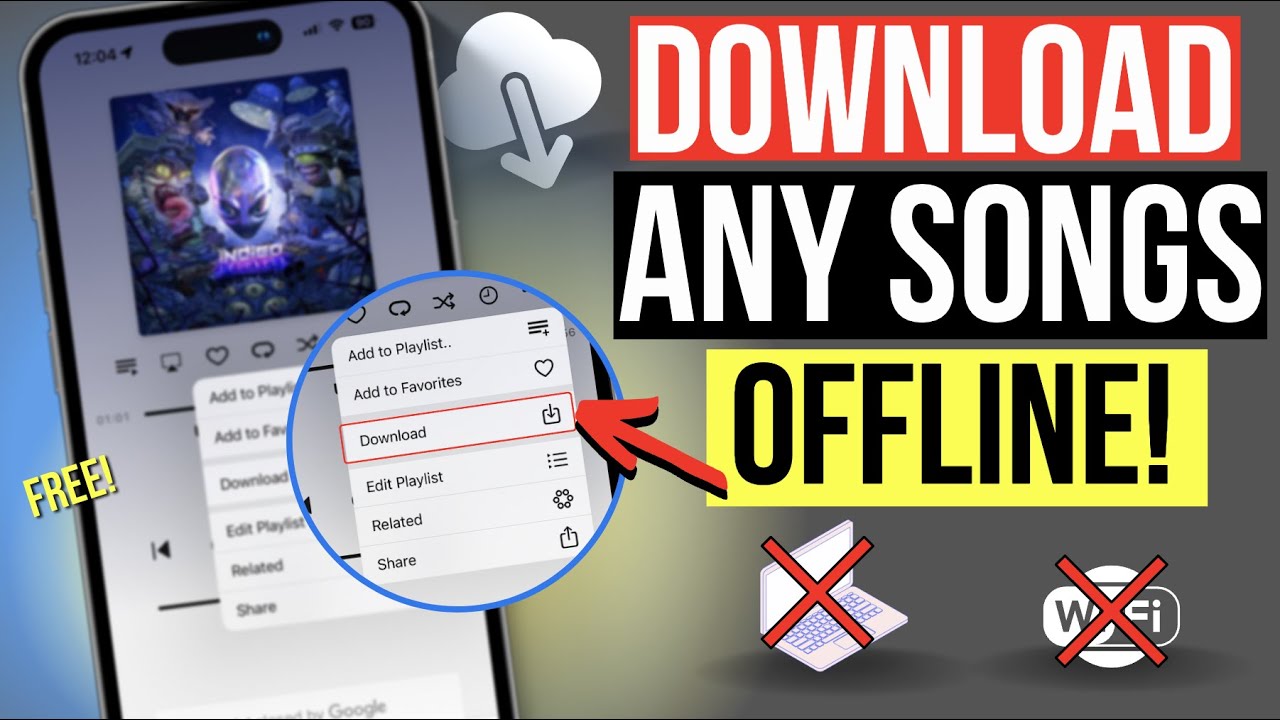
There are a few different ways to go about it, so you can pick what feels right. The most straightforward method is using Apple Music—if you’re a subscriber, just tap the download icon next to any song. For those who prefer to buy music, the iTunes Store lets you purchase individual tracks that stay on your device forever. And if you have CDs or files from elsewhere, you can sync them through your computer using the Finder (on Mac) or iTunes (on Windows).
Must Read
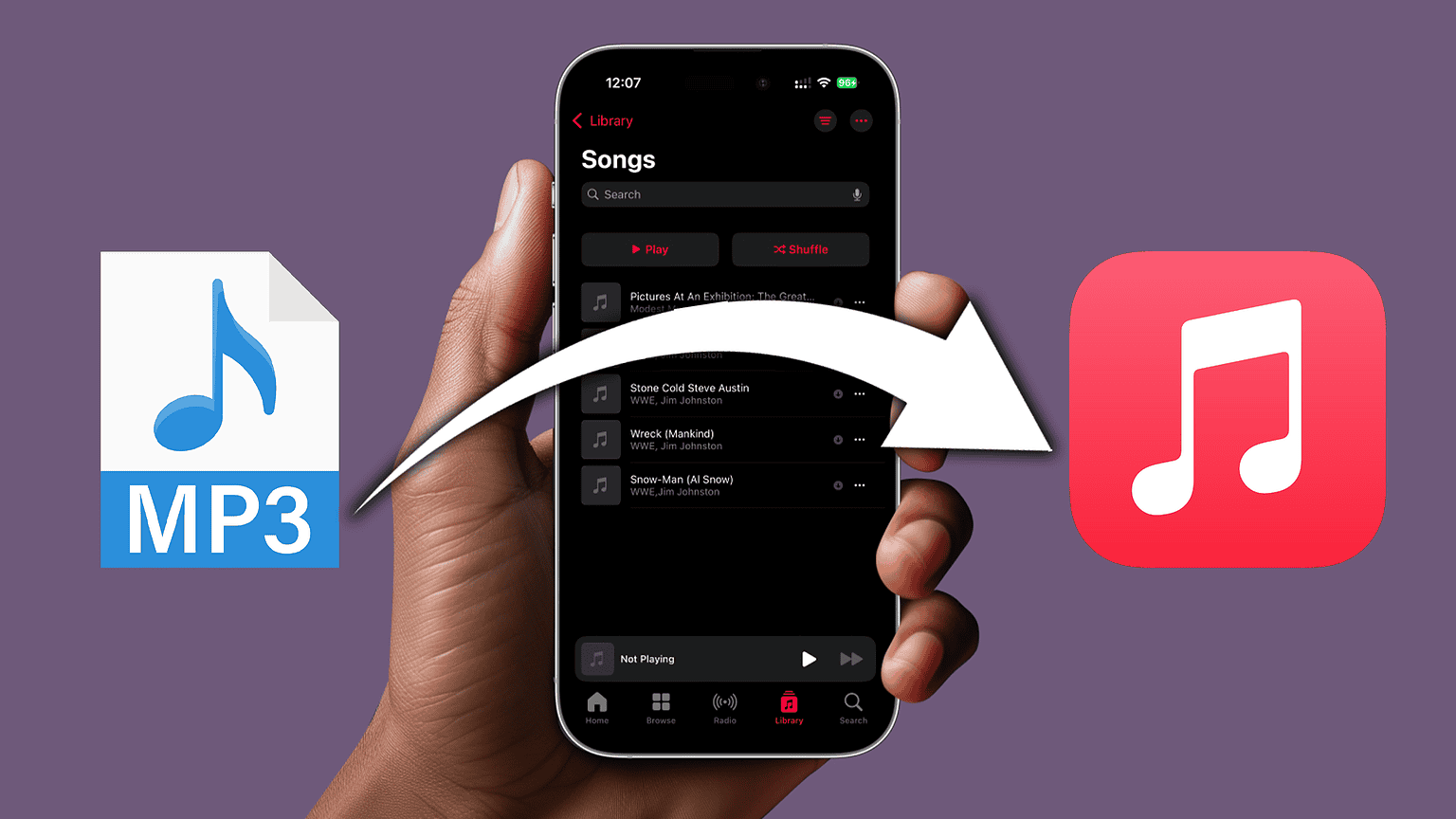
Another popular option for the budget-conscious is using free apps like Spotify (with a premium trial) or YouTube Music. These let you download songs for offline listening, but remember, you’ll need to keep the subscription active to keep them. If you’re into older tech, you can even rip a CD and transfer it over—it’s a fun little project that feels surprisingly rewarding.
To get started, first decide where you want your music to live. If you’re already paying for a streaming service, just check if downloads are included in your plan. If not, start by buying a single song from the iTunes Store to test the process—it’s quick and painless. Make sure your iPhone has enough storage; you can check this in Settings > General > iPhone Storage, and delete any apps you don’t use to make room.
A handy tip for beginners: create a “Downloads” folder in your Music app to keep everything tidy. For families, set up a shared playlist called “Car Jam” and take turns adding songs—it’s a great way to discover what everyone loves. And for hobbyists, try downloading a few live versions or remixes; they often sound better offline than streaming does.
Don’t overthink the technical side. The most common mistake is forgetting to turn on Downloads Over Cellular if you’re away from Wi-Fi—just go to Settings > Music and toggle it on. Also, always double-check that your iPhone is updated to the latest iOS, as that prevents weird glitches. With these simple steps, you’ll have your playlist ready in under ten minutes.
Finally, remember that downloading music isn’t just about the files—it’s about the feeling of having your own soundtrack. You’ll never get stuck with silence when you’re in a dead zone, and you’ll enjoy sharing your finds with friends. So grab your phone, pick a few songs, and start building something that’s uniquely you. Happy listening!
:max_bytes(150000):strip_icc()/003_how-to-sync-your-itunes-music-library-to-the-iphone-2438724-5bad3bf9c9e77c00260348ab.jpg)

![How to Download MP3 Songs from YouTube to iPhone [New!]](https://www.fonepaw.com/static/media/ios-tricks/youtube-music-download-on-iphone.jpg)