How Do I Ship An Item I Sold On Ebay

You did it! You finally sold that vintage lamp that’s been collecting dust since 2015, or maybe those jeans that are slightly too tight. That little “Sold!” notification is a fantastic rush—like finding a forgotten $20 bill in your winter coat. But then reality hits: you have to actually package this thing and get it to a stranger. Cue the mild panic, right?
Take a deep breath. Shipping an item on eBay is not rocket science, and it’s definitely not as scary as assembling IKEA furniture. It’s really just a three-step dance: box it up, slap a label on it, and hand it off. Once you do it a couple of times, you’ll feel like a logistics wizard, I promise.
Step 1: The “Burrito” Method of Packing
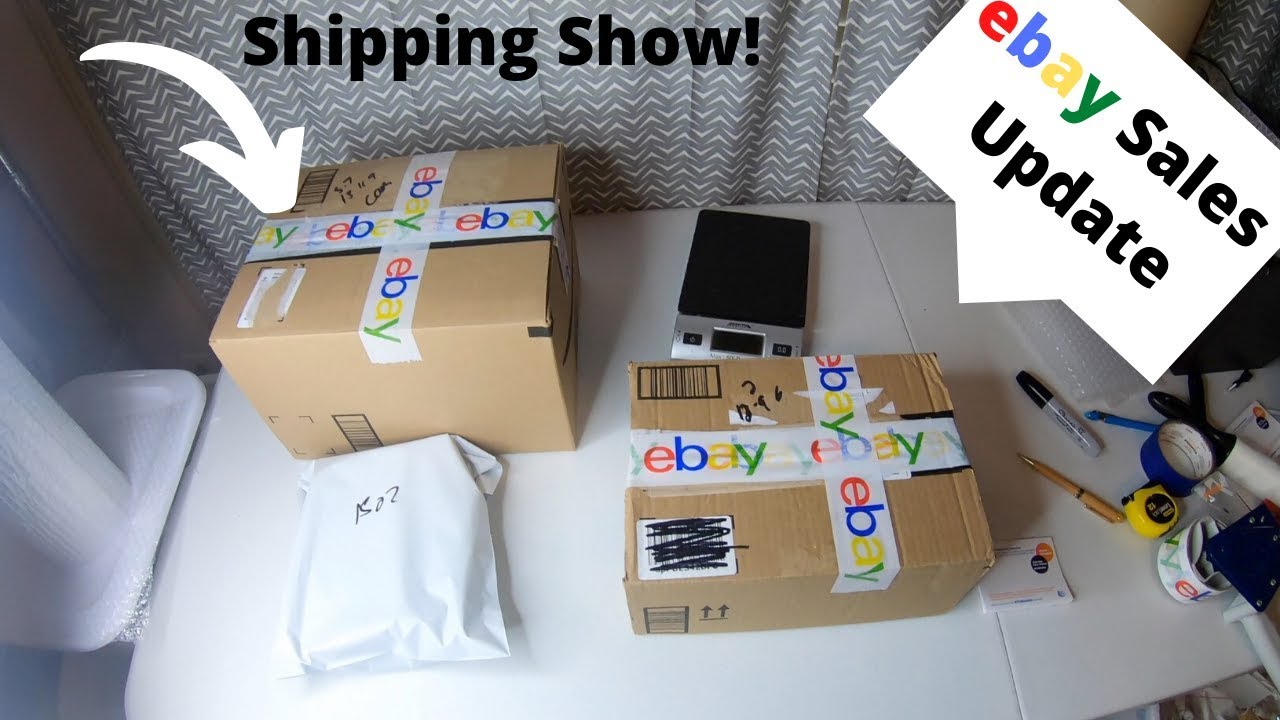
First, you need to find a box. Don’t overthink this—an old Amazon box is perfect, just make sure to cover up any old barcodes with a black marker. Think of your item like a delicate burrito; you want it snug, but not squished. Protection is everything, so use bubble wrap, packing paper, or even clean socks in a pinch (hey, whatever works!).
Must Read
Your goal is to make sure that when the postal worker plays “toss the package” (and they will), your item survives a 10-foot drop. If you shake the box and hear anything rattling, open it back up and add more padding. A little tape goes a long way—use the heavy-duty stuff, not that decorative washi tape. That’s for scrapbooking, not for shipping a ceramic teapot.
Step 2: Printing the Label Is Your Superpower
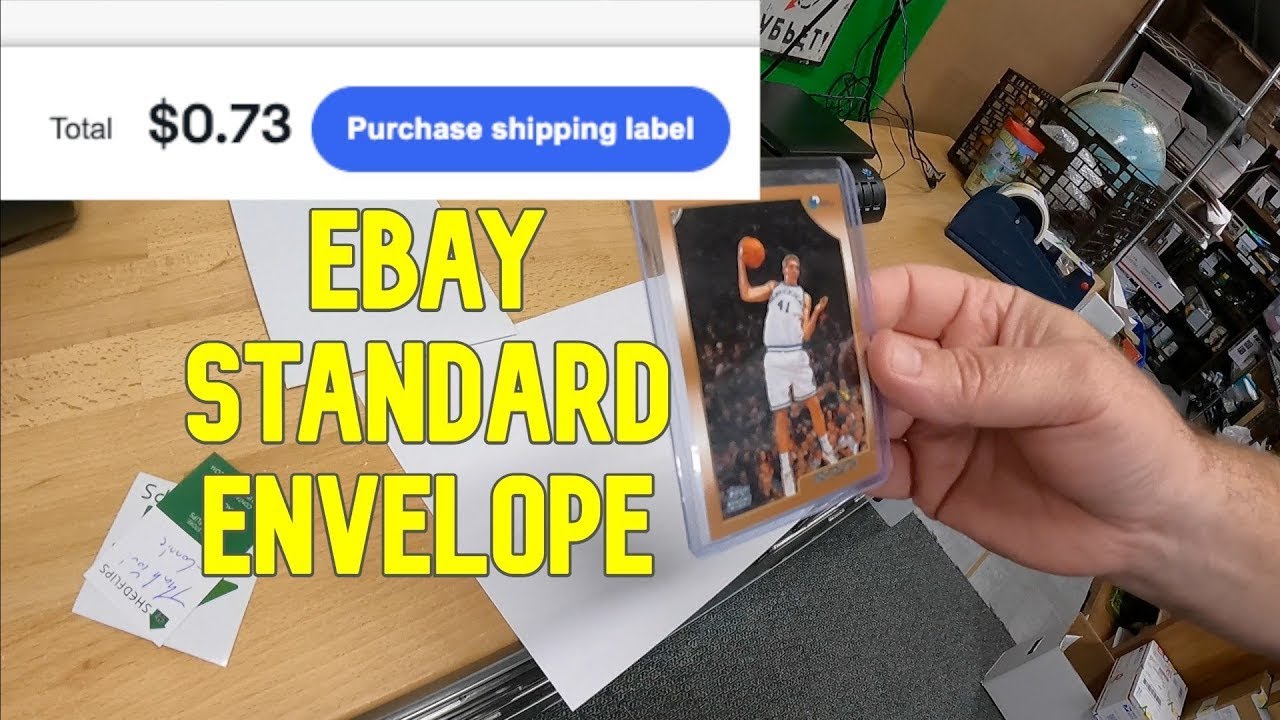
Now, here’s the magic trick that makes it all easy: print the shipping label directly from eBay. When you go to your “Sold” orders, hit the “Print Shipping Label” button. You’ll see the buyer’s address already filled in, and eBay gives you a decent discount compared to walking into the post office and paying full price.

You don’t even need to know how much it weighs exactly. Just pop the box on your bathroom scale, round up a little, and enter that number. If you don’t have a printer, no stress—you can get a QR code and have the post office print it for you. Just make sure you don’t use the “flat rate” box unless you’re actually paying for flat rate postage; otherwise, the post office will give you a very sad look.
Step 3: The Handoff (and the “Ding!”)
You can schedule a free pickup with your mail carrier if you’re busy binge-watching your show, or you can drop it in a blue mailbox if it fits. For bigger boxes, just leave it for your mail carrier—they’re used to it. The best part? The moment that carrier scans the label, your buyer gets a notification, and you get that lovely “Shipped” status on your dashboard.

Let’s talk about the elephant in the room: What if I mess up the address? You won’t, because eBay auto-fills it for you. What if the box is too big? Double-check the dimensions, but honestly, it’s not the end of the world. The post office charges extra for oversized boxes, but a few bucks lost is better than a broken mug and a sad buyer.
The real secret to happy eBay shipping is communication. Send the buyer a quick message: “Hey! Your vintage lamp is on its way, tracking number below. Thanks again!” It takes ten seconds and makes you look like a pro. Plus, it usually gets you a nice review, which is like a gold star for your seller reputation.
So, stop overthinking it. You’re not shipping a live goat; you’re sending a book or a coffee mug. Grab a box, wrap it like you’re protecting a treasure, print that label, and pat yourself on the back. You just turned clutter into cash, and all it took was a little tape and a trip to the mailbox. You’re basically an entrepreneur now—go celebrate with a coffee.