Can You Add A Line To At&t Online

Have you ever been mid-way through paying your AT&T bill online, only to realize you need to add a line for a new tablet or a family member? It’s a common hiccup, but the good news is that you can absolutely do it yourself without waiting on hold. This little-known feature is a genuine time-saver for anyone who likes to be in control of their own tech setup.
Whether you’re a busy parent juggling three kids’ devices or a hobbyist who loves tinkering with the latest smartwatch, adding a line online is a game-changer. It puts the power right in your hands, letting you skip the phone tree and the dreaded customer service queue. Plus, you can often see promotional deals for new lines that you might miss when talking to a live agent.
For beginners, the process is surprisingly painless because AT&T’s website is built to guide you step-by-step. You don’t need a tech degree or a manual—just a few clicks and a clear idea of which device you want. And for families, this means you can manage everyone’s data plans from one neat dashboard, keeping monthly bills predictable and organized.
Must Read
So, how do you actually do it? First, log into your AT&T account on your computer or the myAT&T app. Navigate to the “Plan” or “Device” section—usually labeled something like “Add a line.” From there, you’ll choose whether you’re adding a phone, a wearable, or even a connected car device.
Here’s a fun variation: you can often add a line without buying a new device. If your old phone is still kicking, you can select “Bring Your Own Device” (BYOD) and just activate a new SIM card. This is perfect for testing a second number for work or giving a teenager a hand-me-down phone with their own line.

Another cool option is adding a line for a smartwatch or a hotspot device. These “connected” lines are usually cheaper than full phone plans, and they share your existing data pool. So, if you’re a runner who wants music without a phone, or a remote worker needing backup internet, this is a smart, low-cost add-on.
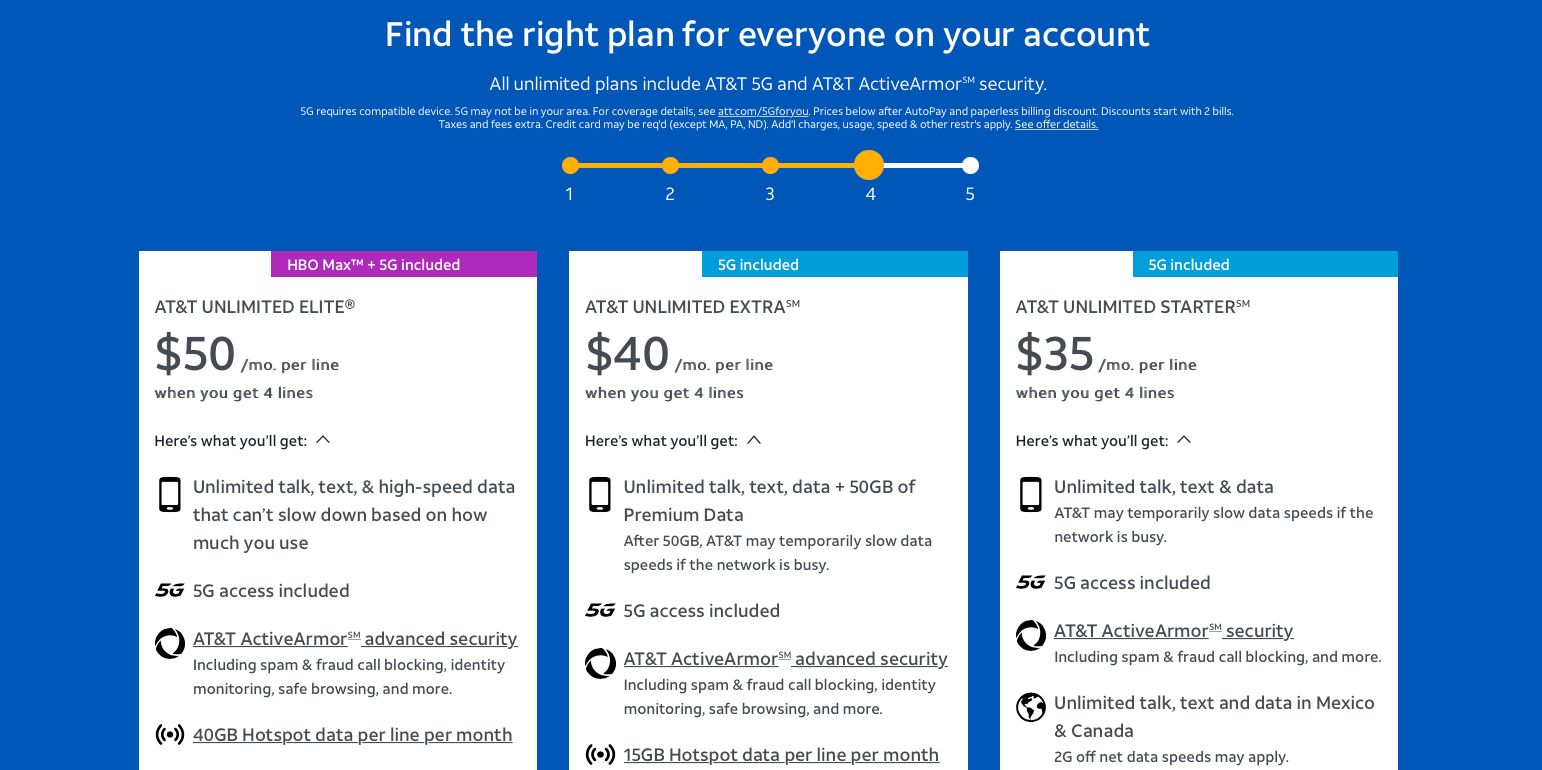
Before you dive in, keep a few practical tips in mind. Check your current plan to ensure it supports additional lines—some older plans have limits. Also, have your payment method ready for the activation fee, which is usually around $30 to $35.

One more tip: look for seasonal promotions before you hit “submit.” AT&T often runs deals on new lines during back-to-school or holiday weekends, offering discounted devices or extra data. A quick five-minute search could save you serious cash.
If you get stuck, AT&T’s live chat is your best friend—it’s faster than calling and lets you stay on the same screen. Just remember to have your account PIN handy, as they’ll ask for it to verify your identity. And don’t worry if you make a mistake; you can usually cancel the add-on within 24 hours without penalty if your plan allows it.
At the end of the day, adding a line online is one of those small digital wins that makes life a little easier. It’s quick, it’s empowering, and it saves you the headache of scheduling a call. So next time you need a new number, skip the phone anxiety and enjoy the smooth, click-by-click journey yourself.