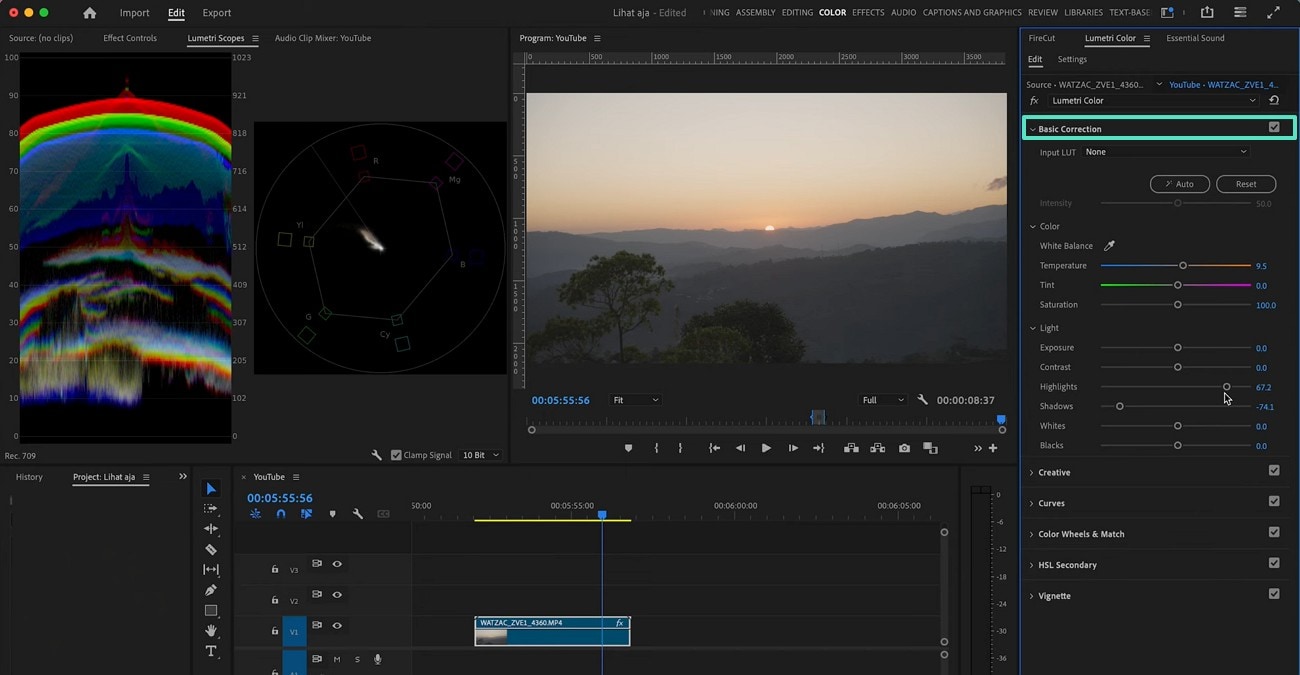
Best Lumetri Presets Premiere Pro

Let’s be honest—you’ve probably spent more time fiddling with color wheels than actually editing your footage. We’ve all been there, staring at a timeline that looks flat and dull, wondering why your vlog doesn’t glow like your favorite YouTuber’s. The secret isn’t magic; it’s the best Lumetri presets for Premiere Pro, and they’re about to become your new best friend.
Why Presets? Because Your Time Is Precious
You didn’t buy Premiere Pro to become a color scientist. You bought it to tell stories, make people laugh, or capture a stunning sunset without crying over a teal-and-orange slider. Lumetri presets are one-click mood boosters that instantly fix exposure, boost contrast, and inject cinematic soul into even the most mundane clip of your cat.
Think of them as a film director’s cheat code—except you don’t need a $50,000 camera to use them. They’re literally just saved looks, but they feel like magic. And the best part? You can stack, tweak, and remix them until they scream you.
Must Read
The Holy Trinity: Cinematic, Moody, and Vibrant
First up, the cinematic blockbuster look. These presets crush your blacks, soften highlights, and add a subtle anamorphic flare that makes your talking head feel like a Marvel trailer. Pair one with a slow zoom, and suddenly your grocery haul video has gravitas—no cape required.
Then there’s the moody, indie-film vibe—think faded shadows, muted greens, and a touch of grain. Perfect for rainy-day coffee shop B-roll or that deep, philosophical voiceover about your plant dying. It’s not sad; it’s artistically melancholic, darling.
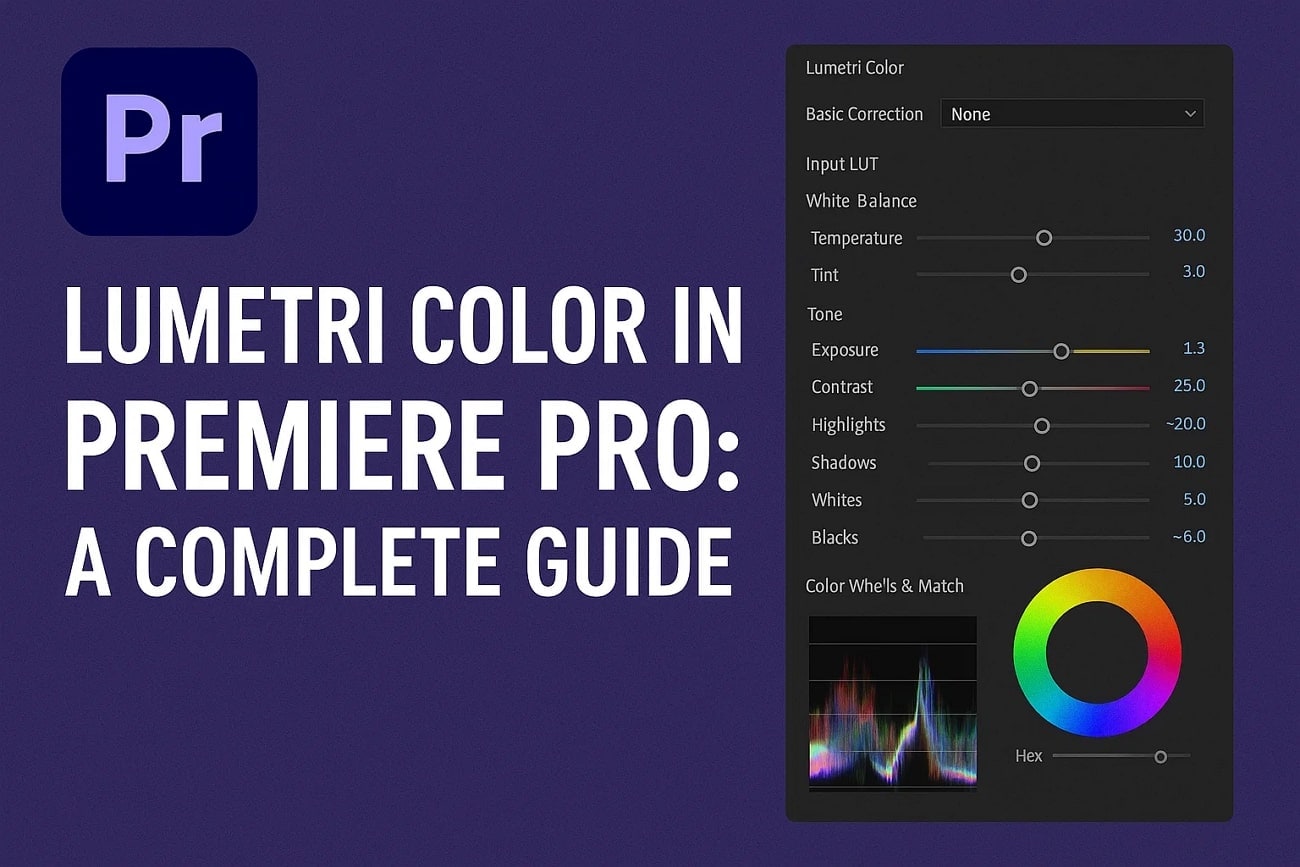
Finally, the vibrant, punchy social media look. This is your Instagram-reel lifesaver: boosted saturation, crisp whites, and skin tones that glow without looking like an Oompa-Loompa. Your travel clips will pop so hard, viewers will swear they can feel the ocean spray.
How to Find the Best (Without Losing Your Mind)
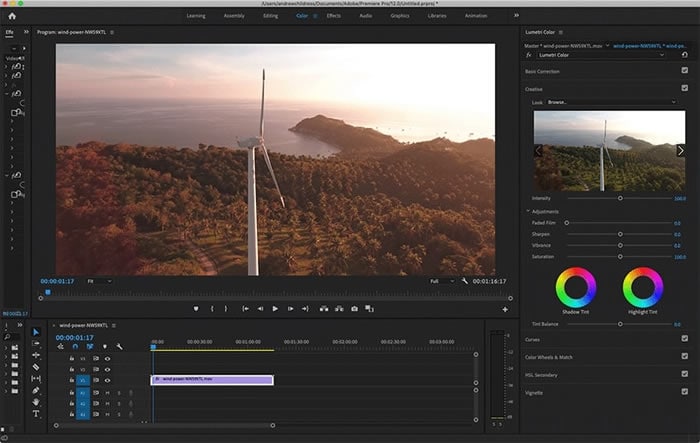
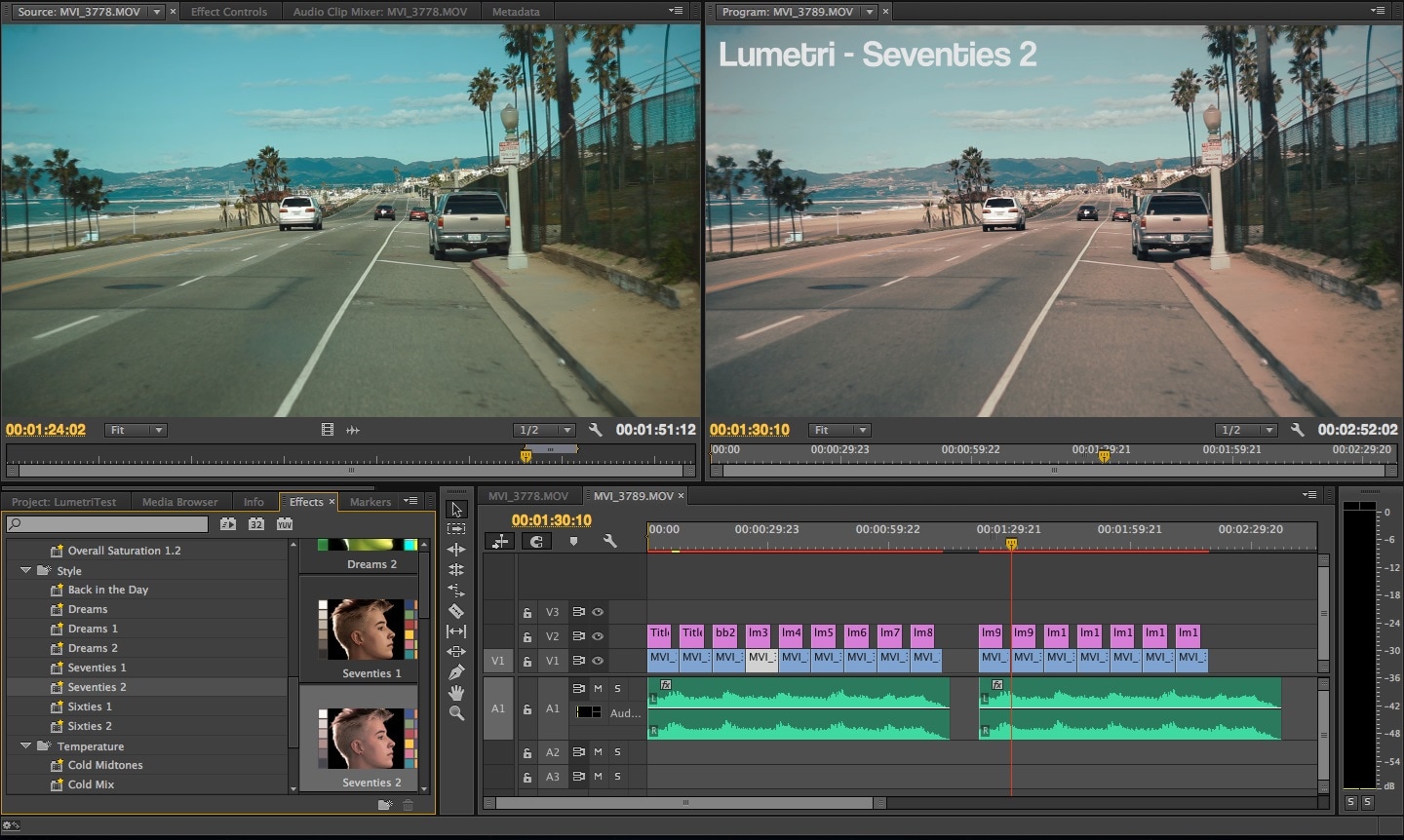
You don’t need to download 500 presets from a shady forum. Start with the built-in Lumetri Looks in Premiere—they’re free, hidden in the “Creative” tab, and surprisingly decent. Then, check out trusted creators like CineColor or Olufemii—they offer affordable packs that are literally dragged-and-dropped into your project.
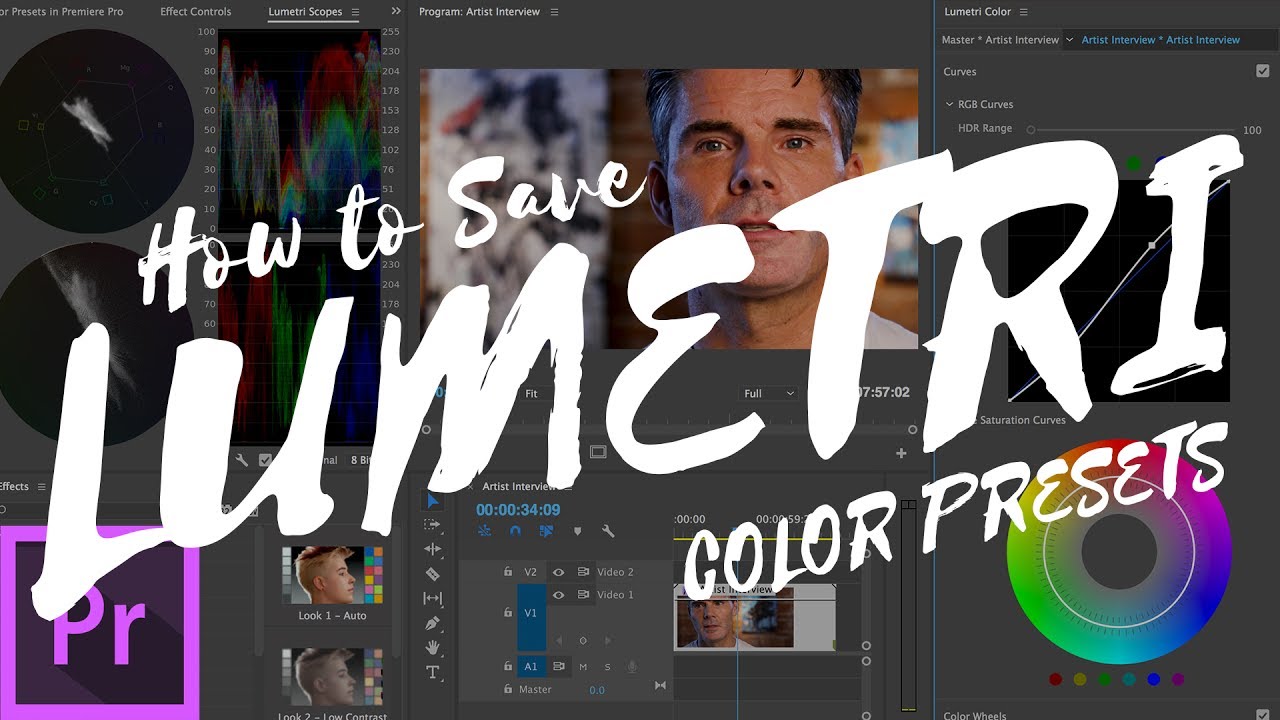
Here’s a pro tip: always adjust the intensity slider to around 50-70%. A preset at 100% can look like a radioactive crayon, but at half strength, it becomes a subtle, professional grade. You’re not a robot—you’re a director with taste.
Make It Fun: Experiment Like a Kid with Crayons
The real joy? Breaking the rules. Use a “teal & orange” preset on a snowy landscape. Apply a vintage 16mm preset to your GoPro footage of a skateboard trick. The worst that happens is you laugh, hit undo, and try another one. There’s zero risk, only creative giggles.

Challenge yourself: take one clip and cycle through every preset you own, just to see what feels weirdly cool. You might discover that a horror-movie green look is actually perfect for your cooking show. Yeah, really.
Your Footage Deserves a Glow-Up
Here’s the uplifting truth—you already have good footage. You shot it with your eye, your heart, and your phone or camera. The preset isn’t fixing a mistake; it’s unlocking the mood that was already there. It’s like giving your clip a cozy blanket and a cup of tea after a long day.
So go ahead, open Premiere, drag a preset onto your timeline, and watch your story suddenly feel right. You’ll smile, hit play for the tenth time, and think, “I did that.” And you did—with a little help from a few sliders and a world of possibilities. Learning this stuff makes life more fun because it turns boring chores into a playground of color, light, and emotion. Now go make something that makes you proud. You’ve got this—and your next edit is about to look legendary.