Best App To Recover Deleted Files
We’ve all been there—that split-second of panic when you realize the file you needed is gone, vanished into the digital ether. Whether it’s a misplaced family photo, a crucial work document, or a semester’s worth of notes, deletion feels like a punch to the gut. The good news? Your data isn’t always truly gone, and with the right tool, you can often pull it back from the brink.
Think of your phone or computer’s storage as a library. When you delete a file, you’re not burning the book; you’re just removing it from the catalog. The “pages” still exist until new data writes over them. That’s why recovery apps are so powerful—they scan those forgotten shelves and restore what you thought was lost.
For everyday life, this is a lifesaver. Imagine accidentally deleting a year’s worth of baby photos from your phone, or losing the only copy of a contract before a big meeting. These apps aren’t just for tech wizards; they’re for anyone who has ever felt that cold sweat of regret. They give you a second chance, and that peace of mind is priceless.
Must Read
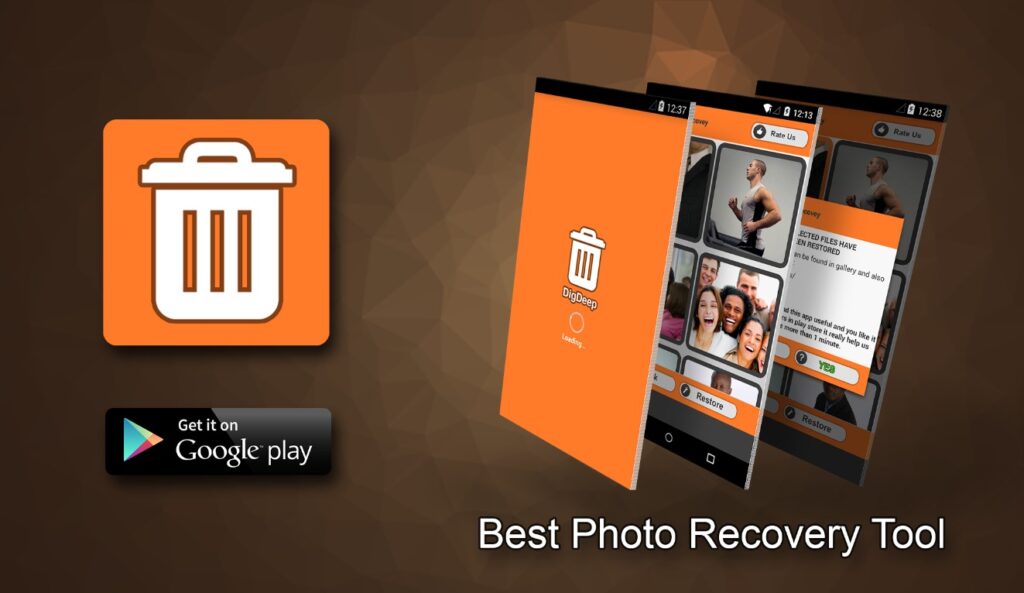
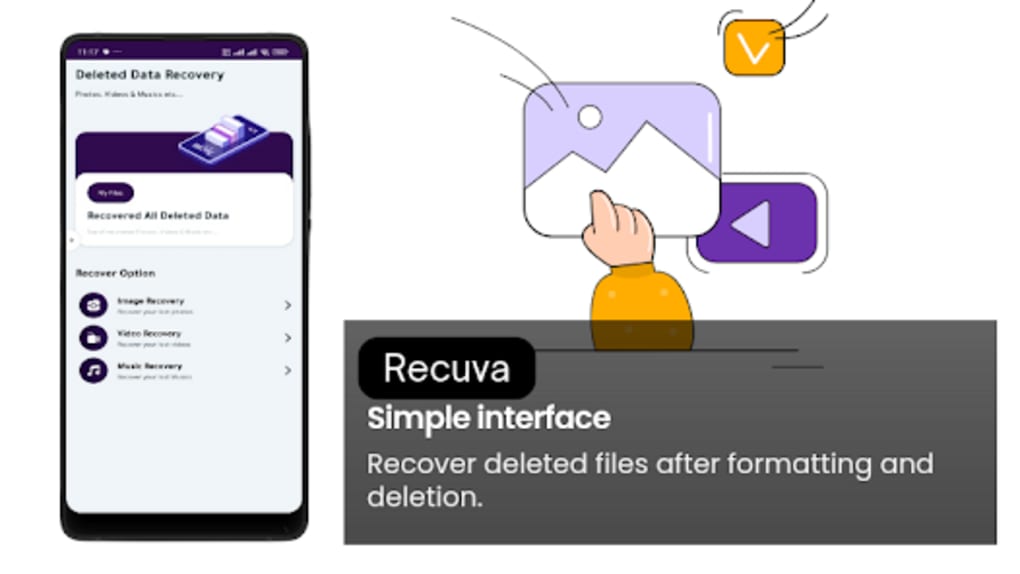
Now, which app should you trust? For Android and iOS, DiskDigger is a fan favorite because it digs deep without needing a computer. For PC and Mac, Recuva is the classic free go-to, while Stellar Data Recovery offers a more polished, feature-rich experience for complex cases. Each works by scanning storage sectors, and the best part is most offer a free trial to test the waters.
The trick is knowing where the app shines. Use DiskDigger for accidental photo deletions right from your phone. Turn to Recuva when you’ve emptied your Recycle Bin on Windows and need a quick save. And if you’ve formatted a memory card by mistake, Stellar’s deeper scan will often find files you thought were unrecoverable. These aren’t just utilities—they’re your personal time machines.
To get the most out of any recovery app, stop using your device immediately after the deletion. Every new photo, text, or download can overwrite the space your lost file occupied, making it truly unrecoverable. Put your phone in airplane mode or disconnect the drive, and act fast—speed is your best friend here.
Another pro tip: always save recovered files to a different location than where they came from. Save them to a cloud service, an external drive, or a separate folder. This prevents the recovery process from accidentally ruining the very data you’re trying to rescue. It sounds counterintuitive, but it’s the golden rule.
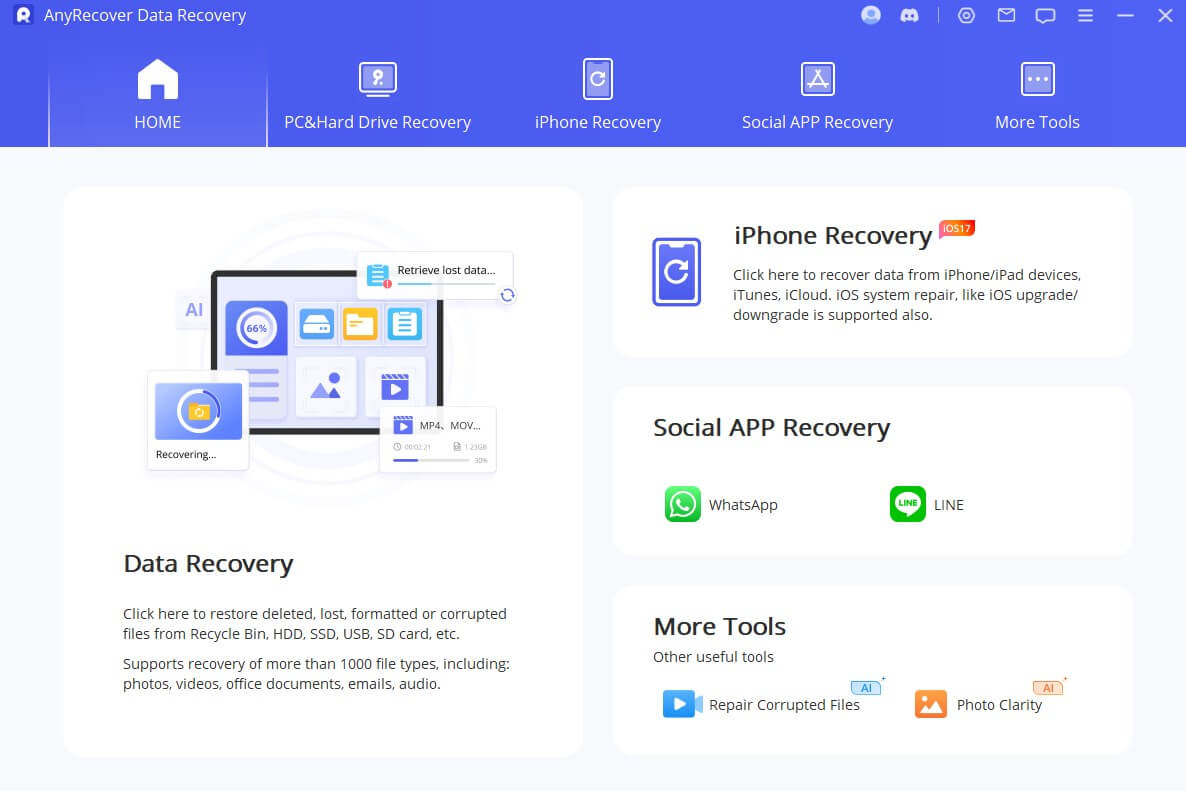
Don’t fall for the myth that you need root access on Android or a perfect setup on PC. Most modern apps work on standard, unmodified devices. Just download the app, grant the required permissions (usually storage access), and let the scan run. The interface is usually a simple “scan” button, so even your grandma can do it.
Finally, set up a habit of regular backups—yes, you’ve heard it before, but it matters. Use Google Photos, iCloud, or an external hard drive to create a safety net. Even with the best recovery app, prevention is the ultimate win. But when life throws you a deletion curveball, know that a good recovery app is your safety net, ready to catch your data before it hits the ground.
So, next time you panic-delete a file, take a breath, download a trusted recovery app, and give yourself a fighting chance. Your digital life is more resilient than you think, and with a little patience and the right tool, you’ll be back to normal in minutes.