Activating New Iphone 13 Verizon
Okay, let’s be real for a second. You’ve just unboxed that shiny new iPhone 13, peeled off the plastic like it’s a precious gift, and inhaled that glorious “new phone” smell. Then it hits you—the slight panic when you realize you have to actually set this thing up with Verizon. It feels a bit like being handed the keys to a sports car but being told you need to learn stick shift first.
But take a deep breath, friend. This isn’t a tech support nightmare; it’s more like making toast. You’ve got this, and I promise it’ll take less time than brewing your morning coffee. Let’s walk through this together like two pals chatting over the kitchen counter, not like a user manual.
The “Old Phone to New Phone” Dance
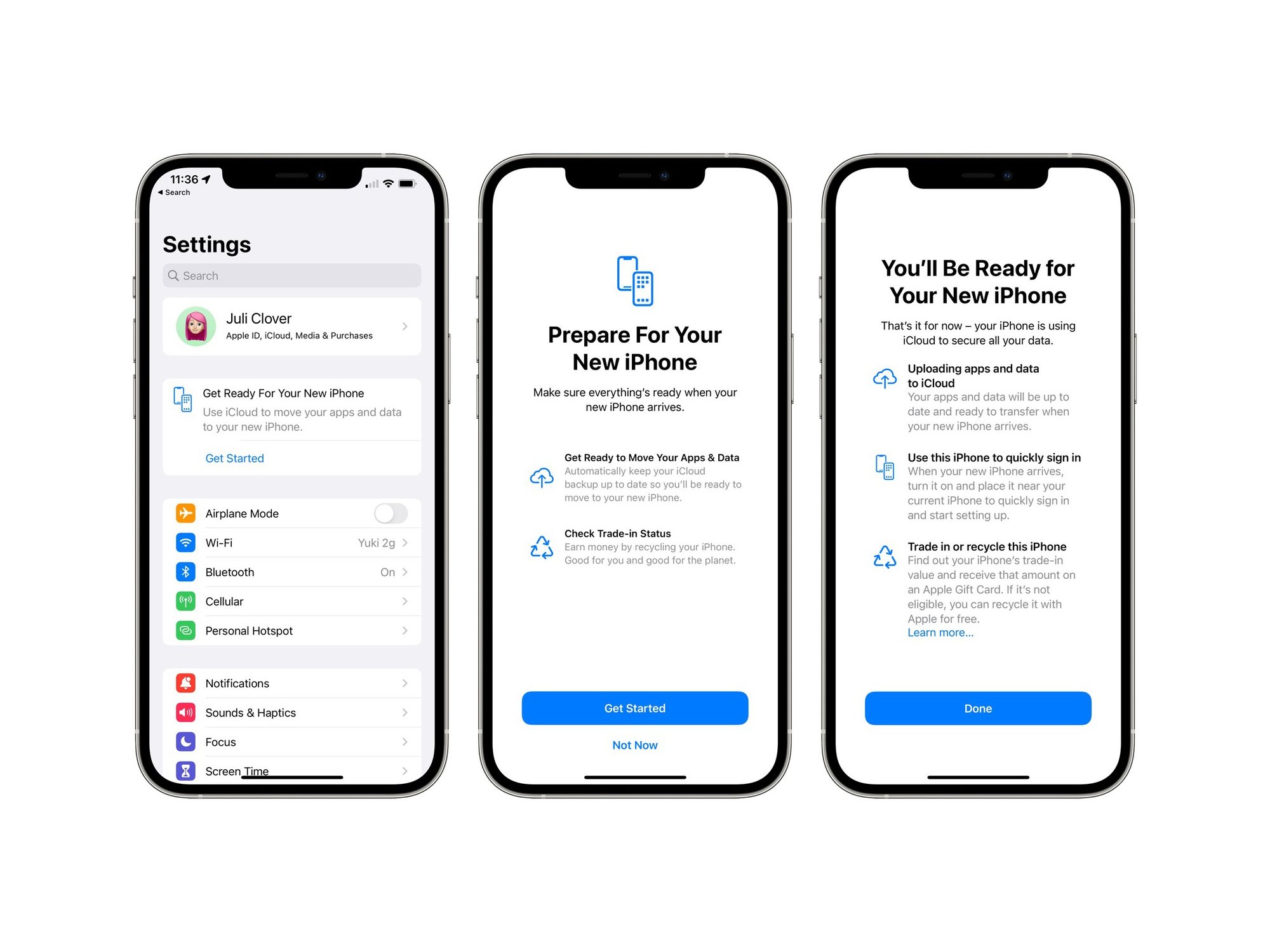
First things first, grab your old phone and your new iPhone. You know that feeling when you’re moving to a new apartment and you just want all your stuff magically placed in the right drawers? That’s exactly what the “Quick Start” feature does for your contacts, photos, and apps.
Must Read
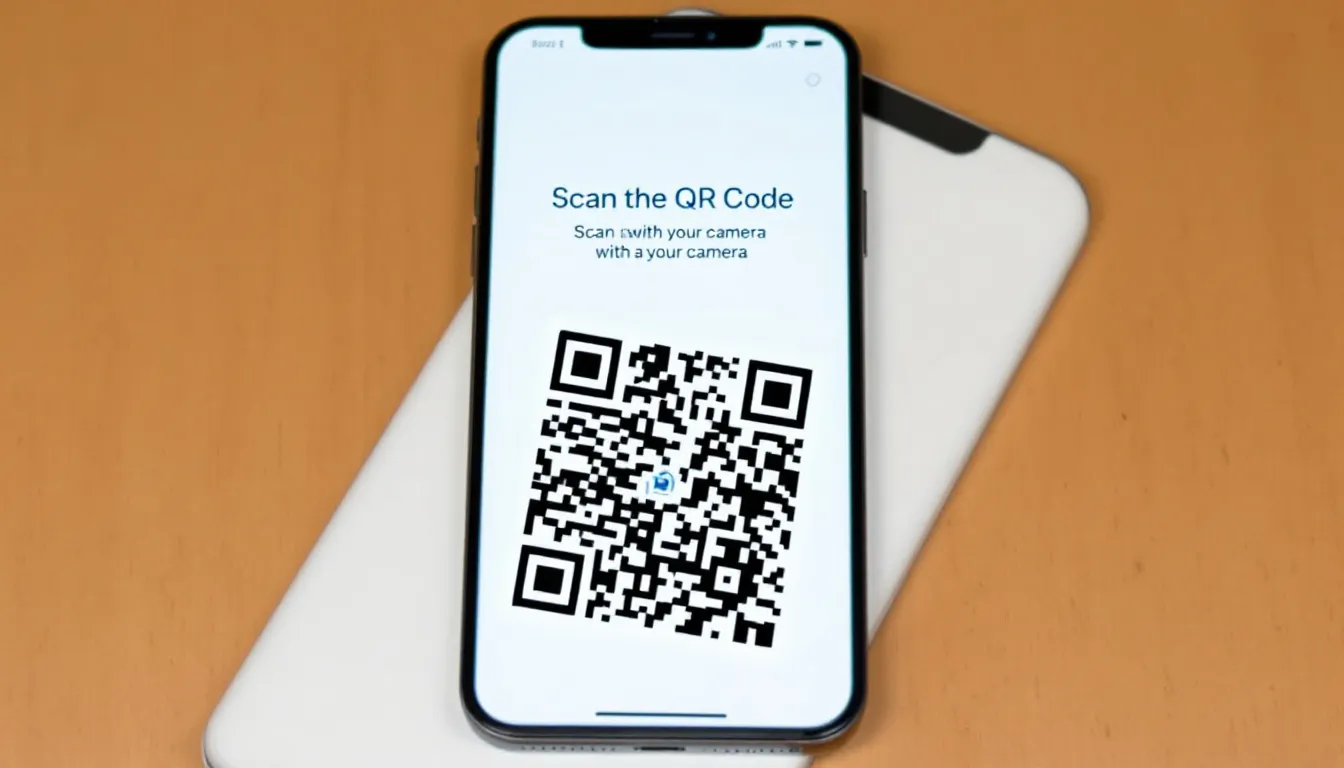
Just put your old iPhone next to the new one, and a cute little animation will pop up on the new screen. It’s like they’re introducing themselves and becoming best friends. Follow the prompts, point your old camera at the swirl on the new screen, and you’re basically 80% done. No wires, no fuss, just pure digital magic.
When Verizon Asks for Its “Hello”
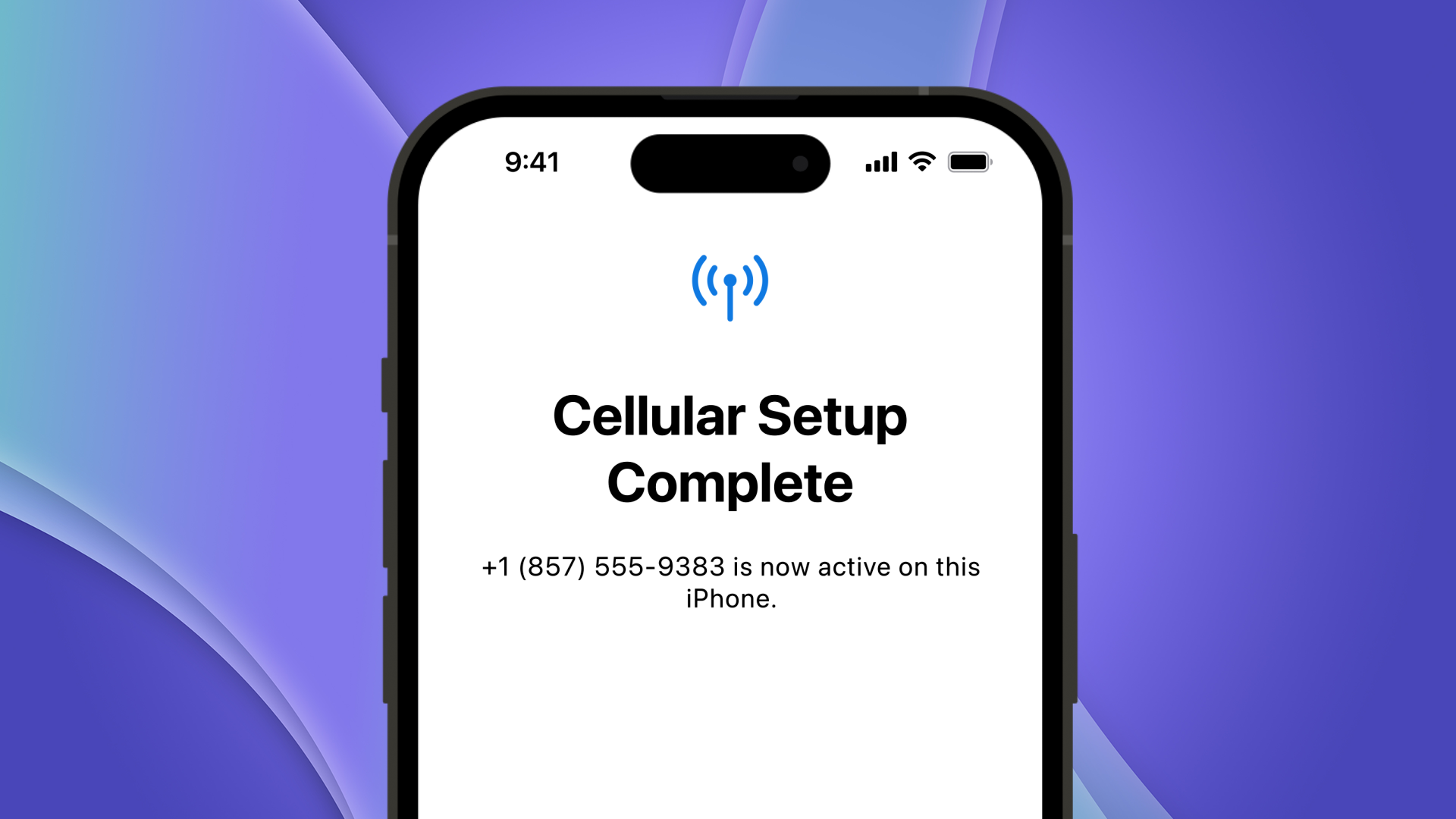
Now, here’s where Verizon comes into the picture. If you’re setting up from scratch (no old phone to copy), you’ll be asked to activate cellular service. This is simply your phone saying, “Hey, Verizon, I’m here! Let’s talk to the world.” You’ll need your account number or just your phone number and maybe a PIN. Don’t worry if you don’t have it memorized—it’s okay to dig through that messy drawer of bills.
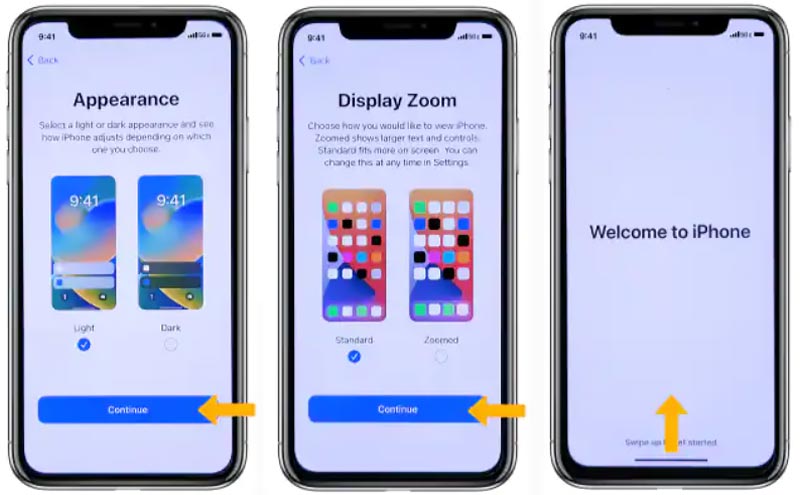
The easiest route? Honestly, it’s the My Verizon app. Download it, sign in, and there’s usually a prompt that says “Activate or Switch Device.” It’s like ordering a pizza online—way less stress than calling and being on hold while listening to elevator music. And if the app still feels like too much, you can always just power on the iPhone and let it do its thing while connected to Wi-Fi. The phone often just knows what to do.
The Moment of Truth (and Wi-Fi)
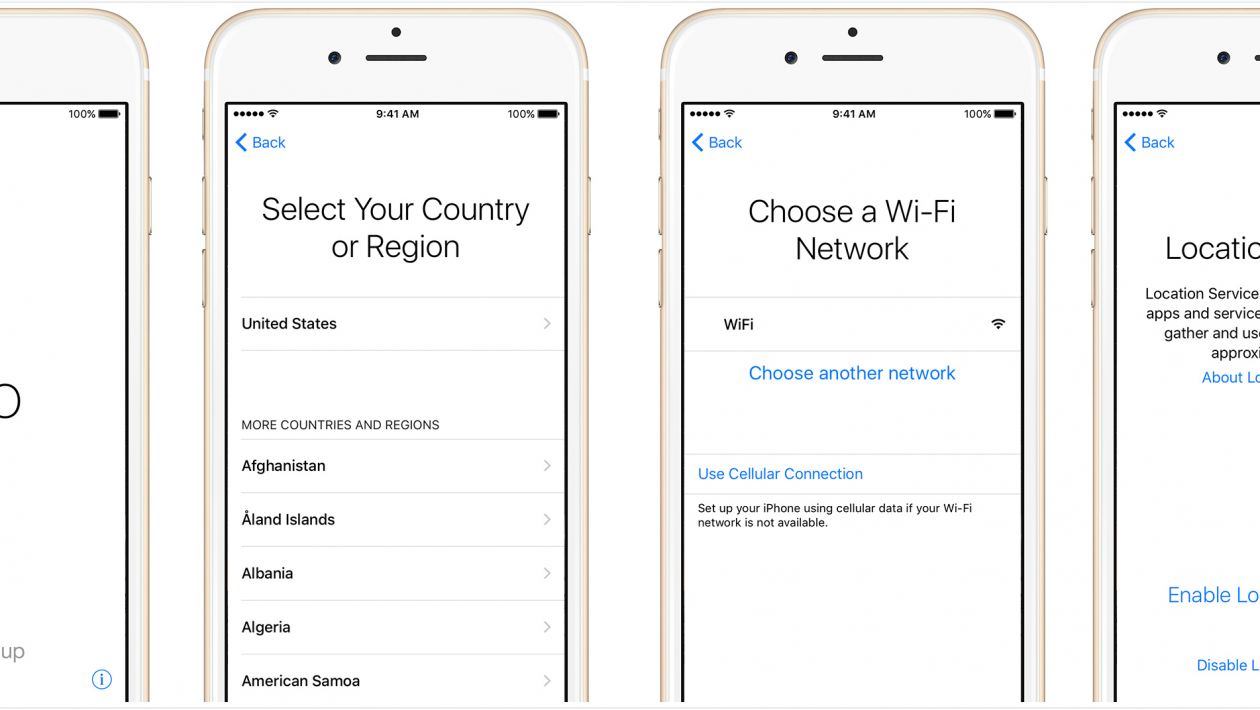
Here’s a tiny secret that saves a ton of headaches: Make sure you’re on a solid Wi-Fi connection during the first boot-up. Think of Wi-Fi as the training wheels for your new phone. It helps download all the important stuff without gobbling up your precious data plan.
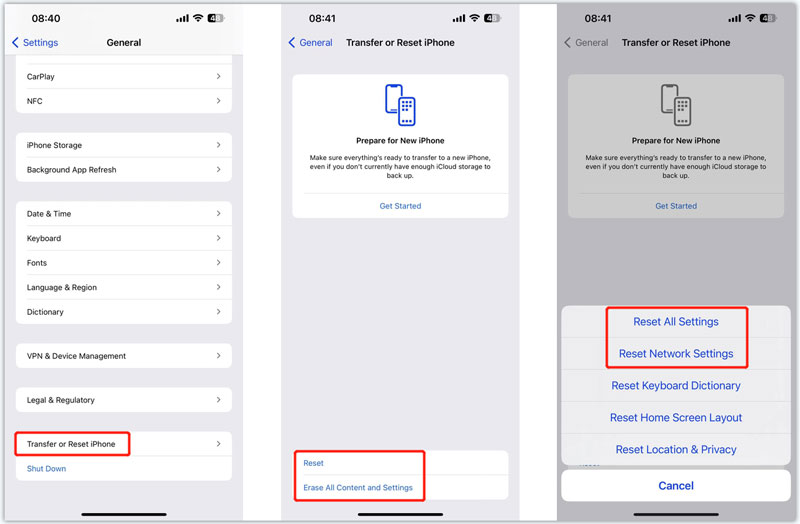
You might see a “Verizon” logo flash on the screen, and then... silence. That’s normal. It’s like the phone is thinking, “Okay, I’m home.” Give it a few minutes. If it asks for your billing zip code, that’s the same one from your last Verizon bill. It’s a super common step, and getting it right feels like unlocking a level in a video game.
Why Bother Even Caring?
I know this sounds like tech admin, but here’s why you should care: a properly activated iPhone 13 is the difference between doom-scrolling and actually connecting. When it’s all set up, you get those gorgeous 5G speeds for watching ridiculous cat videos at the park. More importantly, you get the peace of mind that your mom can reach you, and you can use that amazing camera to capture your lunch without a hitch.
So go ahead, do the little dance. In ten minutes, you’ll be texting your friends, taking silly photos, and wondering why you were ever worried. You’re not just turning on a phone; you’re unlocking your digital life, and it feels wonderfully easy.