Best Memory Card Recovery Software
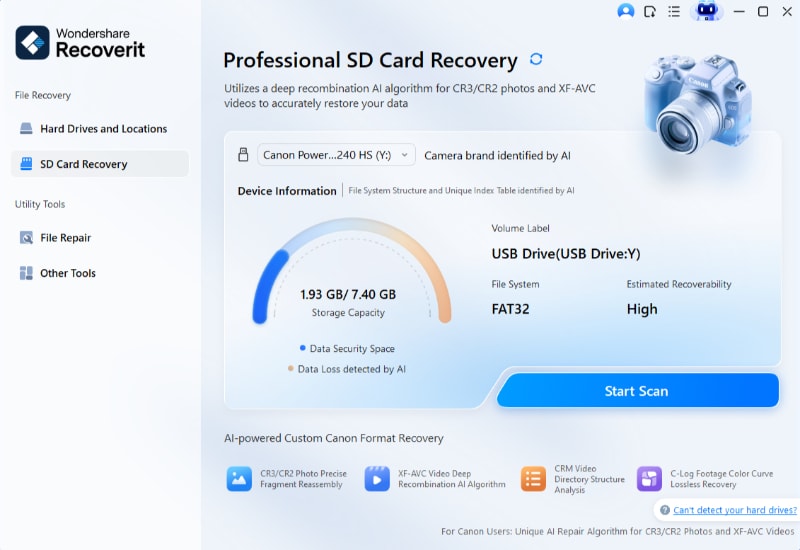
Let’s face it: that sinking feeling when your camera says “card error” is the worst. We’ve all been there, with a memory card full of holiday snaps, birthday parties, or that perfect sunset. The good news is that recovering those precious files is often a simple DIY project, not a trip to a pricey specialist.
Memory card recovery software is like a digital detective for your photos and videos. It scans the card’s hidden corners and brings back files that seemed gone for good. This isn’t just for tech wizards—it’s a lifesaver for anyone who uses a phone, camera, or drone.
For beginners, it’s the ultimate safety net after a clumsy delete. Families will love it for rescuing irreplaceable kids’ moments or grandma’s 80th birthday footage. And hobbyists—think vloggers or birdwatchers—can breathe easy knowing a corrupted card won’t kill their creative project.
Must Read
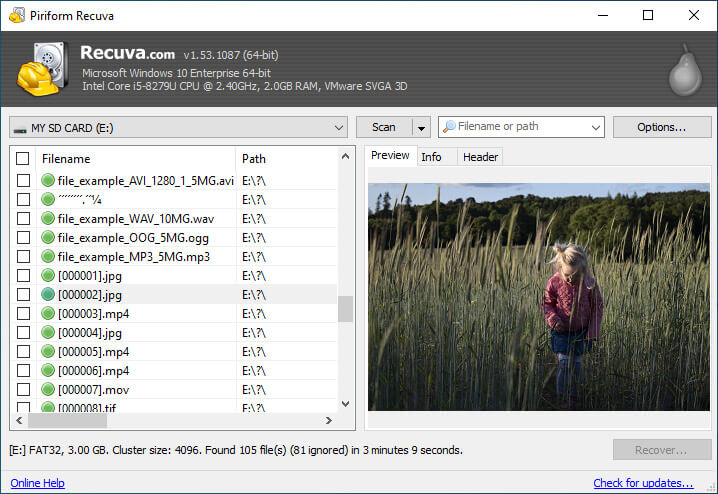
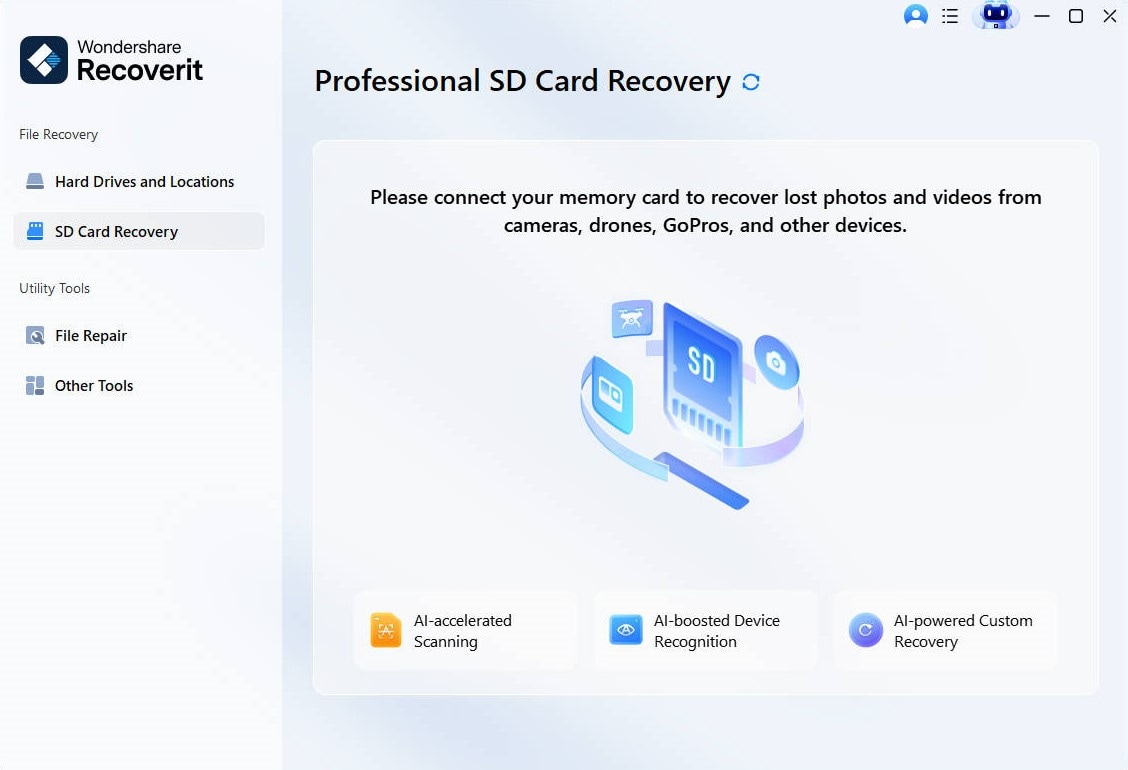
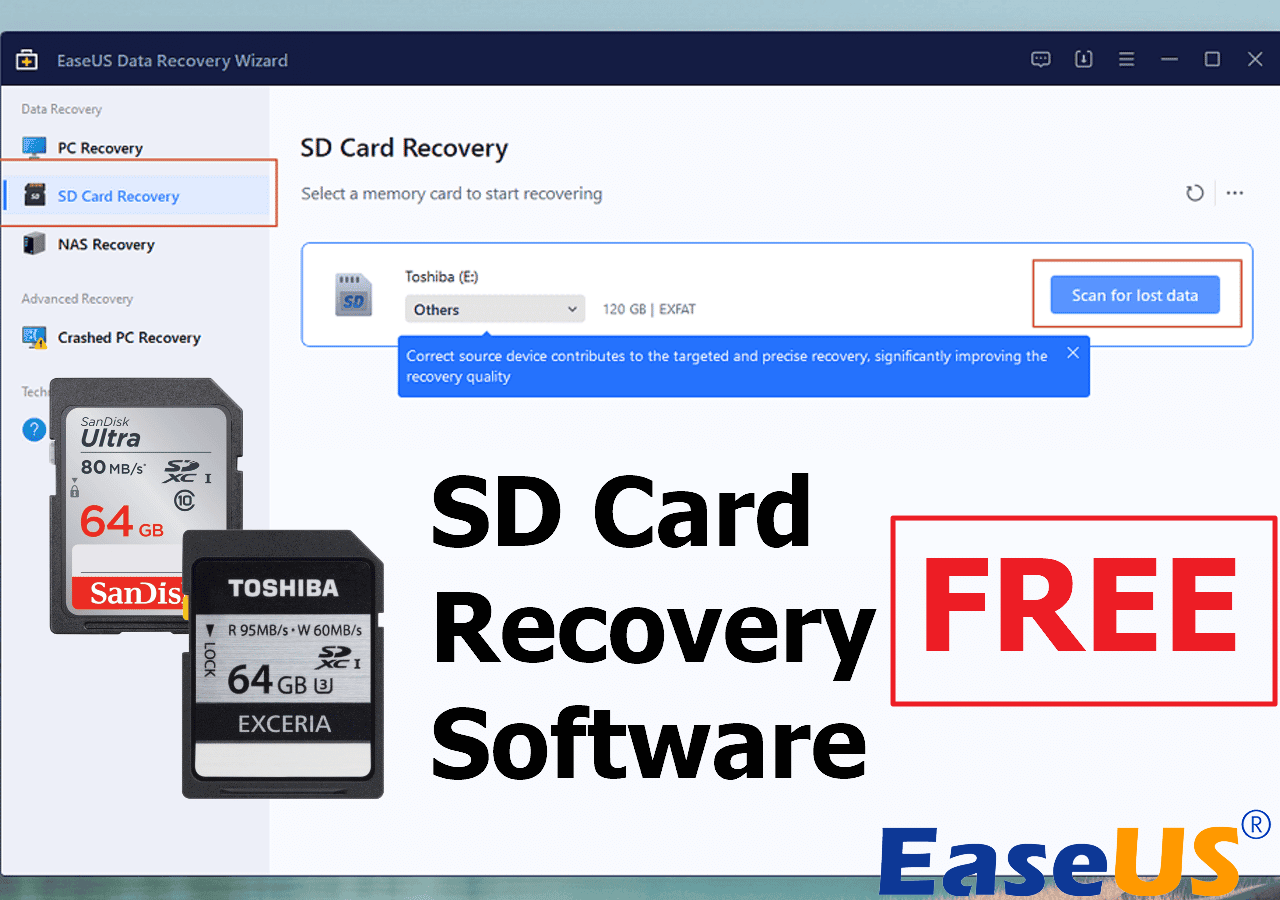
You’ll find two main types of tools: free ones for quick rescues and paid versions with extra muscle. Free options like PhotoRec or Recuva are perfect for a few lost JPEGs. Premium tools like Stellar Photo Recovery or Disk Drill offer deeper scans and better support for video files, which is a bonus for serious shooters.
Let’s say your SD card from a hiking trip suddenly shows zero files. A good program will still detect the raw data and rebuild those images, even if the file names are scrambled. It’s like finding a letter in a shredded pile—you might not get the envelope, but the message is intact.
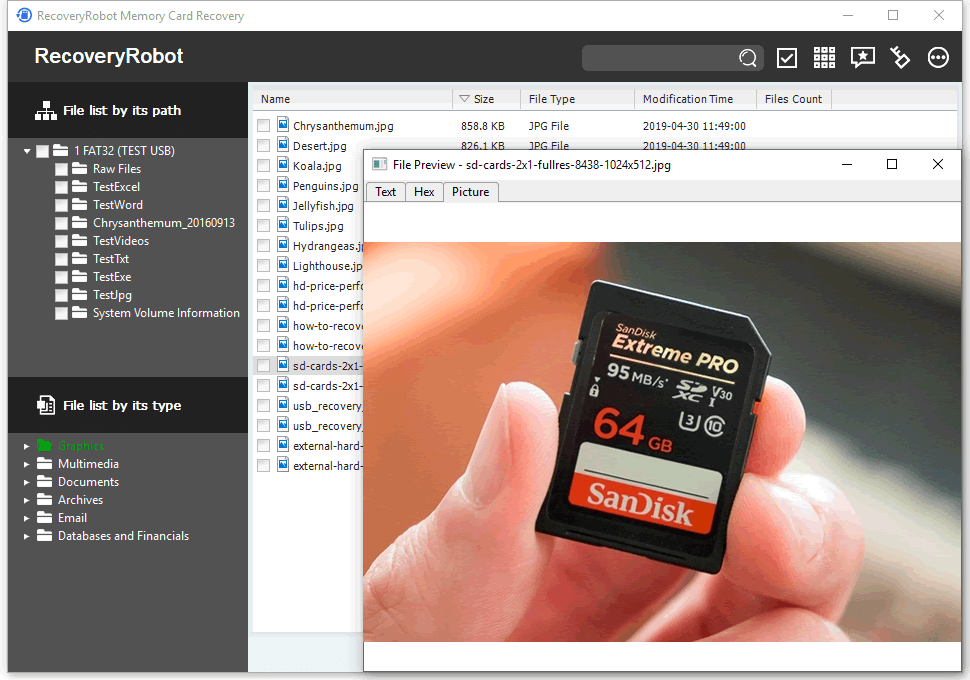
Portrait mode shots, RAW files, or 4K clips? Most modern tools handle all of these, so you’re covered whether you shoot on a Canon or an iPhone. Some even recover audio from voice recorders, which is great for journalists or students recording lectures.
Ready to get started? First rule: stop using the card immediately. Any new photo or video can overwrite the missing files, making recovery impossible. Power down your device, take the card out, and plug it into your computer using a card reader.

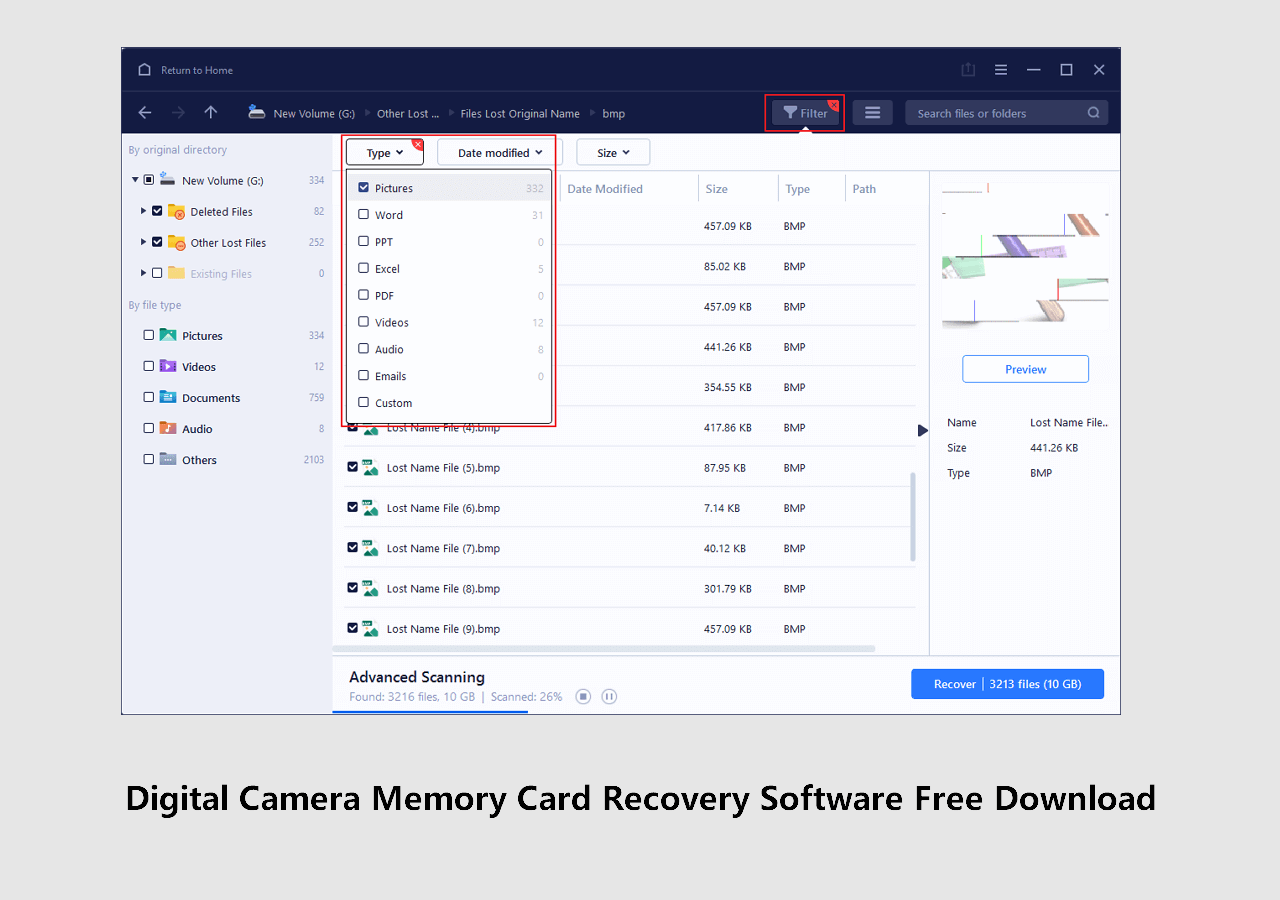
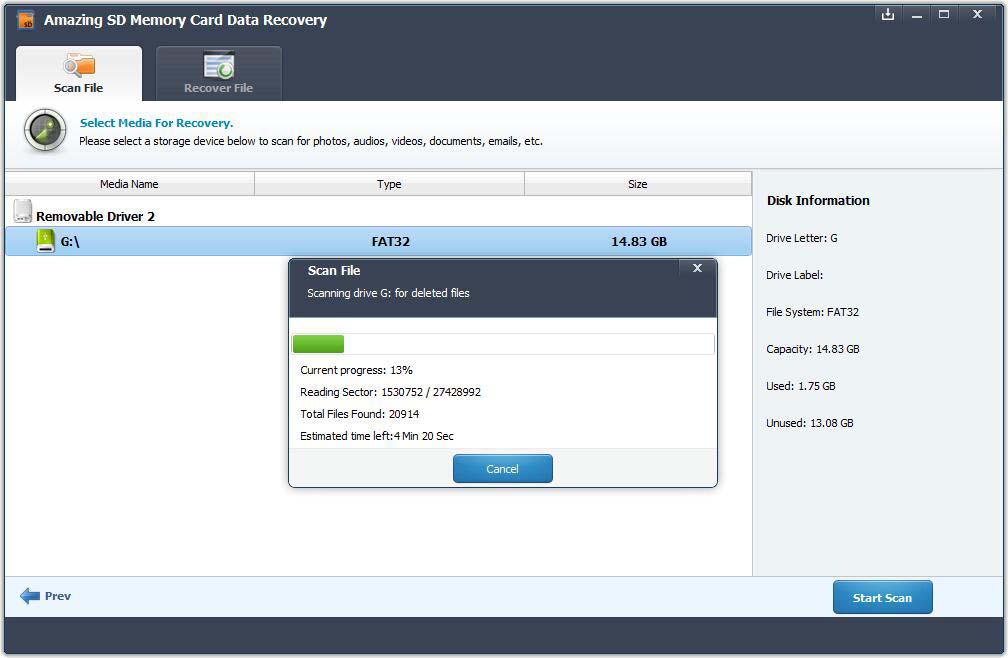
Next, download a well-reviewed program and run a “deep scan” rather than a quick one. Be patient—deep scans can take 20-60 minutes, but they find far more. When the results appear, preview the files to make sure they’re not corrupted, then save them to your computer’s hard drive, not back onto the same card.
One practical tip: keep a spare card in your bag. If you ever suspect trouble, swap cards immediately and deal with the recovery later. Also, back up your memory card to a cloud service or external drive weekly—a little habit that saves a ton of stress.
And remember, not every situation is a success story. If the card is physically cracked or was soaked in water, software won’t help. But for 95% of “oops” moments—accidental deletion, formatting by mistake, or a mid-transfer glitch—these tools work wonders.
The real joy here is the peace of mind. Knowing you can fix a digital disaster makes you braver with your camera, more willing to snap that random photo. It turns a potential panic attack into a “no worries, I got this” moment.
So next time your card acts up, take a deep breath. Grab a trusted recovery tool, follow the simple steps, and watch your memories come back to life. You’ll feel like a hero, and honestly, that’s the best part of this handy little tech trick.