Xfinity Wireless Security Cameras

Let’s be honest—peeking at your front porch from your couch is a little bit addictive. That’s the fun of Xfinity wireless security cameras. You get a live, bird’s-eye view of your world, whether you’re in the backyard or across the country. It’s like having a superpower that turns your phone into a window to home.
These cameras are a hit because they’re genuinely easy for everyone. You don’t need to be a tech wizard to set them up, and they work right out of the box with your home Wi-Fi. For beginners, the app is your best friend—it’s clean, simple, and guides you step-by-step. For families, the value is peace of mind: check on kids arriving from school, see a package drop, or catch the dog’s latest mischief. Hobbyists and DIY types will love tweaking motion zones and custom alerts, turning security into a fun little project.
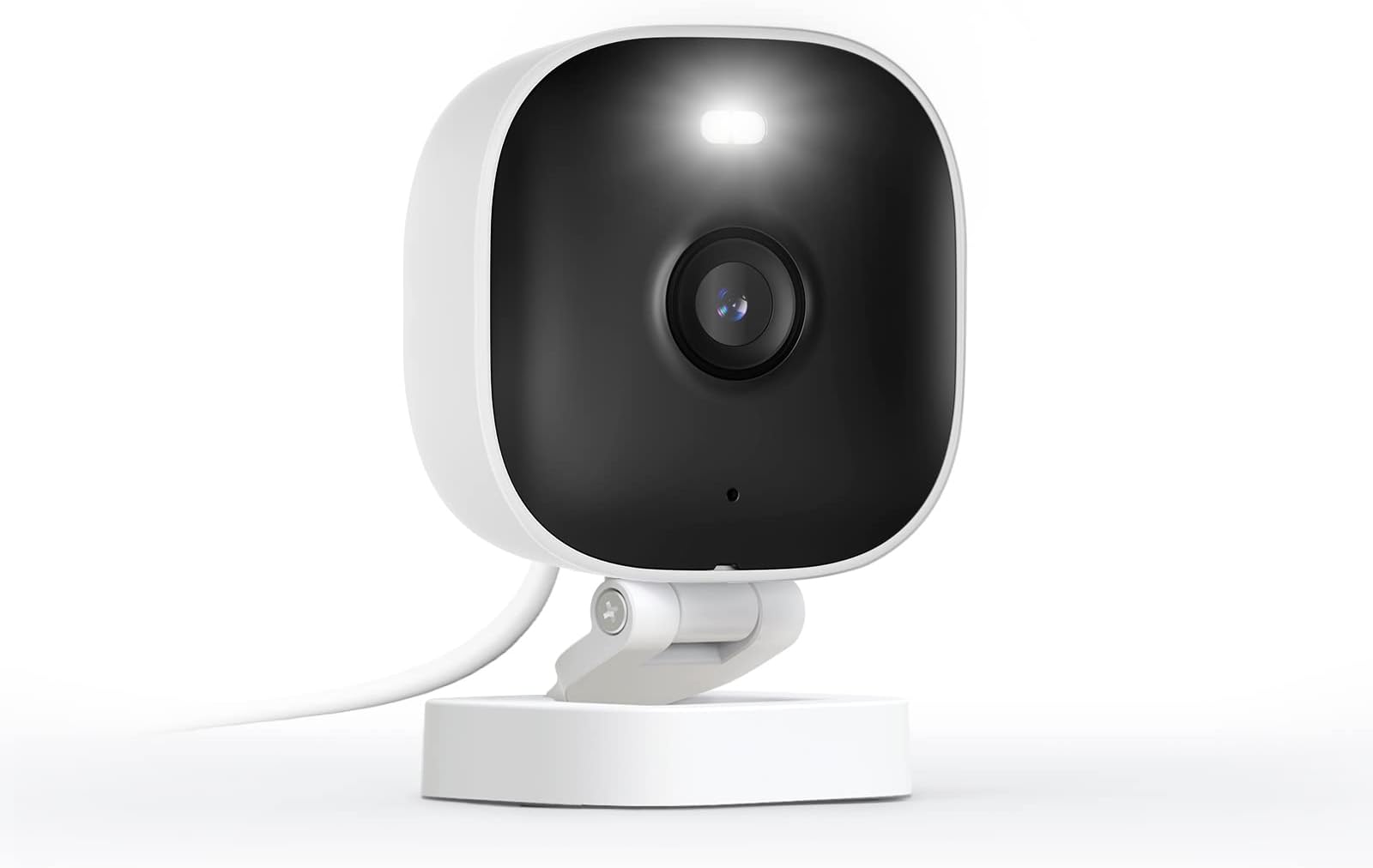
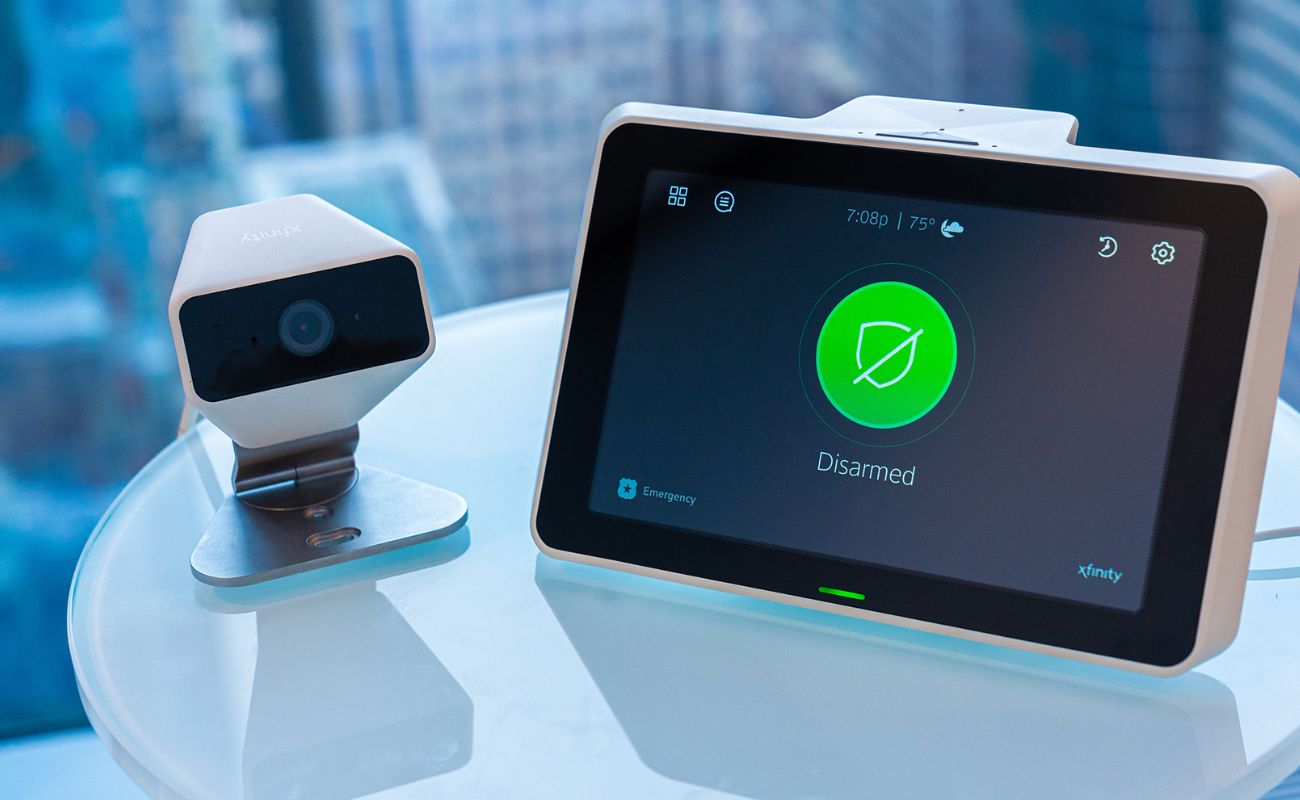
The beauty is in the variety. You can pick a compact indoor cam for the living room, a weatherproof outdoor model for the driveway, or a sleek doorbell cam that also talks to visitors. Each one sends instant alerts to your phone when motion is detected, with crisp video even at night. Some versions even link with your smart TV, so you can pull up the feed without reaching for your phone. It’s not just about watching—it’s about choosing what matters most to you.
Must Read
Getting started is easier than ordering pizza. First, download the Xfinity app and create an account—this is your command center. Next, plug in the camera and follow the on-screen prompts to connect it to your Wi-Fi; the app literally shows a picture of what to do. Place the camera about seven feet high for the best view, and angle it slightly downward to catch faces, not just ceilings. Finally, set your motion zones to ignore the street but cover your walkway—you’ll thank yourself later when you stop getting car alerts.
A few practical tips can make you a pro in a week. Test the Wi-Fi signal where you plan to mount the camera—a weak signal ruins the fun. Use the two-way audio to talk to delivery drivers or tell the kids dinner’s ready. Also, set a weekly glance at your recorded clips; it’s surprising what you miss in real-time. And don’t forget to update the firmware when the app prompts you—it keeps everything smooth and secure.

Is it perfect? No, but it’s close enough for everyday life. You’ll occasionally get a false alert from a swaying tree, but that’s a tiny price for the comfort of knowing what’s happening when you’re away. The real joy is the freedom—you can leave for a weekend and still “pop in” to check the backyard. For renters and homeowners alike, it turns worry into a simple, satisfying habit.
In the end, Xfinity wireless cameras are less about surveillance and more about connection. They let you stay close to home, even when you’re far away. So grab one, set it up on a Saturday morning, and enjoy the little thrill of seeing your front porch from bed. It’s a small device that makes your home feel smarter—and your day a bit more playful.