Why Does Ipvanish Keep Disconnecting

You’re mid-email, or maybe two minutes into that video call where you’ve finally managed to look semi-professional, and then it happens. The little VPN icon blinks, spins, and gives up the ghost. IPvanish keeps disconnecting, and you’re left staring at your screen like it just told you it’s “not you, it’s me.” It’s the digital equivalent of your favorite coffee machine deciding to power down right as you need the caffeine most.
Honestly, if disconnects were a hobby, this would be a gold-medal sport. You aren’t alone in this, trust me. We’ve all been there, muttering sweet nothings at our router while desperately toggling the “on” switch, hoping for a miracle.
The Wi-Fi Tango (It Takes Two to Tango)
Let’s talk about your internet connection, because sometimes it’s not IPvanish being dramatic—it’s your Wi-Fi doing the Cha-Cha. Your connection is basically a friend who talks over everyone at a party. If your Wi-Fi blips for half a second, VPNs take that personally.
Must Read
Think of it like this: IPvanish is a very strict bouncer outside a club. The moment your baseline internet stumbles, slips, or loses its VIP pass, the bouncer kicks you out to keep the club “safe.” Your router might be the real culprit, especially if it’s old, grumpy, or sitting next to a microwave that’s humming ominously.
Wireless vs. Wired: The Cable is a Hug
A wired Ethernet connection is like a warm hug for your VPN. It doesn’t suffer from “dropped packets” or "wall interference." Wireless, on the other hand, is like trying to hold a conversation with someone who keeps walking into a tunnel.
Try plugging in directly if you can. It’s not always convenient, but it’s like switching from a unicycle to a tricycle—way more stable, and you stop falling off the internet.
The Protocol Pickle (Yes, It’s a Thing)
Here’s a fun word for your next dinner party: protocol. IPvanish has a few options for how it scrambles your data, like choosing between a locksmith or a magician. Sometimes, your network doesn’t get along with the protocol you’ve chosen.
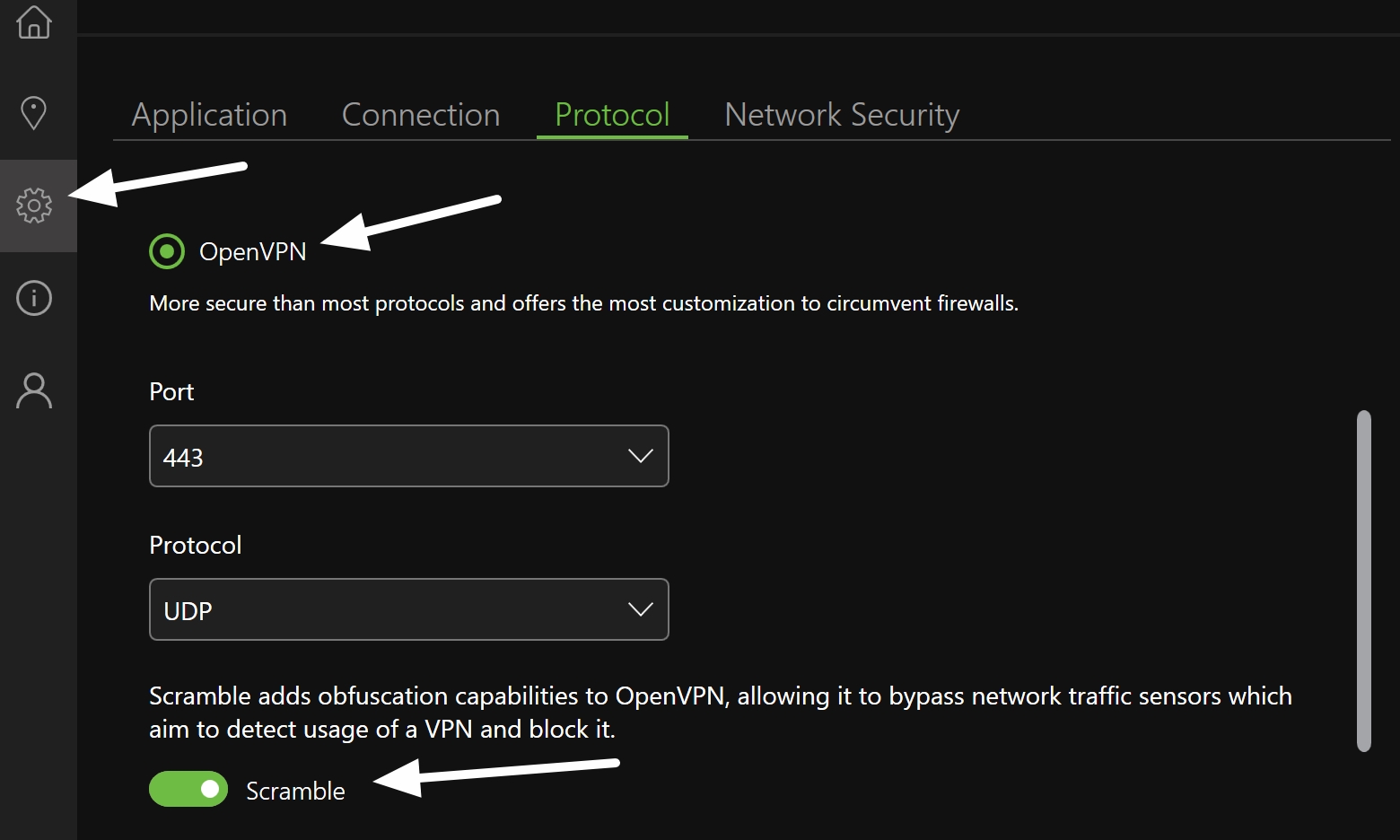
If you’re using OpenVPN, sometimes it’s a bit too fancy for certain public or office networks. It’s like showing up in a tuxedo to a backyard BBQ—it works, but it’s uncomfortable.
Go into the settings and try switching to WireGuard or IKEv2. It’s like changing from stilettos to sneakers. The socks might not look great, but you’ll stop falling over every five minutes.
The “Sleepy Computer” Syndrome
Ah, the classic. Your computer dozes off for a split second to save power, and when it wakes up, it has no idea where it left its keys. The VPN sees this as a security breach and bails.
It’s like being on a Zoom call and your cat walks across the keyboard. The system freezes, and you’re kicked out of the meeting. Adjust your power settings to prevent the Wi-Fi adapter from sleeping. It’s a small tweak that’s like giving your laptop a double espresso before a long drive.
The Annoying “Kill Switch” (Who Designed This?)
IPvanish has this feature called a “kill switch.” It’s designed to block internet traffic if the VPN drops, to protect your identity. But sometimes, it’acts like a paranoid roommate and turns off the whole internet because a single cable looked at it funny.
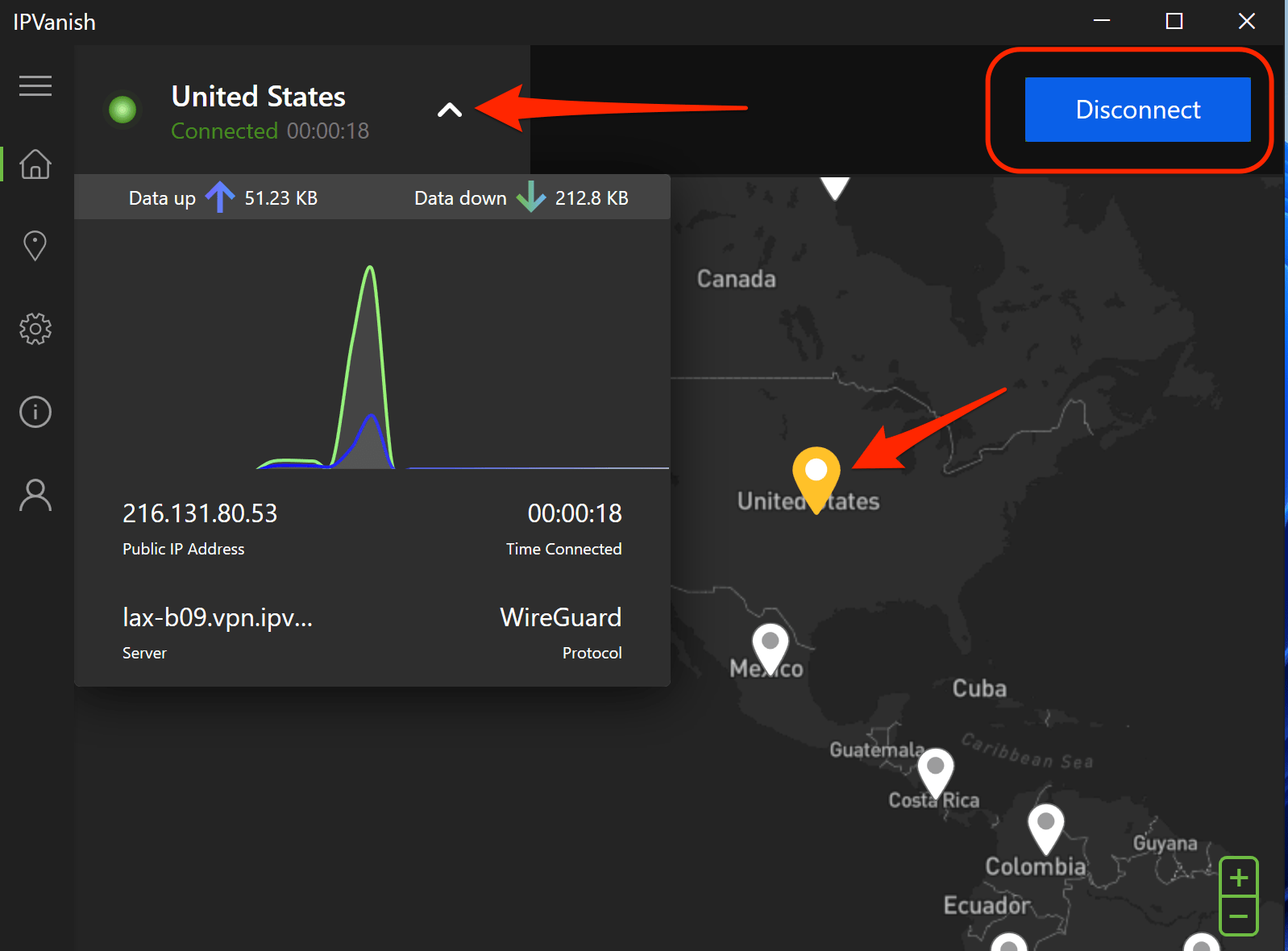
If you notice that you lose all internet, not just the VPN, that’s your kill switch doing a terrible impression of a bouncer. Turning it off temporarily might solve the problem, but it’s a bit like removing the fire alarm because it's too loud. Weigh the risk.
Server Overload (The Popular Kid Problem)
Have you ever tried to get into the coolest bar in town? The one with the line around the block? That’s what happens with VPN servers. If you’re connected to a super popular location, it might be swamped.
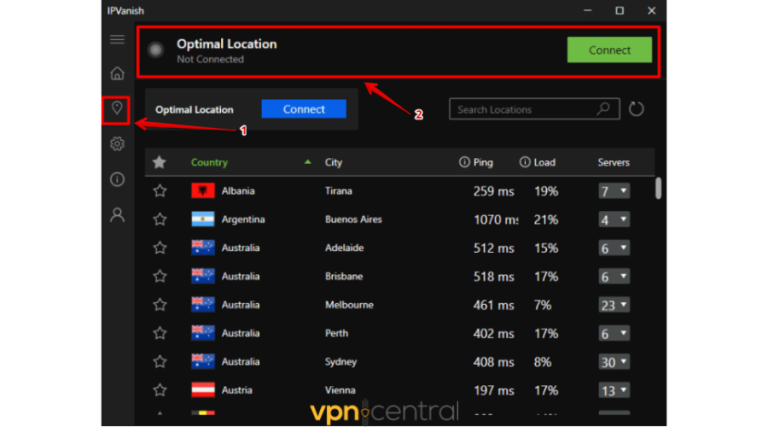
It’s like choosing the only checkout lane at the grocery store that’s open at 5 PM. Everyone is there. Switch to a less common server in a nearby city. You’ll get a faster connection and a lot less drama.
The Final Fix: The Eternal “Turn It Off and On”
When all else fails, do the dance we all know and secretly hate. Unplug the router, wait thirty seconds, plug it back in. Restart your computer. Uninstall and reinstall the app if you must.
I once spent forty minutes troubleshooting, only to realize my VPN was disconnecting because I had two VPN apps running silently in the background. It’s like trying to listen to two radio stations at once—absolute static. Check for background programs that might be fighting over your network access.
Eventually, you’ll find the sweet spot. And when you do, that steady, humming VPN connection feels like winning a small, very nerdy lottery. Here’s to fewer spins and more streaming—you’ve got this.