Where Can I Find My Agi On H&r Block
Let’s be honest—tax season feels like that one cryptic level in a video game where you’re pretty sure you’re supposed to find a secret door, but you’ve already walked in circles for forty minutes. You’re staring at your H&R Block screen, your coffee has gone cold, and the only thing you’ve successfully located is your will to procrastinate. Then comes the dreaded moment: you need your AGI, and you have absolutely no clue where the little number is hiding. It’s right up there with losing your car keys in the fridge—technically possible, but deeply confusing.
First, take a deep breath. You’re not alone, and you’re not an idiot. The AGI (Adjusted Gross Income) is basically your income after certain deductions, but before you break out the champagne or the tissues. Think of it as the “after messy breakup, but before therapy” version of your salary. It’s the number the IRS uses to make sure you’re not lying, and it’s also the same number you need if you ever try to e-file last year’s return as a verification question. Yes, the government likes to test your memory, and it’s the worst pop quiz ever.
The “Not-So-Hidden” Treasure Hunt
Okay, so where is it on H&R Block? If you’re still logged into your account, the answer is almost insultingly easy. Look at the main dashboard—that’s the first screen you see after logging in. You’ll see your tax return summary, and right there, like a lazy cat on a sunny windowsill, is your AGI. It usually sits next to your “Taxable Income” and “Total Refund or Amount Due.” It’s not wearing a neon sign, but it’s definitely not buried in a secret vault either.
Must Read
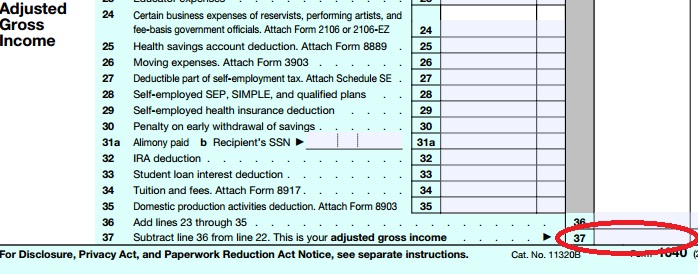
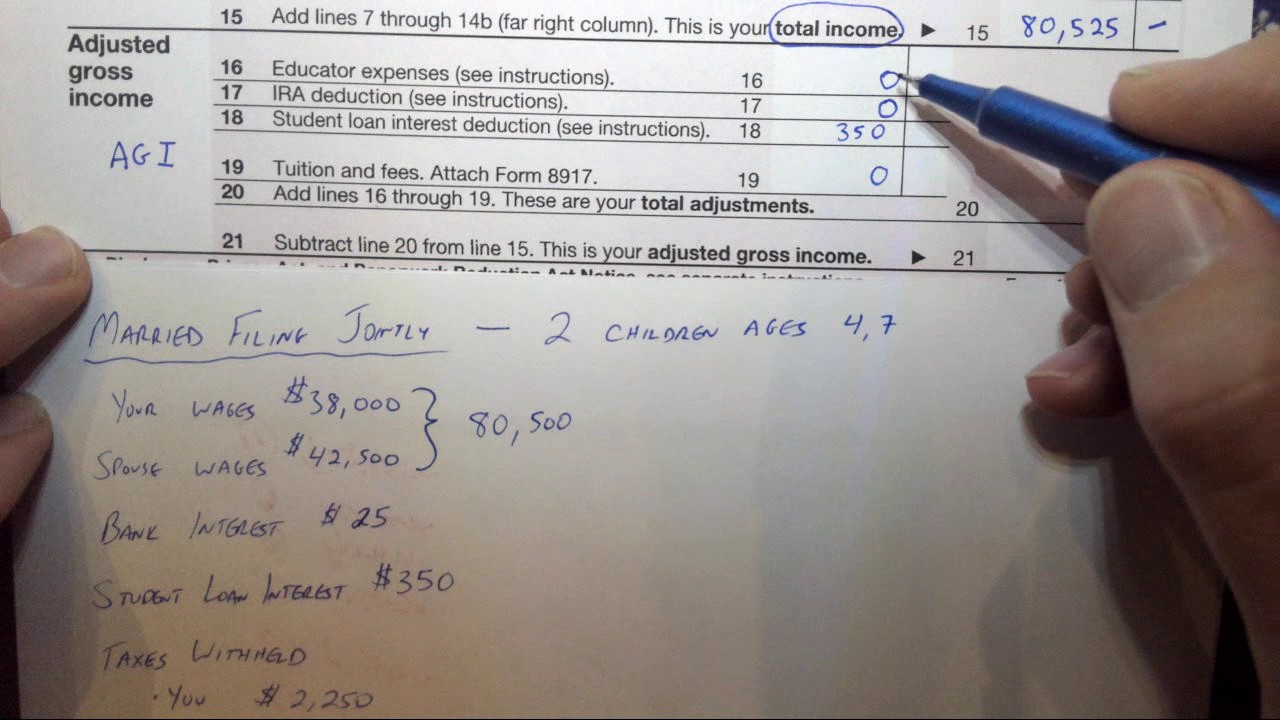
But wait—what if you’re one of those people who filed and then immediately logged out, feeling a smug sense of accomplishment? No problem. Just log back in and click on the “Tax Return” or “View/Print” tab. From there, you’ll see a list of your documents. Click on your actual tax return (the 1040 form, if you’re feeling fancy). Scroll down to line 11 on the form—that’s the sacred line for your AGI. It’s like finding the last slice of pizza in the box: you know it’s there, but you had to dig a little.
When You’re Living in the “I Deleted Everything” Era
Now, what if you’re like my buddy Dave, who once “cleaned up” his hard drive and accidentally deleted his entire tax history? He called me in a panic, convinced he’d have to sell a kidney to pay the IRS. Chill, Dave. H&R Block keeps your previous returns for up to six years, even if you’re not a customer anymore. Just go to the H&R Block website and look for the “Prior Year Returns” option. You might need to create a free account with the same email you used back then—it’s like a reunion with your past self, but without the awkward small talk.
If you truly filed with H&R Block but can’t access the account (maybe you forgot your password AND used your ex’s email—we’ve all been there), you have a backup plan. Pull out your actual, physical tax return from last year. Remember that stack of papers you stuffed in a drawer? Dust it off. The AGI is a big number, usually printed right on the front page. If you filed by mail and the dog ate it, call the IRS directly—they can mail you a transcript. It takes about 10 days. Yes, it’s slow, but so is waiting for your skin to cool down after a sunburn.
The “Last-Ditch” Digital Trick
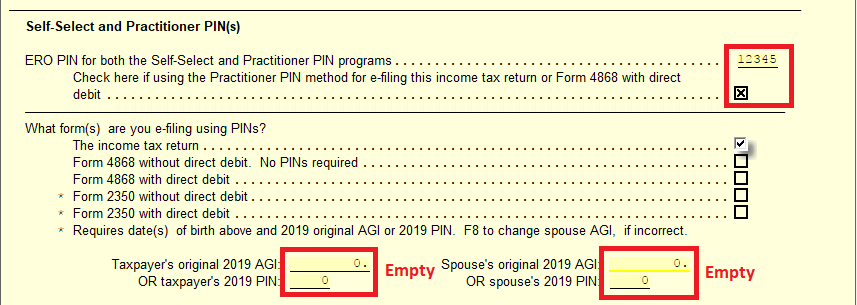
Here’s a fun one: if you used H&R Block’s software on your computer (the download version), the AGI is saved in the software’s history. Open the program, click on “My Account,” then look for “Previous Returns.” It might ask for your prior year’s AGI to open it. Yes, this is the tax version of “insert key to unlock key.” If that happens, just use the amount from your actual bank statement or pay stub—it’s usually close enough. Or, if you’re truly stuck, just print out the summary page you saw when you finished filing; H&R Block always gives you a “Return Summary” PDF. That’s the cheat sheet.
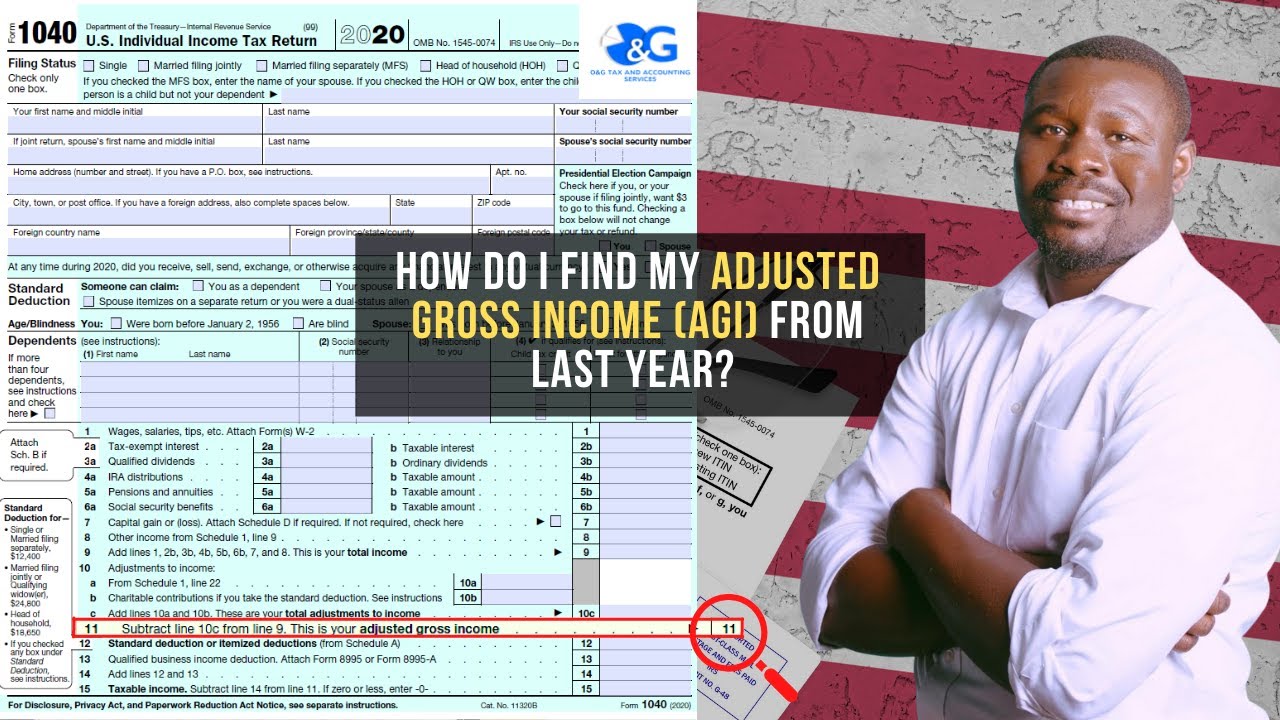
The real kicker is that you probably already saw the AGI and thought, “Oh, that’s it,” and then went back to binge-watching your show. It’s the most unassuming, plain-looking number on the entire form. It doesn’t have a sparkle or a bell. It just sits there, judging your spending habits. But now you know exactly where to find it. Next time you need it, you’ll be the hero of the room, casually saying, “Oh, it’s on line 11, no big deal.” And everyone will think you’re a genius. You’re welcome.
So, to wrap up this digital scavenger hunt: check your dashboard first, then your saved PDF, then your old marked-up paper copy, and finally, your inner hoarder instincts. The AGI is not hiding; it’s just playing hard to get. You’ve got this. Now go celebrate with a snack and remember—you’re one step closer to being done with taxes for another glorious, sun-filled year.