
Where Can I Find All My Subscriptions
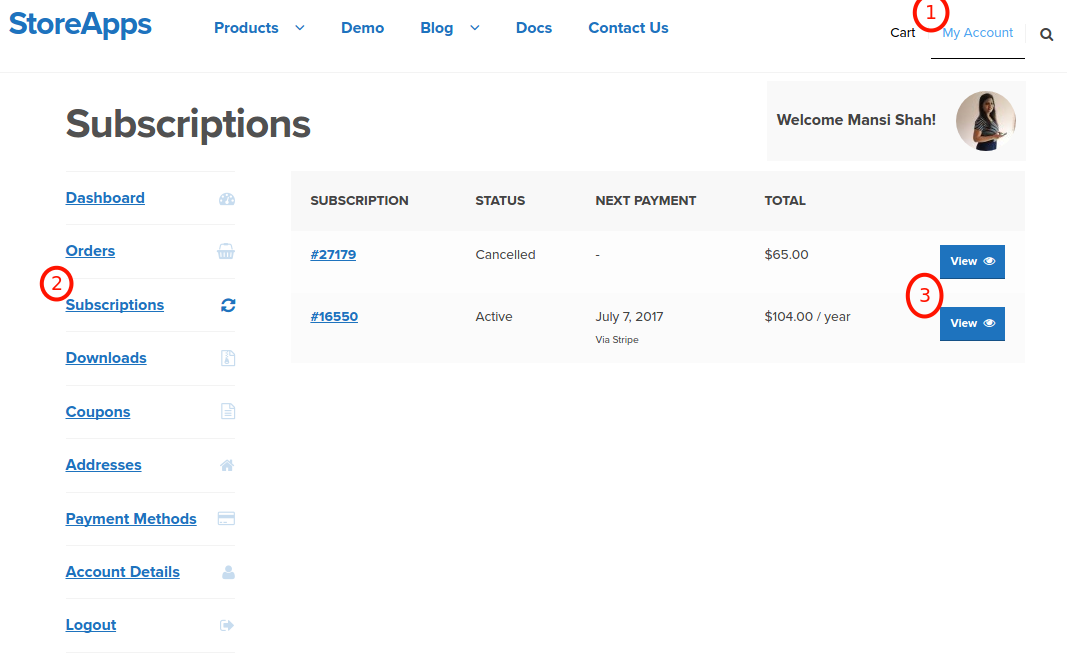
Last Tuesday, I was staring at my bank statement with the kind of dread usually reserved for horror movies. There it was: a $14.99 charge from a company I genuinely didn’t remember signing up for—turns out it was a “premium” meditation app I’d downloaded during a particularly anxious week in March. I’ve meditated exactly twice since then. But the worst part wasn’t the wasted money; it was the creeping realization that I had absolutely no idea what else was lurking in the shadows of my monthly bills.
Sound familiar? If you’re nodding along, don’t worry—you’re in the same leaky boat as millions of us. We’re all paying for stuff we’ve forgotten, from that cloud storage plan to that audiobook service you swore you’d use more. It’s a digital graveyard of good intentions, and nobody gave us a map to find the graves.
So, where on earth do you actually start digging? The bad news is there’s no single “magic button” that shows every subscription on the planet—that’s the cruel joke of modern capitalism. The good news? You have a few powerful allies hiding in plain sight, and I’m going to walk you through them right now. Grab a coffee (not the subscription one, obviously) and let’s hunt.
Must Read
Start With Your Phone—It’s a Tattletale
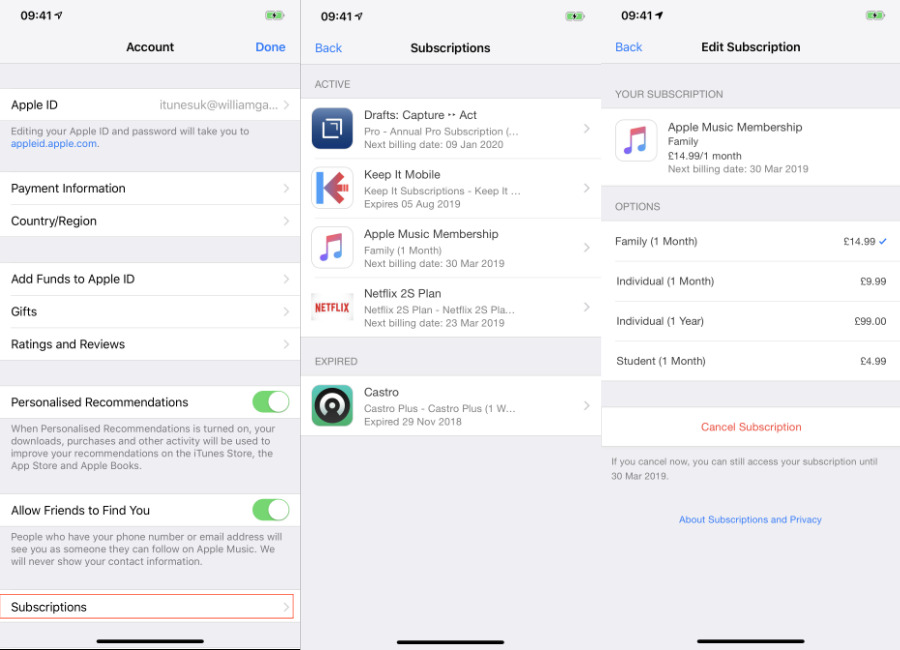
Your smartphone knows more about your spending habits than your therapist does. If you’re on an iPhone, go to Settings → your name → Subscriptions. This list shows everything billed through the App Store—Netflix, Spotify, that weird habit tracker you forgot about. It’s usually pretty accurate, but remember: it only shows things paid via Apple’s system. Not your gym membership or your water delivery.
Android users, you’ve got a similar trick. Open the Google Play Store, tap your profile icon, and hit Payments & subscriptions. It’s a bit clunkier, but it works. But here’s the kicker—this method is just the appetizer. The real feast is waiting in your email inbox, and trust me, it’s a wild ride.
The Email Tomb—Your Receipts Never Lie
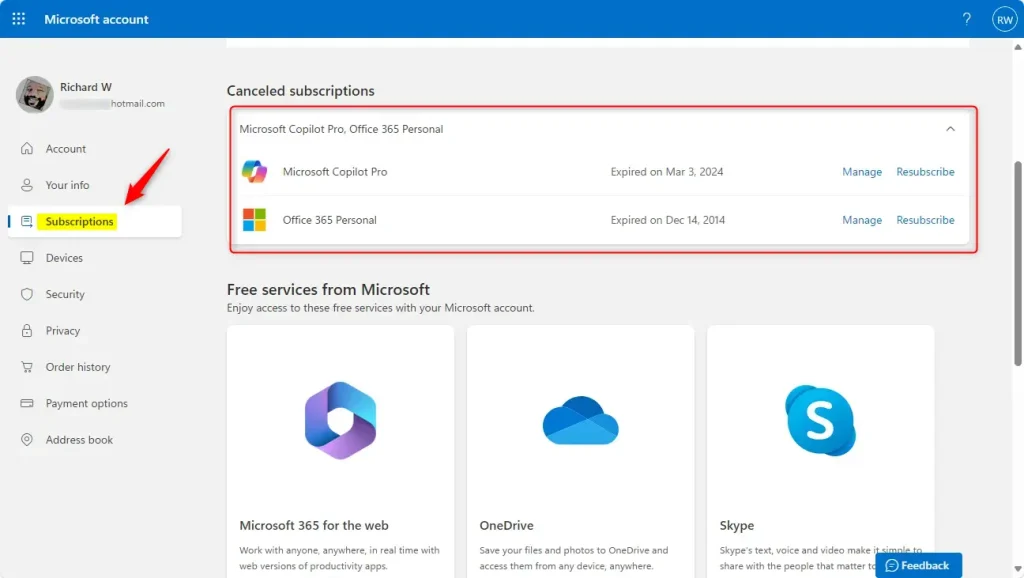
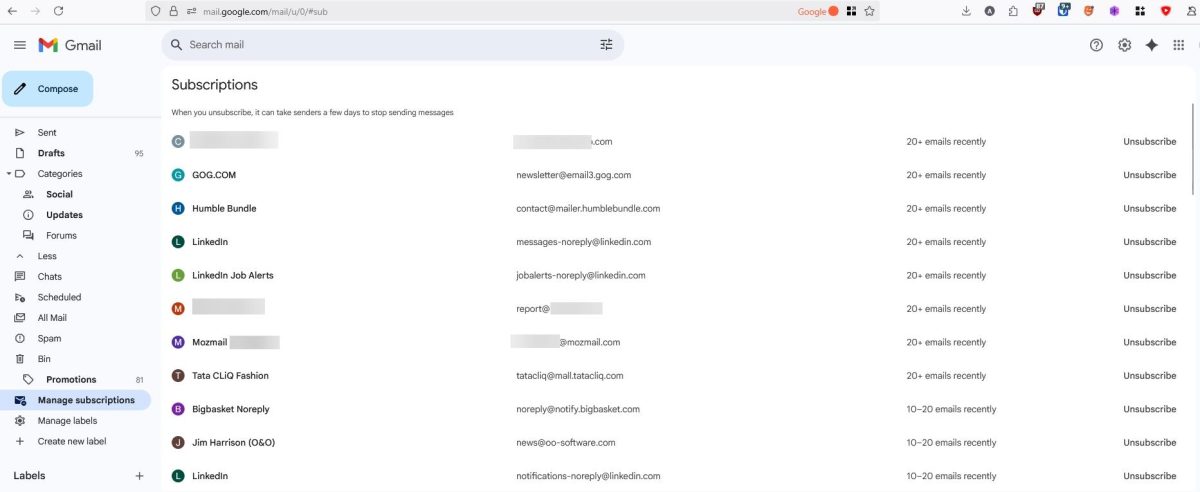
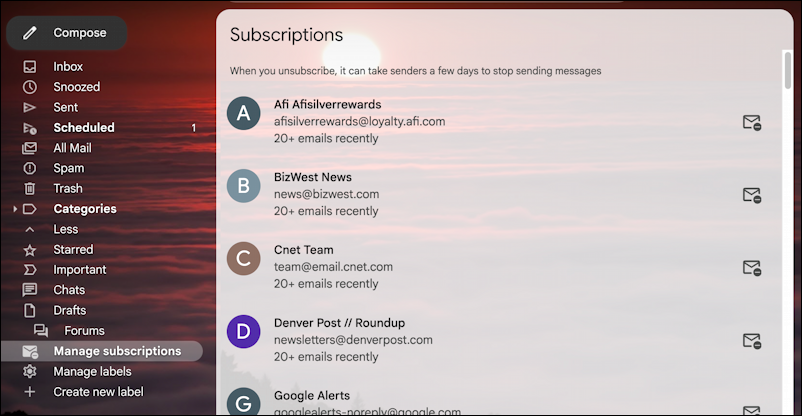
Remember that email address you used in 2019 to sign up for a free trial? Yeah, that one is now a vault of digital confessions. The quickest, most brutal way to find everything is to search your inbox for keywords like “receipt,” “your subscription,” or “thank you for your purchase.” It’s messy, it’s tedious, and it will probably make you feel a little ill, but I promise it works.
Pro tip: if you’re using Gmail, type “subscription” or “billing” into the search bar and filter by “Finance” category. You’ll get a chronological timeline of all your financial oopsies. I found a $4/month “dog psychic horoscope” thing I bought while drunk on a Tuesday. I don’t even have a dog. It’s been running for 18 months.
Side note: don’t even attempt to scroll endlessly—use the search filters, or you’ll be there until your next paycheck. And if you’re feeling lazy, there are third-party tools like Truebill (now Rocket Money) or Rakuten that can connect to your bank and sniff out recurring charges. They’re handy, but be careful—you’re handing over your financial life to another app, which is basically asking a fox to guard the henhouse. Use them, but always double-check their findings.
Your Bank Account—The Unfiltered Truth
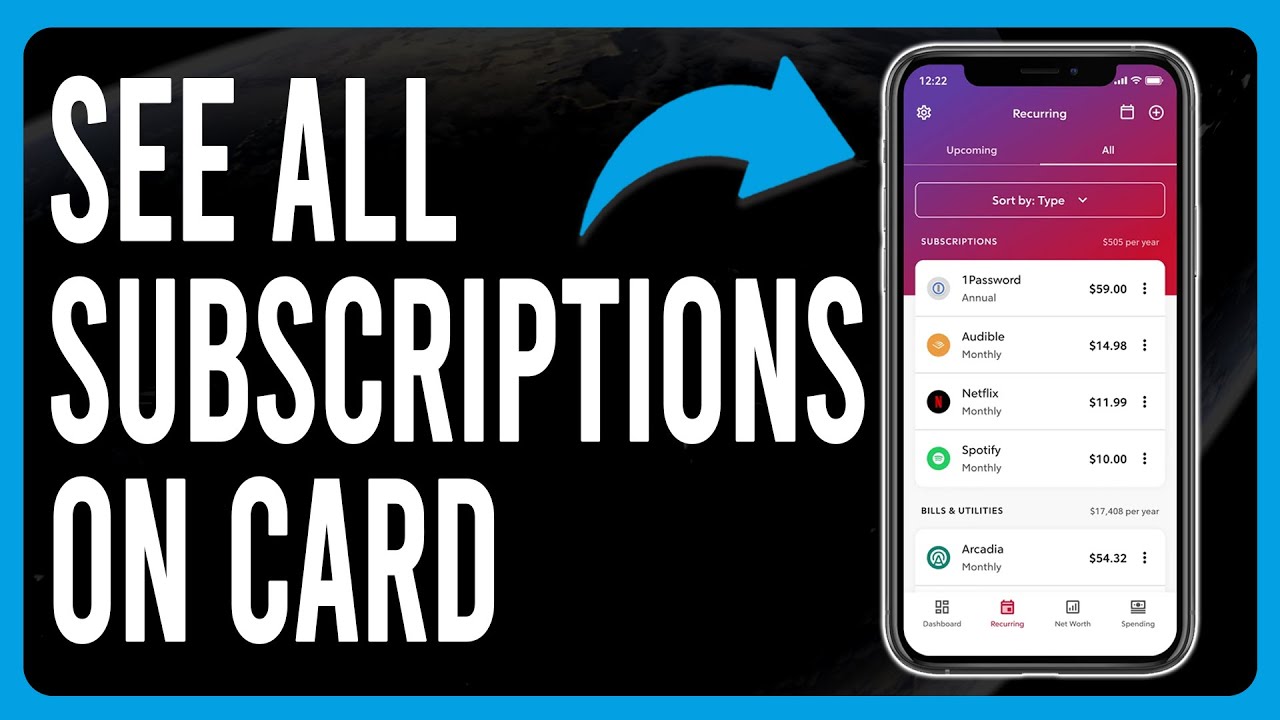
Let’s get old school. Log into your bank’s mobile app or website and filter your transactions for the last three months. Look for any recurring payments—they often show up as the same amount on the same day every month. You’ll see familiar names like Netflix and maybe a few you don’t recognize at all.
That’s when you play detective: Google the unknown merchant’s name. Half the time, it’s a parent company for an app you used once. For example, “WAHB” might actually be “We Are Happy Birds,” a bird-feeder camera app. Yeah, I made that up, but it’s not far from the truth. It feels like decoding a secret language, except the secret is that you’re paying for stuff you hate.
If you see a charge you absolutely don’t recognize, don’t panic. Do a quick search, check your email for the receipt, and if it’s still a mystery, call your bank. They can reverse fraudulent charges, but for forgotten-but-legit ones, you’ll have to cancel directly through the service. Ugh, I know. The cancellation process is a whole other circle of hell, but that’s a topic for another day.
The “Free Trial” Graveyard—Be Brutal
Here’s a fun fact: most of your subscriptions are probably born from free trials that you forgot to cancel. You signed up for a 7-day trial of a cooking app, tried one recipe for a sad pasta salad, and then it charged you $9.99 for the privilege of forgetting it. It’s the classic bait-and-switch, and we all fall for it.
To find those, look for any email with the subject line “Your trial has ended” or “Your membership is active.” Those are the smoking guns. Once you find them, you have to play the cancellation game. Pro tip: always call them on the phone—it’s much harder to guilt-trip a real human than it is to click through a fake “surprise” discount popup. You’ll save time, and honestly, it’s kind of entertaining to say “no” out loud.
Don’t Forget the “Sneaky” Ones
Some subscriptions hide outside of apps and banks. Think about memberships you bought in person: your gym, your local museum, or that “exclusive” wine club you joined on a weekend trip. They don’t always show up in digital checks. You’ll need to manually remember those, which is annoying, but a quick mental walk through your last year helps.
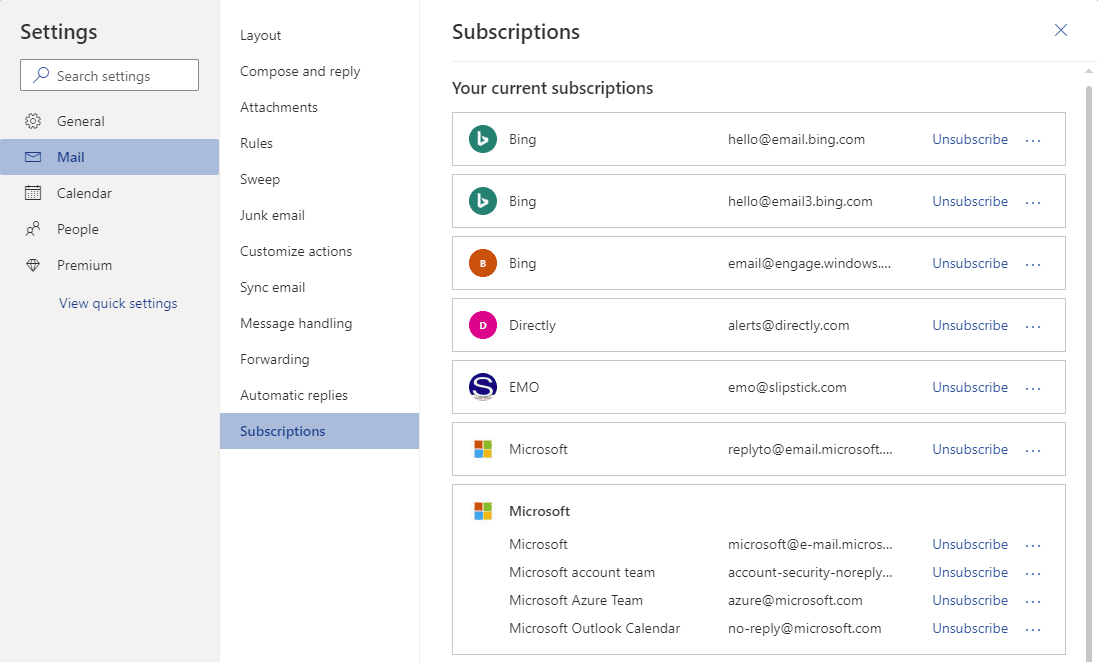
Also, check your PayPal and Amazon accounts. A ton of monthly bills get routed through these wallets, and they have their own “subscriptions” sections. Again, not a one-stop-shop, but definitely a hot spot for accidental charges. I found a $5/month “virtual plant watering” service on my PayPal because I forgot I tested it. My real plants are dead.
Look, the goal isn’t to eliminate all subscriptions—some are worth every penny, like your good music app or your favorite productivity tool. The goal is to give yourself a clear picture. Once you know where everything is, you can finally cancel that zombie service and maybe treat yourself to something nice with the savings. Like a real, physical coffee from a barista who doesn’t know your order by heart because you paid for a “one-time” coffee—remember those? Yeah, those don’t exist anymore.
Happy hunting, and may your bank statement reveal fewer ghosts than you expect. And if it does reveal more? Well, consider it a tax on your past laziness. We’ve all paid it at one point. Now go forth and unsubscribe like the empowered adult you are. I believe in you.

:max_bytes(150000):strip_icc()/iOSSubscriptions01-97b8e9ce685c441fbb6ea6223be11698.jpg)