What's The Best 3d Animation Software

There’s a little bit of movie magic in all of us, and 3D animation is the modern-day paintbrush that lets anyone splash their wildest ideas onto the digital screen. Whether you dream of crafting a dancing dinosaur or a sci-fi cityscape, the tools to do it are more accessible than ever. The real question isn’t if you can create, but rather, which software will feel like a natural extension of your own two hands.
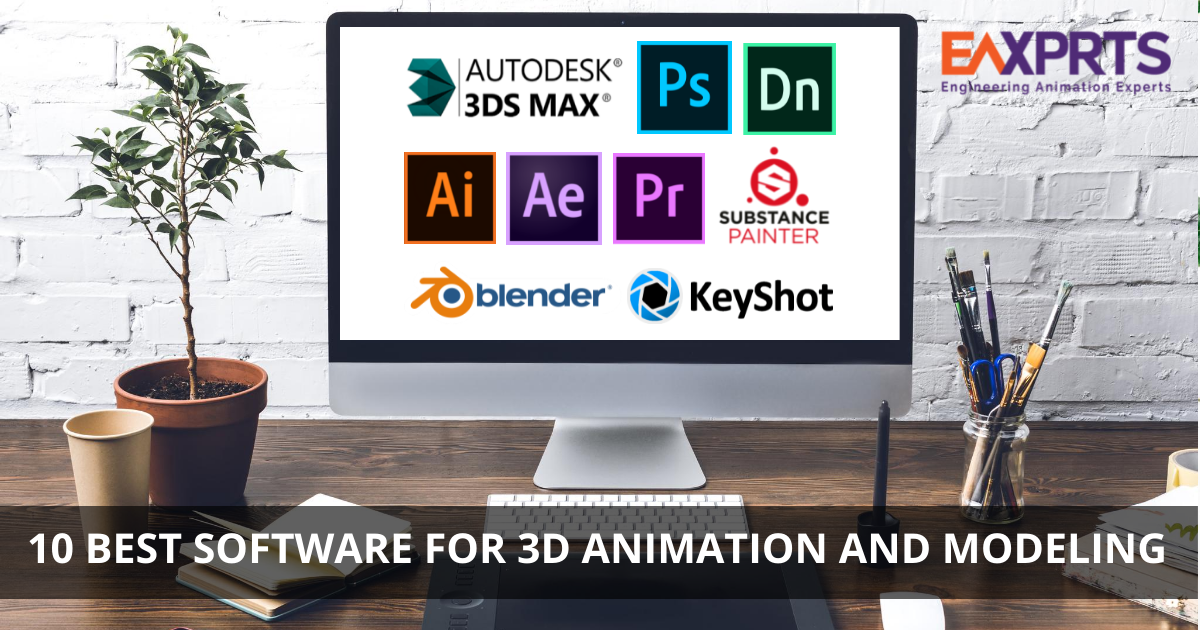
For hobbyists and casual learners, the best choice isn’t about having the most complex features—it’s about having a gentle learning curve that doesn’t crush your spirit on day one. Programs like Blender are a godsend because they’re completely free, yet they pack a professional punch that rivals expensive studio tools. This means you can experiment, make glorious mistakes, and learn the ropes without spending a dime, which is perfect for a Sunday afternoon tinkerer.
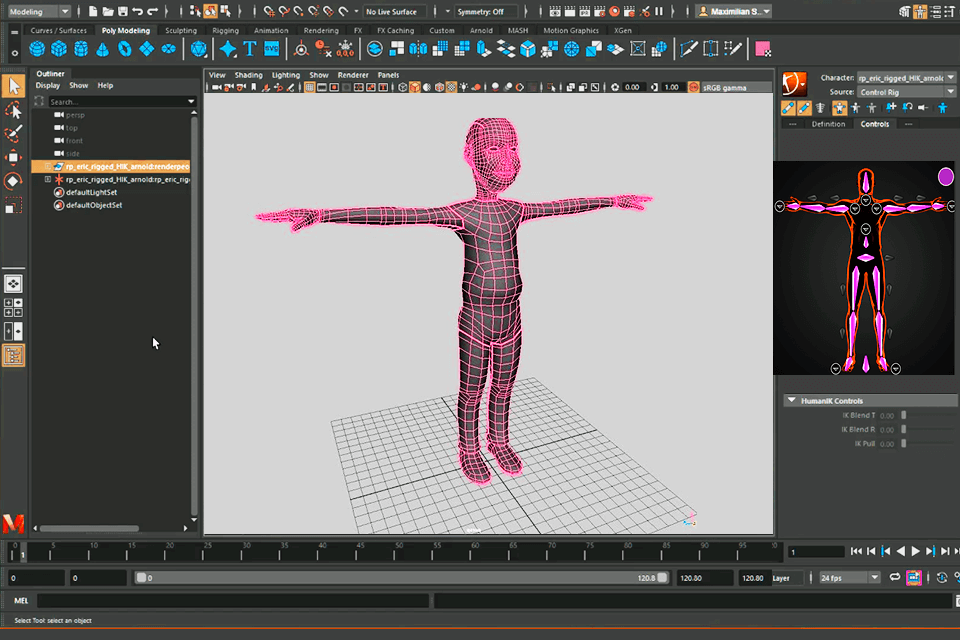
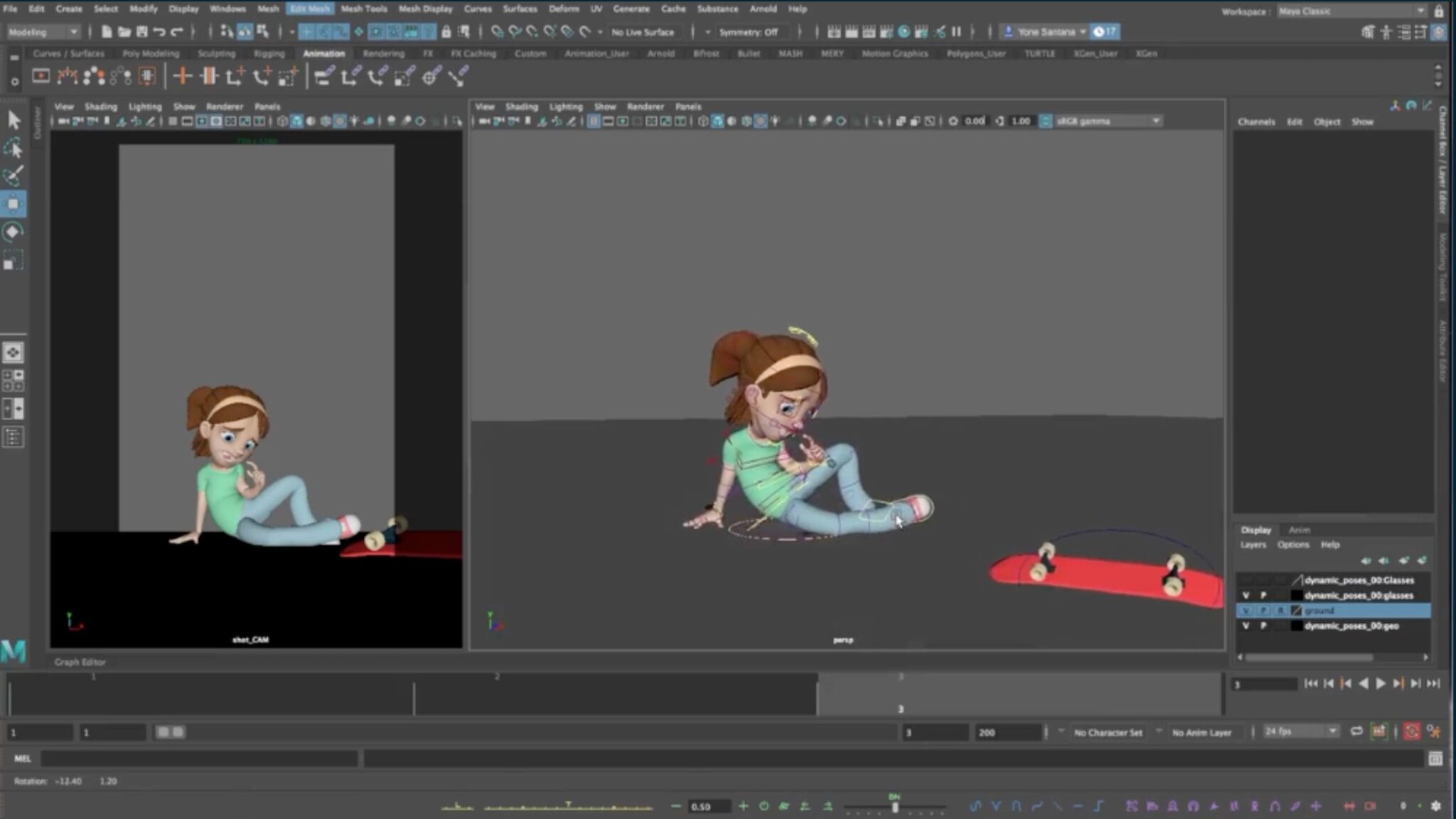
For working artists and illustrators, the priority shifts to speed and precision, where tools like Cinema 4D or Maya shine. These powerhouses offer advanced rigging and fluid dynamics, allowing you to bend characters and physics to your will with breathtaking detail. While they carry a price tag, the time saved on tedious tasks is a worthy investment for anyone looking to turn animation into a serious side hustle or career.
Must Read
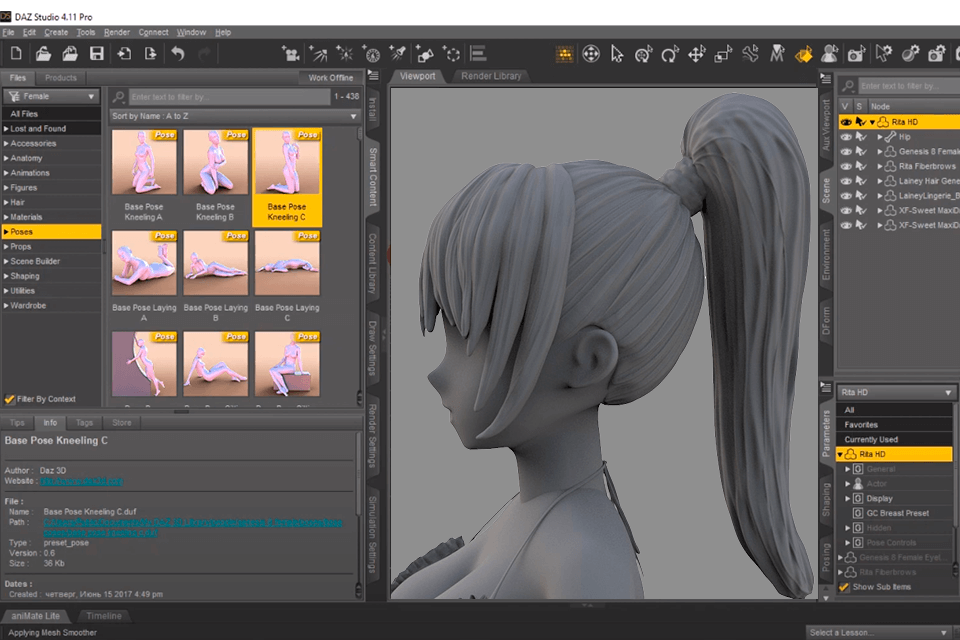
Don’t forget the middle-ground heroes like Daz Studio or SketchUp, which are fantastic for creating architectural walkthroughs or pre-built character scenes. If you want to animate a cute teddy bear without modeling every fur strand from scratch, these are your best friends. They let you focus on the story and movement rather than getting lost in the technical weeds of polygon meshing.
Imagine rendering a stylized, low-poly forest with glowing mushrooms for your niece’s bedtime story, or sculpting a wobbly, gelatinous blob monster that splats comically against a wall. With the right software, your only limit is how much coffee you can drink before your laptop starts smoking. You can even create a tiny snow globe with swirling, particle-based glitter that reacts to a virtual shake—just pure, joyful nonsense that makes you grin.
To start at home, download Blender today and follow a “donut tutorial” – it’s a rite of passage that teaches you everything from modeling to lighting in about an hour. Keep your first project small: a bouncing ball, a waving hand, or a floating balloon. Don’t aim for Pixar on your first try; aim for honest, charming weirdness that makes you laugh at your own progress.
Finally, remember that every pro you admire once made a cube that moved like a drunk robot. The true joy of 3D animation isn’t the final polished render—it’s the ‘aha!’ moment when your clumsy shapes suddenly wiggle with life. So, grab a free trial or an open-source build, and give yourself permission to be a beginner again.
You’ll find that hours vanish like magic as you tweak a jump, adjust a smile, or make a rock float. It’s a delightful rabbit hole that rewards curiosity with pixelated triumph, and your couch will never look more like a spaceship cockpit. Just go make something that wiggles—your future self will thank you.
![7 Best Animation Software 2D+3D [Free & Paid] - Tron Education](https://troneducation.com/wp-content/uploads/2023/03/Best-animation-software-in-2023-1536x864.jpg)