What Software Is Best For Streaming
We’ve all been there—curled up on the couch, remote in hand, scrolling endlessly through menus. Streaming has turned our living rooms into personal cinemas, and it’s never been easier to lose yourself in a great story or a live concert. The magic, though, isn’t just in the content; it’s in the software that delivers it seamlessly to your screen.
At its heart, streaming software is the unsung hero that turns buffering frustration into pure, instant joy. For everyday life, this means no more “is it loading?” anxiety during your favorite show’s cliffhanger. It also lets you share a screen with family across the country or broadcast your own gaming skills to the world—all from the comfort of your pajamas.
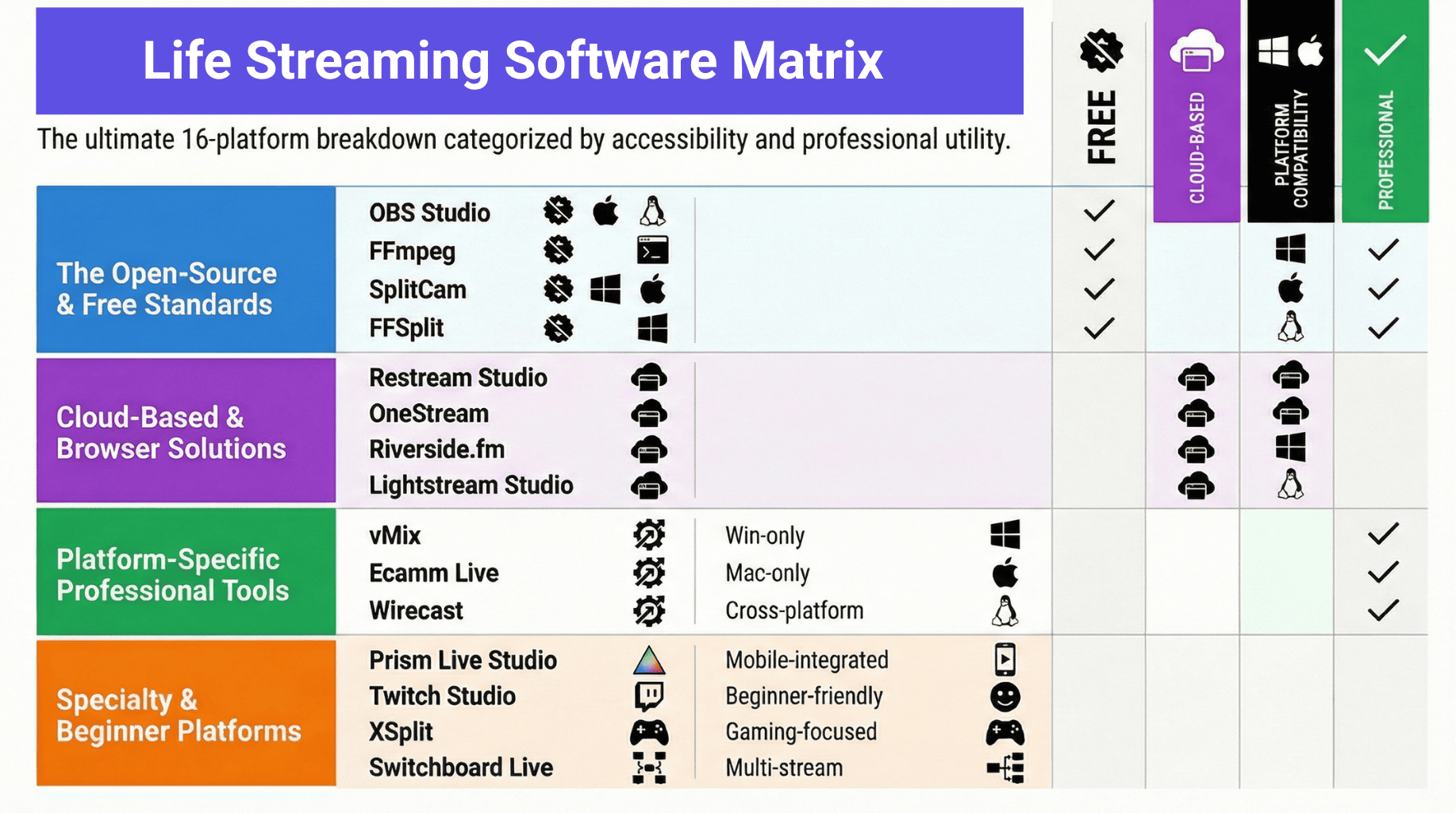
For the casual viewer, VLC Media Player remains a rock-solid choice for playing local files or streaming from a network drive. If you’re into live sports or niche channels, Kodi offers a customizable hub that feels like building your own TV universe. But for the biggest names in movies and series, the apps from Netflix, Hulu, and Disney+ are optimized to auto-adjust quality based on your internet speed—so you rarely see a pause.
Must Read
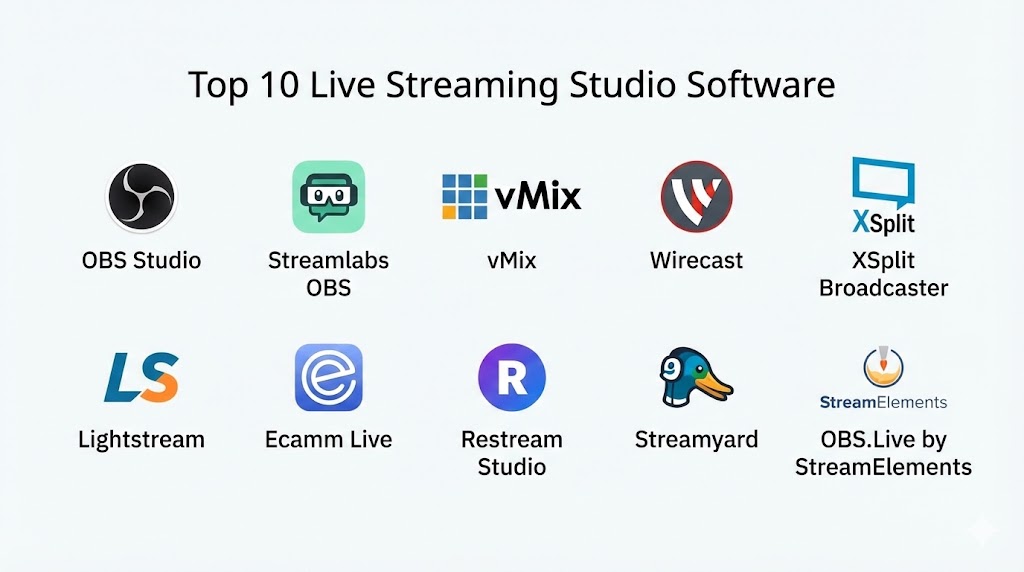
Now, if you’re the creative type who wants to go live, OBS Studio is the undisputed free champion for streaming to Twitch or YouTube. It lets you overlay webcams, add alerts, and mix audio like a pro, but it does have a learning curve. For a friendlier alternative, Streamlabs Desktop packages OBS’s power with pre-made templates, so you look polished in minutes rather than hours.
What about smart TV owners? The built-in apps work fine, but you’re often stuck with outdated interfaces. A dedicated device like an Apple TV or Roku runs the same software more smoothly, and their ecosystems let you switch between services without logging in again. The key is to match the software to your device’s hardware—a cheap stick will choke on a 4K stream, no matter how good the code is.
To truly elevate your experience, start by checking your internet speed—streaming 4K needs at least 25 Mbps consistently. Then, tweak the settings inside each app: lower the video resolution if you’re on mobile data, but always enable hardware acceleration if your PC supports it. Another pro tip: use an Ethernet cable for your console or TV instead of Wi-Fi; it cuts latency by half for live sports.
Don’t sleep on Plex or Jellyfin if you own a digital movie library. These tools organize your personal files into a beautiful Netflix-style interface, complete with posters and subtitles. They’re a lifesaver for road trips, too, because you can pre-download episodes to your phone before you lose signal.
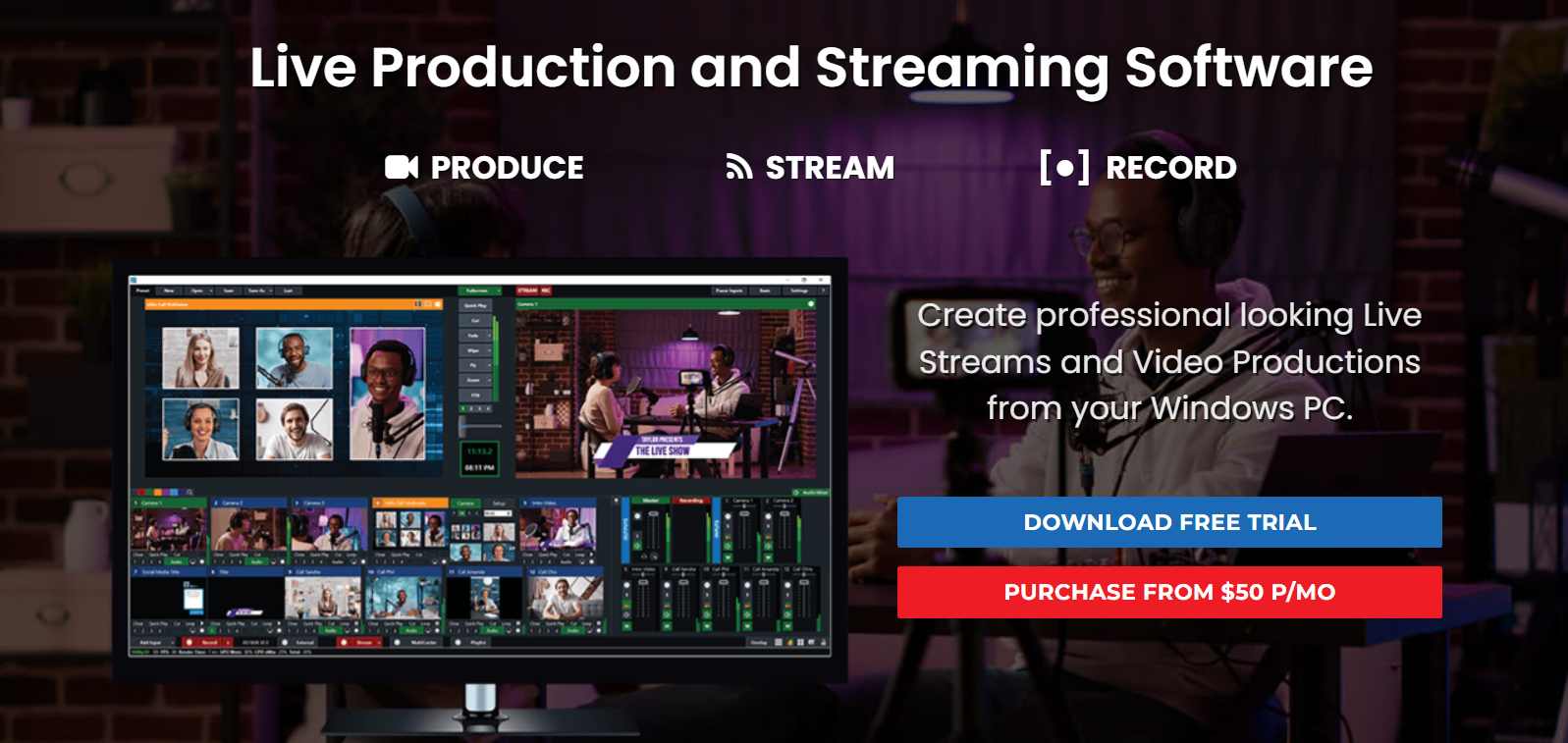
Finally, the best software is the one you’ll actually use without rage-quitting. Start with a free trial of a premium app like Plex Pass or test OBS’s “Auto-Configuration Wizard” to see what your machine handles. And remember: audio matters more than video—crackling sound ruins a masterpiece faster than a grainy picture ever will.
So go ahead, embrace the binge. Whether you’re hosting a virtual watch party with Discord’s screen-share or just catching up alone, the right software turns a simple stream into a tiny escape. After all, happiness is just a stable connection and a well-chosen app away.