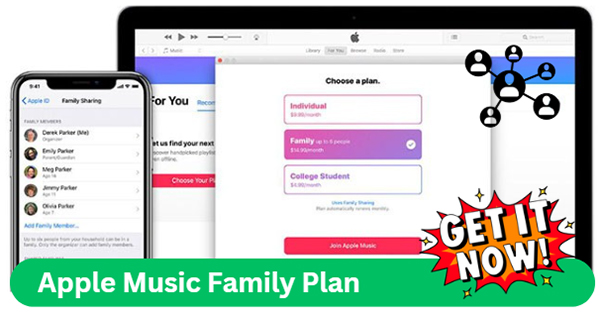
Upgrade Apple Music To Family Plan
We all know the feeling: you’re on a road trip, the perfect song comes on, and suddenly the passenger next to you yanks the aux cord to play their playlist. Or worse, you discover your teenager has been “borrowing” your account, and your carefully curated jazz collection is now filled with mumble rap. This is the modern chaos of shared music, and it’s exactly why upgrading to an Apple Music Family Plan is a tiny change that brings huge peace.
Think of the Family Plan as the digital equivalent of moving from a cramped studio apartment to a spacious house with separate rooms. It lets up to six people enjoy their own personal music libraries, playlists, and recommendations without stepping on each other’s toes. No more fighting over what plays next, no more accidental “likes” ruining your algorithm, and no more guilt when your kid blasts the same chart-topper for the hundredth time. It’s a simple subscription tweak that turns a source of daily friction into a seamless part of your household routine.
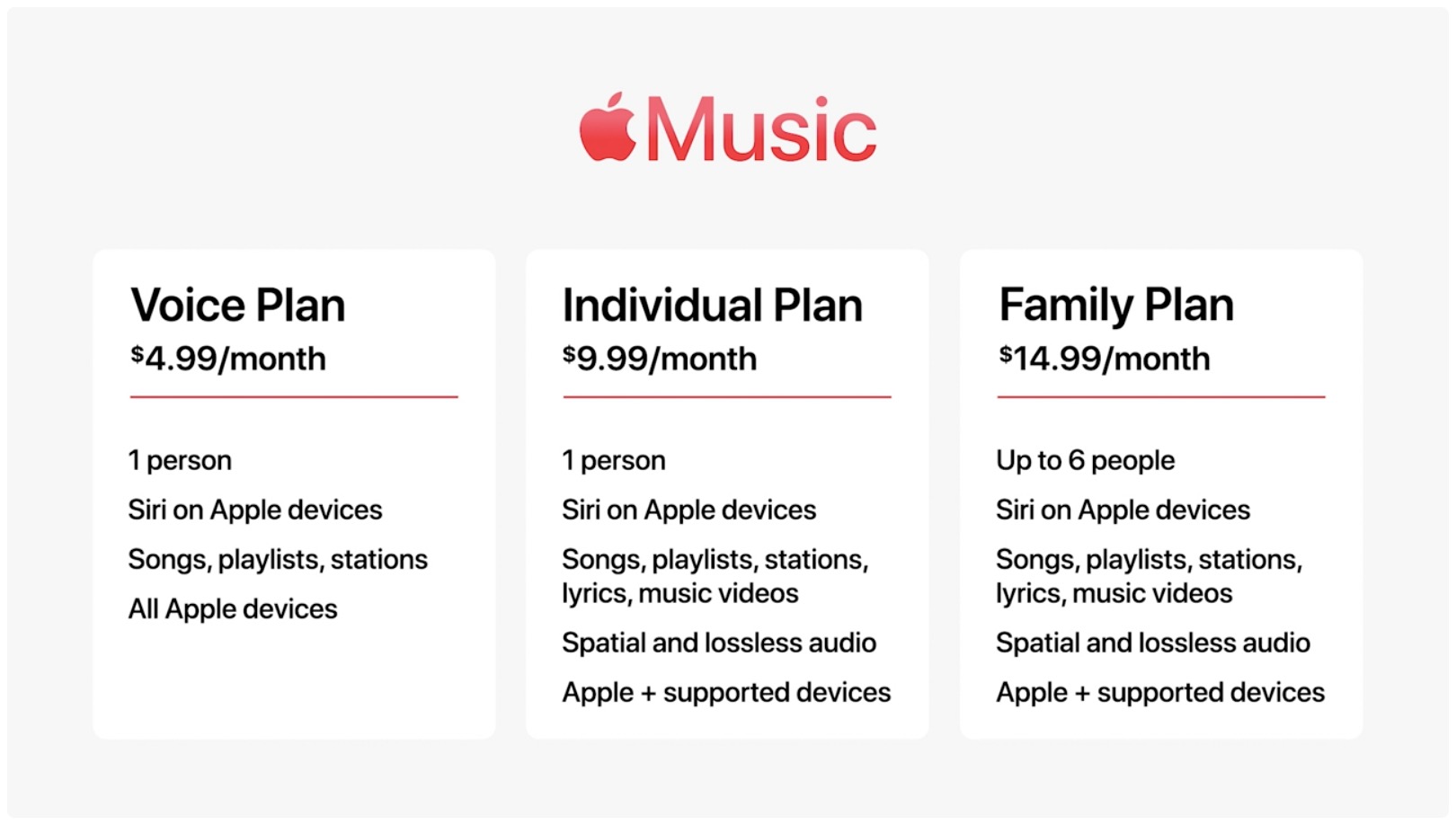
The real magic, however, isn’t just about boundaries—it’s about shared discovery. Suddenly, you have a window into your partner’s new favorite indie band, your parents’ old-school rock anthems, or your sibling’s workout hype tracks. The plan also gives everyone access to Apple Music’s massive catalog, lossless audio, and spatial sound, so each person gets a premium experience for a fraction of the per-person cost. For families, it’s the only sensible way to keep everyone happy without doubling your monthly bill.
Must Read
Beyond the obvious, this plan solves everyday logistics you never think about. Need a special playlist for a family party? You can make a collaborative one and everyone adds their picks in real time. Have a kid heading off to college? They keep their own library and downloads, but you still pay the same flat rate. It even includes Apple Music Sing for karaoke nights, which turns a boring Tuesday into an impromptu living-room concert—off-key vocals and all.
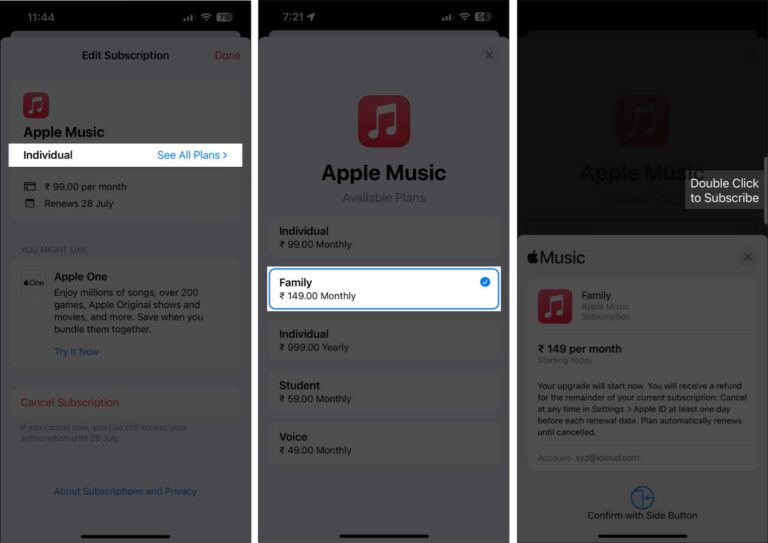
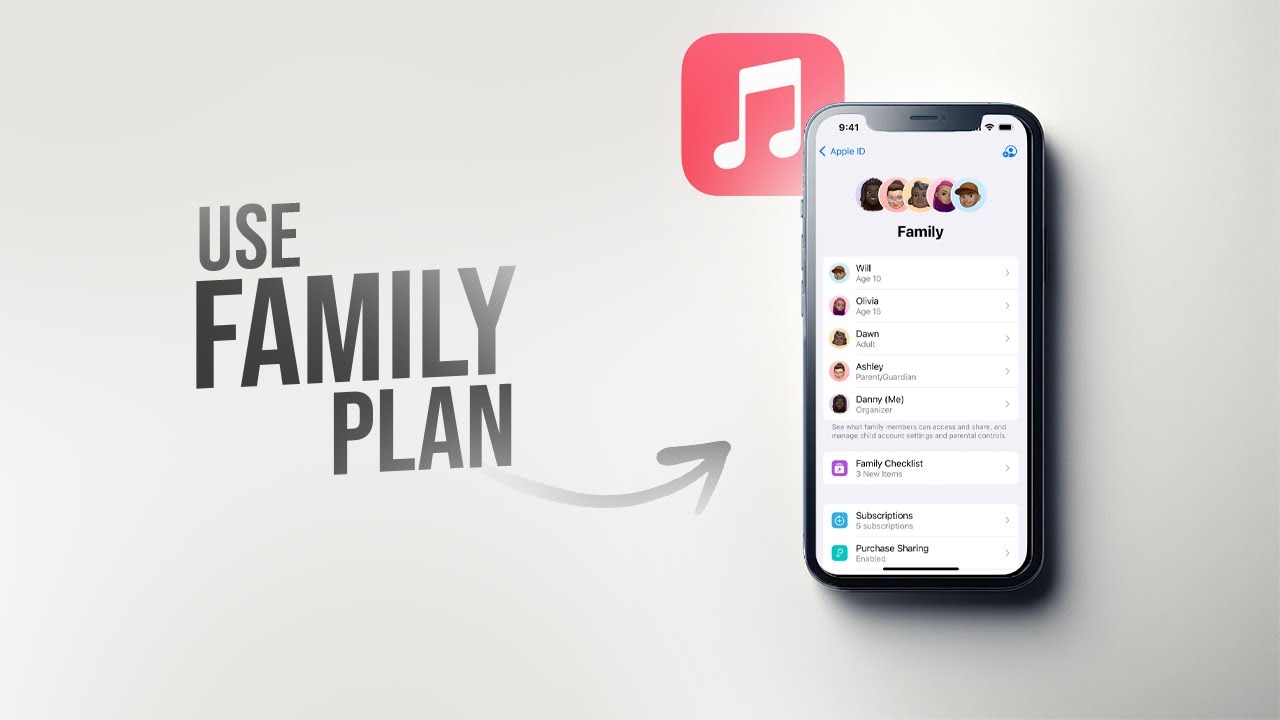
To truly maximize your Family Plan, start by setting up individual profiles and turning on “Sync Library” for each member. This ensures everyone’s listening history stays separate, so your “Chill Vibes” mix doesn’t get polluted by heavy-metal dance remixes. Next, appoint one person as the family “organizer” to manage invites and payments, and use the Family Sharing group to also share iCloud storage, app purchases, and even screen time limits—it’s a bundle deal for your whole digital life.
One underrated tip is to curate a shared “Family Favorites” playlist each month. Have everyone add one song they love, and then listen to it together during dinner or on a Sunday drive—it’s a lovely way to stay connected to each other’s tastes. Also, don’t forget to set explicit content restrictions for younger users in Screen Time, so you can keep the vibe family-friendly without manually policing every track.
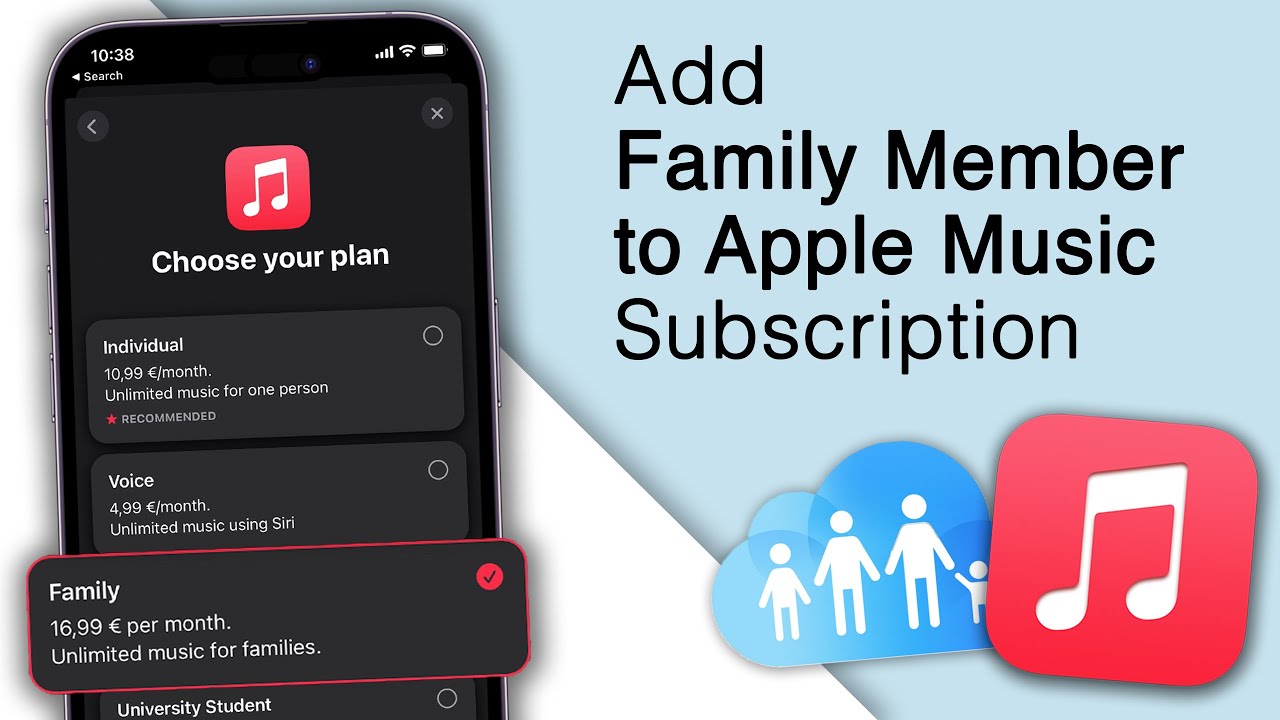
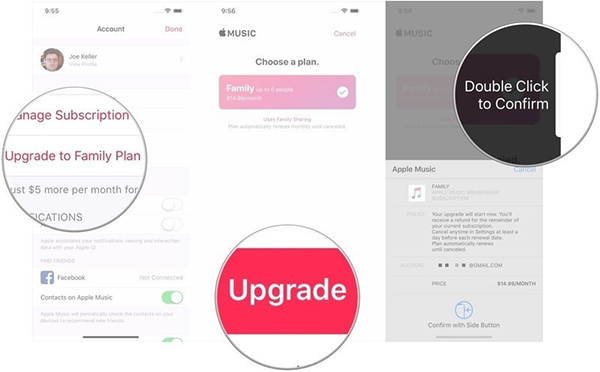
Finally, consider the cost math: a single plan is about $10.99, but the family plan runs $16.99. For two or more people, you’re instantly saving cash, but the real value is unlimited harmony and zero account-sharing guilt. So, gather your household, tap that upgrade button, and watch your musical universe expand. You’ll never have to wrestle for the aux cord again—and honestly, that alone is worth the price.