Squarespace Ux Portfolio Templates

Let’s be honest—nobody loves designing a portfolio from scratch. The blank page, the font anxiety, the endless fiddling with margins—it’s a special kind of digital torture. That’s why so many designers, writers, and creative freelancers secretly cheer for Squarespace’s UX portfolio templates. They turn the dreaded “show my work” task into a pleasant afternoon project, not a week-long meltdown.
The real magic is that these templates do the heavy lifting for you, so you can focus on your story instead of CSS. A well-structured template gives your work instant credibility, which matters when a recruiter spends only 30 seconds scanning your page. Think of it as dressing your projects in a sharp, tailored suit—it doesn’t change who you are, but it makes people stop and listen first.
For everyday life, this means less procrastination and more actual applying to jobs or pitching clients. You stop obsessing over whether your “About” page looks professional and start sending links that feel polished. The benefit is emotional relief—you’re no longer a designer who can’t design their own site, but a professional with a clean digital storefront.
Must Read
Common examples pop up everywhere: a UX researcher showing case studies with before-and-after user flows, a product designer displaying app mockups in a grid, or a brand new graduate using a “minimal” template to hide their lack of corporate experience. Even illustrators and photographers use these templates, swapping “case study” blocks for large image galleries. The best part? You can swap color schemes and fonts in minutes, so your portfolio doesn’t look like everyone else’s—unless you want it to.
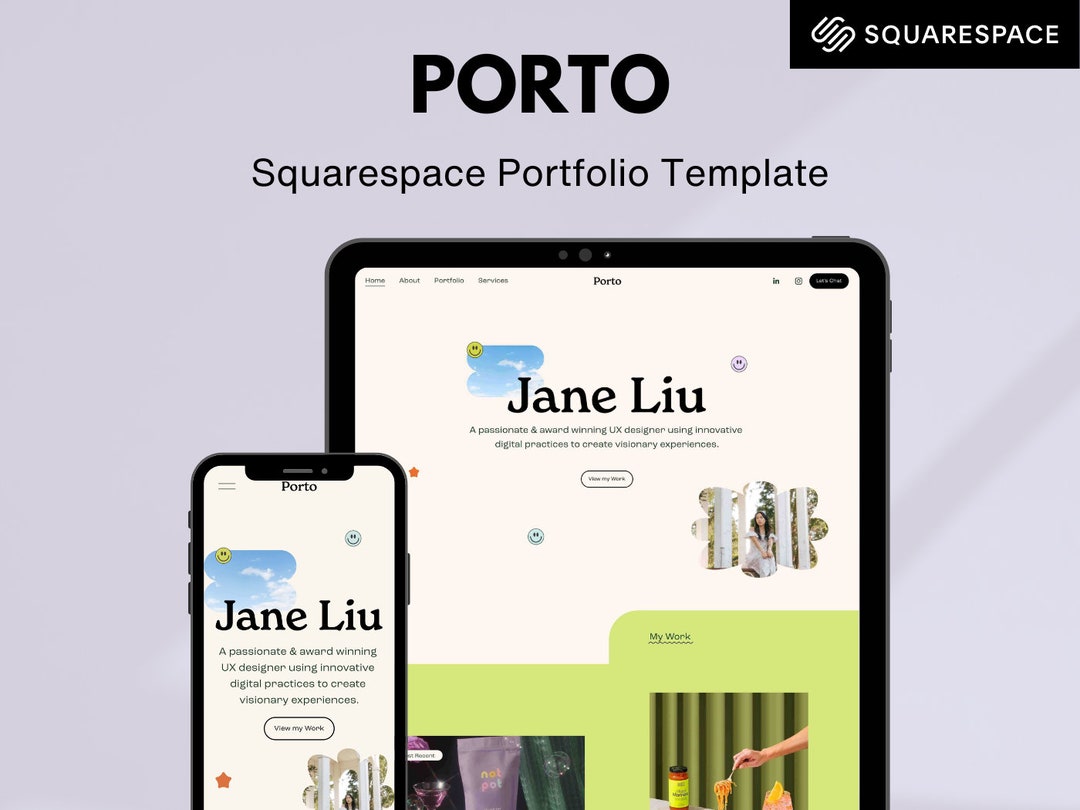
To get the most out of it, stop trying to customize everything on day one. Pick a template with a strong narrative flow—one that leads from a hero image to your selected projects, then to your contact info. Resist the urge to add a million animations; instead, use white space to let your screenshots breathe. Also, steal from the pros: look at three portfolios you admire, screenshot their layout choices, then replicate that rhythm in your own template.
Here’s a practical tip: use the built-in “section” pages for each case study, and write the story like you’re explaining it to a smart friend, not a technical robot. Recruiters love concise “Problem → Process → Solution” headings—so make those your big text pieces. And don’t forget mobile preview; most hiring managers browse on their phones during commutes, so check how your images scale down.

Another underrated trick is to turn on the “password protect” feature while you’re still refining. This lets you share a rough draft with trusted peers for feedback without the whole world seeing your messy first pass. After two rounds of edits, remove the password and celebrate—you’ve just finished a portfolio that actually makes you look like the expert you are.
Finally, remember that templates are starting points, not cages. Even a tiny tweak—like adding a custom SVG logo or a personal quote under your name—makes the site feel uniquely you. The goal isn’t perfection; it’s to get your work out there before your enthusiasm fades. So pick a template, drop in your best project, and hit publish. Future you will thank you.