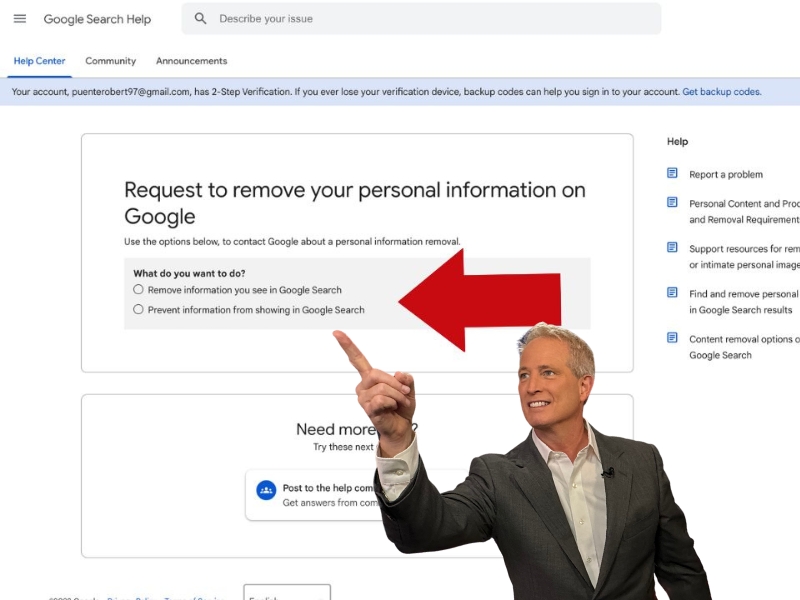
Remove Myself From Google Search
Have you ever typed your own name into Google and felt a little jolt of surprise? Maybe there’s an old social media profile, an awkward forum post, or just a random mention you wish would vanish. The good news is that you’re not alone, and there are ways to take back some control over your digital footprint. This isn’t about hiding from the world—it’s about curating what the world sees when it looks for you.
Learning to remove yourself from Google Search is a bit like learning to do a quick spring-cleaning of your online life. It’s relevant because your search results can shape first impressions, from job offers to new friendships. The purpose isn’t to become invisible; it’s to minimize clutter and keep only the content that truly represents you. The biggest benefit is peace of mind, knowing that you’ve done what you can to manage your own narrative.
For a student, this could mean cleaning up a messy public profile before applying for internships or graduate school. In daily life, it might help a small business owner separate their personal life from their professional brand. Even for a parent, it’s a way to ensure shared photos or addresses don’t pop up easily for strangers. In short, it’s a practical skill for anyone who has ever typed their own name into a search bar.
Must Read
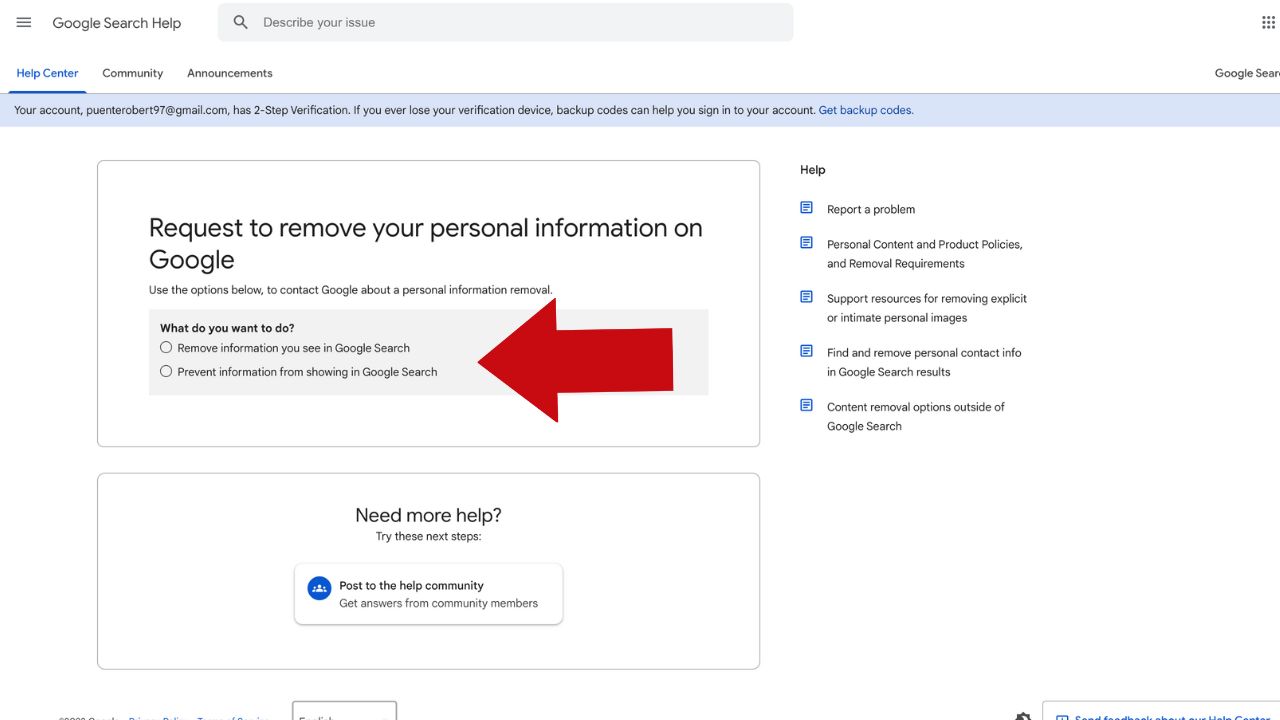
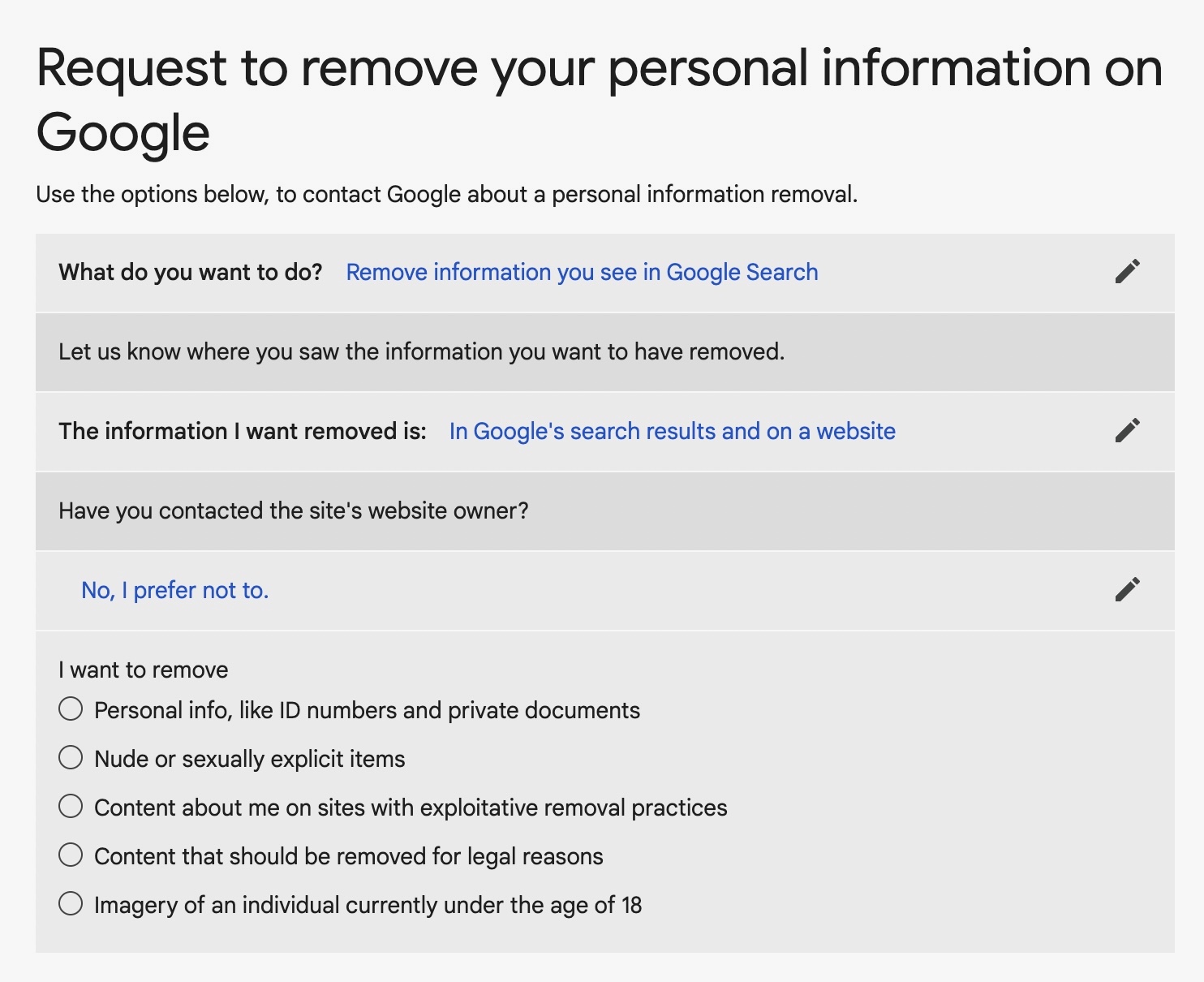
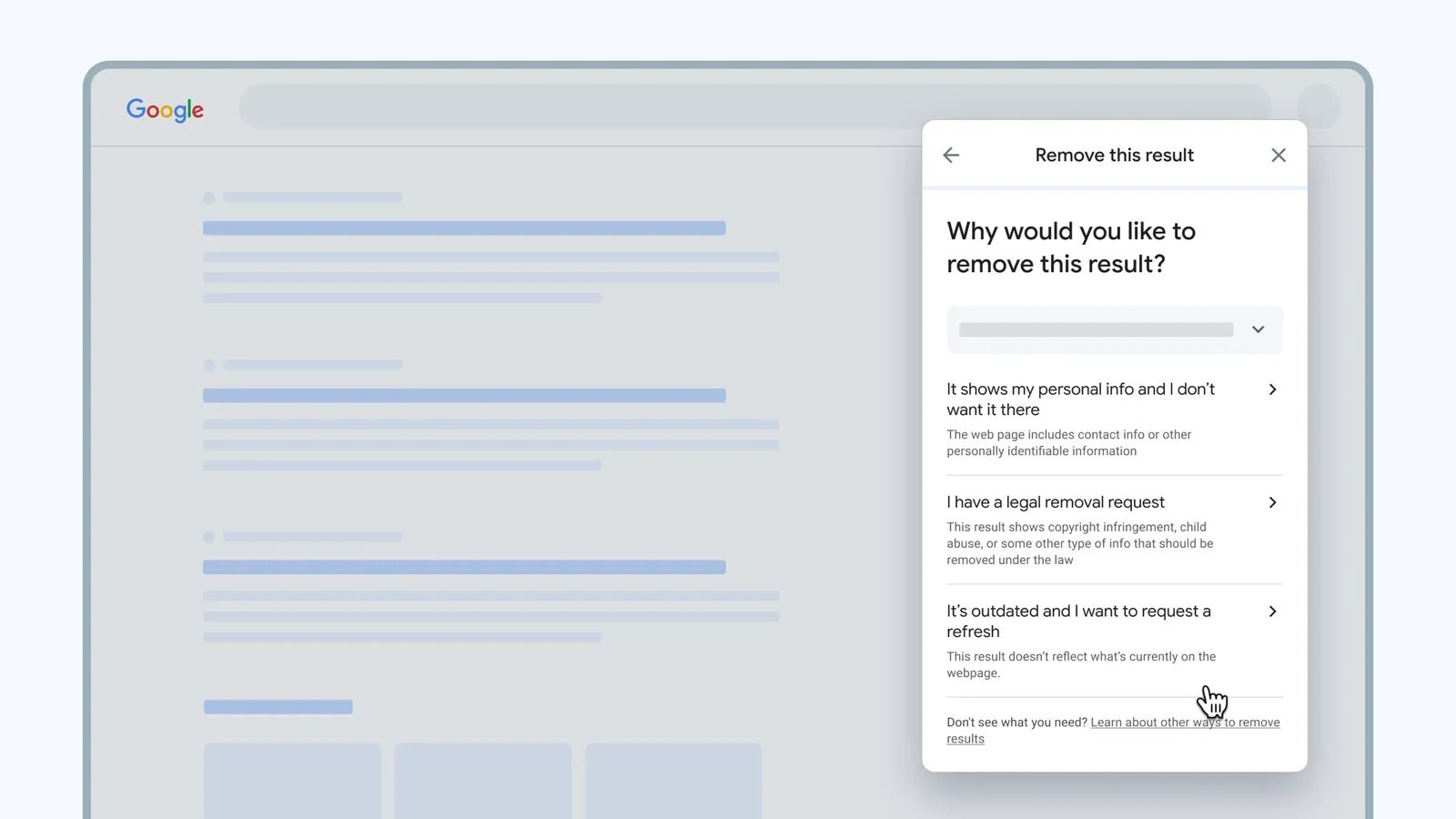
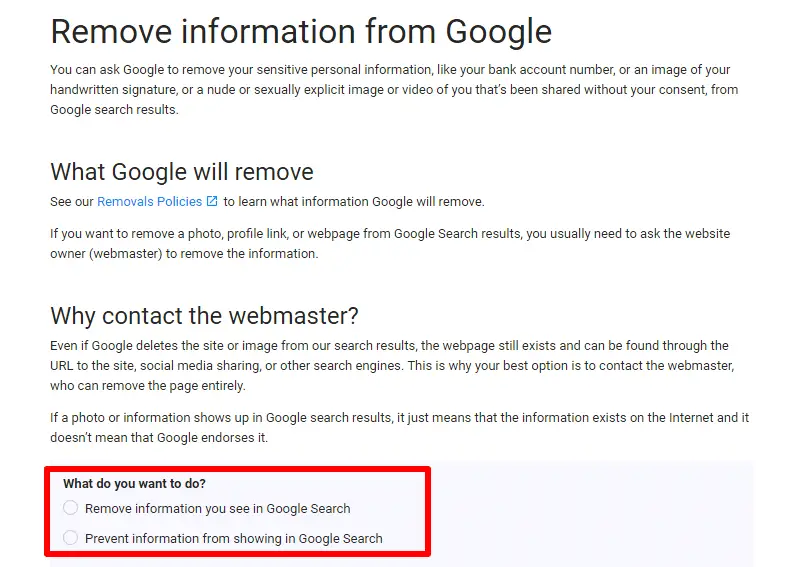
However, you can’t just snap your fingers and make everything disappear. Google is a search engine, not a website owner, so it merely reflects content hosted on other sites. The real trick is to work at the source—contact the website owner or use the platforms’ own privacy tools to remove or update the information. For personal data like your phone number or home address, you can request removal under privacy laws like GDPR or CCPA, which many search engines honor.
One of the most effective tools is Google’s own “Remove Content” feature, found in their Search Console. You can also set up a Google Alert for your name to catch new mentions as they appear. For outdated posts on social media, simply editing your profile or deleting the account often does the trick. If the content is on a site you don’t control, sending a polite, clear request to the webmaster is your best first move.
Why not make it a fun little project this weekend? Start by searching your name in incognito mode to see what a stranger would see. Then, make a list of anything that feels off or outdated, and tackle them one by one. You’ll be surprised how much you can tidy up with just a few clicks and emails.
Remember, the goal isn’t to erase yourself completely—that would be nearly impossible and also unnecessary. Instead, you’re aiming for a fair and accurate picture of who you are today. Think of it as updating your digital résumé, even if you’re not looking for a job. It’s a small step that can make a big difference in your online comfort and confidence.
One practical tip: always keep copies of anything you remove if you might need it later, like a portfolio piece or a memorable travel blog. And don’t forget that new content is created every day, so this isn’t a one-time task but an ongoing habit. Set a reminder every six months to do a quick “name check” and sweep up any stray references.
The process can feel a bit like untangling a necklace, but it’s completely doable with patience. You’re not trying to fight an algorithm; you’re simply becoming a more mindful participant in the online world. So go ahead, give it a shot—your future self will probably be glad you did.

![How to Remove Your Personal Info from Google search? [2023] | Incogni Blog](https://blog.incogni.com/wp-content/uploads/2022/10/remove-the-results-from-Google-removal-request.jpg)