Recover Deleted Photos From Computer

Let’s be honest—your computer’s photo folder is basically a digital shoebox. You toss everything in there, from blurry sunsets to nineteen near-identical shots of your cat blinking. Then, in a moment of misguided “cleaning,” you nuke the whole thing, only to realize you just deleted the only picture of your grandma’s legendary three-tier cake. Cue the panic sweat. It’s like accidentally throwing your car keys in the dumpster, but instead of a key, it’s your entire visual memory.
But here’s the good news: deleting a photo doesn’t actually destroy it—not immediately, anyway. Think of your hard drive as a massive library where the “delete” button just scribbles over the card catalog, not the books themselves. The actual data is still sitting there, chilling on the shelf, waiting for you to remember where you left it. You’ve just lost the map, not the treasure.
Stop, Drop, and Don’t Roll
Before you download a bunch of sketchy “recovery miracle” software, take a deep breath. The first rule of photo recovery is to stop using that computer immediately. Every new photo you take, every file you save, or even a random system update is like a bulldozer driving over that library. New data physically overwrites the old “deleted” space, and once that happens, your cake photos are genuinely toast.
Must Read
So, close your browser tabs, unplug your camera, and resist the urge to “just check Instagram.” Your hard drive is a crime scene, and you don’t want any new fingerprints. It’s like trying to find a dropped contact lens on a busy sidewalk—freeze everyone, don’t move a muscle!
The Recycle Bin: Your First Best Friend
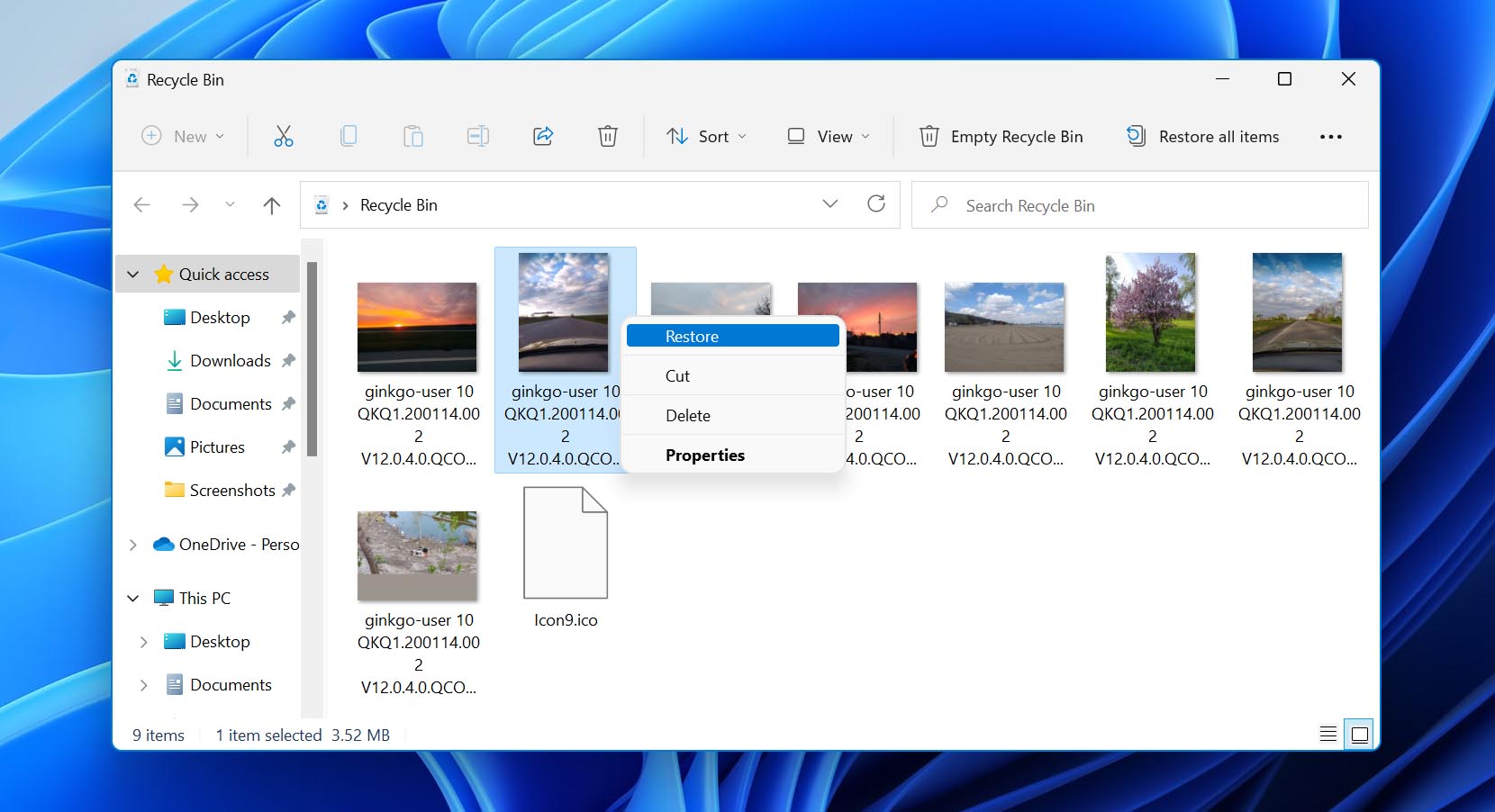
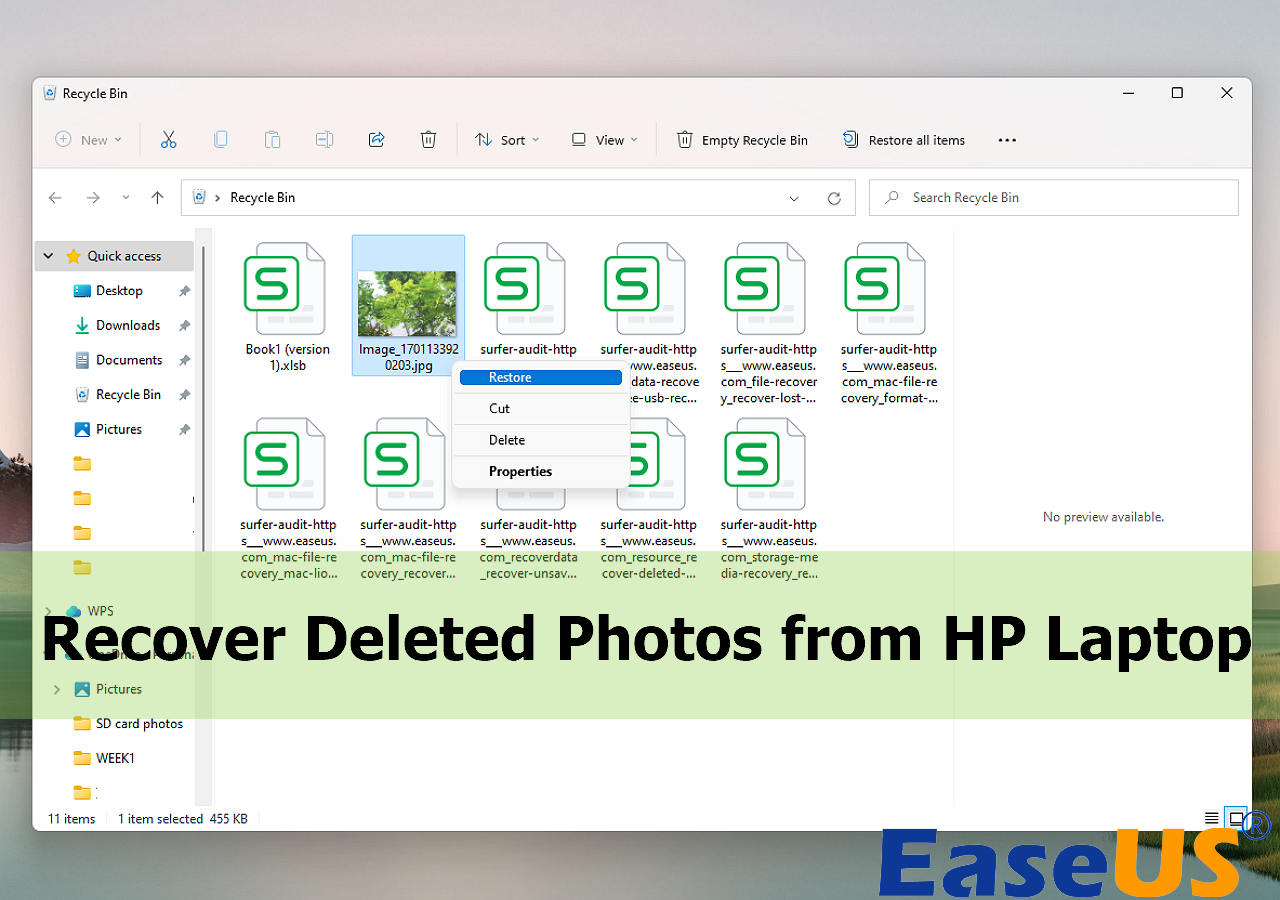
Okay, let’s start with the obvious, because we all panic and forget the simplest things. Did you actually check the Recycle Bin? No, seriously—go look right now. It’s the digital equivalent of checking your pockets before you call the police about a stolen wallet. Nine times out of ten, your photos are just sitting there, dusty but intact, patiently waiting for you to right-click and hit “Restore.”
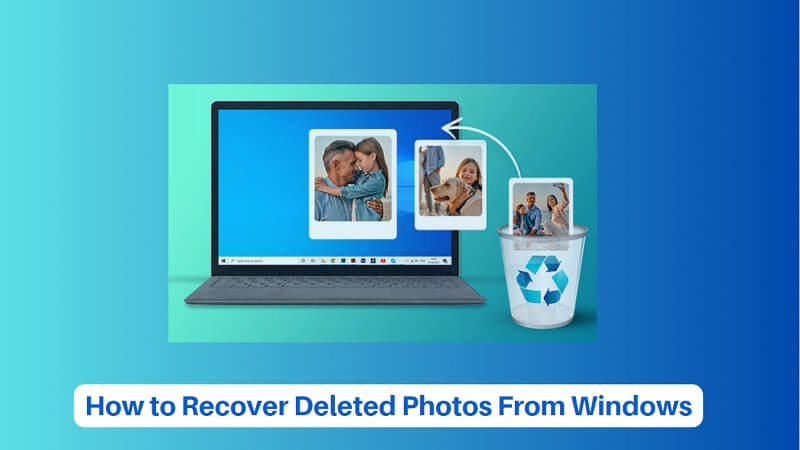
If you’re on a Mac, it’s the Trash, and it works the same way. I once spent an hour lamenting a deleted vacation video, only to find it in the bin next to a folder I’d “deleted” in 2019. Embarrassing? Yes. Effective? Also yes. So, start there, you beautiful disaster.
When the Bin Fails: Bring in the Pros (Free Ones)
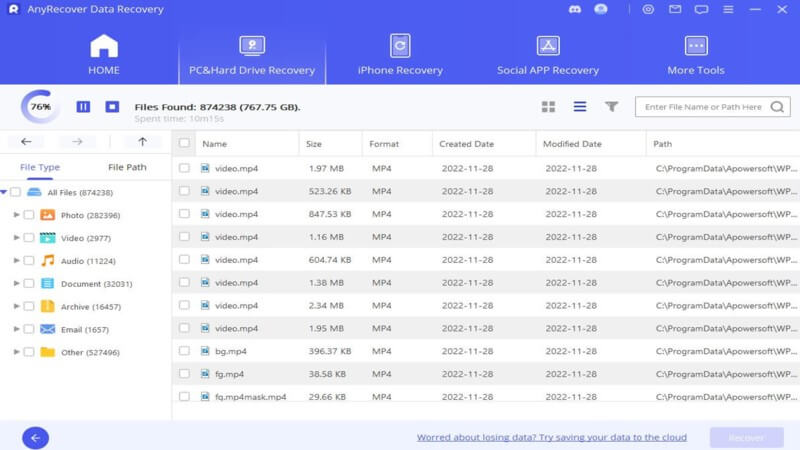
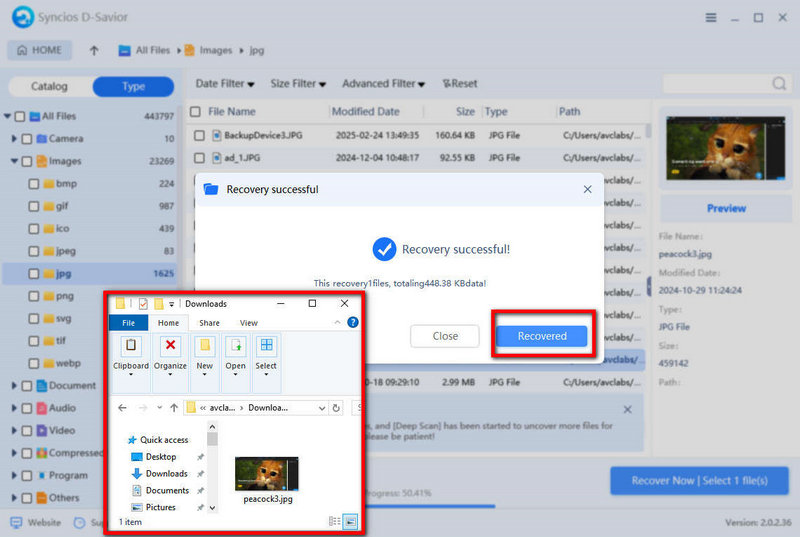
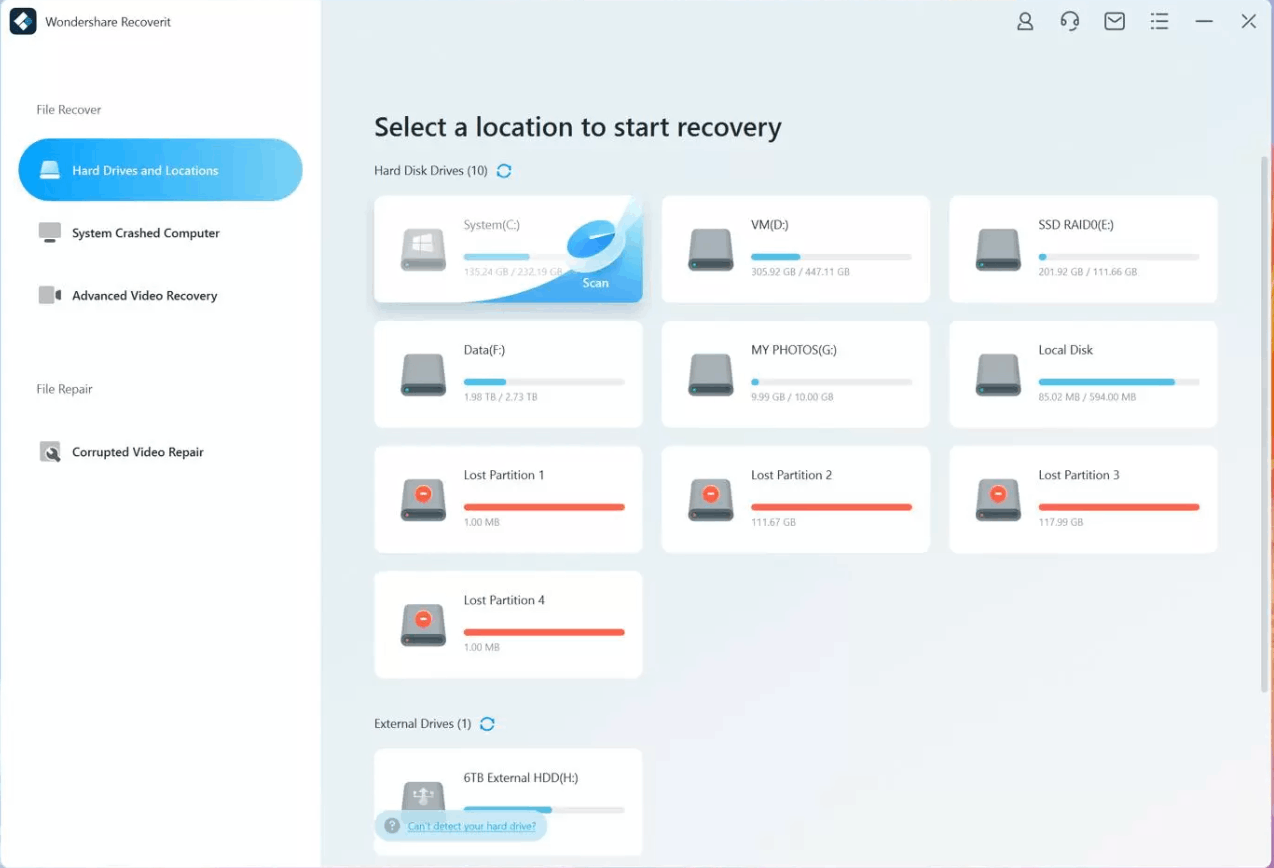
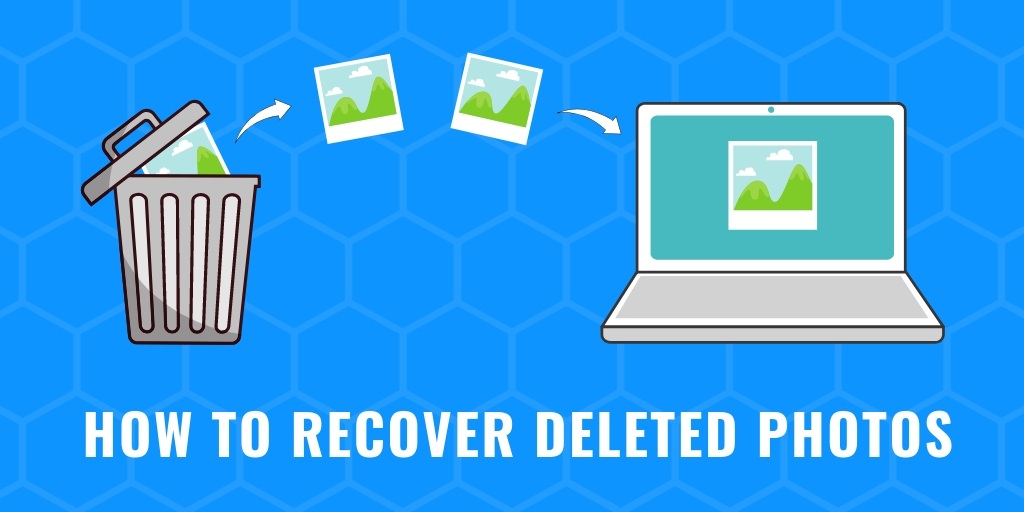
So, you’ve cleared the bin (you monster) or permanently deleted with Shift+Delete. Now we’re in the big leagues. This is where recovery software steps in, and the good news is you don’t need to sell a kidney. There are excellent free tools like Recuva (for Windows) or PhotoRec that can scan your drive for those ghostly remnants of your files. Think of them as metal detectors for your hard drive’s beach, beeping over every pixel you thought was lost.
Install the software on a different drive if you can—like a USB stick—because installing it on the same drive might overwrite your data. It’s a delicate dance, like performing surgery on yourself while holding a bag of chips. But trust me, the interface is usually simple: pick the folder, pick “deep scan,” and wait with the kind of patience you usually reserve for a slow-motion replay of a sports blunder. Then, watch in awe as your entire photo library resurrects from the dead, like a zombie movie, but pretty and nostalgic.
The “Oops, I ‘Recycled’ My Life” Caveat
Not every photo is coming back. If you formatt