
Multiple Amazon Accounts On Alexa
Okay, let’s talk about something that might sound like a tech headache but is actually a total game-changer: having multiple Amazon accounts on your Alexa. You might be thinking, “Wait, why would I ever need that?” But trust me, once you dip your toes in, it’s like discovering a secret passage in your own house.
Imagine you live with your partner, a roommate, or even just have a separate work persona. We’ve all been there—you ask Alexa to play your favorite playlist, and suddenly it’s blasting your roommate’s heavy metal mix. Or worse, you accidentally order a book with your personal account when it was supposed to go on the business card. It’s a mess, but the fix is way simpler than you’d think.
The Magic of Alexa’s “Household” Feature
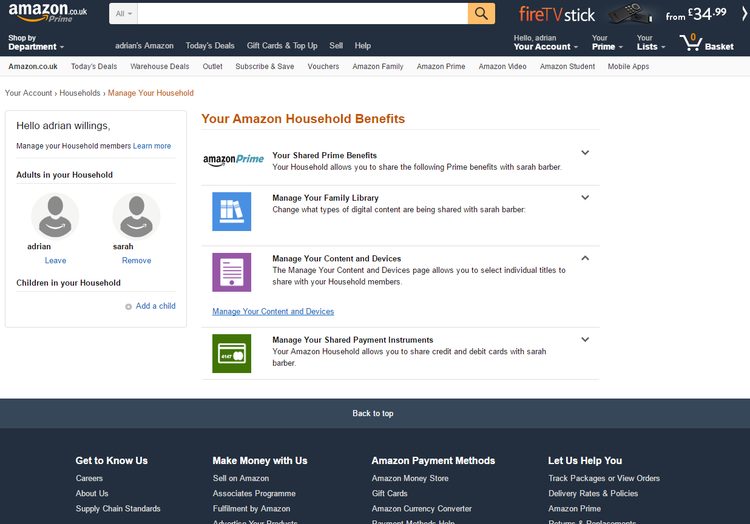
Amazon’s little trick is called an Amazon Household, and it’s basically like creating a shared digital family dinner table. You can link two adult accounts (plus teens and kids) so that everyone gets their own personalized stuff, but the devices still work together. Think of it as having separate drawers in a shared nightstand—your stuff is yours, but the furniture is communal.
Must Read
Once you set it up, you can say, “Alexa, switch to my profile,” and it just… switches. It’s like changing your identity with a voice command. No more worrying about your spouse’s calendar popping up when you ask about your morning meetings. It’s your daily briefing, your commute, your reminders—all yours.
Why This Is Actually Cool (And Not Just Convenient)
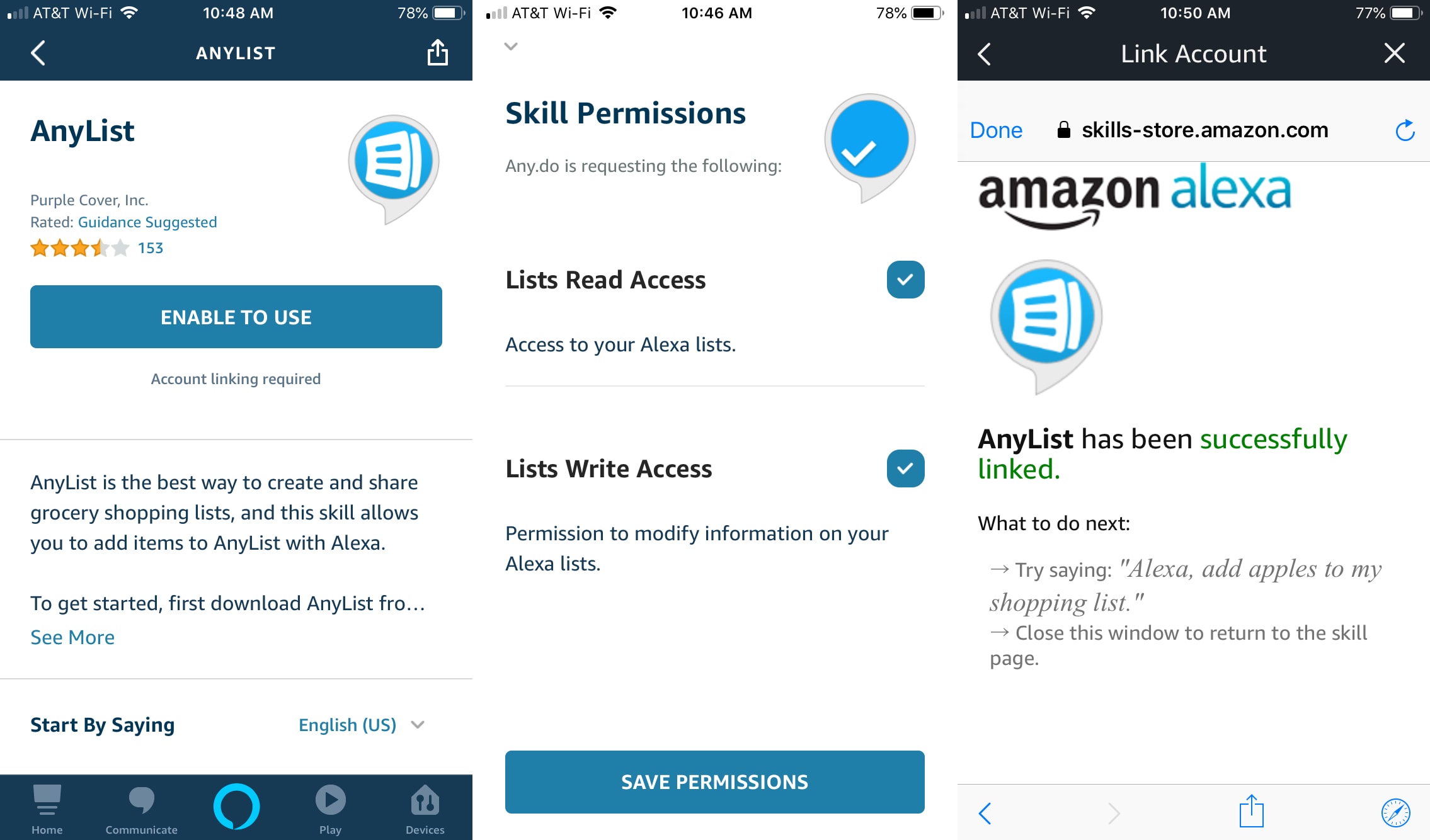
Here’s where it gets fun. If you’re a fan of dropping hints for birthday gifts, this is your secret weapon. You can add items to your cart or shopping list without the other person seeing them on their list. It’s like having a private wish list that only the Echo knows about. Sneaky? Maybe. Smart? Absolutely.

Also, think about music and podcasts. Each account can have its own Spotify, Apple Music, or Amazon Music link. So, your chill lo-fi beats won’t get bulldozed by someone else’s audiobook. You can finally have a peaceful morning coffee without suddenly hearing a true crime podcast about serial killers. Unless that’s your thing, in which case, go wild.
How to Start (The Easy Part)
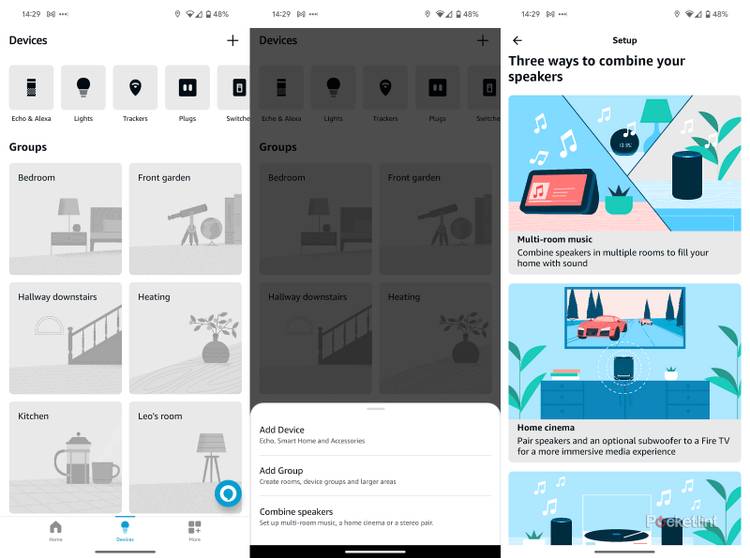
You don’t need a tech degree. Just open the Alexa app, go to Settings, and look for Amazon Household. Follow the prompts to invite the other person. It takes about five minutes, maybe less if you’re not distracted by your phone buzzing. Once you’re in, you can even set up voice profiles so Alexa knows who’s talking just by the sound of your voice.

That part is wild, right? It’s like Alexa has ears for identity, not just words. When you say, “Alexa, add milk to my shopping list,” it knows it’s you because your voice has a unique fingerprint. It’s a little sci-fi, but in the best, most helpful way.
The Big “Why Bother?” Moment
You might be thinking, “But I live alone, so this doesn’t apply to me.” Well, hold on. Are you telling me you never want a separate account for your side hustle? Or maybe you just want to keep your “fun” music separate from your “productivity” playlists. Having two profiles is like having two playlists for your life—one for the serious stuff, one for the guilt-free bops.

Plus, it keeps your Amazon orders from getting tangled. You know that moment when you accidentally order dog food on your work account? Yeah, this stops that from ever happening again. It’s a small shield against chaotic, impulsive online shopping.
So, give it a shot. Link an account, set up your voice, and embrace the multi-personality life. Your Echo isn’t just a speaker anymore—it’s a shapeshifter that bends to your will. And honestly, that’s cooler than any smart lightbulb ever will be. Happy switching, you beautiful multitasker.

:max_bytes(150000):strip_icc()/amazon-alexa-account-home-page-a-dk-yellow-x-1725fde169bc48c2b50446dc5b2f7258.jpg)
![Multiple Pandora Accounts on Alexa [Simple, 2023]](https://smartgeekhome.com/wp-content/uploads/2023/07/multiple-pandora-accounts-on-alexa.png)