Minecraft Server Control Panel Hack

Okay, let’s be honest for a second. You’ve probably spent more hours tweaking your Minecraft world than you have sleeping this week. And while those redstone contraptions are cool, there’s nothing quite like the thrill of mastering the hidden controls behind your server.
We’re not talking about shady cheat codes or sneaky exploits. We’re talking about the wonderful, nerdy world of server panel hacks—which really just means getting your tools to work smarter, not harder. Think of it as giving your digital castle a remote control that actually fits your hand.
Why Bother with a ‘Hack’?
Because your time is precious, and you’d rather be mining than clicking through menus, right? A good panel hack is about automation and clean workflows—things that make your life feel like a breeze.
Must Read
Imagine restarting your server with one keyboard shortcut while you’re still sipping coffee. Or auto-backing up your world every hour without lifting a finger. That’s not magic; that’s just clever configuration, my friend.
The Secret Sauce: Simple Scripts & Hotkeys
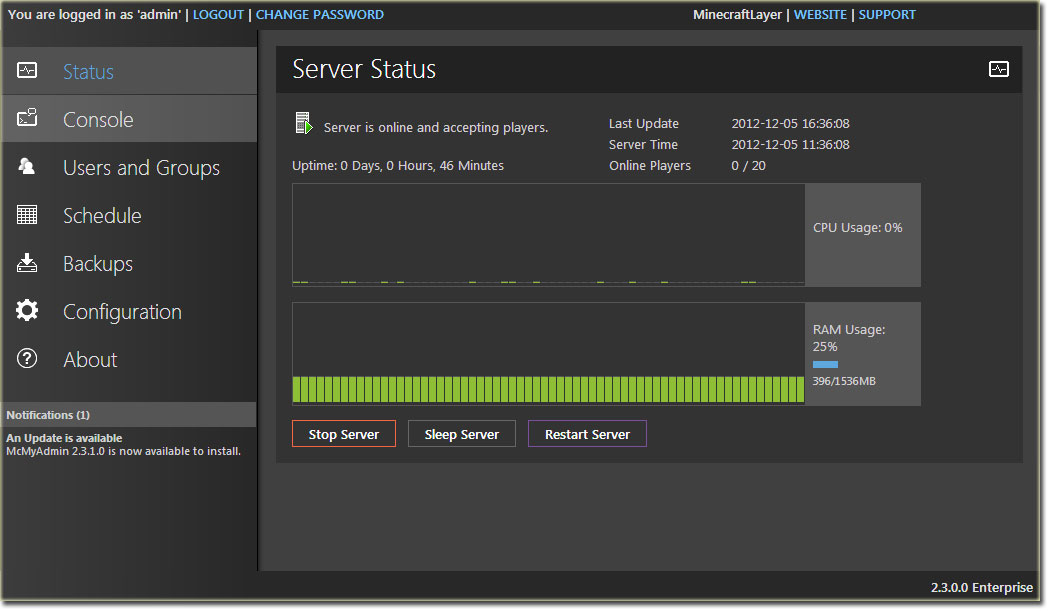
Here’s the kicker: most control panels (like Pterodactyl or Multicraft) have hidden API endpoints or command-line tools. You don’t need to be a hacker in a hoodie—just a curious tinkerer with a little patience.
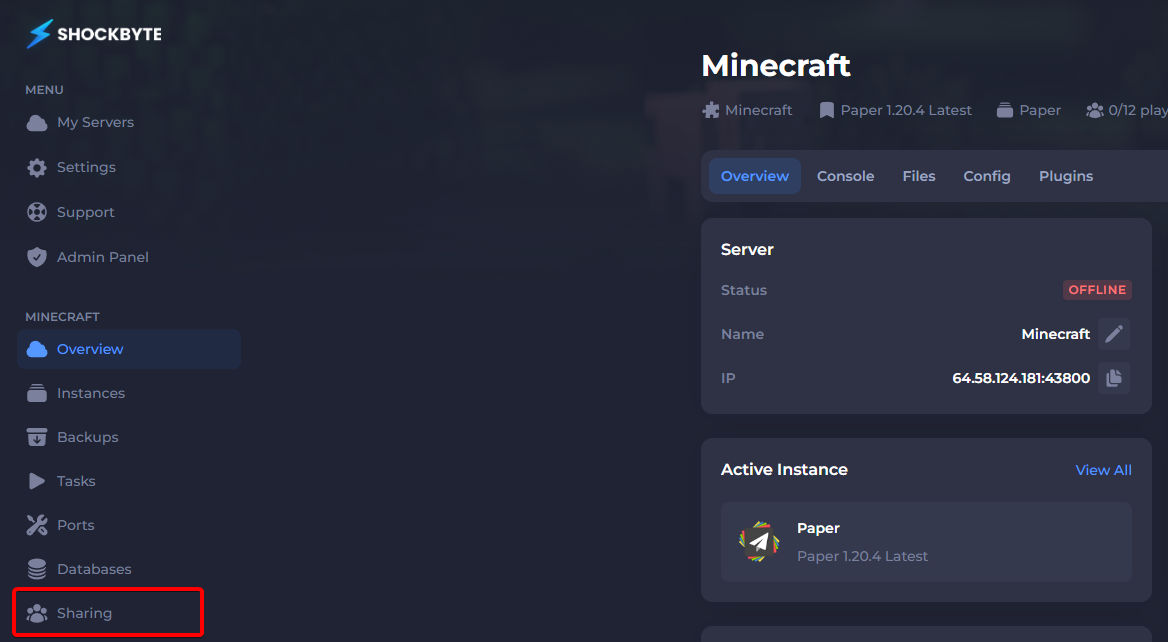
Start by creating a simple batch file or shell script that sends a quick command to your panel’s API. For example, a tiny script that toggles “whitelist on” when you’re AFK? Genius. You’ll feel like a wizard every time you run it.
Another fun trick? Use a webhook to send a chat message to Discord when your server crashes. It’s less “hacking” and more smart home for your blocky universe—and honestly, it’s addictive.
Turn Boring Into Playful
Let’s be real: clicking “Save” and “Restart” manually is as thrilling as watching grass grow. But when you wire a button on your phone to do it? Now that’s fun. You can even set a custom command like “/party” that auto-loads a minigame map.

The best part? You learn a little bit about coding, APIs, and logic—stuff that feels scary at first but is actually just legos for your brain. And when your friends ask, “How did you do that?” you get to smile mysteriously and say, “I have my ways.”
Don’t Break It—Tweak It
Now, a quick word of caution from your friendly neighborhood admin: back up your config files before you go wild. One wrong comma and your server might give you the silent treatment. But that’s okay—failures are just stepping stones to the next cool trick.

Start with one small change. Test it. Giggle. Then try another. Before you know it, you’ll have a control panel that feels less like a boring dashboard and more like a personal command center for your imagination.
The Real Reward
Here’s the beautiful thing about messing with your server panel: it’s not just about efficiency. It’s about taking ownership of your digital space. It’s about realizing that you are the architect, the director, and the coolest tech wizard at your own blocky desk.
So go ahead—open that settings file, peek under the hood, and try one tiny hack today. You’ll probably surprise yourself, and you’ll definitely have more fun. The world (or at least your server) is your oyster. Now go make it shine.