Migrate From Shopify To Bigcommerce
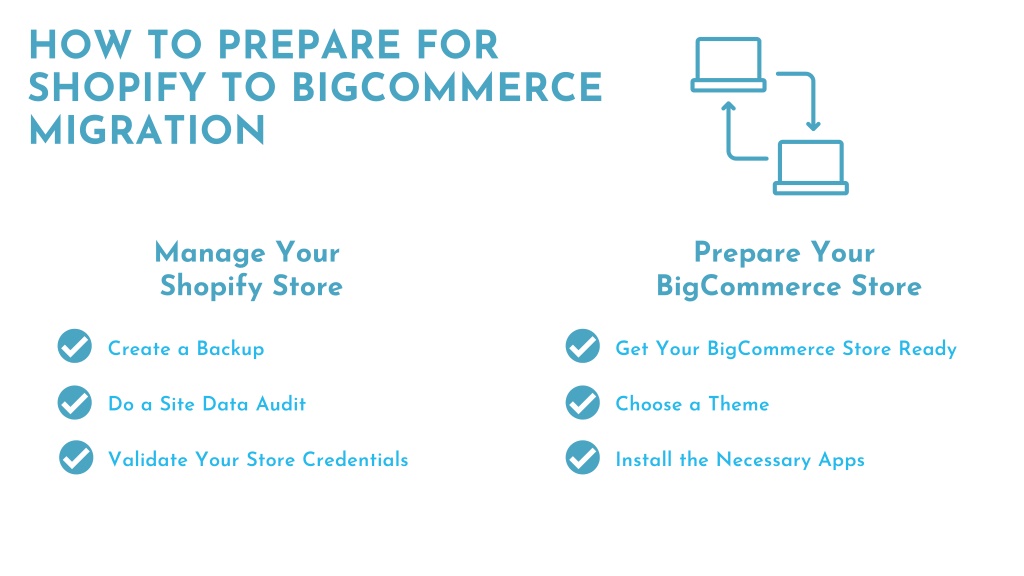
So, you’re thinking about leaving Shopify, huh? Don’t worry, it’s not you, it’s them—well, maybe it’s a little bit you, but that’s okay. We all outgrow our starter homes, even the digital ones with cute little themes. If you’re reading this, you’re probably ready for a change, and I’m here to be your hype person for the big leap over to BigCommerce.
First, let’s pour one out for Shopify. It’s a great platform, truly. But sometimes you just need more room to stretch your arms, more features without paying an arm and a leg for apps. That’s where BigCommerce swoops in like a superhero in a business suit, ready to save you from nickel-and-diming.
Why Make the Switch? (Spoiler: It’s Awesome)
Think of BigCommerce as the Swiss Army knife of ecommerce. It has built-in features that Shopify makes you pay extra for—things like abandoned cart recovery, professional reporting, and multi-currency support. It’s like finding out your rental car has heated seats and a massage function for free. No subscription for that luxury here!
Must Read
Plus, BigCommerce has zero transaction fees on any payment gateway you choose. That’s right, you can use Stripe, PayPal, or that weird local payment method your customers love, without paying a “platform tax” on top. Your wallet will thank you by not feeling so light.
And let’s talk about SEO, shall we? BigCommerce gives you clean URLs and lightning-fast load times right out of the box. It’s like giving your website a shot of espresso before a big presentation—everything just works better and ranks higher.
The “Scary” Part: Moving Your Stuff
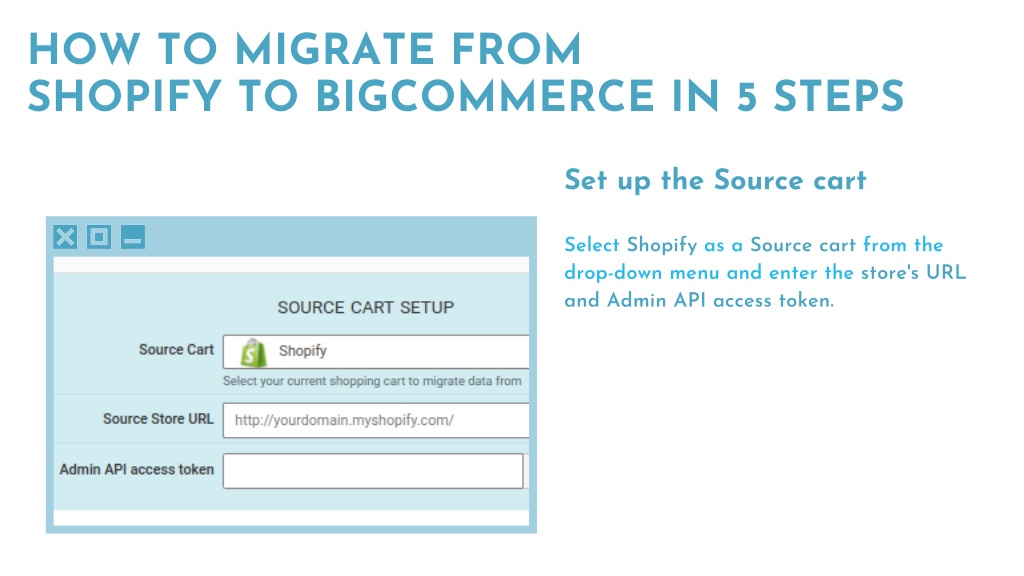
Okay, let’s address the elephant in the room—the migration. The word sounds scarier than a Monday morning dentist appointment, right? But here’s the secret: it doesn’t have to be painful. You’re not going to need a tech wizard or a secret decoder ring. Most of the heavy lifting can be done with a migration app, and a few you’ll do manually with a coffee in hand.

First, you’ll want to export your products from Shopify as a CSV file. It’s like packing your boxes for a move. Take your time, label everything clearly, and don’t forget the weird stuff—like that one product with the confusing variant. BigCommerce has a neat little importer that will read all that data and put it in the right rooms.
What About Customers and Orders?
Don’t panic, but customer accounts and order history are like old photo albums—you can’t just shrink-wrap them. You’ll need to manually bring over order history if you want it, but honestly? Your future customers don’t care about your past sales data. They care about their current order. Just export your customer emails and you’re golden for marketing. For order history, you can use a paid app like Cart2Cart if you’re feeling fancy, or just start fresh. New beginnings are healthy!
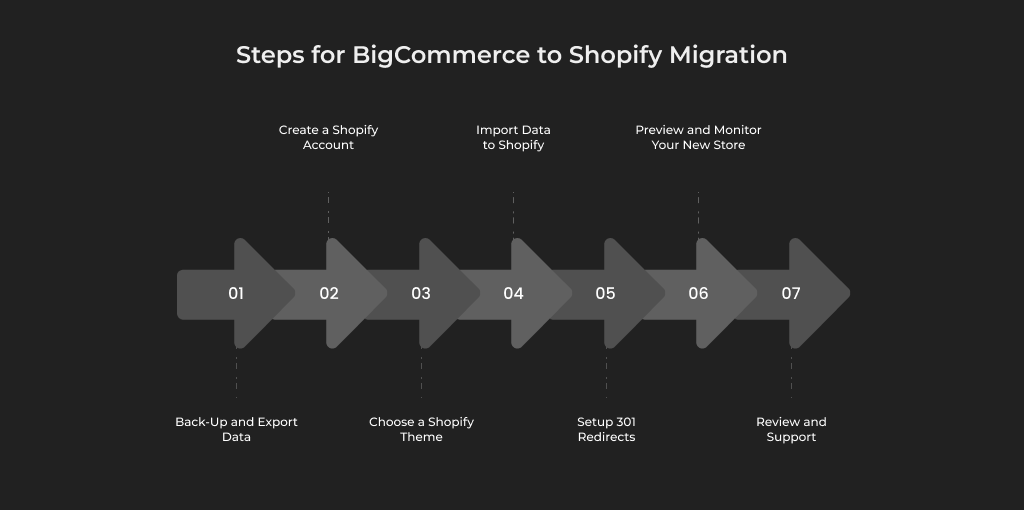
One trick: Set up 301 redirects from your old Shopify URLs to your new BigCommerce ones. This way, your old links don’t die and Google doesn’t throw a tantrum. It’s like forwarding your mail when you move—important, but takes ten minutes.
Design Without Drama
Your Shopify theme is like a cozy sweater, but it won’t fit BigCommerce. Don’t worry—BigCommerce has dozens of free and paid themes that look even snazzier. And since you’re starting fresh, you can finally fix that embarrassing footer you ignored for years.
If you’re not a coder, no biggie. Just pick a theme that looks close to your old one, then drag and drop your images and text. It’s like decorating a new apartment—fun, not stressful—unless you try to hang a shelf, but that’s a different problem.
Remember, your logo and product photos are your favorite kids—they can come with you. Just re-upload them, and boom, you’ve got a brand-new home that looks like you.
Apps, Apps, and More Apps (But Less, Actually)
The best part? You’ll probably need fewer apps on BigCommerce. Because so many features are built-in, your app bill might shrink faster than a wool sweater in a hot dryer. That extra cash? Buy yourself a nice coffee or a victory pizza.
For the few apps you do want, BigCommerce’s marketplace is just as vibrant. You’ll find email marketing, reviews, social proof, and shipping tools. Just don’t go overboard downloading everything at once—even a great platform can get bloated with too many plugins.
The Final Stretch (And Why You’ll Smile)
Here’s a gentle reminder: don’t do this in one crazy day. Give yourself a week. Migrate products on day one, redirects on day two, and design on day three. Spread the joy. You’ll be less grumpy, and your store won’t look like a tornado hit it.
Also, use BigCommerce’s free trial (they usually give you 15 days). You can play around, break things, fix them, and even cry a little—all without paying. It’s like test-driving a sports car before buying it. Trust me, you’ll feel the difference in handling.
When you’re done, take a deep breath. You’ve done it. You’ve moved your digital life from the old neighborhood to a shiny new penthouse. Your store will load faster, your features will be richer, and your customers will think you hired a fancy agency when you secretly just did it with a bit of patience and this guide.
So go on, make the jump. The water’s warm, the fish are friendly, and BigCommerce is waiting with open arms (and zero transaction fees). You’ve got this, friend—your store’s future is bright, your smile will be brighter, and your sales? Well, they’re about to get very, very happy. Now, go get ’em!