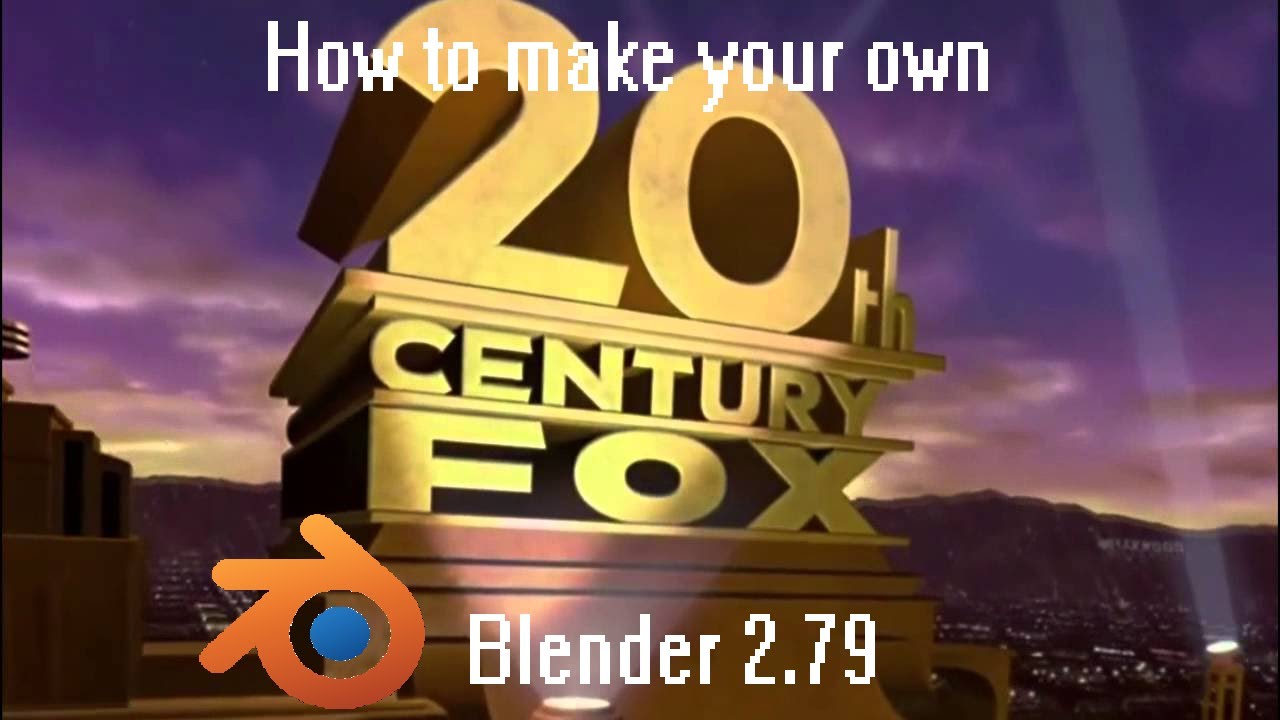
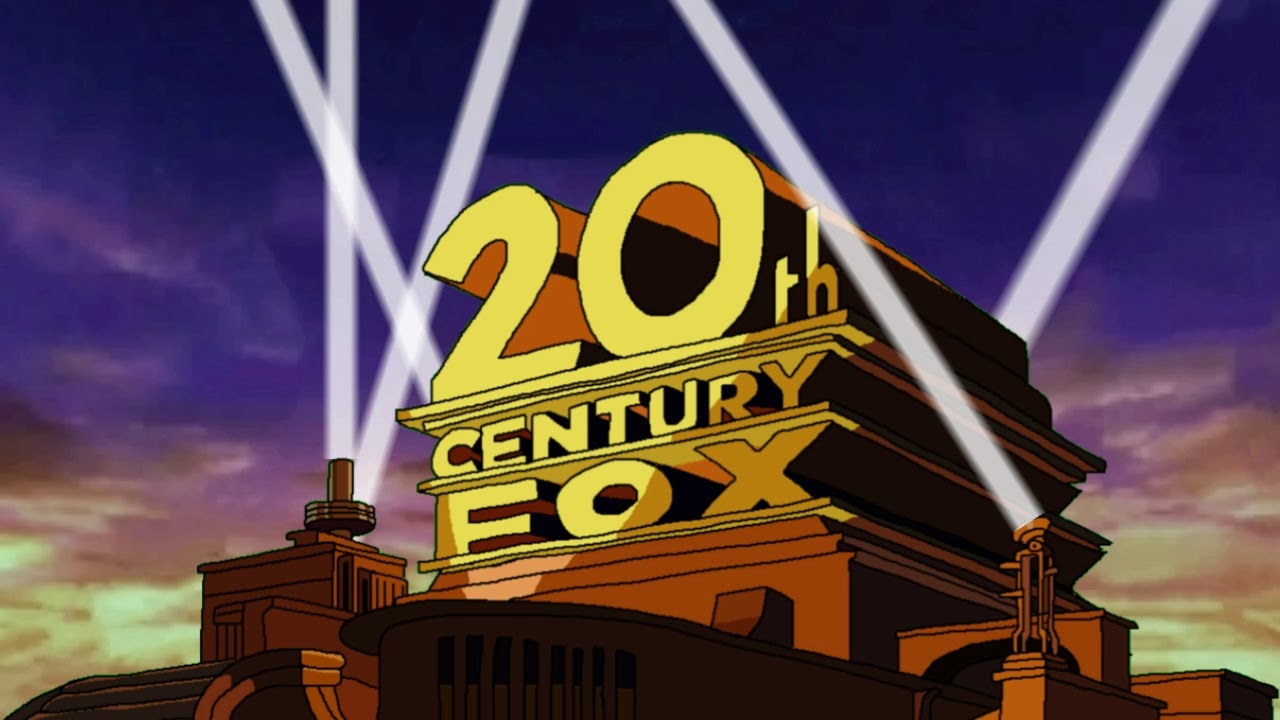
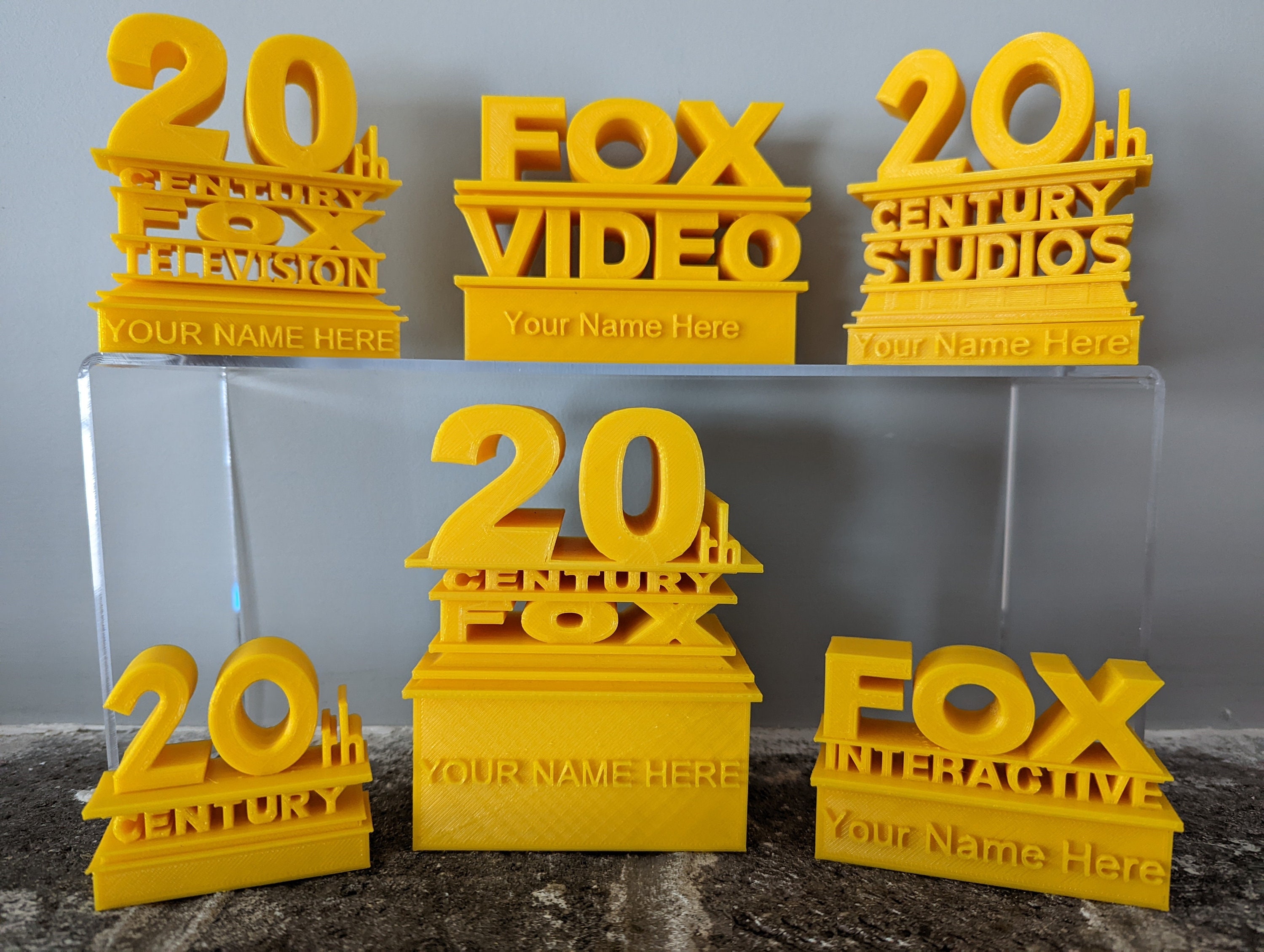
Make Your Own 20th Century Fox Logo

Ever caught yourself humming that dramatic, four-note fanfare before a movie starts? That iconic 20th Century Fox intro is a piece of cinematic history, but it’s also surprisingly easy to recreate at home. With a little digital tinkering, you can turn a simple logo into your own personal production stamp for videos, school projects, or just for a laugh.
Making your own version is less about copying a corporate symbol and more about learning the magic of motion graphics. It’s a playful gateway into video editing, 3D text, and lighting—skills that feel impressive but are totally approachable for beginners. The best part? You don’t need expensive software. Free tools like DaVinci Resolve, Blender, or even PowerPoint’s animation tab can get you 90% of the way there.
The real benefit is that you’ll never watch a movie intro the same way again. You start noticing how light hits the letters, how the camera pulls back, and how the music builds tension. This kind of hands-on creation turns passive viewing into an active, curious puzzle—and that curiosity sticks with you far beyond the final export.
Must Read
For teachers and students, this is a goldmine for project-based learning. Imagine a history class making a parody “Fox” logo for a reel on the Roaring Twenties, or a science club crafting a “Neutron” intro for their physics video. It forces you to think about branding, sound, and rhythm, all while practicing technical problem-solving.
In daily life, you can use this for personal celebrations—birthday montages, wedding slideshows, or even a silly intro for a family recipe video. Instead of a plain title card, your homemade logo instantly adds a professional, playful flair that makes people smile. It’s also a fantastic way to impress friends at a movie night by showing your custom “Studio” logo before the feature film.
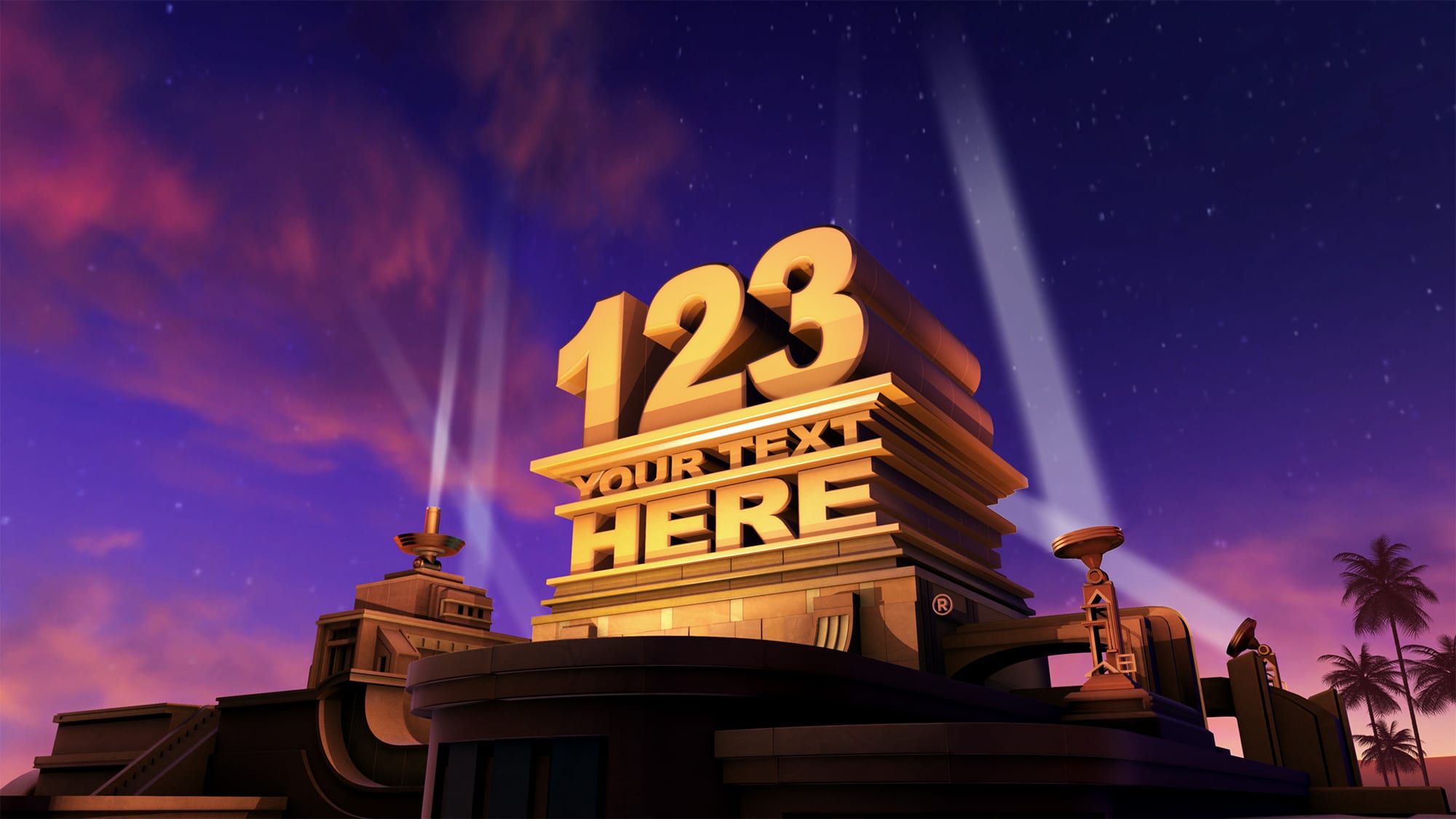
Ready to dive in? Start with the simplest route: open a free video editor and use its text tool to type your name in a bold, blocky font. Then, add a rise-in animation, a golden glow effect, and a slow zoom-out. That’s your core “logo reveal”—now you just need to place a spotlight behind the text.
For a more authentic feel, search for “free 20th Century Fox intro template” on sites like Canva or Mixkit. These give you a pre-built sky, searchlights, and camera movement—you only swap the text. This is perfect for beginners because you learn by tweaking, not starting from scratch. Don’t forget to add a dramatic drum roll or a big orchestral chord from a royalty-free music site.

One practical tip: less is more. Start with just five seconds of animation, not a full minute. Focus on getting the letters to feel solid and the light to feel warm—then stop. You can always add more later, but a clean, short intro looks far more professional than a long, clunky one.
Finally, ignore the pressure to make it perfect. Your first attempt will look a little wonky, and that’s exactly the point. Every mistake teaches you something about scaling, timing, or contrast. Share your weird first draft with a friend, laugh at it, then try again—that iterative loop is where real learning happens.
So go ahead, open that editor, and type your name in big, golden letters. With a few clicks, you’ll have your own miniature studio moment, ready to roll before any video you make. You’re not just making a logo—you’re becoming a bit of a filmmaker, and that’s a fun trick to keep in your back pocket.