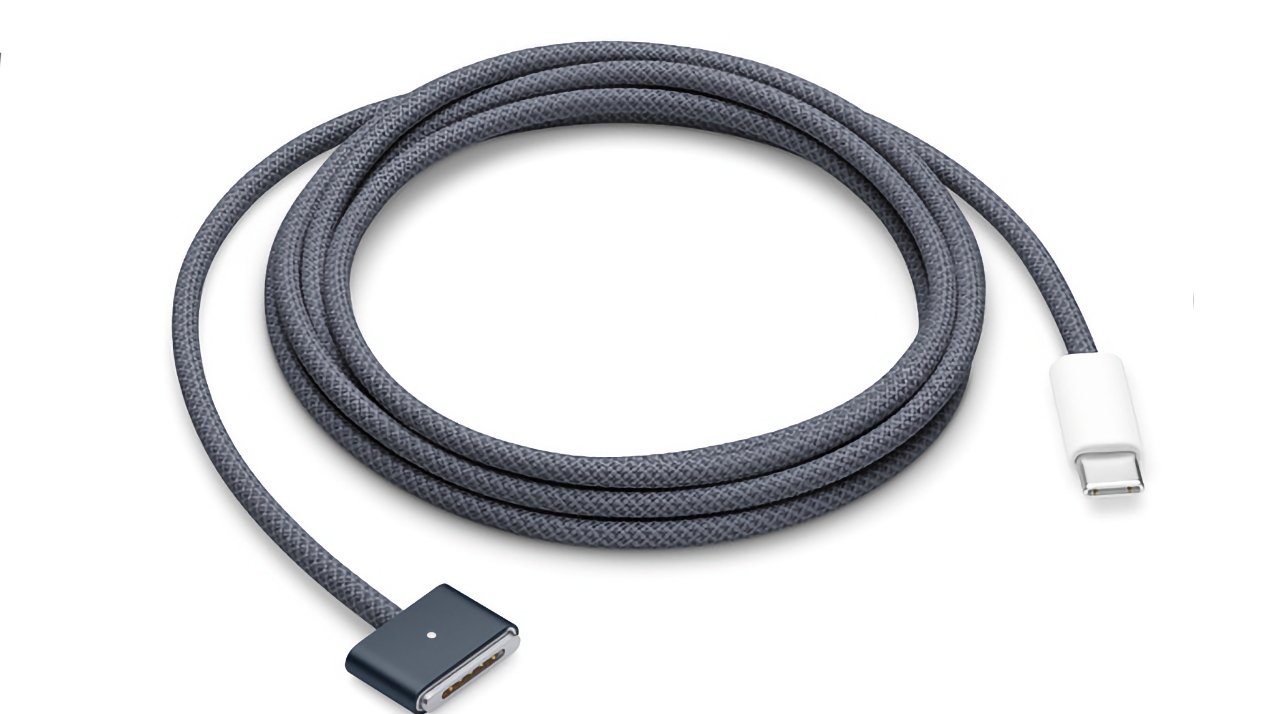
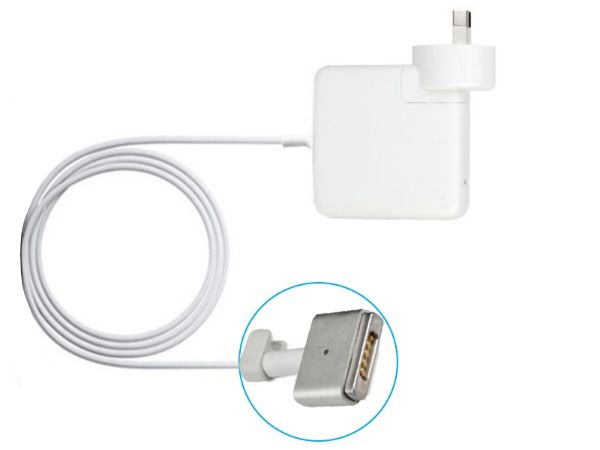
Macbook Air Replacement Charger Cord
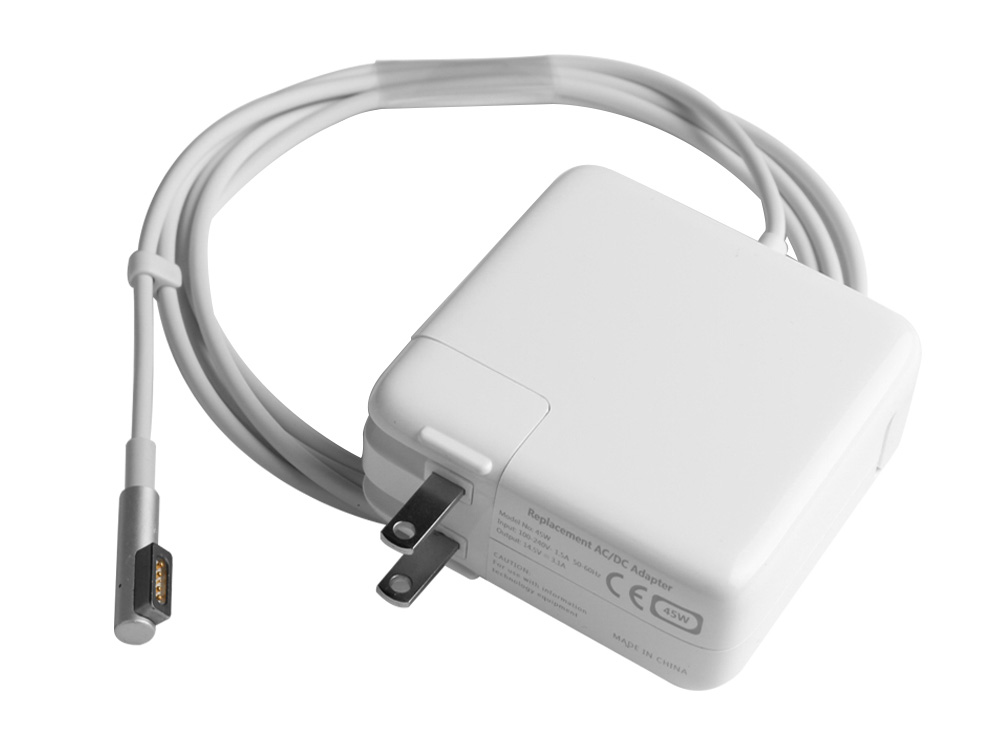
Okay, so picture this: it’s 11:47 PM on a Sunday, and I’m this close to finishing a project that’s due at midnight. My MacBook Air is at 6% battery, and I’m hunched over like a gargoyle, clutching the wall outlet like it’s a life raft. That’s when I reach for my charger—my trusty, slightly chewed, definitely-not-Apple-certified cord—and the connector snaps off in my hand like a dry twig.
Silence. Then, a sound I can only describe as a wounded whale singing opera. My laptop gave me the “low battery” chime, which at that hour sounds less like a friendly reminder and more like a judge banging a gavel. I sat there, staring at the frayed wires, wondering if I could MacGyver a solution with a paperclip and sheer desperation. Spoiler alert: I did not.
That, my friend, is the exact moment you realize the MacBook Air replacement charger cord is not just an accessory. It’s a lifeline. It’s the difference between being a functional human being and a caveperson who lost fire. So let’s talk about this tiny, overpriced, absolutely essential piece of plastic and metal—because you will need it eventually. Statistically, you already do.
Must Read
Why Do These Things Die So Fast, Anyway?
Let’s be honest: Apple designed the MagSafe (and now USB-C) charger to be sleek, minimal, and slightly too fragile for real life. It’s like they assume you live in a sterile white room and never move your laptop from a perfectly flat desk. Meanwhile, the rest of us are yanking the cord out of backpacks, letting it dangle off hotel beds, and letting our cats treat it like a chew toy.
Your charger doesn’t just “stop working” one day—it betrays you. It starts with a subtle kink in the cable, a little warning sign you ignore. Then comes the electrical tape patch job. Then, one day, you plug it in, and it only charges if you hold it at a specific 37-degree angle while standing on one leg. Sound familiar? Of course it does. Don’t look at me like that—I’ve been there too.
Here’s the kicker: the replacement market is a jungle. You can buy a $15 charger from a random website that smells like a warehouse in New Jersey, or you can spend $79 on the official Apple one and feel your soul leave your body at checkout. There’s no middle ground, folks. Welcome to the club.

OEM vs. Third-Party: The Eternal Debate
Let’s get real about the “official” vs. “knockoff” dilemma, because you will lose sleep over this. The Apple-branded charger is expensive, but it’s also reliable—it won’t explode, won’t fry your motherboard, and will likely last you through two years of heavy abuse. The problem? The price makes you question your life choices. I once stood in an Apple Store, holding the box, and honestly felt like I was paying for a tiny piece of Steve Jobs’s soul.
On the other hand, third-party cords are a gamble. Some are fantastic—I have a $25 Anker brick that’s outlived two Apple originals. Others, though? I once bought a “cheap” charger that heated up like a toaster and made my laptop say “not charging” in a passive-aggressive font. You get what you pay for, but you also get to keep an extra $60 in your wallet. It’s a trade-off that feels like betting on a horse with a limp.
Here’s my advice, and I mean this with love: check for the “Made for iPhone” or “MFi” certification. If a random brand doesn’t have it, run for the hills. And if you’re buying off Amazon, sort by “most reviews” and ignore the 4.8-star rating—that’s a lie. Sort by “critical reviews” and read the horror stories. That’s where the truth lives.

The “I’m Only Buying This Because I Lost My Original” Trap
Let me guess—you didn’t lose your charger. You misplaced it, which is code for “I left it in a hotel room in Chicago and realized two weeks later.” Or maybe you borrowed it to a friend who now pretends they’ve never seen it. That’s the price of being the “tech support” guy. You’re not buying a replacement charger; you’re buying a lesson in trust.
And when you finally order the new one, something strange happens. You’ll buy the exact same model you had before, even though you swore you’d get a longer cord this time. You won’t. You’ll get the same 2-meter cord, and you’ll immediately wrap it too tightly, and you’ll start the damage cycle all over again. It’s a ritual at this point. I’m not judging; I’m observing.
But hey, look on the bright side. A new charger means you can finally throw away that mangled, sparking relic that’s been living in your drawer since 2019. You know the one. It’s got a paperclip taped to it. It’s time to say goodbye, friend. You’ve earned a fresh start.
The Uncanny Valley of Charging
There’s a weird emotional arc to getting a new replacement charger. First, there’s relief when it arrives—pure, unbridled joy. Then, you plug it in, and your laptop makes that happy “ding” sound, and you feel whole again. But then, about a week in, you start scrutinizing it. Is the magnet too weak? Does the USB-C feel loose? Are you hallucinating, or is it just slightly warmer than before? You’re paranoid. I get it. The trauma of the old charger runs deep.
Here’s a pro tip to extend the life of your new cord: do not wrap it around the brick. I know it’s convenient. I know it looks tidy. But that’s how you create micro-fractures in the wire, and those lead to premature death. Instead, use a velcro strap or a rubber band. Or, you know, just let it dangle freely like a chaotic neutral. Your call.
Also, for the love of all that is holy, unplug it by the connector, not the cable. You’re not yanking a starter on a lawnmower. Treat it like a gentle handshake, not a tug-of-war. This one habit alone will double your charger’s lifespan. You’re welcome.
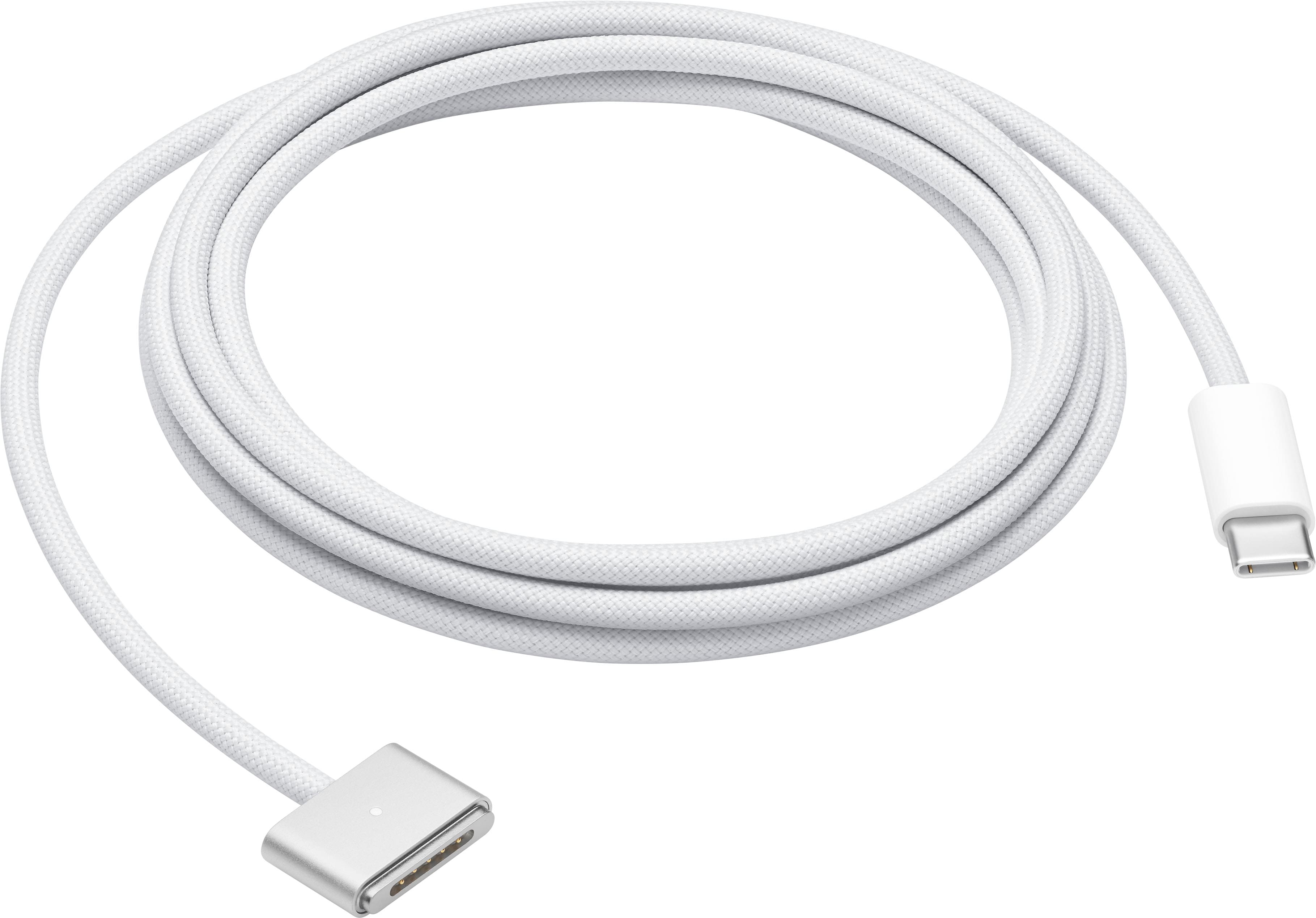
Let’s Talk About the Future (and the Past)
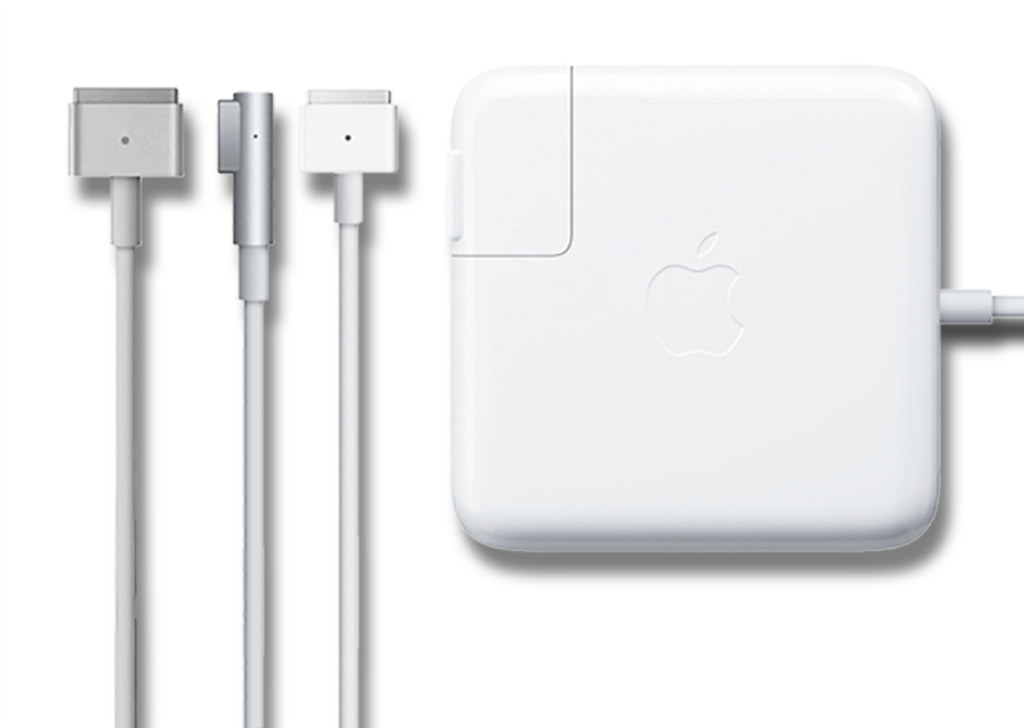
If you have a newer MacBook Air with USB-C, you have a slight advantage: you can use any USB-C charger, even the one for your phone. It won’t charge as fast, but it works in a pinch. That’s the modern miracle. But if you’re rocking an older MagSafe model—say, the 2015 era—then you’re basically searching for unicorn blood. Those specific chargers are getting rarer, and the prices are creeping up like they’re vintage wine. They’re not. They’re just old tech.
I remember my first MacBook Air charger, circa 2013. It was white, pure, and beautiful. It lasted three whole years before the cable turned yellow and started smelling like burnt toast. I’ve never been the same. But that’s the cycle of life, and you just have to embrace it. Every charger has an expiration date; you’re just here to postpone it.
So, before you click “buy,” take a deep breath. Whether you’re spending $79 on the official one or $25 on a reputable third-party, remember: you’re not just buying a cord. You’re buying peace of mind. You’re buying the ability to work from a coffee shop without panic attacks. You’re buying the next three years of your digital life.
And if you’re still using a charger held together by electrical tape? Stop. Just stop. Go order the damn replacement—right now, before you forget. Your future self, sitting at 3% battery, will thank you. Now, if you’ll excuse me, I have to go pick up my own new charger from the mailroom. I ordered it two days ago. I’m not proud, but I’m prepared. That’s the goal, right?