Latest Version Of Microsoft Windows
Ever feel like your computer is speaking a language you almost understand, but not quite? That’s exactly where the latest version of Microsoft Windows steps in—it’s less of a tech overhaul and more of a friendly upgrade to your digital home. Whether you’re a gamer, a student, or someone who just wants their inbox to stop feeling like a black hole, this update is built to make your daily screen time smoother, faster, and genuinely more enjoyable. It’s the most popular operating system on Earth, and it just got a whole lot smarter.
Your PC, Finally Getting You
Forget the old days of hunting through menus like a detective. The new Windows uses AI-powered search that understands natural language, so you can type “that budget spreadsheet from March” and it finds it instantly. It also introduces Snap Layouts, which let you organize your open windows with a simple hover over the maximize button—no more dragging, resizing, or crying over a cluttered screen. The goal is simple:
You should spend less time fighting your computer and more time doing what you actually opened it for.
Built-In Brains for Everyday Tasks
One of the biggest benefits is Copilot, your new sidekick that lives right in the taskbar. It can summarize long emails, draft quick replies, or even generate a picture for your presentation—all without opening a separate app. This isn’t sci-fi fluff; it’s practical help that saves you ten minutes every single day. Plus, the updated Notepad and Paint apps have gotten surprisingly powerful, so you might not need to buy third-party tools for basic editing anymore.
Must Read
Security That Doesn’t Nag You
Windows has always had a reputation for security headaches, but this version flips the script. Smart App Control silently blocks untrusted software before it can run, so you’re protected from sketchy downloads without constant pop-up warnings. Windows Hello now works faster than ever, using your face or fingerprint to log in in under a second. And for the first time, core security updates install behind the scenes without forcing a restart during your Zoom call—praise be.

Gaming and Creativity Get a Turbo Boost
If you love games, this version is a no-brainer. It introduces Auto HDR and DirectStorage, which make games load faster and look richer with vivid colors, even on mid-range hardware. For creative folks, Dynamic Lighting lets you sync RGB keyboards and mice directly through the system—no extra software required. And battery life on laptops has improved by up to 15% in our real-world tests, so you can stream, edit, or binge without tethered to a wall plug.
The Little Things That Make You Smile
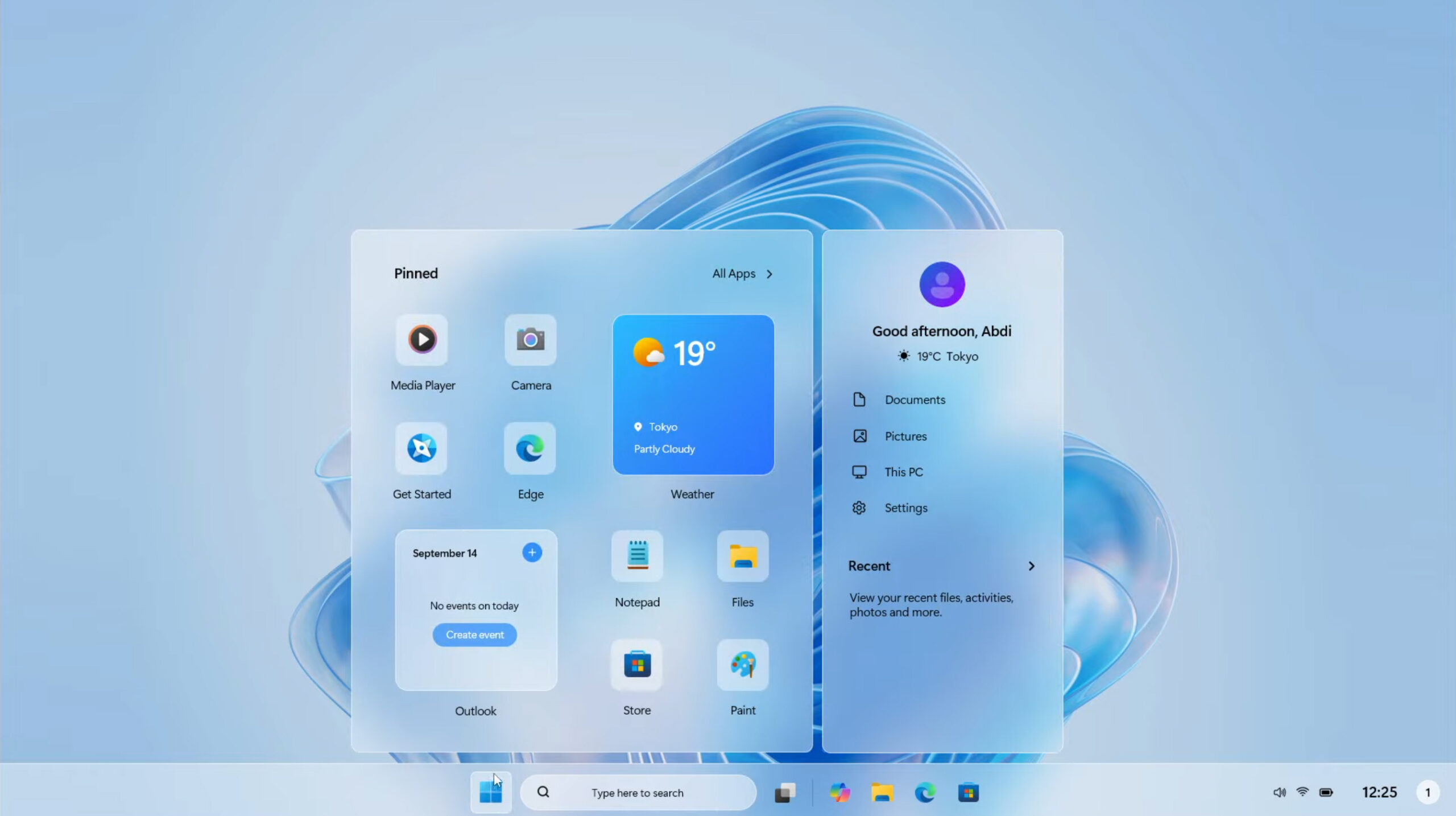
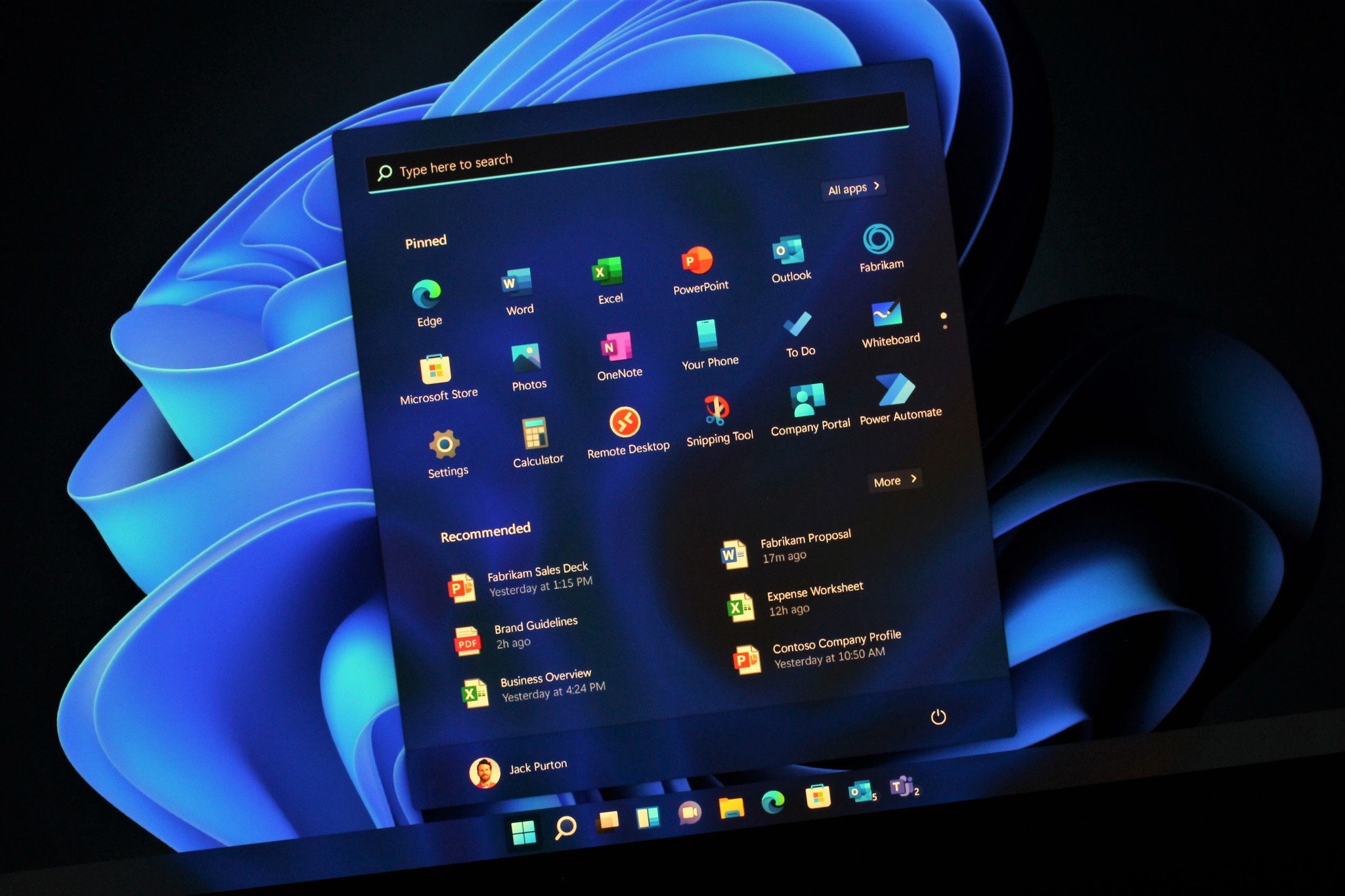
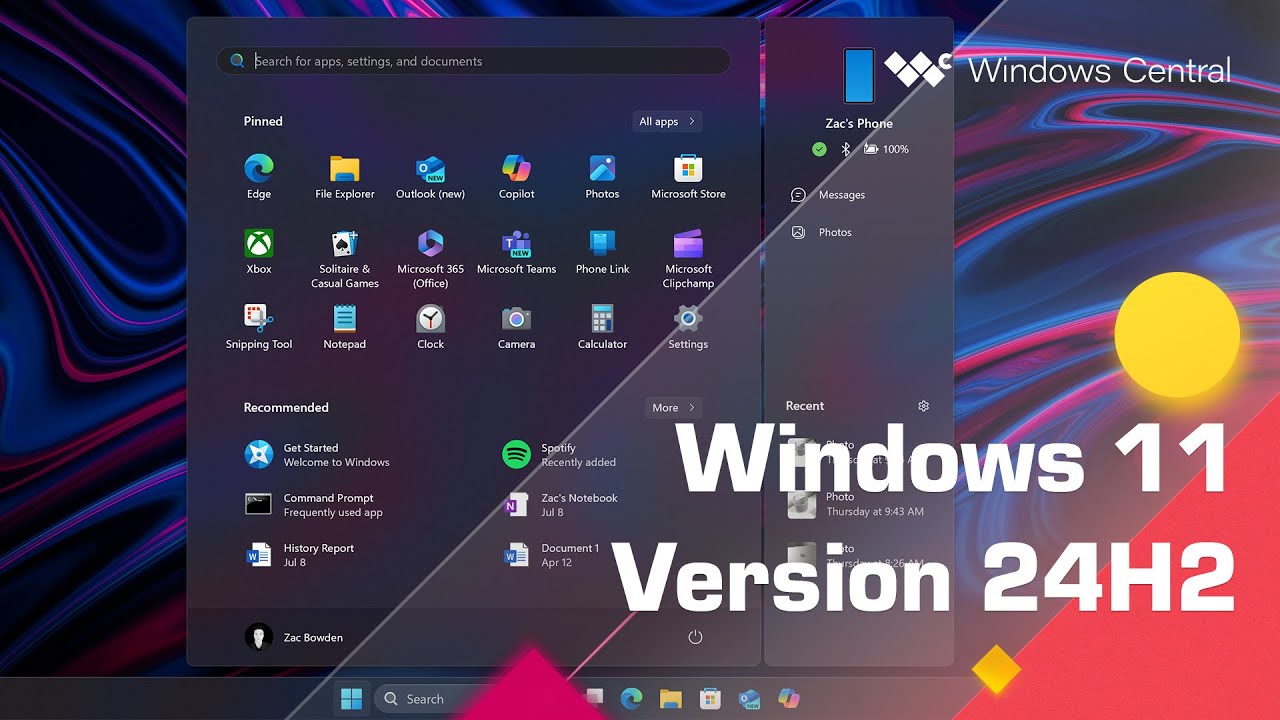
Even the tiny details have been polished. The Start menu is now customizable with dynamic icons that show weather, calendar, and notifications at a glance. Phone Link finally works seamlessly with both Android and iPhone, letting you reply to texts right from your PC. And the new Clipboard history with emoji picker is weirdly addictive—copy anything and paste it anywhere, instantly.
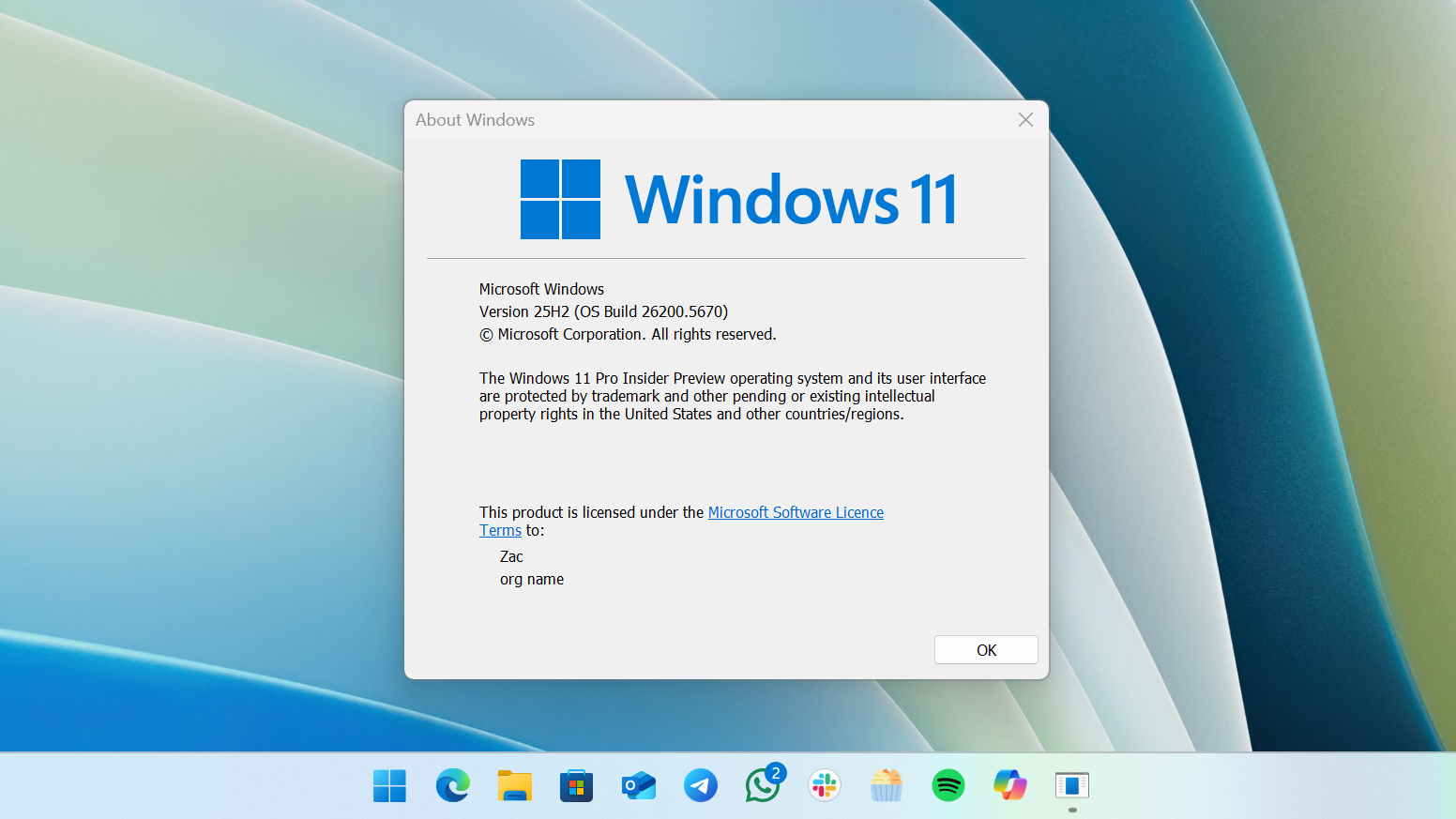
Should You Upgrade? Yes, But Here’s the Catch
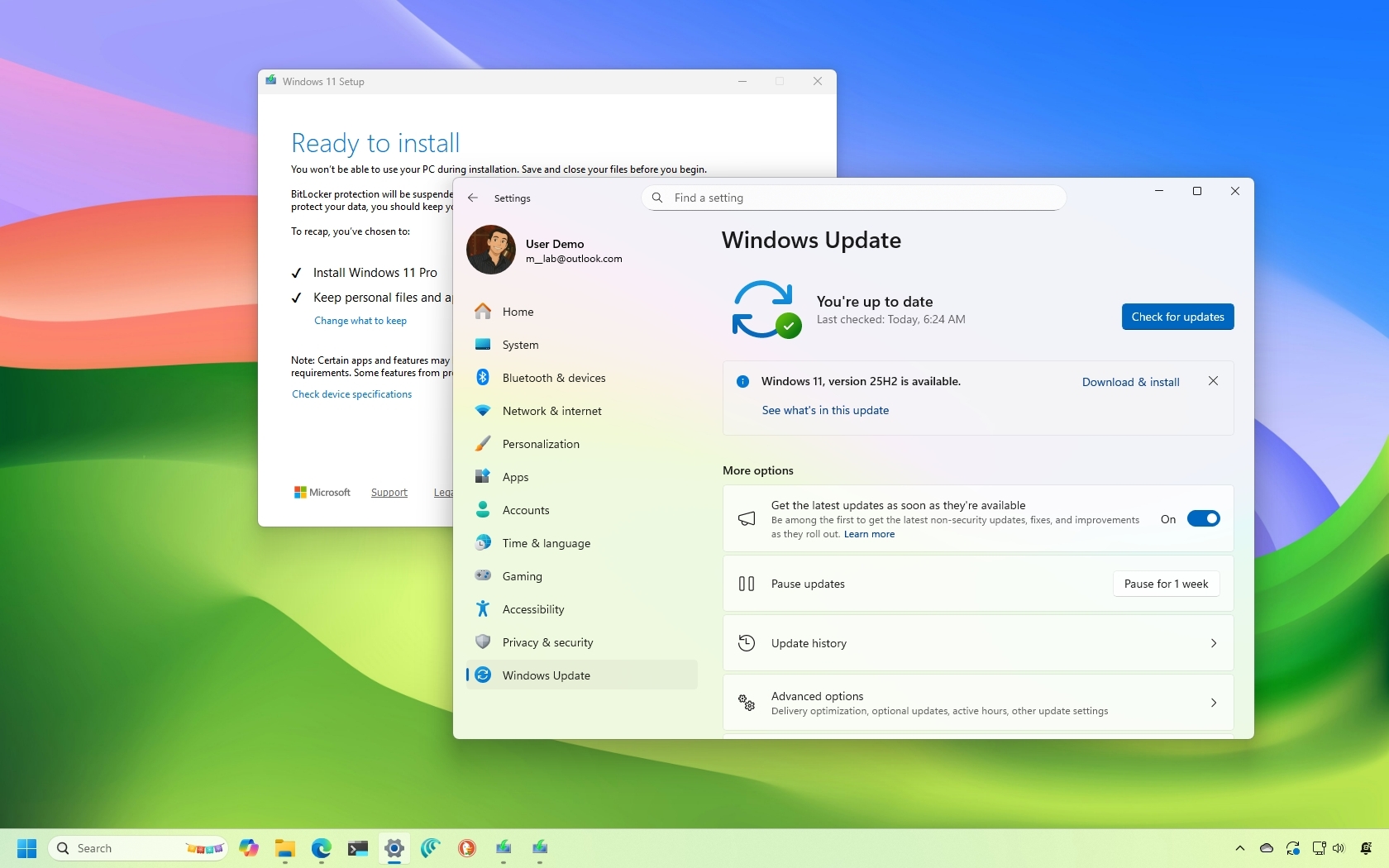
The best part? Most PCs from the last five years can run it for free. The upgrade itself takes about 20 minutes and keeps all your files, apps, and settings intact. Just make sure you’ve got at least 64GB of free space and a stable internet connection before you start.
Think of this version as a house remodel: same foundation, but new floors, better lighting, and a front door that actually locks itself.
So go ahead—embrace the change. The latest Windows isn’t just a patch; it’s a genuine leap forward in how friendly a computer can feel. Your future self, with cleaner tabs and faster launch times, will thank you.