Infographic Templates For Powerpoint
Last Tuesday, I sat through a forty-minute presentation where the star of the show was a pie chart that looked like it had been drawn by a caffeinated squirrel with a broken protractor. The data was solid, but the visuals made my eyeballs physically ache, and I spent most of the time doodling stick figures instead of listening. You know the feeling, right? That moment when you realize the meat of the message is buried under a mountain of beige bullet points and clip art from 2003.
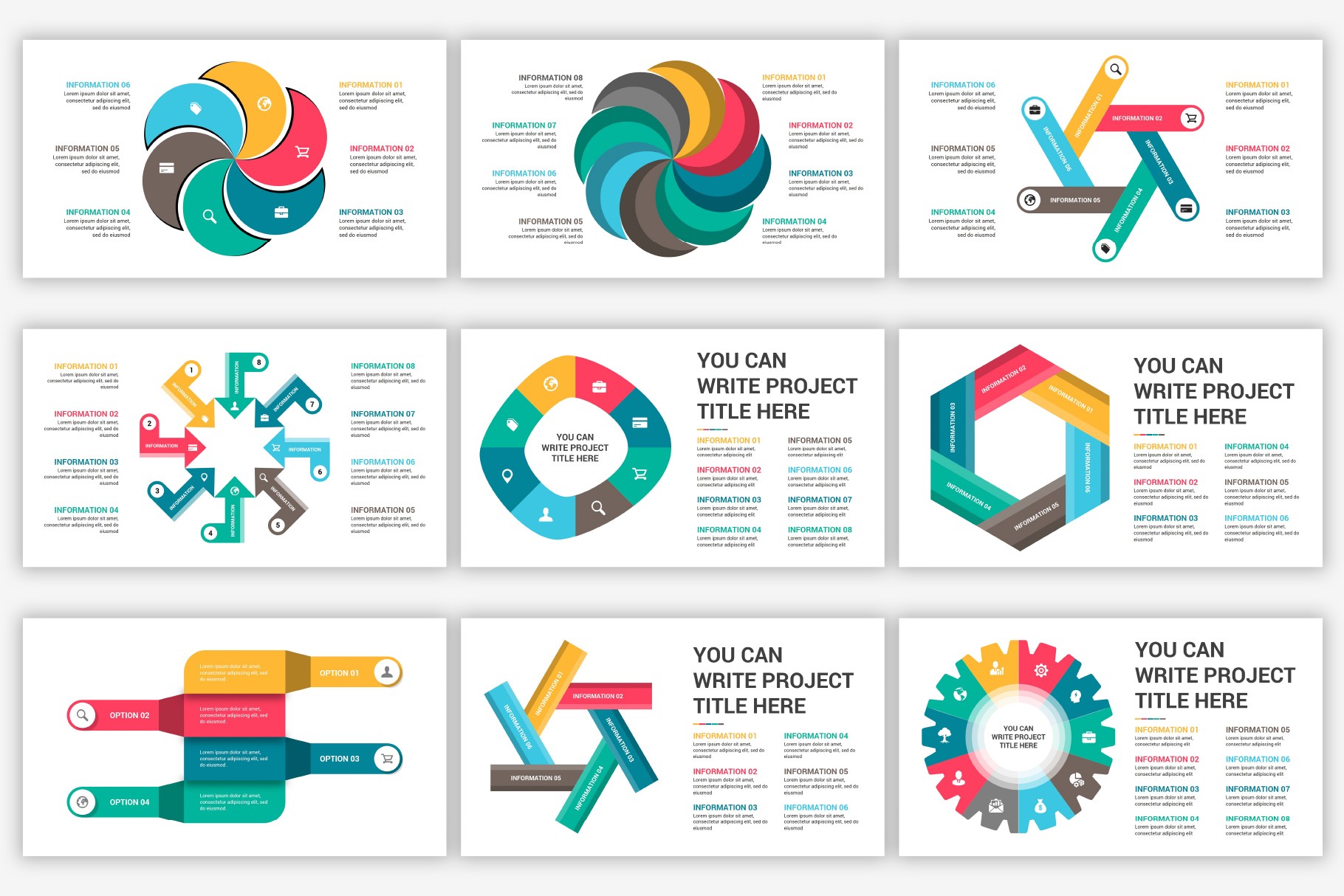
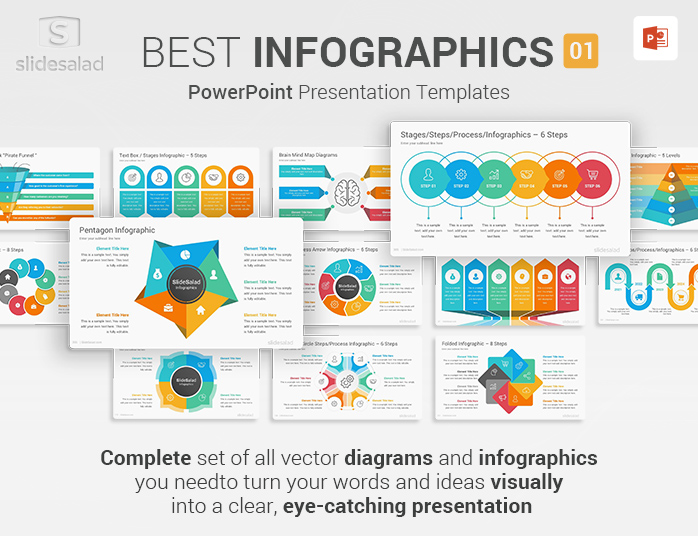
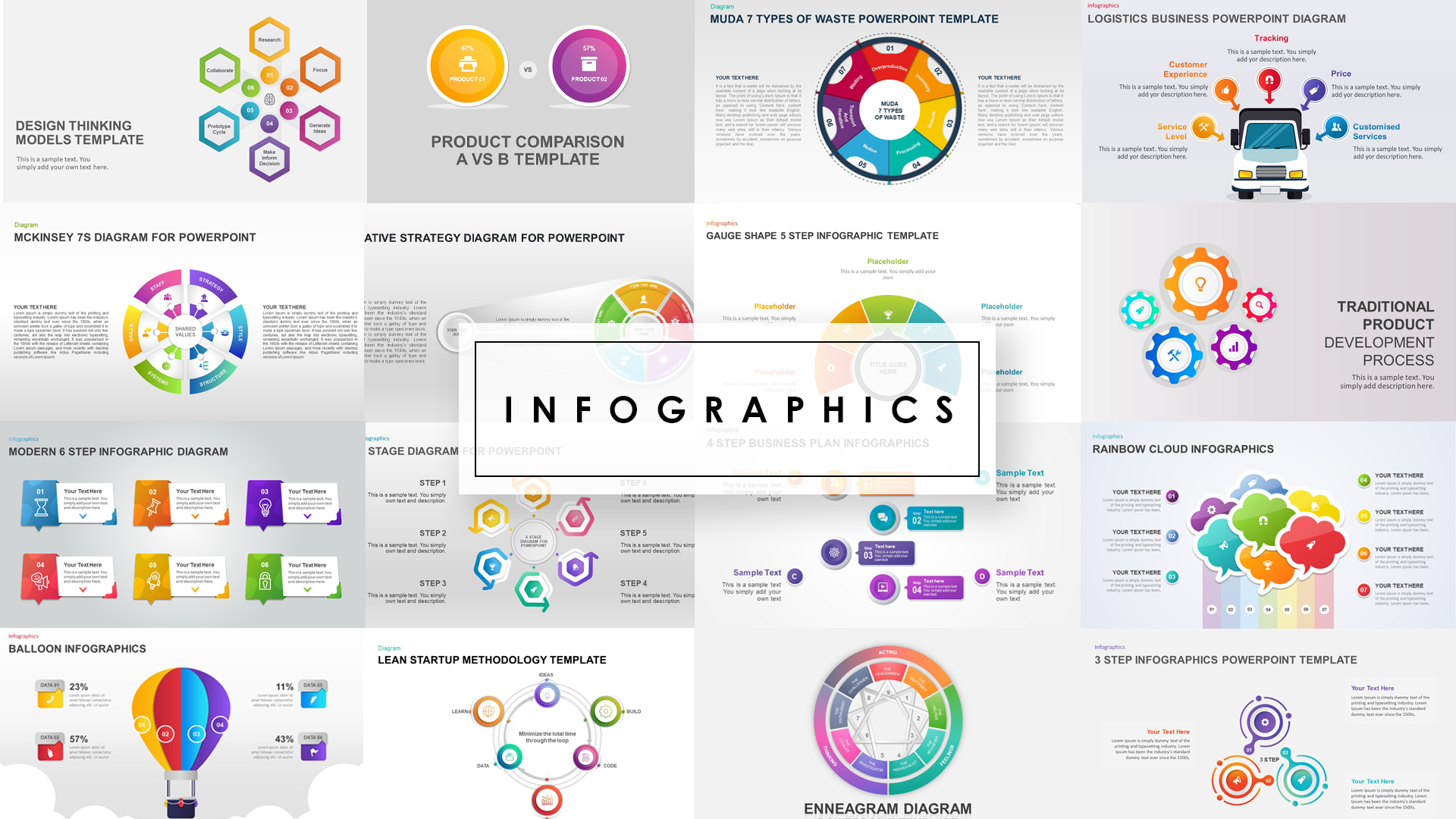
That’s the exact moment I became a sworn believer in the quiet magic of a good template. It’s not about being a designer; it’s about not sabotaging your own ideas with ugly slides. So, let’s talk about infographic templates for PowerPoint—the unsung heroes that can save your next meeting, your grade, or your boss’s sanity.
Why Bother With a Template When You Can Just "Wing It"?
Because “winging it” usually results in a slide that looks like a ransom note made of random fonts and neon rectangles. A template gives you a visual guardrail, so you don’t drive your message off a cliff. It’s not about limiting your creativity; it’s about funneling it into something that actually communicates.
Must Read
Think of a template as a suit of armor for your data. It won’t fight the battle for you, but it will make sure you don’t get stabbed by your own bad alignment. And let’s be honest, most of us don’t have the patience to manually adjust the spacing on a timeline for forty minutes. (Side note: If you do enjoy that, please email me, I have a few chores for you.)
What To Look For (Or: How Not To Pick a Ugly Duckling)
First, ignore the flashy 3D animations and the swooshing sounds. You want a template with a clean grid system and clear hierarchy. If the template has more than three font styles on one slide, run away. Your future self will thank you.

Second, look for modularity. You want blocks that you can swap, resize, and recolor without breaking the whole design. A good infographic template is like Lego, not like a porcelain doll. If you can’t easily change the main color to match your brand, it’s not worth the download.
The Real Gold: Icons, Charts, and the "Skimmability" Factor
Here’s the secret sauce that nobody tells you: People don’t read, they scan. Your infographic template needs to make that scanning process feel like a luxury experience, not a homework assignment. The best templates come packed with icon sets and data widgets—so you can show a trend with a line graph that actually looks crisp, instead of a monstrosity that looks like a tangled shoelace.
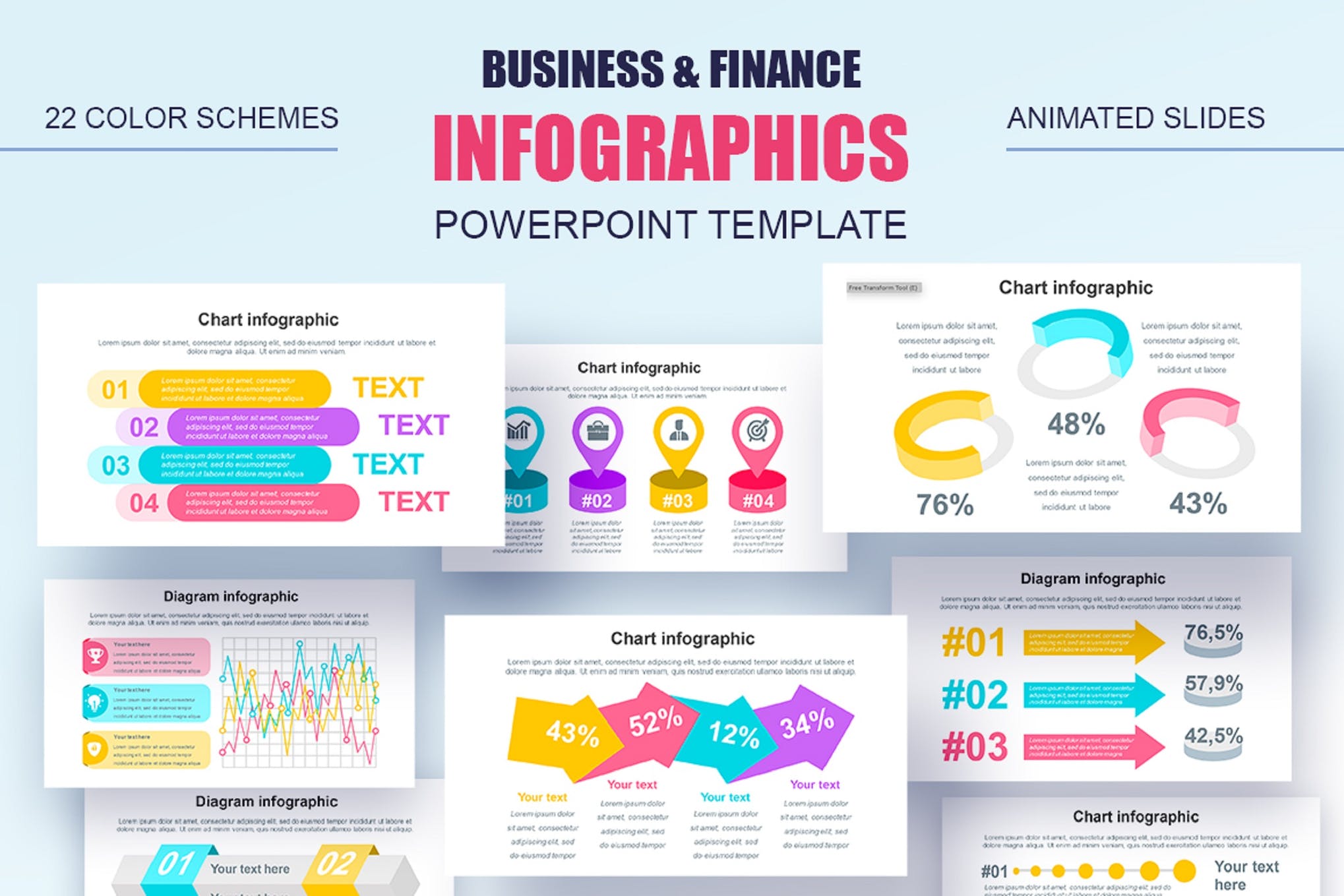
I’m not saying you have to become a data-viz wizard overnight. But using a pre-built timeline or a progress bar template instantly makes you look 20% smarter, with zero extra effort. That’s the kind of ROI I can get behind. (And you don’t need to calculate that on a chart—just trust me.)
When To Break The Rules (Just A Little)
Don’t be a slave to the template. If you have a killer photo, use it to replace a generic block. If you have a crazy idea that doesn’t fit the grid, try it anyway—just keep the consistency of spacing and colors. The goal is to look intentional, not robotic.
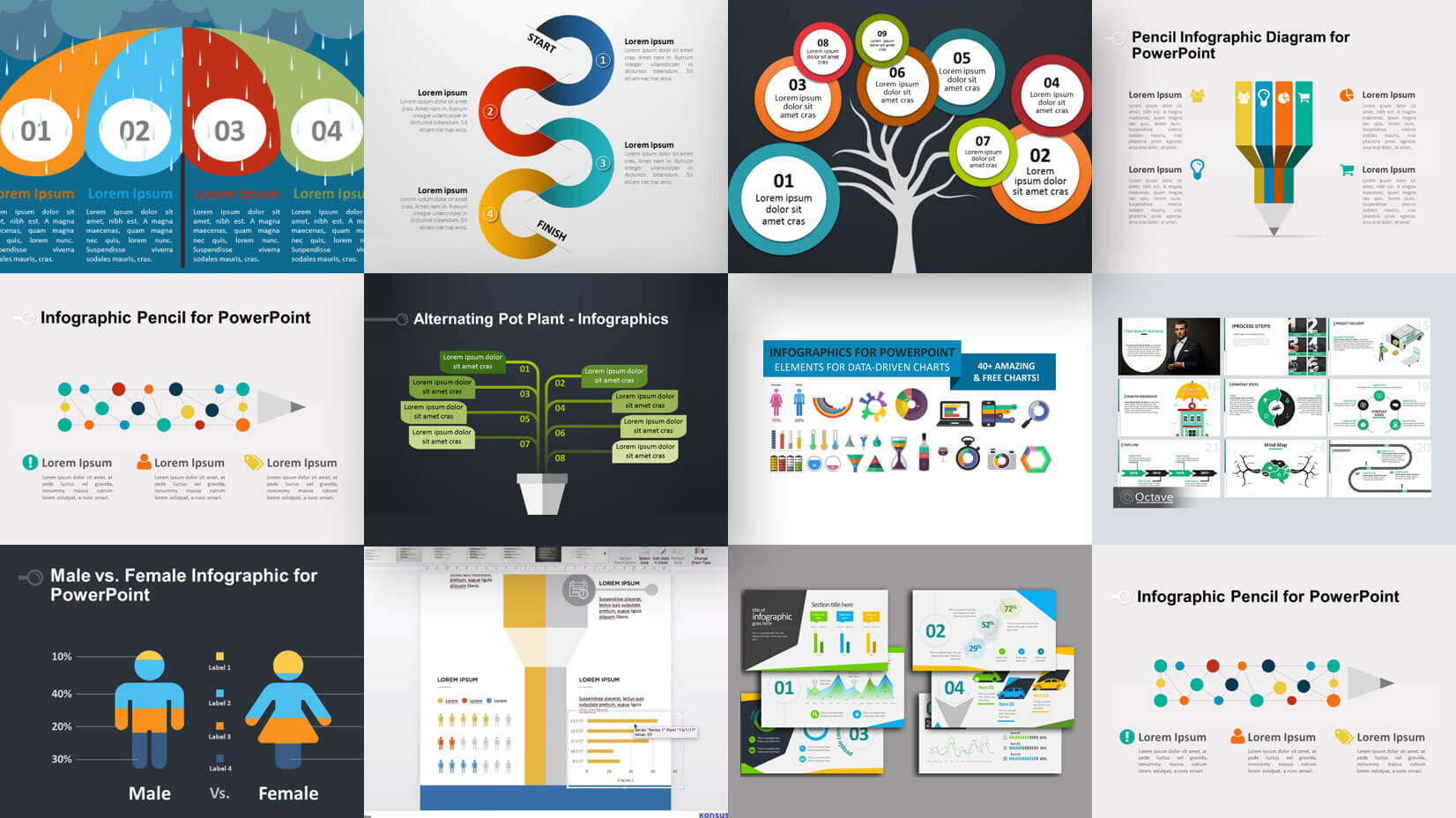
I once saw a guy use a medical-themed infographic template for a sales pitch about dog food. It was weird, but he kept the color palette strict and the layout tight, and honestly? It worked because it was coherent. The template gave him a skeleton, and he added the meat.
My Last Plea: Stop Making Your Audience Work So Hard
The next time you open PowerPoint, resist the urge to start from a blank white void. That emptiness is a liar; it promises freedom but delivers only anxiety and bad kerning. Instead, download one decent infographic template, even a free one, and spend your energy on the story, not on dragging the edges of a text box.
You have better things to do with your life—like actually thinking about what you’re going to say. Your audience will see the difference immediately; they might even lean forward in their chairs. (Disclaimer: I cannot guarantee they will clap, but they will definitely not be texting under the table.) So go ahead, steal some smart design, and make your slides a treat, not a punishment. Your future self—and the poor people stuck in the conference room—will be eternally grateful.