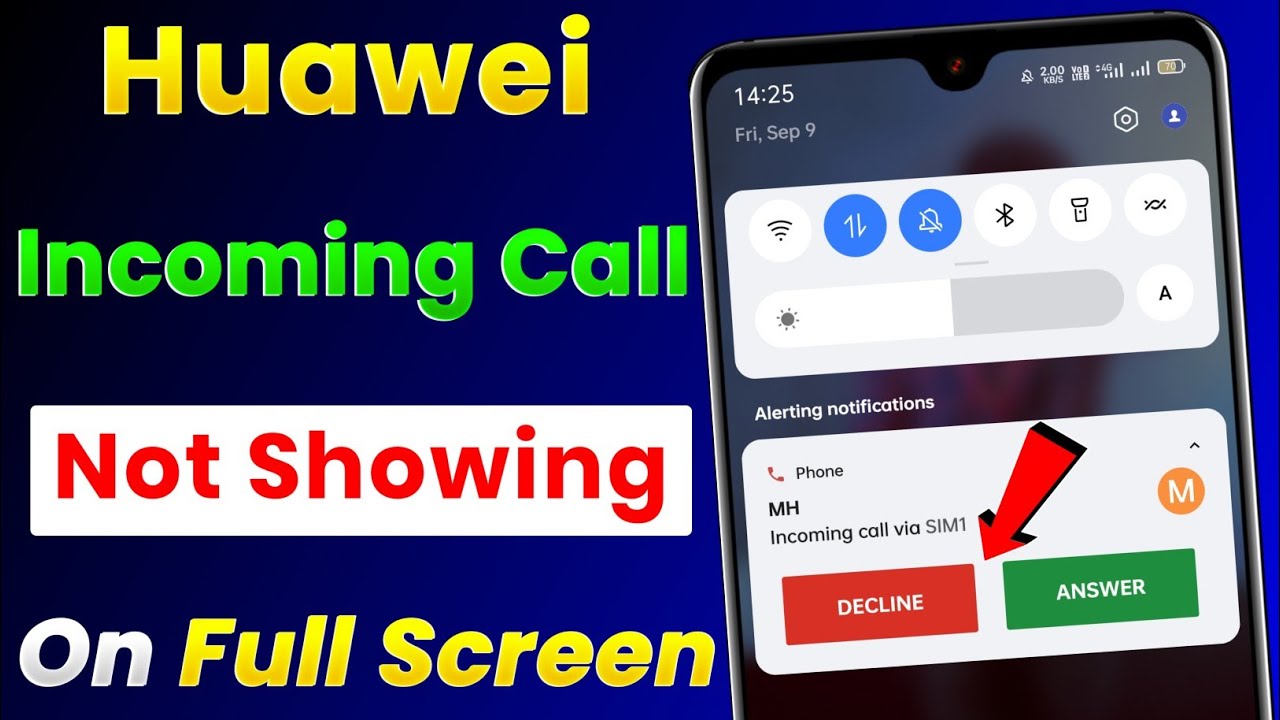
Huawei P20 Missed Call Notification

Okay, so you’ve got a Huawei P20. Fancy pants. You’re probably still in love with that gorgeous twilight gradient, right? But let’s be real for a second – we need to talk about the missed call notification. Yes, that little blip of digital anxiety that lives on your lock screen.
The Great Vanishing Act
You just put your phone down for two seconds to grab a coffee. You come back, and bam – the screen is dark. No little green bubble, no number with a notification dot. Did someone call? Did your boss call? Did your mom call?
First, check the obvious. Swipe down from the top. Then, look for that tiny, unassuming “Missed Call” entry in the notification shade. It’s often a grey little thing, easy to miss. It’s like the phone is playing hide-and-seek on purpose.
Must Read
Now, here’s the kicker – did you accidentally swipe it away? Guilty, right? We’ve all done it. That tiny ‘Dismiss’ button is a temptation, not a lane of escape.
Why Is It So Quiet?
Your P20 might be on the “Do Not Disturb” schedule, but for the love of all things holy, check the toggle. Sometimes, you turn it on for a meeting and forget to turn it off. That’s a classic move.
Or, worse, you have individual app notifications muted. Yes, you can mute the Phone app specifically. I know, I screamed too. It’s a trap. Go to Settings > Notifications > Phone and make sure the main switch is on. Don’t just glance at it – flip it like a light switch.

Another sneaky culprit: the “Hide notifications” option for this specific app. If that’s active, your phone still gets the call, but it shows nothing on the screen. It’s a silent whisper. A digital ghost.
The Lock Screen Mystery
So, you see the missed call on the lock screen, but it disappears when you unlock. That’s normal. Standard Android behavior, really. But if you never saw it in the first place, you’re missing out on a whole world of “call back later” panic.
Sometimes, the notification only shows up in the notification center after you unlock. That’s a software quirk. It feels like the phone is withholding information. “I know you missed a call, but I’ll only tell you if you prove you’re the owner.” Rude.

If you’re still scratching your head, check the Phone app’s “Recent” tab. That’s the real record. The icon looks like a clock with a phone arrow. Tap it, and you’ll see all the missed calls in red. That’s your ground truth.
Fixing It, or Just Yelling at It
First, restart the phone. It’s the classic “have you turned it off and on again?” move. It works. Ninety percent of the time, that clears the glitchy notification state. It’s like resetting your brain after a long nap.
Next, clear the cache for the Phone app. That’s a deep-dive fix. Go to Settings, then Apps, then Phone, then Storage. Tap “Clear Cache” – not “Clear Data,” because that’s the nuclear option. You’ll lose your call history.

And finally, check for a system update. EMUI loves a good bug patch. The P20 is older, but Huawei still drops security patches. A quick update might just heal the notification nerve.
The Real Talk
Honestly, the missed call notification on the P20 is a little dramatic. It’s either right there, bit bold and in your face, or it’s hiding under a pile of app icons. There’s no middle ground. It’s the anxious friend of the notification world.
If you’re constantly missing calls, just set a custom vibration pattern. That way, even if the screen stays dark, you feel the buzz. You’ll feel like a secret agent with a pager. And who doesn’t want that?
But if the notification is just completely absent? That’s a factory reset situation. Back up your photos first, trust me. I learned that the hard way on a rainy Tuesday. Don’t ask.
Look, your P20 is a good phone. It’s got a killer camera and a battery that lasts an eternity. But software quirks are part of the deal. Just be patient, check your toggles, and maybe give the speaker a little kiss. It’s sensitive.
So, next time you see a missed call notification vanish, don’t panic. You’re not crazy. You’re just a Huawei owner. It’s a lifestyle.
Now go call your mom back. She’s worried. I promise.