Hp How To Connect Wireless Printer
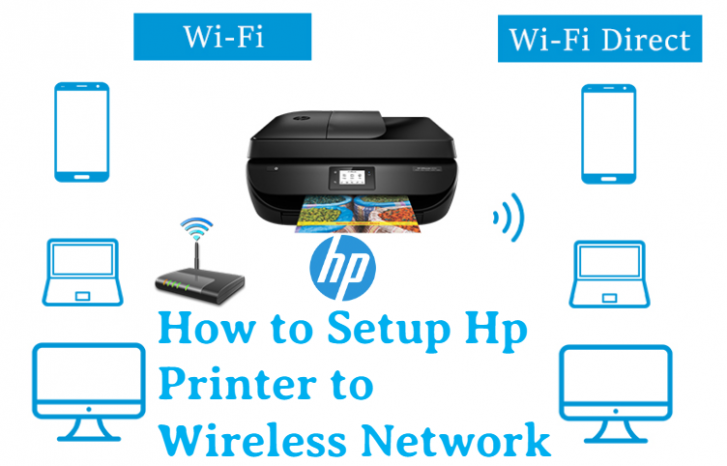
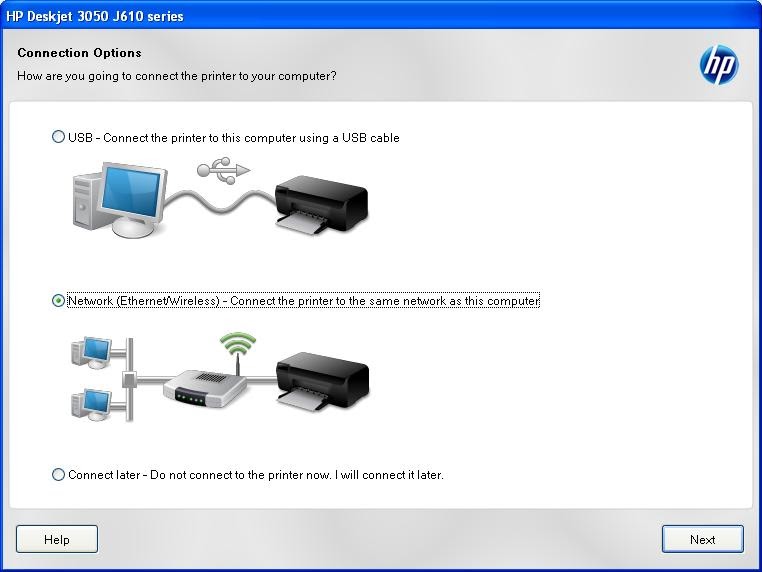
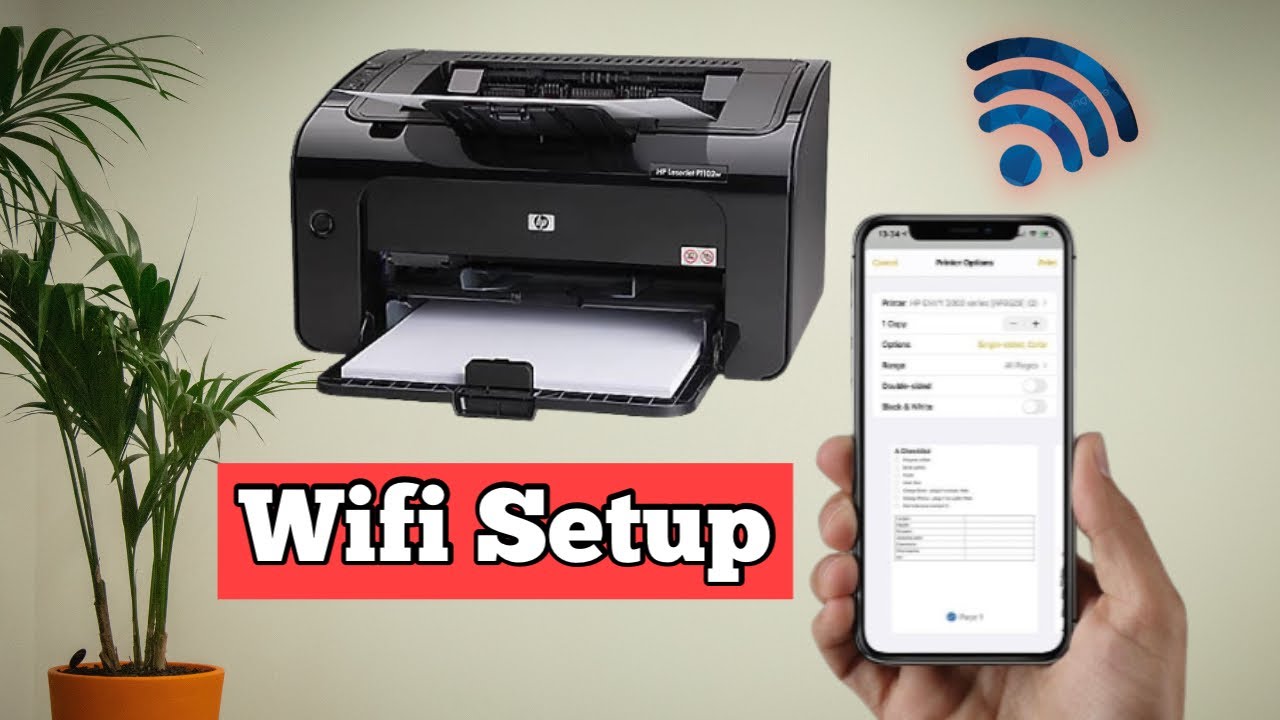
Let’s be honest—setting up a printer used to feel like a secret rite of passage reserved for IT wizards, complete with tangled cables and a lot of muttering. But today? We’re cutting the cord, literally, and it’s a game-changer. Connecting your HP wireless printer is less about technical gymnastics and more about unlocking a tiny slice of freedom in your daily chaos.
Why Go Wireless in the First Place?
Imagine printing from your couch, your kitchen, or even your backyard while your coffee is still hot. That’s not lazy; that’s smart living. No more running back and forth with a USB stick like it’s 2005. You’ll send documents from your phone, tablet, or laptop with a click, and honestly, it feels a little like magic—but the kind you can brag about.
Plus, think of the desk space you’ll reclaim! No more tripping over cables or wrestling with that one drawer that never closes. Your workspace just got a breath of fresh air, and your future self will thank you for the calm.
Must Read
Your Simple, Stress-Free Game Plan
First things first: plug in your printer and turn it on. Let it warm up while you grab your phone or computer—this is the ‘pep talk’ phase. You want to make sure both your printer and your Wi-Fi network are ready to be best friends.
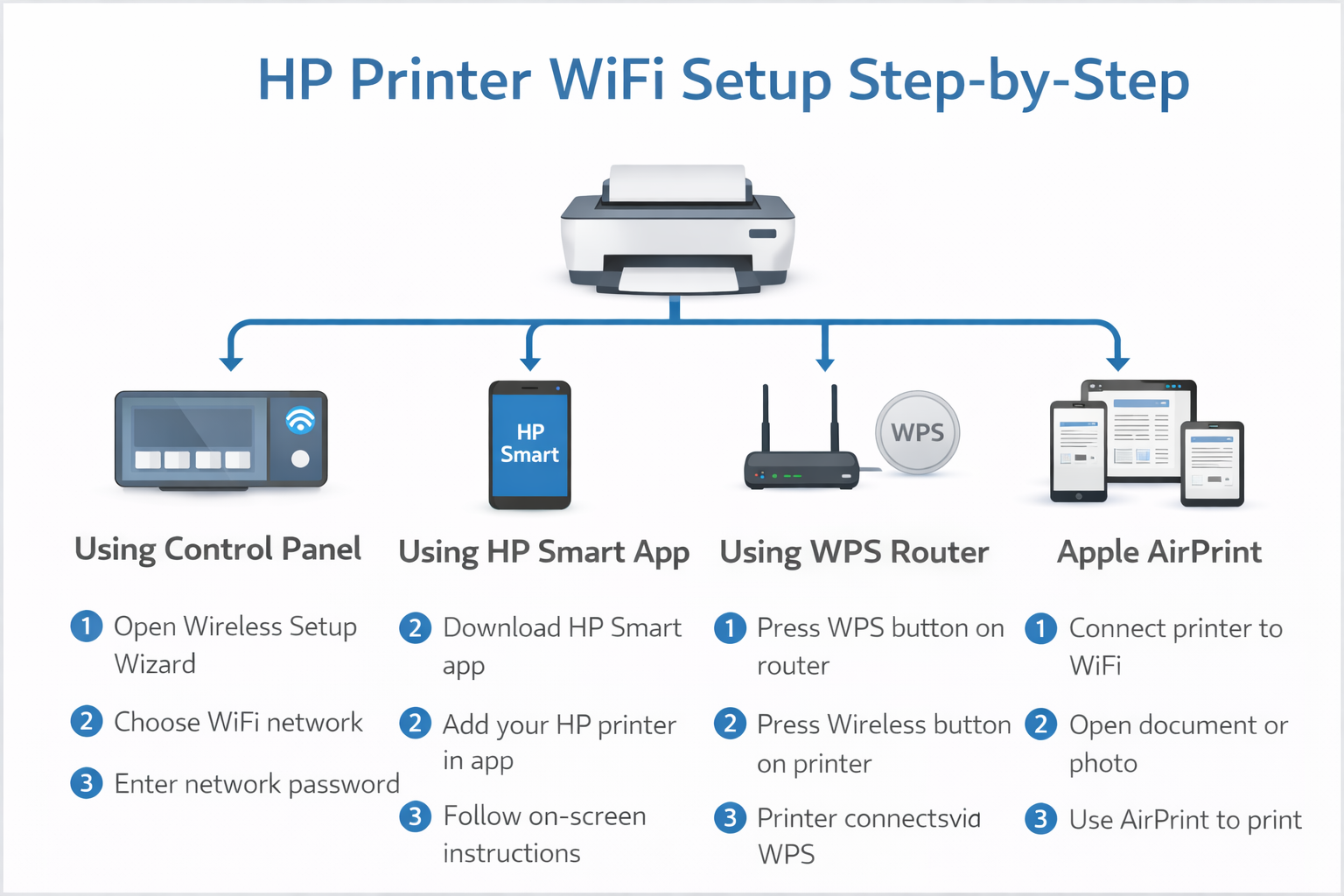
Step One: Use the Printer’s Own Screen (If It Has One)
Most modern HP printers have a small touchscreen or a ‘Wireless’ button. Look for the Settings menu, then ‘Network Setup’ or ‘Wireless Setup Wizard.’ This little wizard will scan for your home network—just pick yours, type in your password, and boom. Connection made. If your printer doesn’t have a screen, don’t sweat it; we’ve got a backup plan.

Step Two: The Official HP Smart App (Your New BFF)
Download the HP Smart app on your phone or computer—it’s free and surprisingly cheerful. Open it, and it should automatically detect your printer on the same Wi-Fi. If not, tap ‘Add Printer’ and follow the prompts. The app literally holds your hand, giving you gentle instructions like a patient friend showing you how to do a puzzle.
This app isn’t just for setup, either. You can scan, copy, and even order ink from it. Talk about multitasking! It turns your printer from a stubborn machine into a helpful sidekick.

When Life Throws You a Password Glitch
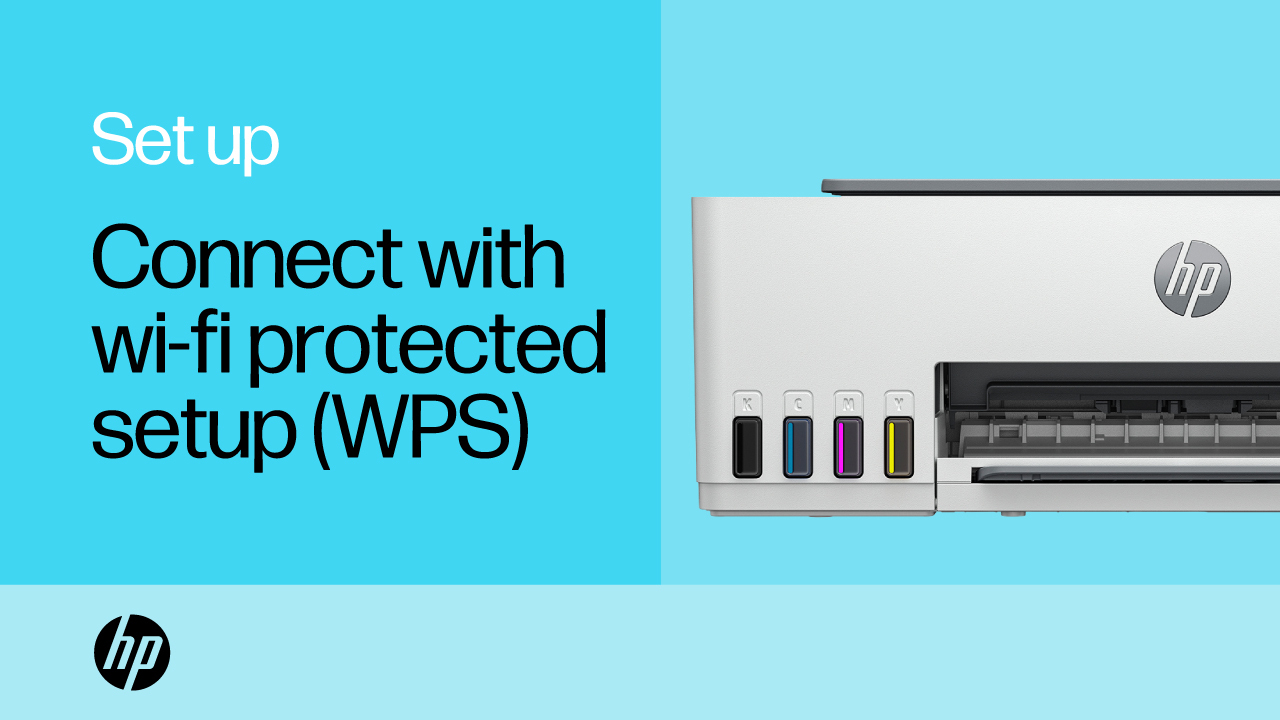
Sometimes your printer might ask for a WPS PIN during setup—that’s totally normal, not a secret code from a spy movie. The printer’s screen will show a short number; just type that into your computer when prompted. If you get a ‘printer not found’ message, take a breath and check that your device is on the same network. It’s usually a case of ‘you forgot to switch from the guest Wi-Fi,’ and we’ve all been there.
Another sneaky trick: restart everything. Turn off your printer, your router, and your computer. Wait 30 seconds, then power up in order (router, printer, computer). It’s the tech equivalent of a power nap. Works more often than you’d think.
The Joy of Finally Hitting ‘Print’
Once you’re connected, the real fun begins. You can print reading lists from your phone while on a walk, label envelopes from your tablet in bed, or fire off a school project from your laptop in another room. No more hostage negotiations with a cable. Your printer becomes a quiet, reliable genius in the corner, patiently waiting for your next command.
So go ahead, give it a try. You’ll feel a tiny burst of pride when that first page slides out—a little victory dance is optional but highly encouraged. And remember, every tech wizard started as a beginner; now you’re one of them, ready to explore even cooler tricks like mobile printing or cloud sharing. Your wireless world is just beginning.