How To Watch Bravo Live On Firestick
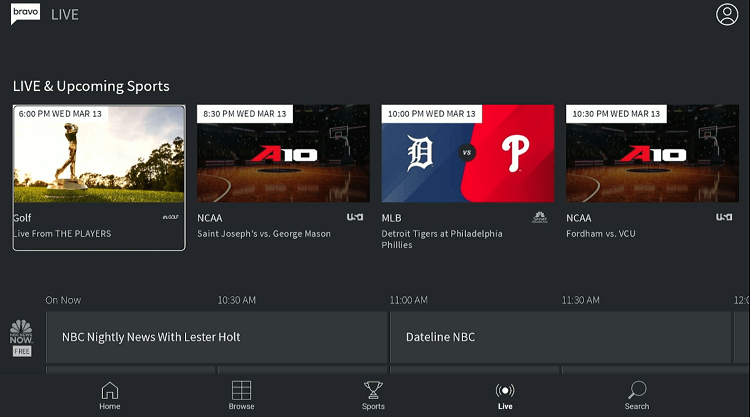
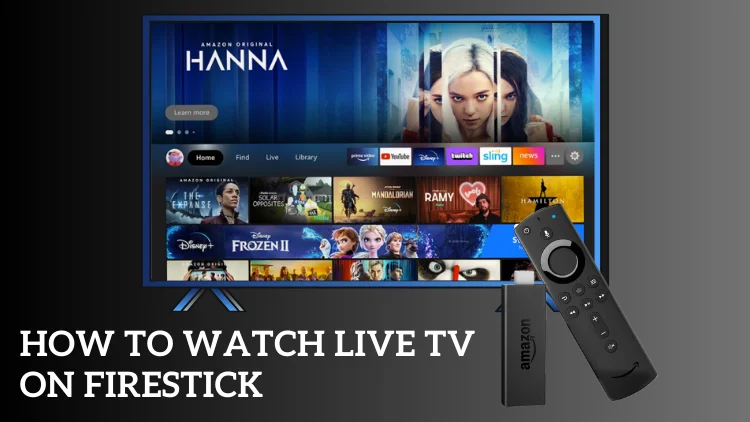
Let’s be honest—your Firestick is basically the remote control to your sanity. After a long day of adulting, there’s nothing better than collapsing on the couch, clicking a button, and watching your favorite Bravo show without a single cable box in sight.
But if you’ve ever found yourself frantically searching for the Bravo app and coming up empty, you know the struggle is real. It’s like trying to find your keys when you’re already late—frustrating, confusing, and frankly, a little unfair.
The good news? You don’t need to be a tech wizard or call your nephew for help. I’m here to walk you through it like we’re chatting over a cup of coffee.
Must Read
Why Bother? Because Your Weekends Depend On It
Think about it: Sunday brunch conversations live and die by Real Housewives drama. If you can’t watch live, you’re basically the friend who shows up to the party after the cake is gone.
Watching live means you get the juicy moments as they happen—no spoilers, no awkward “wait, what happened?” texts. Plus, there’s a special thrill in knowing thousands of other fans are gasping at the exact same second you are.
So, let’s get you set up. Grab your Firestick remote, maybe a snack, and let’s do this together.
Step One: The App Hunt (It’s Not Where You Think)
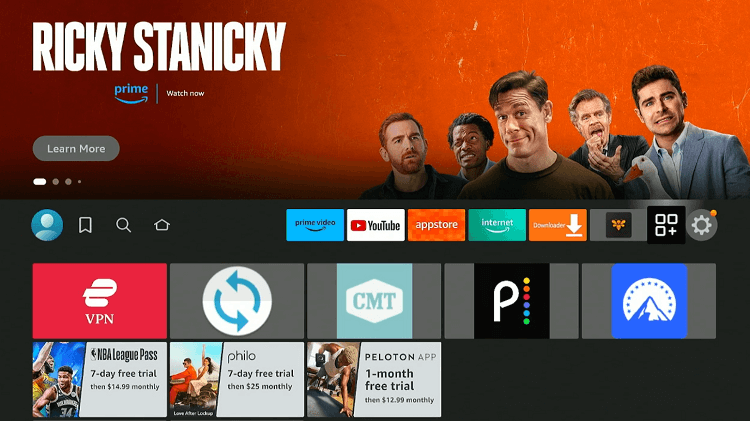
First, head to the Firestick home screen and click the magnifying glass (search icon) in the top left corner. Type in “Bravo”—simple, right? But here’s the kicker: the official Bravo app is actually called Bravo Now. It’s like finding out your neighbor’s real name is Bartholomew—unexpected but totally fine.
Select the app, hit “Download,” and wait for that little progress bar to fill up. While you wait, go grab a tub of ice cream; you’ve earned it.
Once installed, open the app. It might ask you to log in with your cable provider—that’s normal, not a villain move. Just punch in your TV provider details, and you’re golden.
No Cable? No Problem. Here’s Your Workaround
If you cut the cord like half of America, you’re probably thinking, “Great, another wall.” But relax! Services like YouTube TV, Hulu + Live TV, or Fubo all carry Bravo. They’re like the cool friend who lets you crash on their couch—just a monthly fee instead of a thank-you note.
Install one of these apps on your Firestick, log in, and then search for Bravo inside their channel guide. You’ll find the live stream right next to your other favorites.
And here’s a pro tip: if you’re using a friend’s login (no judgment), make sure they love you enough to share their password. That’s the true test of friendship.
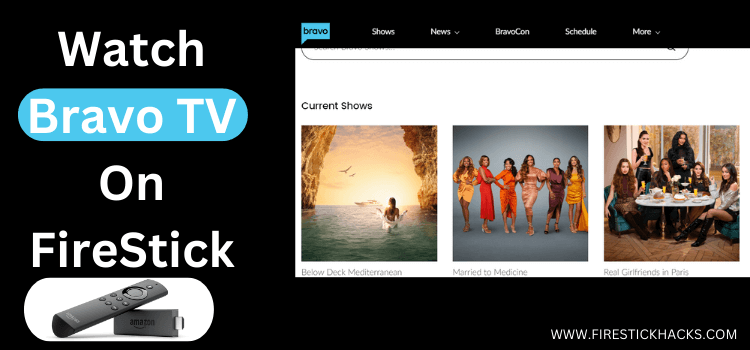
A Little Trick: Use the “Live” Tab Wisely
Once you’re in the Bravo app, look for the “Live” tab at the bottom of the screen. It’s usually hiding next to “Shows” and “Episodes.” Tap it, and boom—you’re watching whatever’s airing right now.
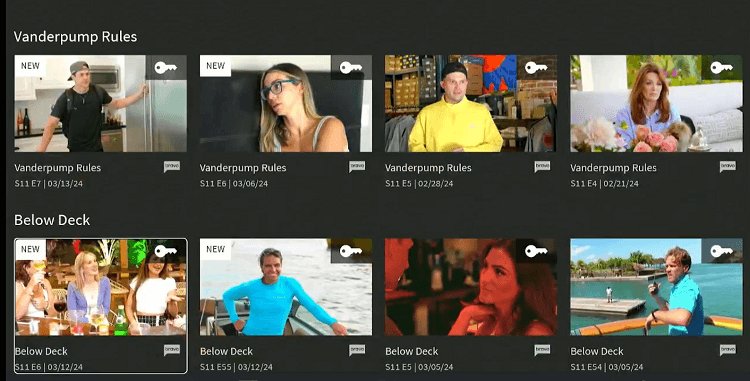
It’s like magic, but better because it involves Vanderpump Rules. If the screen ever freezes, just close the app and reopen it—it’s the adult version of turning it off and on again.
See? That wasn’t so hard. In less time than it takes to argue about a seating chart, you’re live and in the loop. Now go enjoy the drama, the style, and the glorious chaos. Your couch is calling, and it’s ready for a Bravo marathon.