How To Type Malayalam In Pagemaker
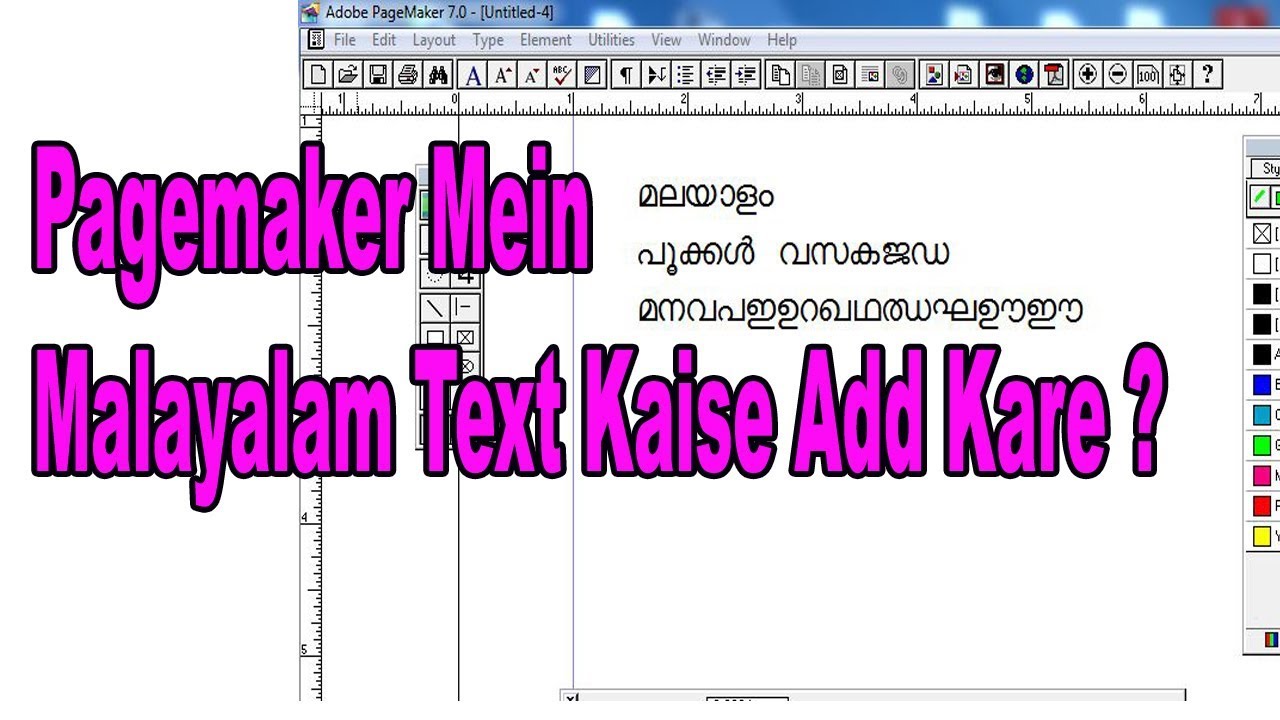
Ever stared at a blank PageMaker document, dreaming of writing in the beautiful, flowing script of Malayalam, only to see a row of meaningless boxes or question marks? You’re not alone. This classic desktop publishing tool, though old-school, is still the backbone of many print shops and community newsletters in Kerala. Unlocking its hidden language features isn’t just a technical trick—it’s your golden ticket to creating wedding invitations, festival posters, and local ads that truly connect with your readers.
The payoff is huge. You get to keep using your trusted PageMaker layouts while infusing them with the vibrant sounds of your mother tongue. No more switching between complicated programs or losing your design mojo. With a few simple setups, you’ll be typing “Namaskaram” and “Sneham” with the same ease as typing English, making your documents feel personal, professional, and right at home.
Choose Your Weapon: The Right Font & Keyboard
First, you need a Malayalam font that PageMaker actually respects. Popular choices include AnjaliOldLipi, Kerala Font, or the classic Rachana, which are freely available online. These are complex text layout (CTL) fonts that handle the tricky consonant clusters and vowel signs beautifully.
Must Read
Next, you need a keyboard mapping tool. The easiest route is to use the built-in Microsoft Indic Language Input Tool or a simple utility like Varamozhi. These let you type in phonetic English (like “ente” for എന്റെ) and automatically convert it to Malayalam.
Think of the font as the ink and the keyboard tool as the pen—both must work together, or you’ll just be drawing squiggles.
Set Up PageMaker for Malayalam Magic
Open PageMaker and go to Type > Font menu. Select your chosen Malayalam font, like AnjaliOldLipi, for the text you want to write. It’s crucial to do this before you start typing, because PageMaker doesn’t always auto-apply complex script changes retroactively.
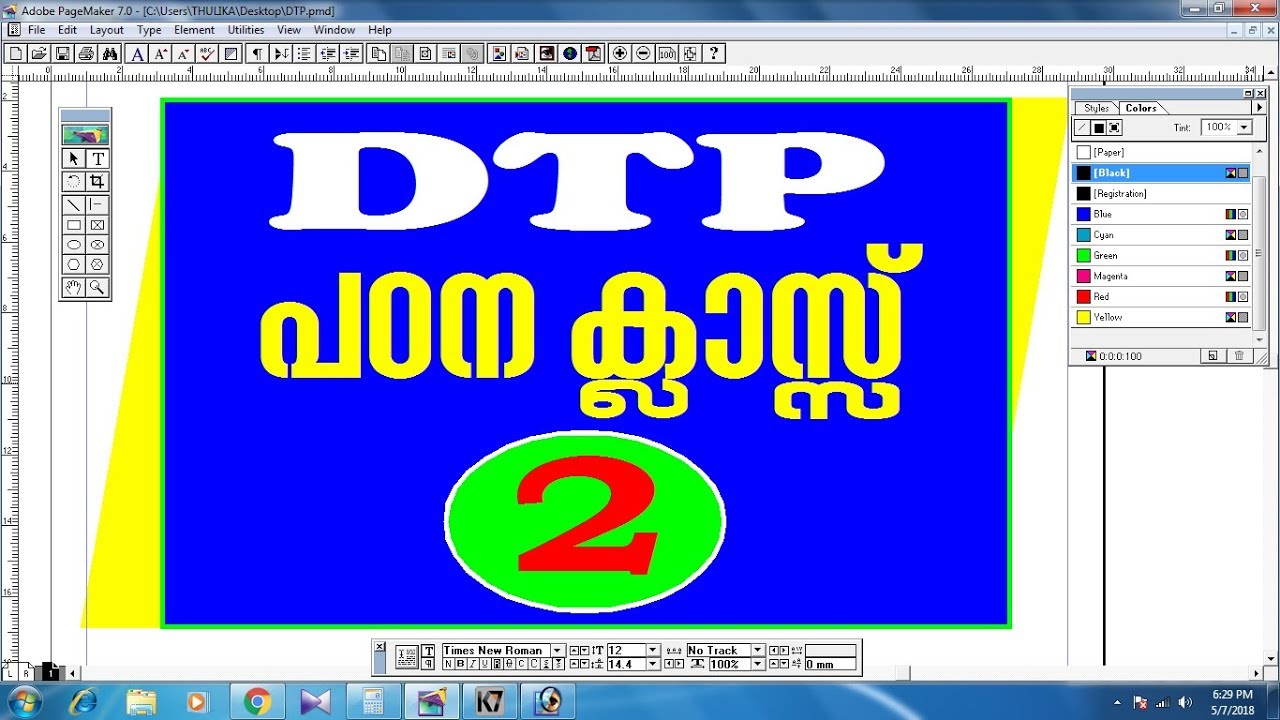
Now, switch your keyboard input to the Malayalam tool you installed. On Windows, press Alt+Shift or select it from the taskbar language bar. In the tool’s settings, make sure you’ve selected the “Type in Malayalam” option (usually using the InScript or Phonetic layout).
Start typing! If you see the correct Malayalam letters appear, you’re set. If you see boxes, double-check that the font you selected is actually a CTL font and that the keyboard tool is active.
Mastering the Curveballs: Keyboard Layout Tricks
Phonetic mapping is your best friend. Type “kerala” and you get കേരള automatically. For long vowels, just repeat the vowel, like typing “aa” for ാ (aatha). For tricky conjuncts like “kka” or “nja”, your phonetic tool usually figures it out, but you might need to add an invisible “chandrakkala” (a half-u) by typing a backslash or the “x” key, depending on your tool’s guide.
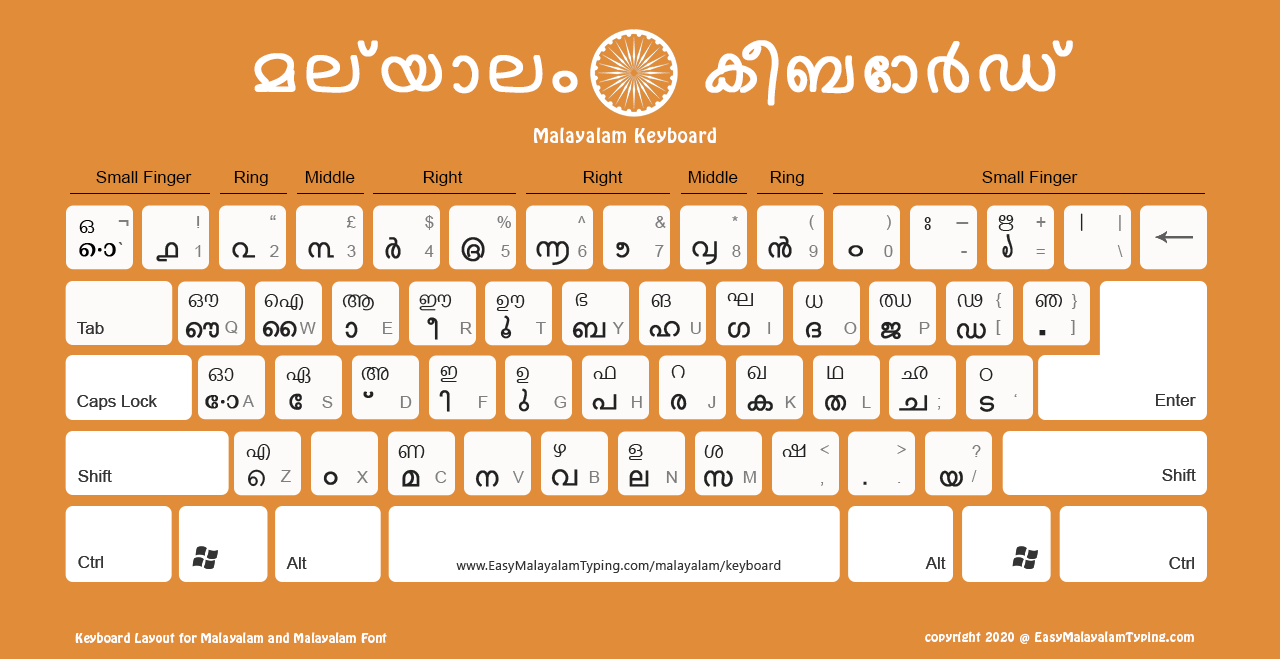
Getting the “virama” (the killer stroke) is key. If you want to write “kal” without the inherent vowel, type “kal” and then press the backspace or a special key to remove the final vowel sound. Practice makes perfect—keep a cheat sheet of common Malayalam words nearby, and you’ll be surprised how quickly your fingers learn the dance.
Formatting & Printing Without Nightmares
When using PageMaker, always keep the “Use Typographer’s Quotes” option turned off under Type > Document or your quotation marks will look broken. Also, never convert your Malayalam text to curves or outlines for a PDF—this often scrambles the complex glyphs. Instead, print to PDF using a good postscript driver that supports Unicode fonts.

Before you mass-print, do a test page. Try writing a full paragraph with varied letters like “Shari” and “Krishnan” to check if the spacing and ligatures look right. Adjust the leading (line spacing) slightly because Malayalam script has more ascenders and descenders than English.
Your final document should look like it was written by a skilled calligrapher, not a confused computer.
Final Pro Tips for Smooth Sailing
Save your PageMaker file frequently in version 6.5 format if you can, as it handles Malayalam scripts more reliably than older versions. If you run into missing characters, don’t panic—just check your font’s character map to see what’s available, and swap to a different Malayalam font like Noto Sans Malayalam for those rare glyphs.
Most importantly, have fun with it. Show off your new skill by making a funny “Kattappa” quote or a family birthday poster in pure Malayalam. Once you crack this code, you’ll never look at PageMaker as an English-only relic again—it becomes your personal printing press for every beautiful word in your heart.