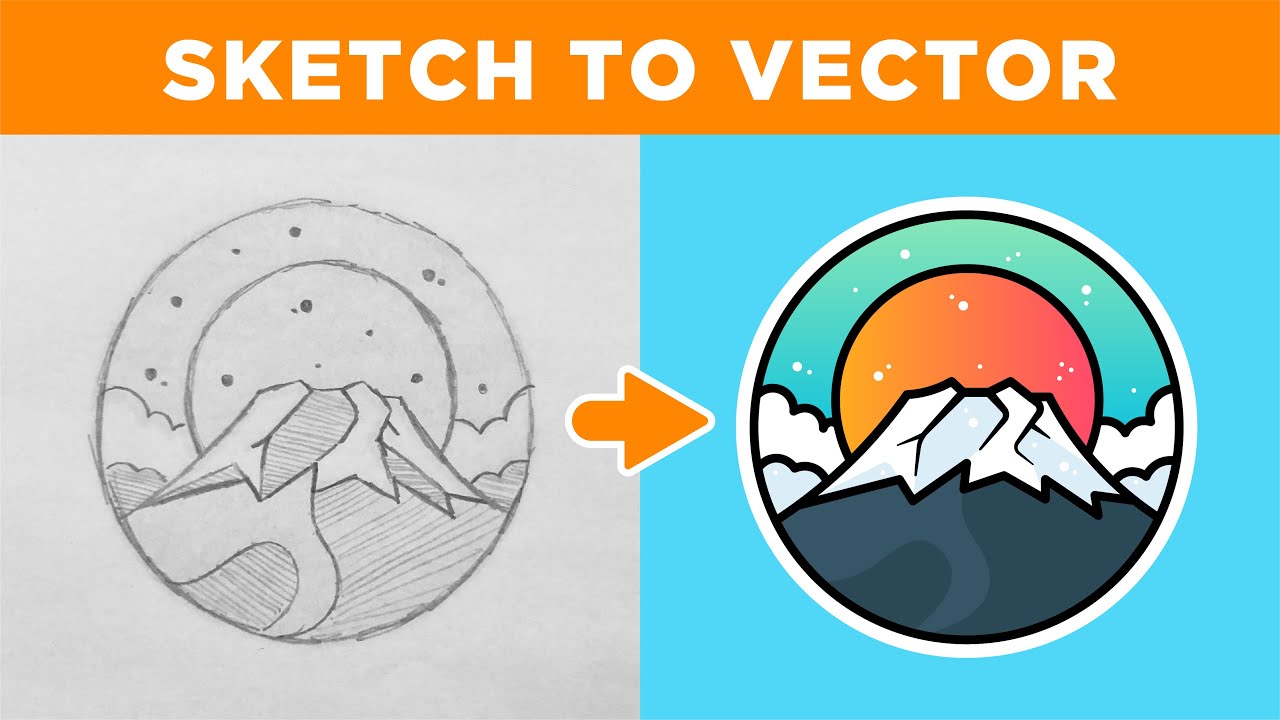
How To Turn A Drawing Into A Vector
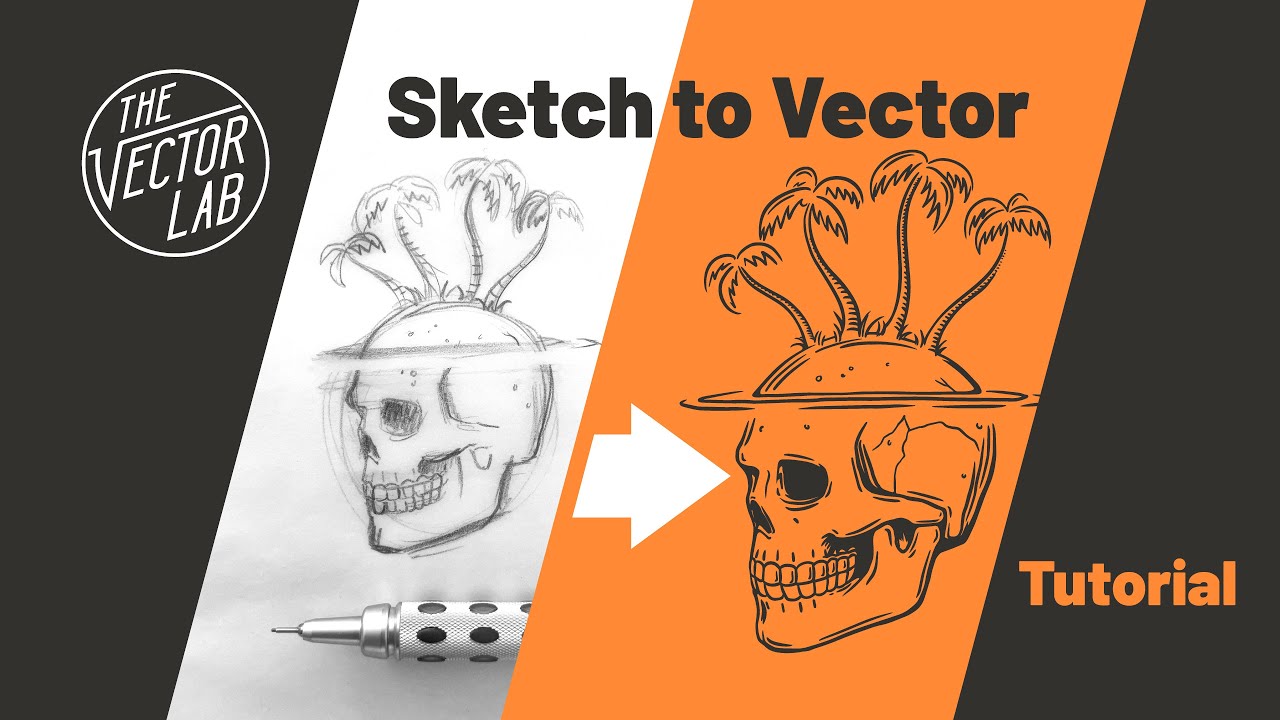
There’s a quiet thrill in watching a rough pencil sketch transform into a crisp, infinitely scalable digital masterpiece. This magic trick is called vectorization, and it’s become a favorite pastime for doodlers and digital pros alike. Whether you want to upscale a logo for a billboard or add a personal touch to a birthday card, the process feels like giving your art a second, more polished life.
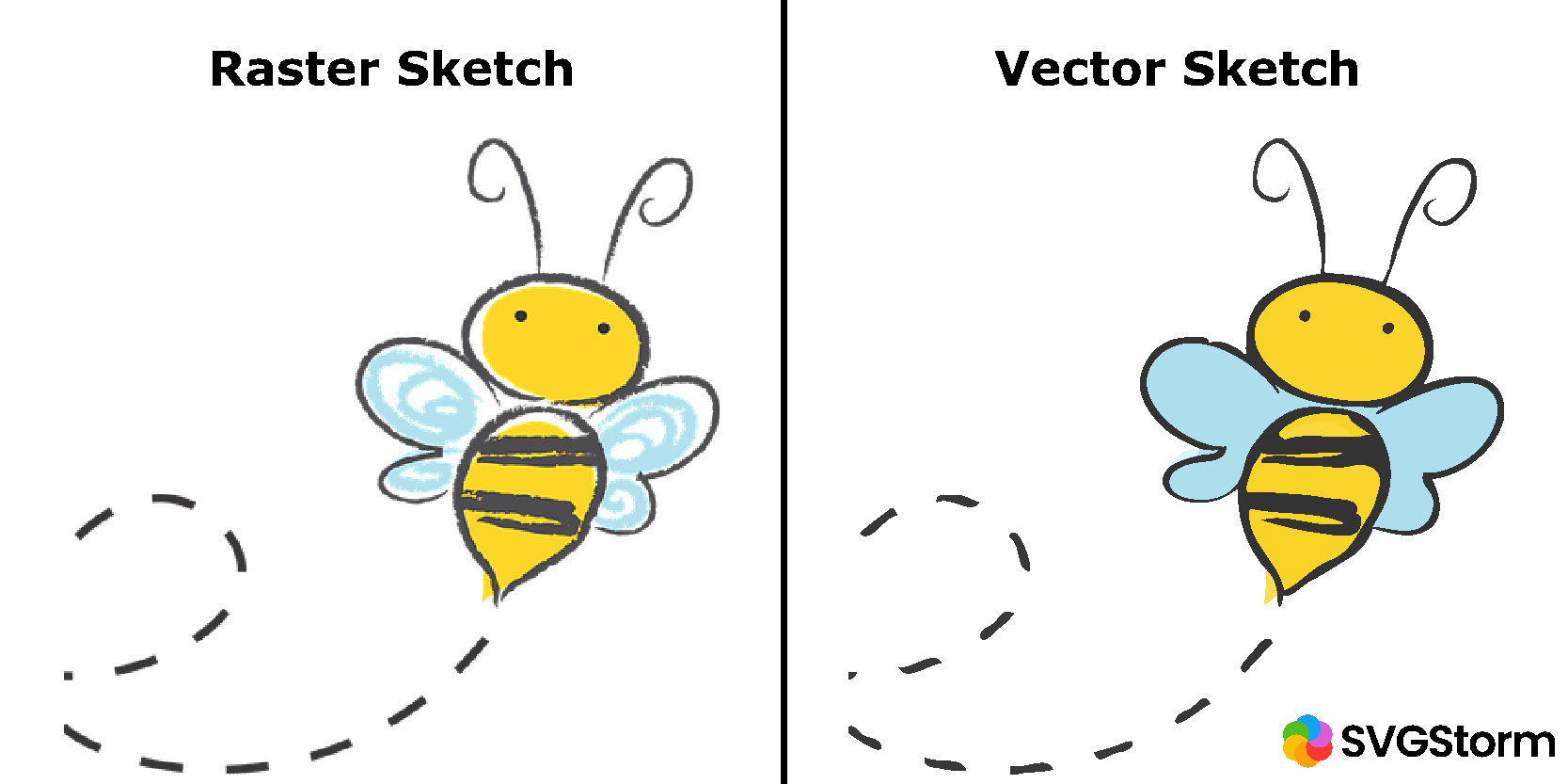
For artists, vectors are a game-changer because they free you from the tyranny of pixelation. A vector file can shrink to the size of a postage stamp or stretch across a stadium banner without losing a single line of sharpness. Hobbyists will love that you can edit every curve, color, and anchor point later, meaning your first sketch is never truly “final.” Casual learners get a huge confidence boost, too, because the software often feels like a forgiving partner—smoothing out wobbly lines and snapping shapes into place.
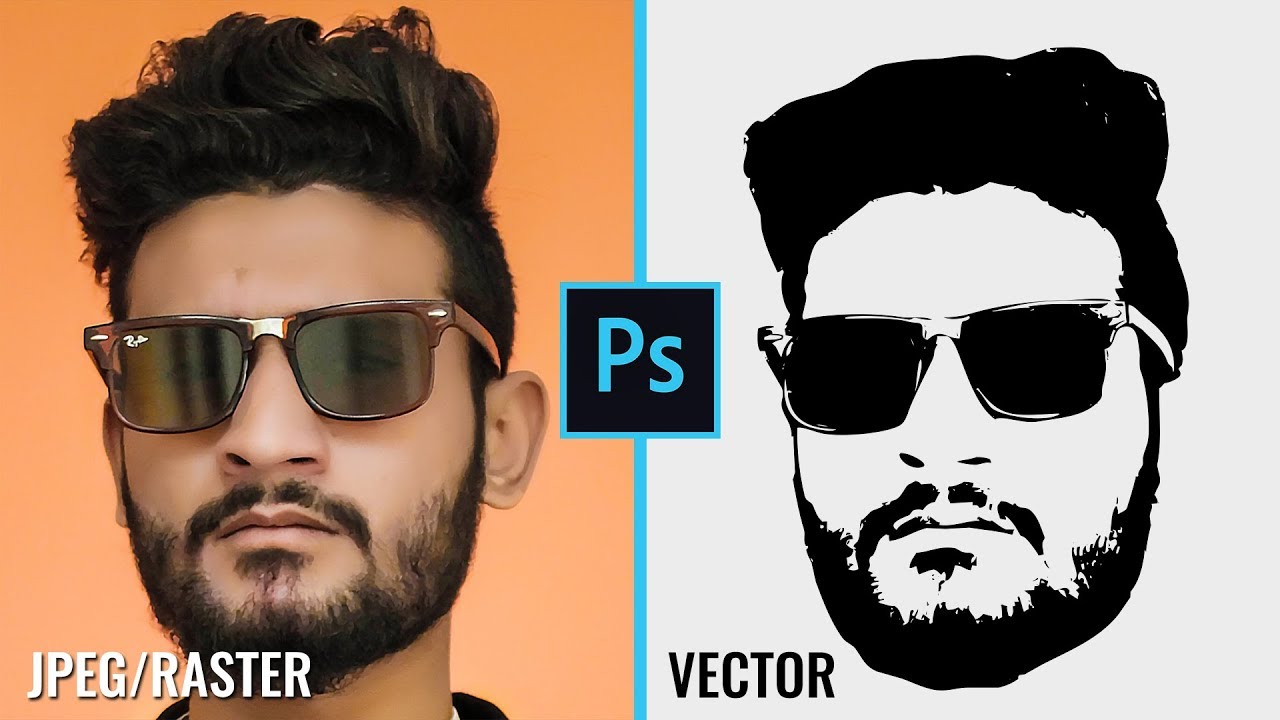
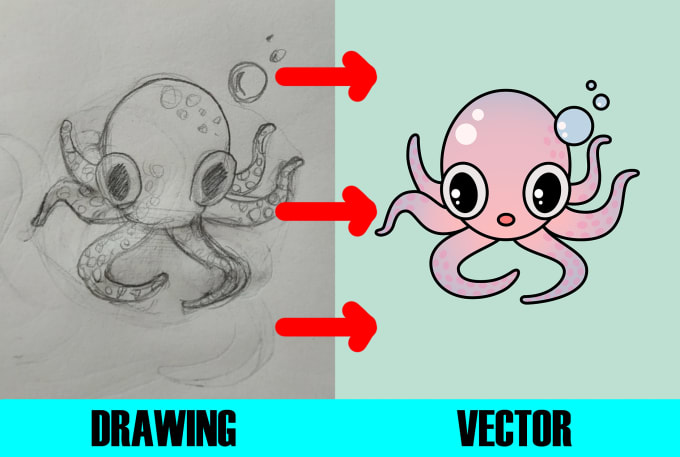
Think of the styles you can explore: minimalist line art, bold cartoon characters, intricate geometric mandalas, or even a watercolor wash digitized into flat, vibrant shapes. A simple portrait can become a sleek, poster-ready silhouette, while a chaotic ink splatter turns into a clean, controlled emblem. One of my favorite variations is taking a child’s crayon dinosaur and re-creating it as a heroic, museum-quality sticker—the joy on their face is priceless.
Must Read
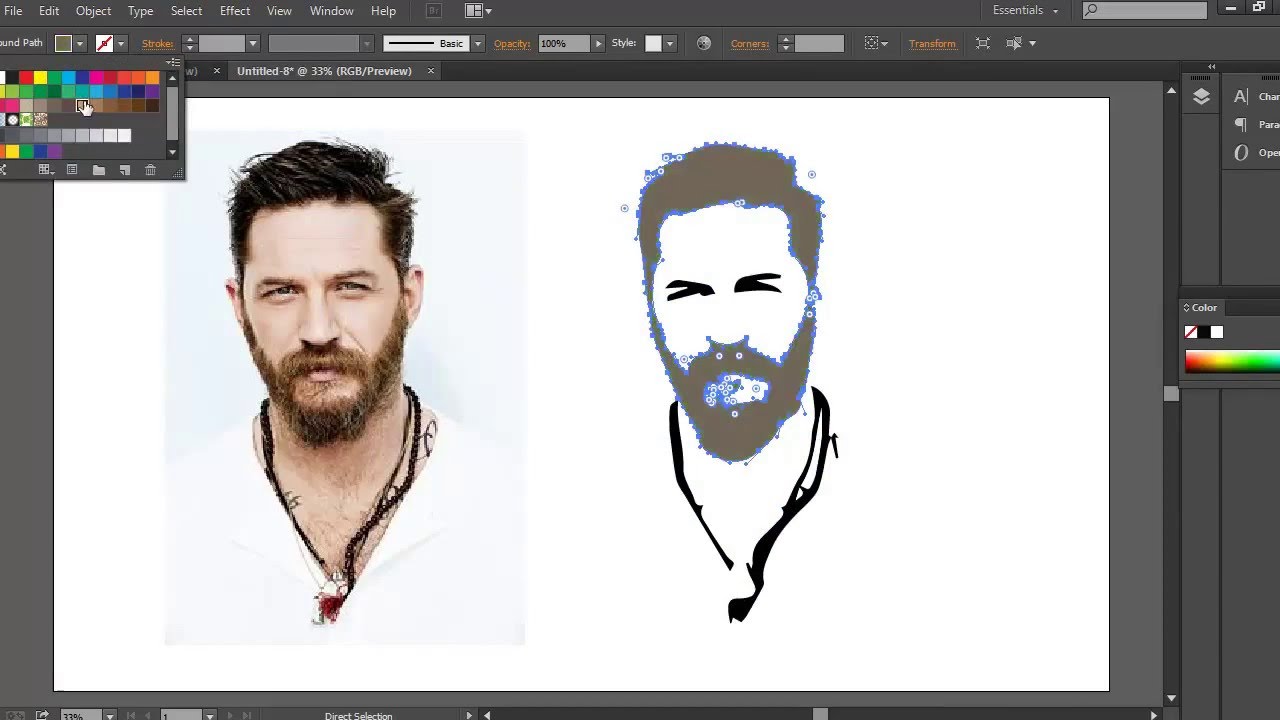
Ready to try it at home? Start with a high-contrast drawing—thick black marker on white paper works best, as the software loves clear edges. Take a well-lit photo or scan, then import it into a free tool like Inkscape or a browser-based app. Use the “trace bitmap” or “image trace” function, and then play with the threshold slider until your lines look smooth, not jagged.

Don’t aim for perfection on your first try. Instead, focus on one simple shape—a heart, a leaf, or your signature—and watch how the program interprets it. After the auto-trace, zoom in and manually tweak the “nodes” (little dots on the lines) to fix any odd kinks. It’s like playing with digital clay, and you’ll quickly learn that mistakes are just creative opportunities in disguise.
Try tracing a photo of your pet, a handwritten quote, or a doodle you drew during a boring meeting. The variations are endless: you can turn a messy gesture sketch into a clean icon, or combine several traced elements to build a fun, layered scene. For a playful twist, trace a black-and-white comic panel and then fill each area with a vibrant gradient—you’ll feel like a color wizard in minutes.
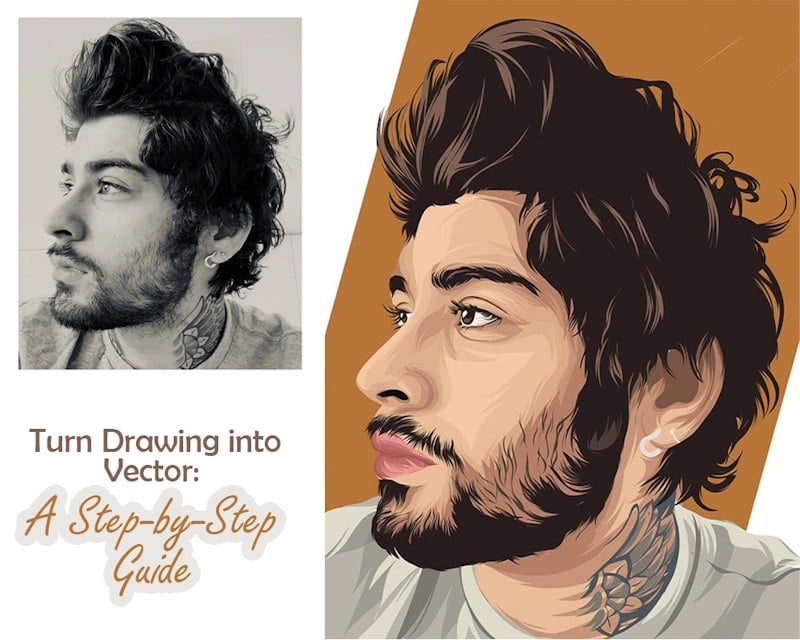
What makes this process so enjoyable is the surprise—the moment your hand-drawn wobbles become confident, mathematical curves. You’ll find yourself sketching more just to see what it looks like in “vector form.” There’s a deep satisfaction in bridging the messy, human act of drawing with the precise, logical world of code.
So grab a pen, scribble something glorious, and let the software do its happy dance. The best part? You don’t need to be a tech expert—just curious. And soon, you’ll be looking at every napkin doodle as a future masterpiece, just a few clicks away from immortality.