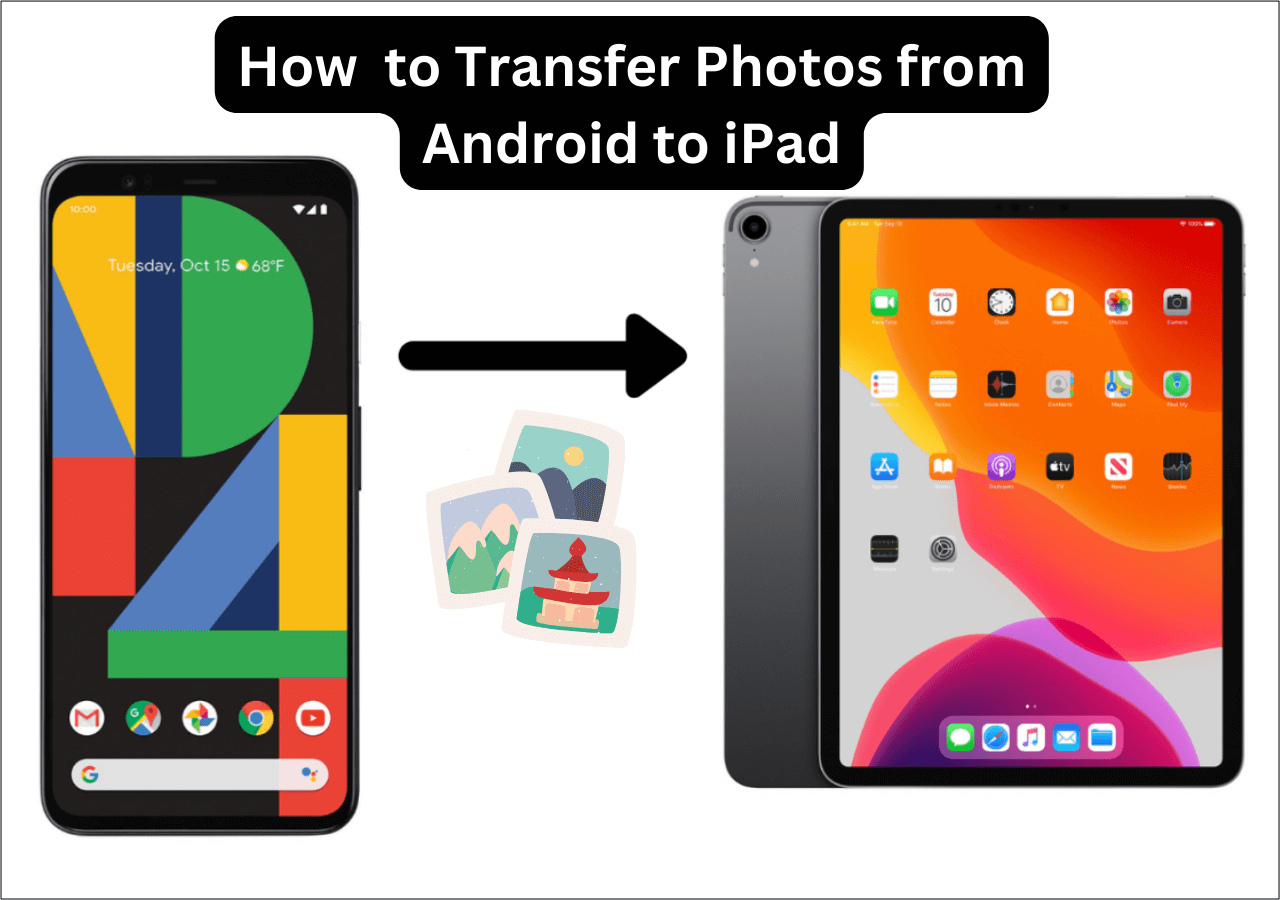
How To Transfer Photos From Android Phone To Samsung Tablet
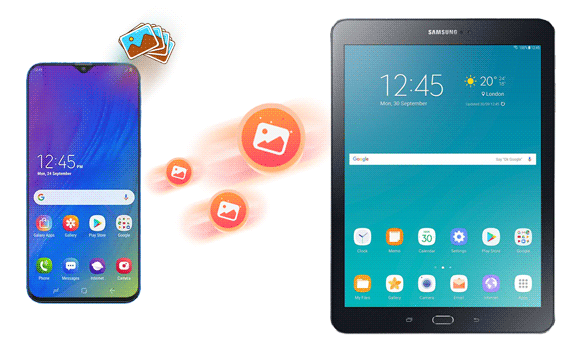
We've all been there - taking a gazillion photos on our Android phone and then wanting to view them on a bigger screen, like our Samsung tablet. It's like trying to watch a movie on a tiny TV versus a massive one - it's just not the same, right? Suddenly, you're faced with the daunting task of transferring those precious photos from one device to another.
But fear not, friends! Transferring photos from your Android phone to your Samsung tablet is easier than making a peanut butter and jelly sandwich (and who doesn't love those?). You can use a USB cable to connect your phone to your tablet and transfer the photos that way. It's like a digital hug for your devices - they get to be connected and share their contents with each other.
Using a USB Cable
So, to start, you'll need to connect your Android phone to your Samsung tablet using a USB cable. Make sure your phone is unlocked and your tablet is in MLB mode (just kidding, it's actually MTP mode - but that doesn't sound as cool, does it?). Once you've done that, your tablet should recognize your phone and you can start transferring those photos.
Must Read
On your tablet, you'll see a notification that says "USB connected" or something similar - it's like a little welcome message from your tablet to your phone. From there, you can use the file manager app on your tablet to access your phone's files and transfer the photos you want. It's like a digital treasure hunt, but instead of searching for treasure, you're searching for your favorite photos.
Via Wi-Fi
But what if you don't have a USB cable handy? No worries, friend! You can also transfer photos from your Android phone to your Samsung tablet via Wi-Fi. You'll need to download a file transfer app on both devices, like Shareit or Xender. These apps are like the Uber of file transfer - they help you get your files from point A to point B quickly and easily.
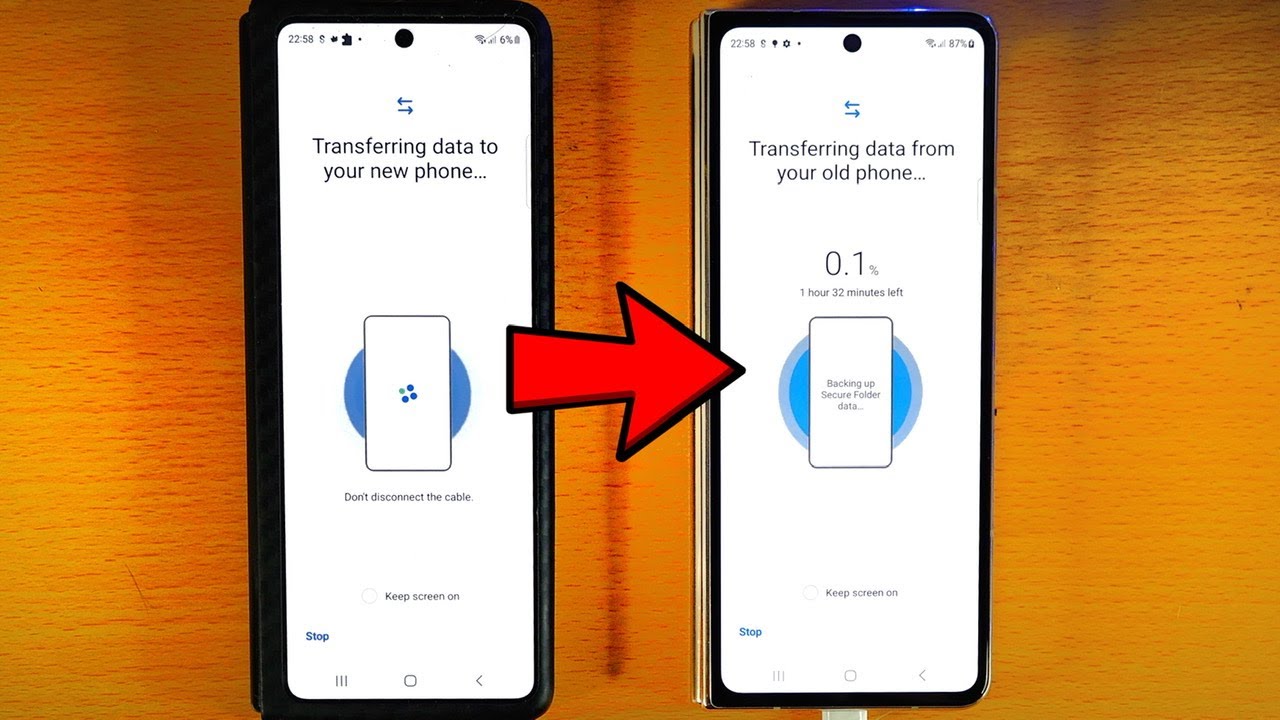
Once you've downloaded the app, you can connect your devices to the same Wi-Fi network and start transferring your photos. It's like sending a digital care package from your phone to your tablet - but instead of sending socks and chocolate, you're sending photos. And who doesn't love receiving photos, right?
Via Cloud Services
Another way to transfer photos is by using cloud services like Google Photos or Dropbox. These services are like the cloud version of a photo album - you can store all your photos in one place and access them from any device. You can upload your photos from your Android phone to the cloud service, and then access them from your Samsung tablet.
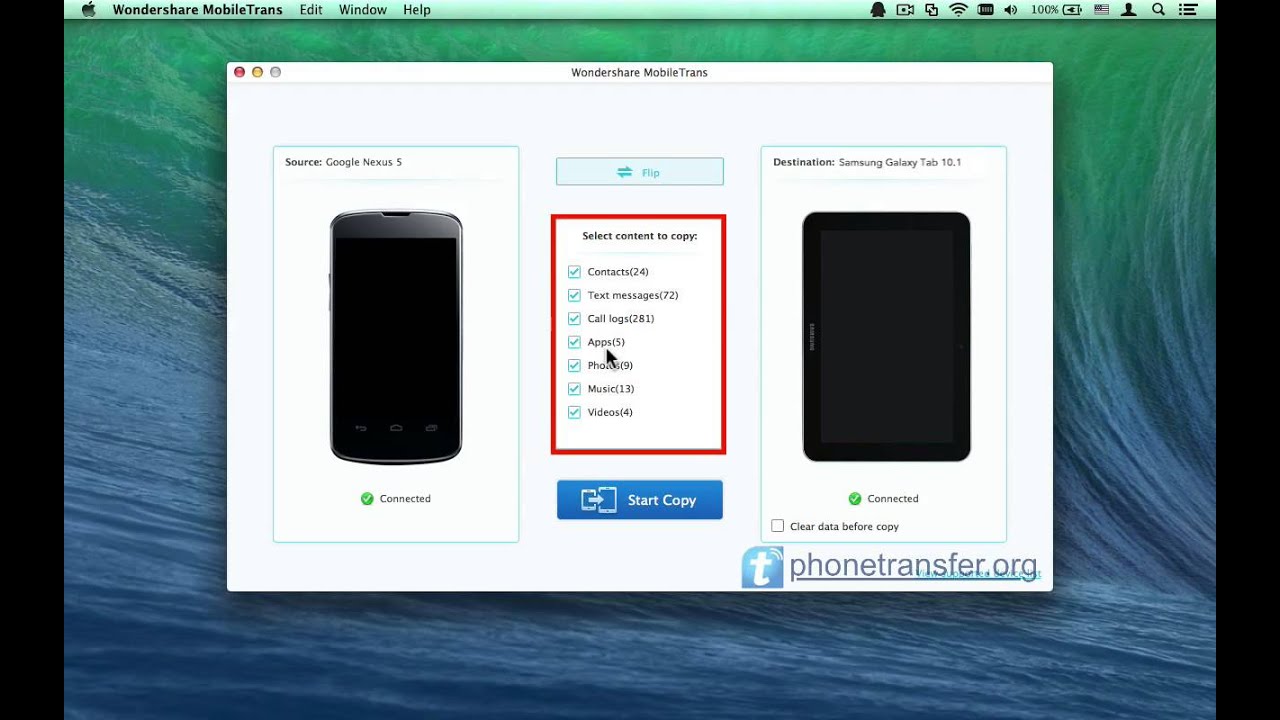
It's like having a personal photo butler - you can access your photos from anywhere, at any time, as long as you have an internet connection. And the best part is, you don't have to worry about storage space on your devices - the cloud service takes care of that for you. It's like having an infinite photo album - you can store as many photos as you want, without worrying about running out of space.
So there you have it, folks - three easy ways to transfer photos from your Android phone to your Samsung tablet. Whether you use a USB cable, Wi-Fi, or cloud services, you can rest assured that your photos will be safe and sound on your tablet. Happy transferring, and don't forget to back up your photos - you never know when you might need them!

In conclusion, transferring photos from your Android phone to your Samsung tablet is a breeze - it's like a walk in the park (but less likely to give you sunburn). With these simple methods, you can enjoy your favorite photos on a bigger screen, without the hassle of complicated tech jargon or complicated setup processes. So go ahead, give it a try, and happy snapping (and transferring)!
And finally, a pro tip - you can also use Bluetooth to transfer photos between devices. It's like a secret handshake between your phone and tablet - they can communicate with each other without you having to lift a finger. Okay, maybe that's a bit of an exaggeration, but you get the idea - it's another easy way to transfer photos, and it's worth checking out if you haven't already.
So, what are you waiting for? Start transferring those photos and enjoy them on your Samsung tablet - your inner photographer will thank you. And who knows, you might just discover a new favorite way to transfer photos - it's like finding a needle in a haystack, but instead of a needle, it's a photo transfer method that you love.