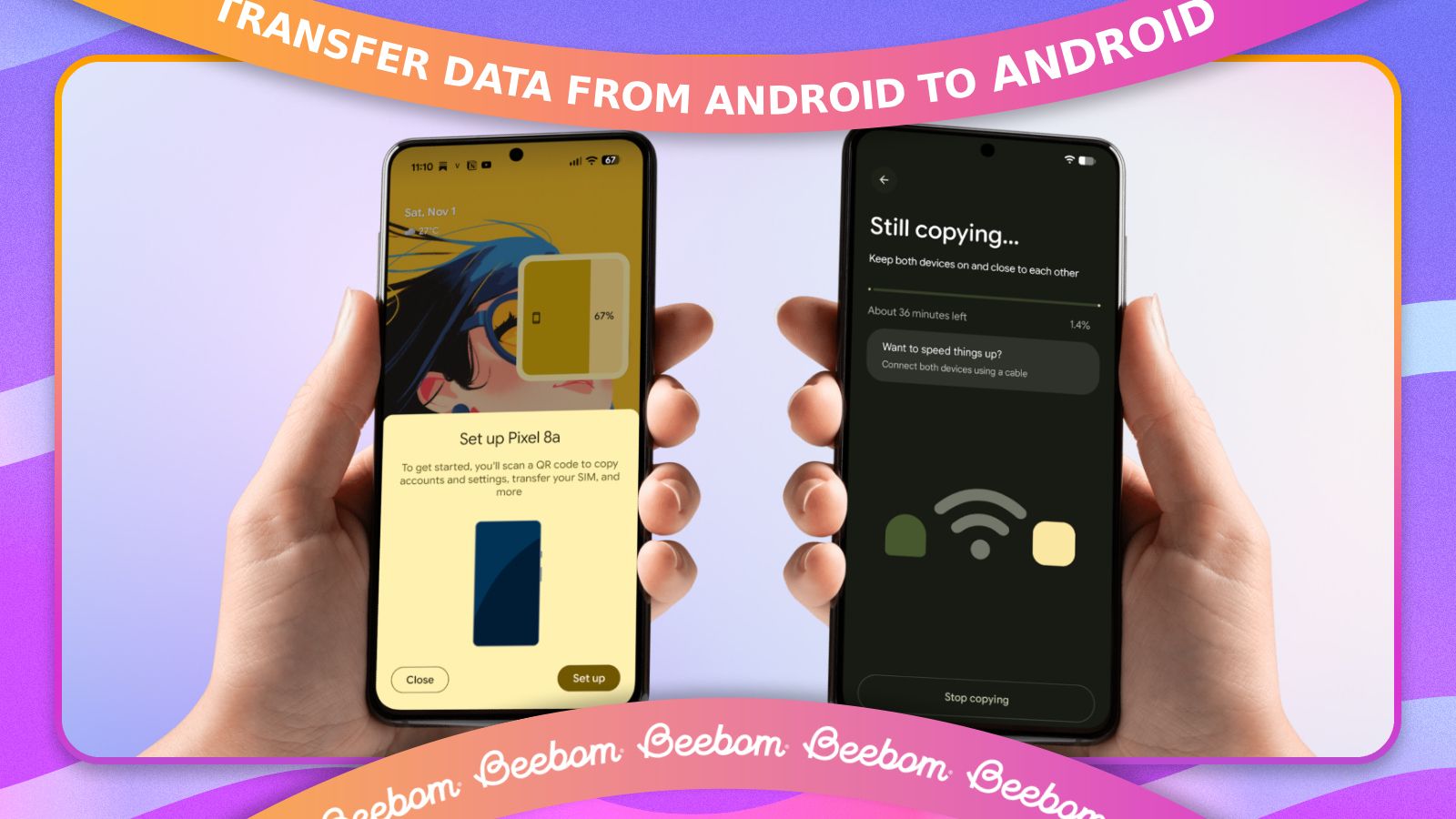
How To Transfer Content From Android To Android
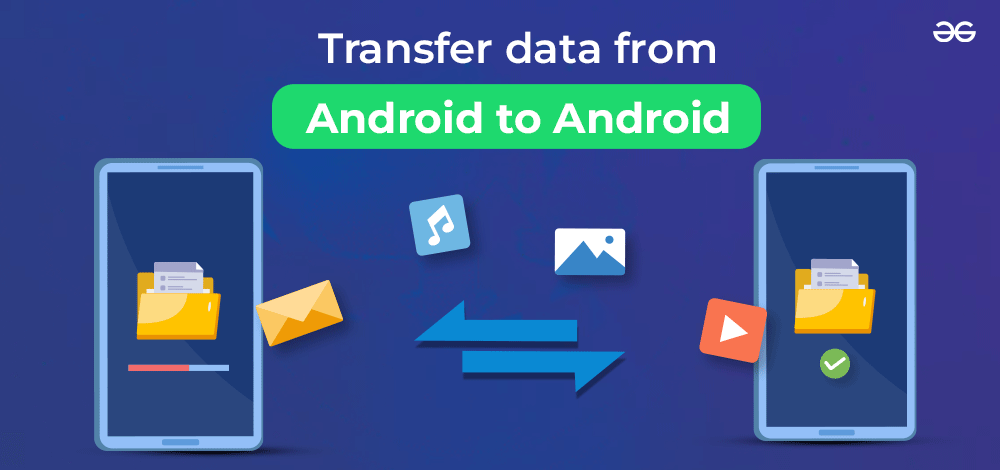
Let's face it, we've all been there - we get a brand new Android phone and we're super excited to start using it, but then we realize we have to transfer all our content from our old phone. It's like moving to a new house, you're excited about the new place, but the thought of packing and unpacking all your stuff is just overwhelming. But don't worry, transferring content from one Android to another is easier than you think!
So, why should you care about transferring your content? Well, think about it, your phone is like your personal assistant, it has all your contacts, photos, music, and apps that make your life easier. Losing all that would be like losing your favorite notebook - you'd have to start all over again, and who has time for that? By transferring your content, you can pick up right where you left off and enjoy your new phone without any hassle.
Why Transfer Content?
Transferring content is not just about convenience, it's also about preserving your memories. Think about all the photos and videos you've taken on your old phone - you wouldn't want to lose those, would you? By transferring them to your new phone, you can keep them safe and continue to enjoy them. Plus, transferring your apps and settings means you can get back to using your favorite services like social media and music streaming right away.
Must Read
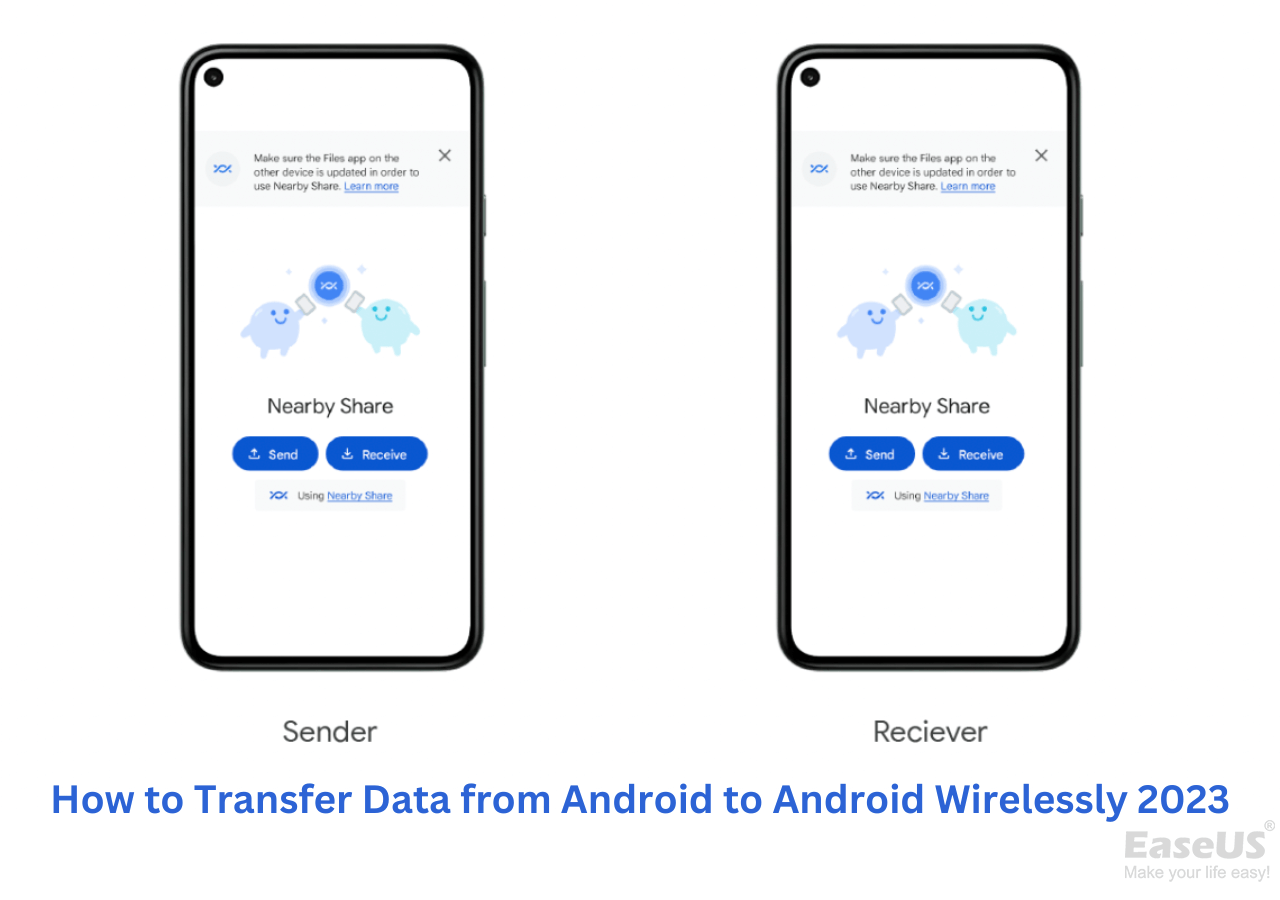
Now, you might be wondering, how do I actually transfer my content? Don't worry, it's easier than baking a cake! You can use a variety of methods, including Google Drive, Smart Switch, or even a simple cable transfer. The method you choose will depend on what type of content you want to transfer and how much time you have. But don't worry, we'll break it down for you in a way that's easy to understand.
Method 1: Google Drive
Using Google Drive is like having a magic cloud that stores all your content. You can upload your contacts, photos, and videos to Google Drive on your old phone, and then download them to your new phone. It's like having a personal backup that you can access from anywhere. Plus, Google Drive is free and easy to use, making it a great option for transferring content.
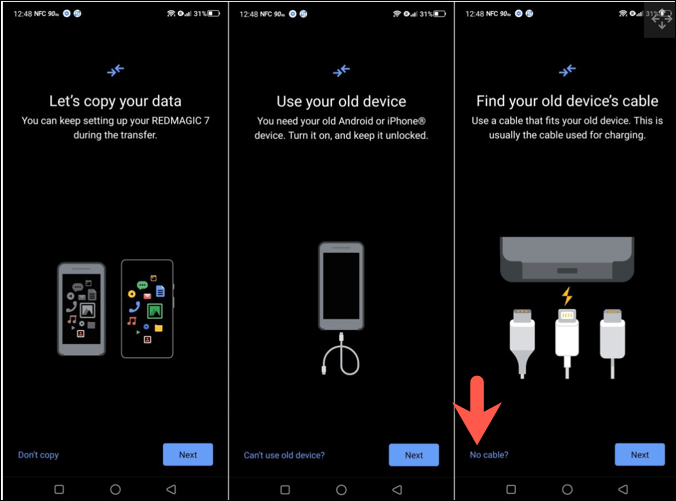
Another method is to use Smart Switch, which is like having a personal assistant that helps you transfer all your content. It's a simple and easy-to-use app that can transfer everything from contacts to apps. You can even use a cable transfer method, which is like using a USB drive to transfer files from one phone to another. The best part is, you don't need to be a tech expert to use any of these methods!
Tips and Tricks
So, what are some tips and tricks to keep in mind when transferring content? First, make sure you have enough storage space on your new phone to transfer all your content. You don't want to run out of space halfway through the transfer process! Also, be patient and don't rush the process - transferring content can take some time, especially if you have a lot of files to transfer. But trust us, it's worth it in the end.
:max_bytes(150000):strip_icc()/A6-TransferTextMessagesFromAndroidtoAndroid-annotated-9af61ea4024e4131a53ae147b9b6c023.jpg)
Finally, remember that transferring content is not just about moving files from one phone to another, it's about preserving your memories and staying connected. By taking the time to transfer your content, you can enjoy your new phone without any hassle and keep all your favorite memories safe. So, go ahead and take the plunge - your new phone is waiting for you!
In conclusion, transferring content from one Android to another is easier than you think, and it's definitely worth the effort. With the right methods and a little patience, you can transfer all your content and start enjoying your new phone in no time. So, what are you waiting for? Start transferring your content today and experience the freedom of having all your favorite files and apps on your new phone!

:max_bytes(150000):strip_icc()/B8-TransferTextMessagesFromAndroidtoAndroid-annotated-13904840b794474687d79e5eb46ff7a4.jpg)