How To Transcribe From Audio To Text
Last Tuesday, I found myself staring at a 47-minute voice memo from my aunt, a rambling masterpiece about her neighbor’s new hedge and the suspiciously loud parrot that lives behind it. The memo was pure gold for our family history project, but my fingers hovered over the keyboard like a scared cat over a bathtub. I knew that transcribing it by ear would take me a solid three hours, plus a bottle of ibuprofen for the inevitable eye strain. That’s when I realized: there has to be a better way, and spoiler alert, there absolutely is.
Let’s be real—transcription is the digital equivalent of doing the dishes. Nobody loves it, but it’s necessary if you want to keep your podcast, your interviews, or your sanity in check. The good news? You don’t have to do it with a quill and a candle anymore. You have options, and some of them are so easy that you’ll wonder why you ever complained in the first place.
The "I Have No Patience" Method: Automatic Tools
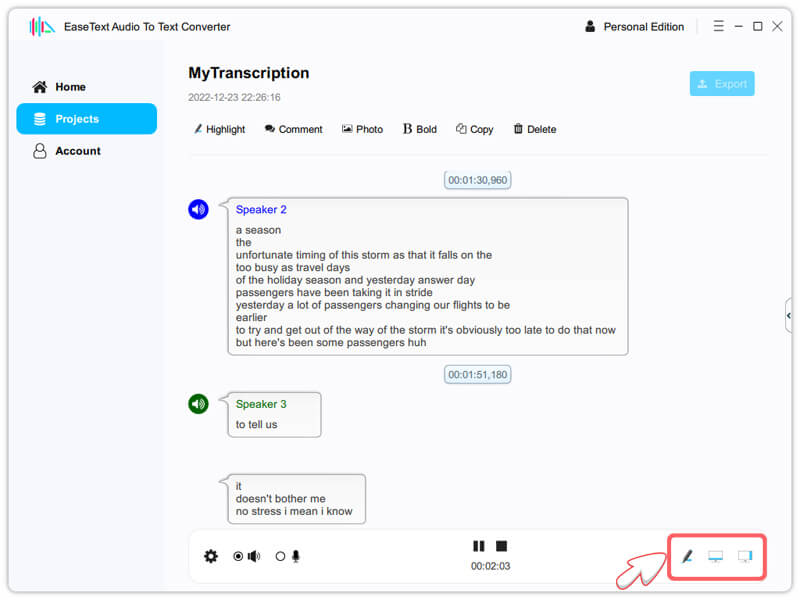
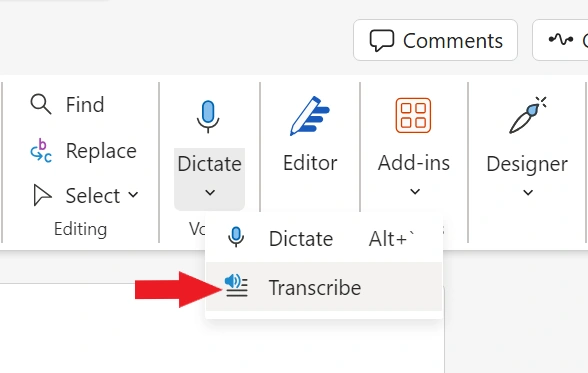
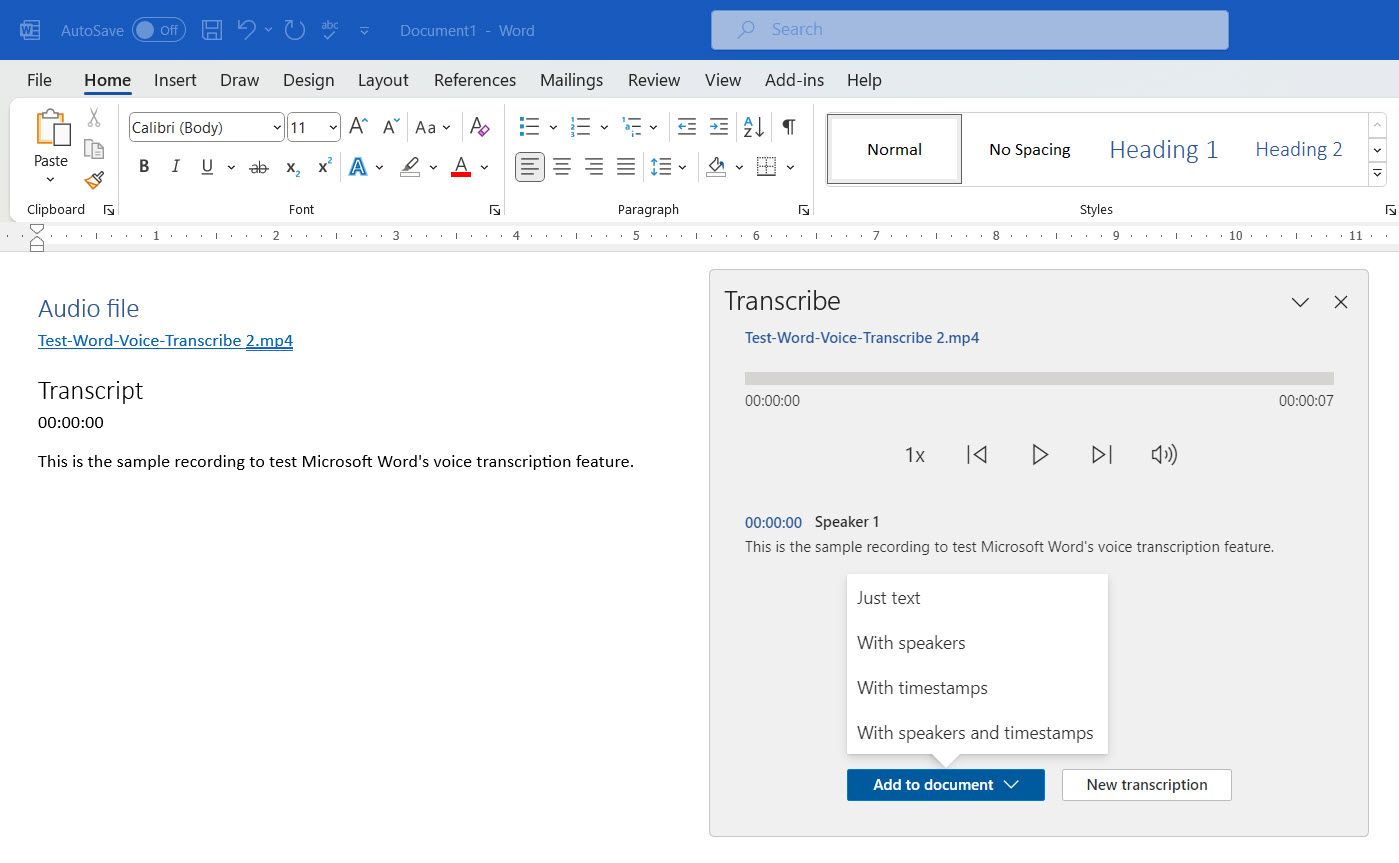
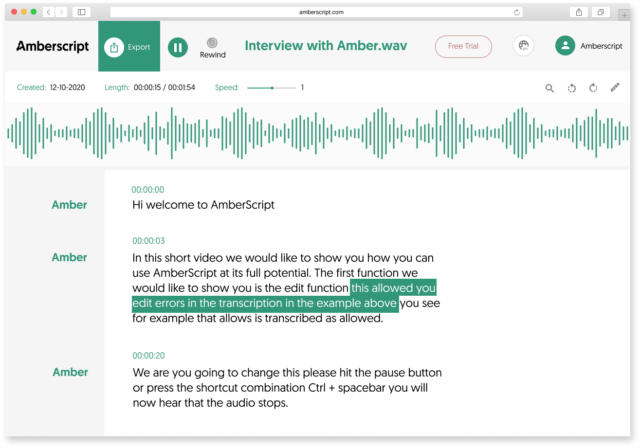
If you’re like me, your first instinct is to let a robot do the dirty work. Automatic transcription tools are your best friends here—think of them as the microwave dinner of the audio world. They’re fast, they’re mostly reliable, and they don’t judge you when you mumble. Services like Otter.ai, Rev (with their AI option), or even the free Google Docs voice typing feature can turn audio into text in a fraction of the time it would take you to type it manually.
Must Read
But here’s the catch: these tools are not perfect. They’ll happily transcribe a clear, studio-quality podcast, but throw in a heavy accent, a crosseyed interview, or your aunt’s parrot screeching in the background, and you’ll get gibberish. You’ll see phrases like “the green elephant danced” when the person actually said “I’m going to the dentist.” It’s hilarious the first time, and deeply frustrating the second. My advice? Use auto-transcription as a draft, not the final product. You’ll still have to do a cleanup pass, but you’ll be cleaning up a messy room instead of building a house from scratch.
Side note: Your phone is already a transcription ninja
You might not need a fancy new app. On iPhone, you can use the built-in dictation feature by just hitting the mic icon on your keyboard, then playing the audio through your speakers. It’s a hacky solution, but it works in a pinch for short clips. On Android, Gboard does the same trick. Just remember to close the door, because your neighbors will think you’re having a one-sided argument with a ghost.

The "I Have a Green Thumb" Method: Manual Playback Tricks
Sometimes, you need absolute accuracy—like for legal notes, medical interviews, or if you’re just a perfectionist who hates commas in the wrong place. In that case, you’re going to go manual, but you can still be smart about it. Don’t just hit play and type like a maniac; that’s the fast track to a mental breakdown. Instead, use the play-pause-rewind rhythm. Listen to a short chunk—say, 10 to 15 seconds—pause, type, rewind, listen again. It feels clunky, I know, but it’s way more reliable than trying to type while the audio keeps flowing like a river you can’t swim against.
Here’s a pro tip that changed my life: slow down the playback speed. Most players like VLC or even YouTube let you drop the speed to 0.75x or 0.5x without making it sound like a demonic chipmunk wrestling a bass guitar. You’ll pick up every “uh” and “um” with insane clarity. You’ll also start to notice how often people say “like” and you’ll want to claw your eyes out, but that’s a separate issue.

The "I’m Not Doing This Twice" Method: Hybrid Approach
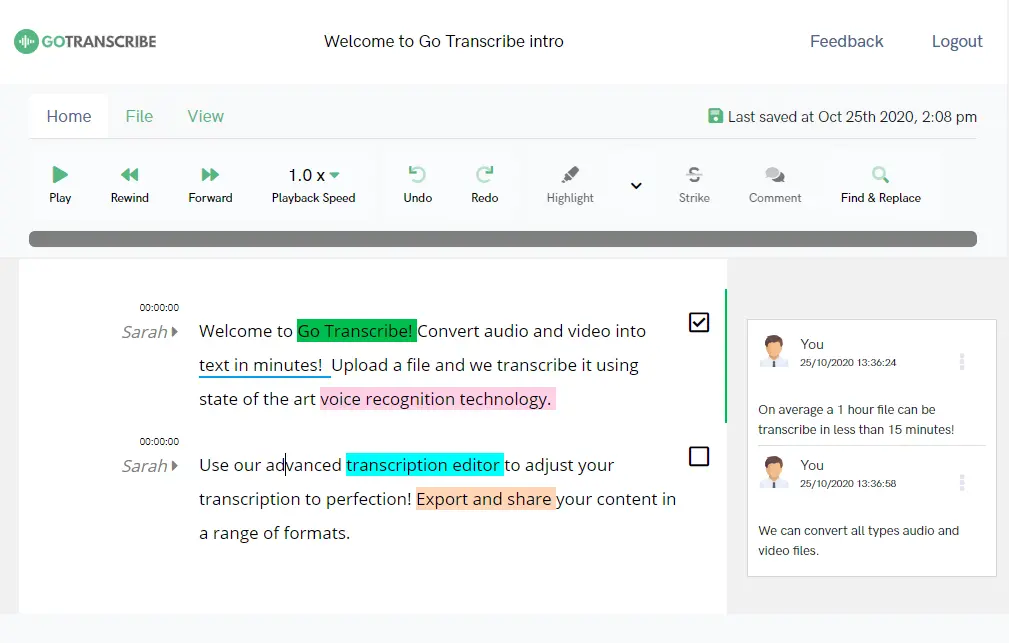
The smartest move is to combine both worlds. Run your audio through an automatic tool first to get a rough skeleton, then open that text file in a word processor. As you listen to the audio, you just edit the text instead of creating it from nothing. This cuts your time by at least half, and it keeps your brain engaged enough to catch mistakes. I did this with my aunt’s memo, and the final text was about 90% accurate after just one pass. The other 10% was the parrot, which I decided to leave out for the sake of my family’s dignity.
Also, a word to the wise: get yourself a good pair of headphones. Not earbuds from the gas station—real ones. You’ll notice that background noise, breathing, and that weird clicking sound people make with their tongues become your worst enemies. Good headphones isolate the voice and make your life infinitely easier. If you’re on a budget, even a $20 pair of over-ear ones will beat the $2 in-ear tubes that came with your old phone.
One more thing: punctuation is a lie
Nothing in audio tells you when a sentence ends. People ramble. They pause for a breath, then keep going on the same point. So when you transcribe, you have to be the punctuation police. Use periods where you feel the tone drops, and question marks when the pitch rises at the end. Don’t rely on the automatic tools for this—they’ll give you a giant wall of text that looks like a stream of consciousness from a caffeinated poet. You have to break it down into digestible bits. And when in doubt, use a comma. Worst case scenario, a grammar nerd will grimace, but they’re going to grimace anyway.
At the end of the day, transcribing isn’t a magical art—it’s just a lazy person’s patience test. You can fight the audio with your bare hands, or you can use the tools that are sitting right in your pocket. I personally choose the tools, because I value my time and my sanity. My aunt’s story is now safely saved in a document, the parrot is immortalized in the footer, and I only fought the urge to throw my laptop twice.
So next time you’re staring down a voice memo with dread, just pick a method. Start with the automatic draft, fix the garbled mess, and reward yourself with a snack when you’re done. You deserve it. And if you end up with a transcript that says “the elephant danced” when the audio clearly says “I’m going to the dentist,” just keep it. It’s a better story that way.