
How To Share Files Android To Android
Let’s be honest—sharing files between two Android phones used to feel like trying to teach a goldfish to do taxes. You’d fumble with Bluetooth, pray to the tech gods, and watch a progress bar move slower than a sloth on a Sunday stroll. We’ve all been there, sending a 30-second video that takes a full coffee break to transfer, only to have it fail at 99%.
But here’s the good news: the dark ages are over. You no longer need a degree in computer science or a USB cable that’s older than your gym membership. Today, sharing files between Androids is as easy as passing a bag of chips across the couch—if you know the right tricks.
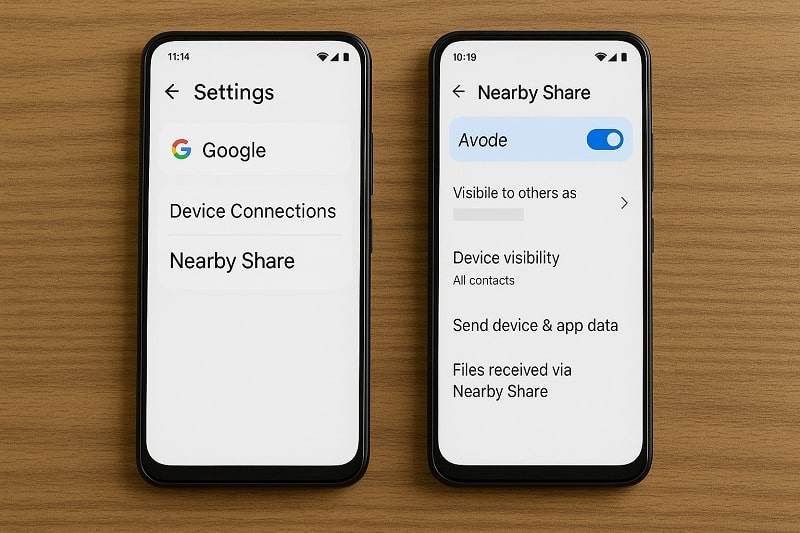
The Magic of “Nearby Share” (Your New Best Friend)
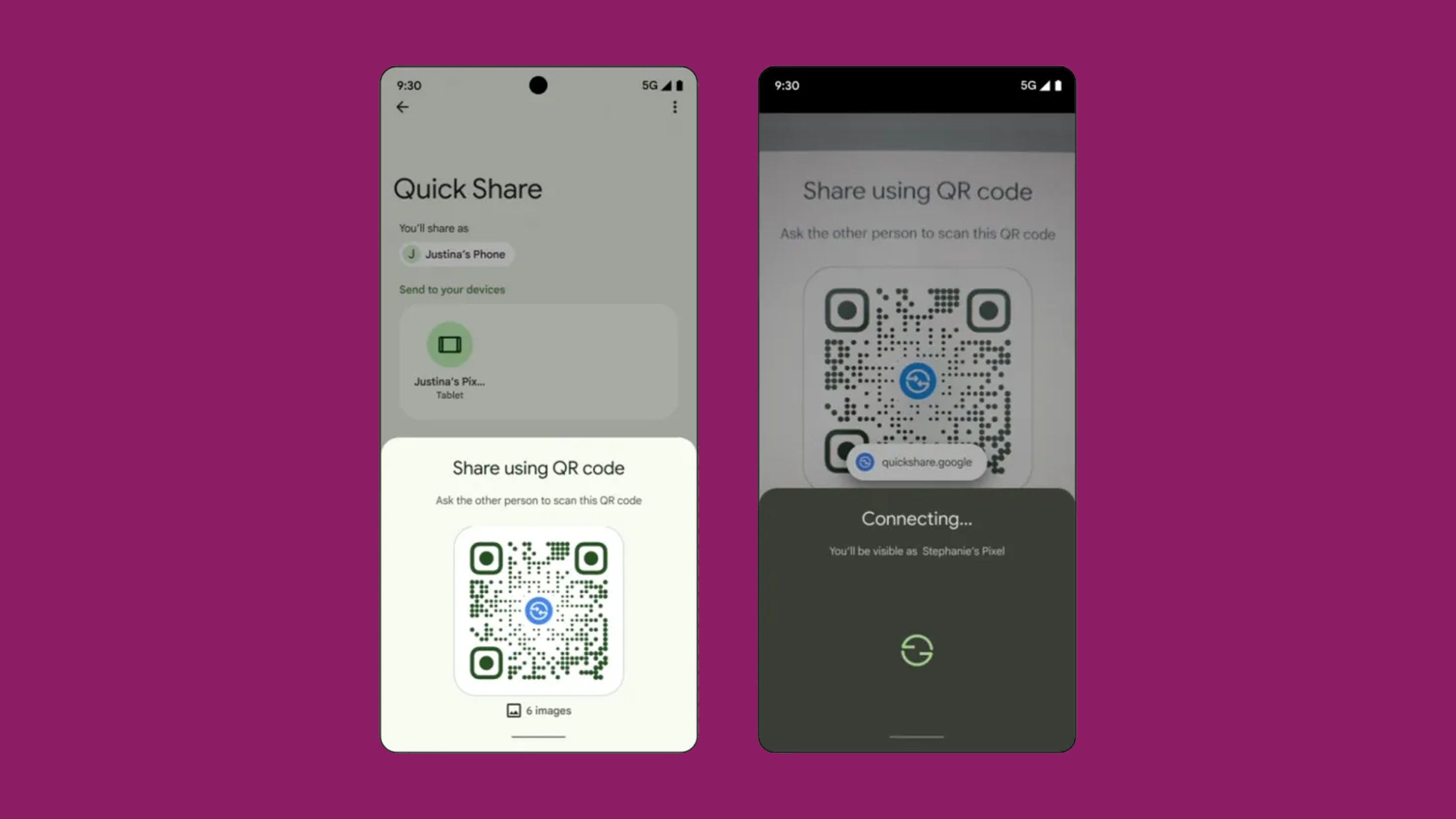
Think of Nearby Share as the Android equivalent of Apple’s AirDrop, but without the smugness. It uses Bluetooth, Wi-Fi, and a tiny bit of sorcery to detect phones that are physically close to each other. If you’ve ever waved your phone at a friend’s phone like a frantic airport attendant, you’re already halfway there.
Must Read
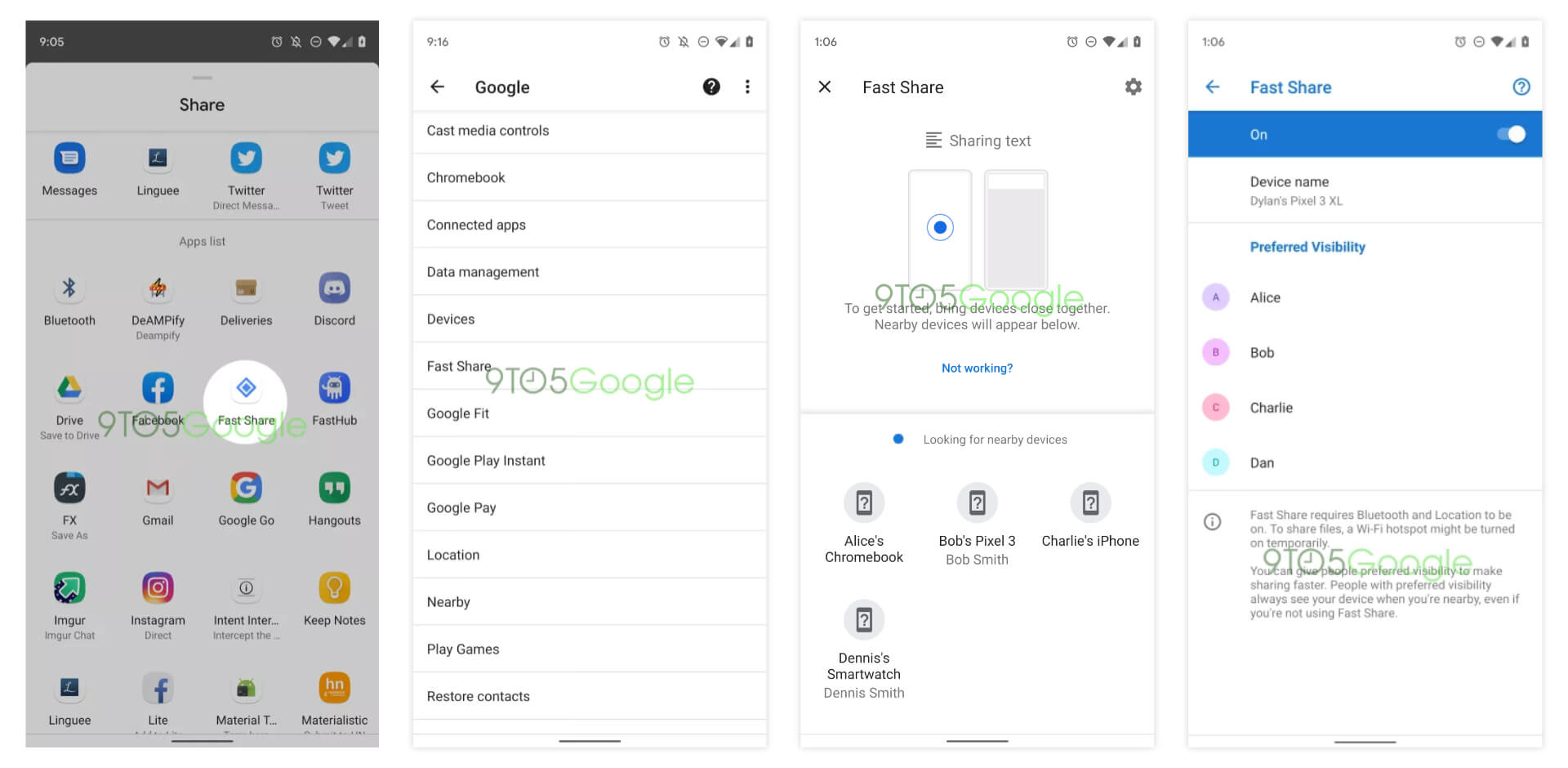
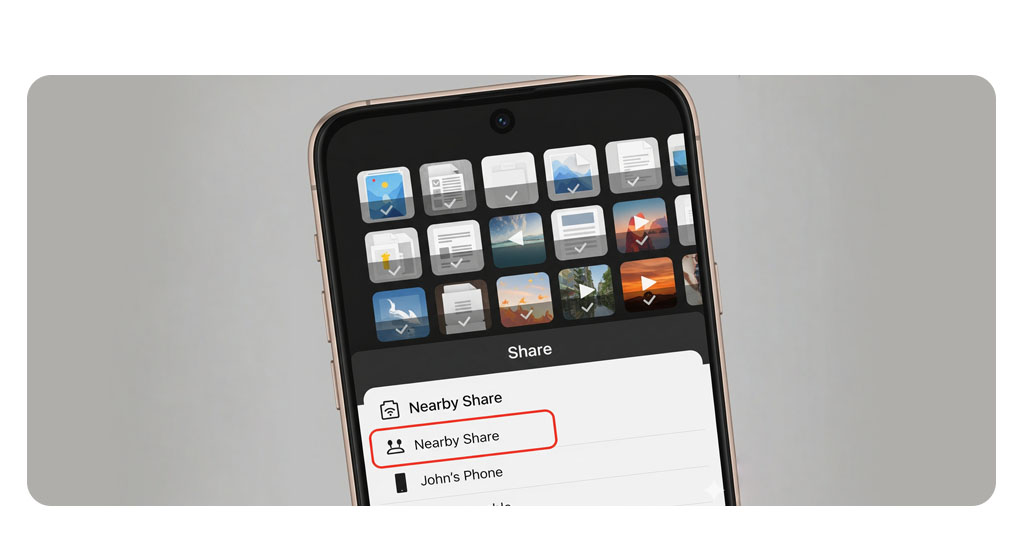
To use it, just open the file you want to send (say, that ridiculous meme your cousin sent at 2 a.m.). Tap the share icon, then select “Nearby Share.” Your phone will say something like “Looking for nearby devices,” which is tech-speak for “stand still and don’t breathe.”
Your friend’s phone will pop up with a notification—tell them to tap “Accept.” And boom, the file flies over faster than gossip at a family reunion. It’s that simple. No cables, no cloud uploads, no “did you get it yet?” texts.

But Wait, What If It’s Being Stubborn?
Sometimes, Nearby Share acts like a cat that refuses to sit on the expensive chair you bought. It just won’t connect. First, check that both phones have Bluetooth and Wi-Fi turned on—not just “kinda on,” but actually on. Also, make sure your phones aren’t hiding in separate rooms; they need to be within a few feet of each other, like awkward strangers in an elevator.
If it still fails, turn off your Wi-Fi and turn it back on. That’s the digital equivalent of shaking a snow globe—sometimes it just needs a little reset. And for the love of all that is holy, make sure both phones are unlocked. A locked phone is like a closed mouth; no files are getting in or out.
The “Old School but Gold” Quick Share via Apps
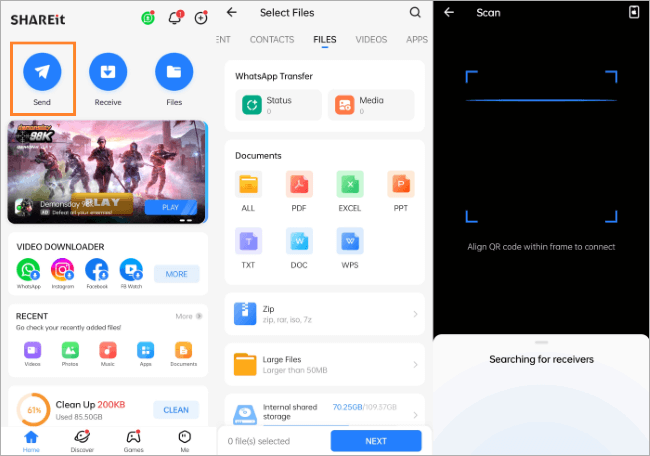
If Nearby Share feels too futuristic for your Wednesday mood, there’s always the trusty trio of apps: WhatsApp, Telegram, or even good ol’ email. Yes, I said email. You laugh, but sending yourself a file and then downloading it on the other phone is the “dad move” of file sharing. It works, but it feels like taking a bus to the grocery store when you own a sports car.
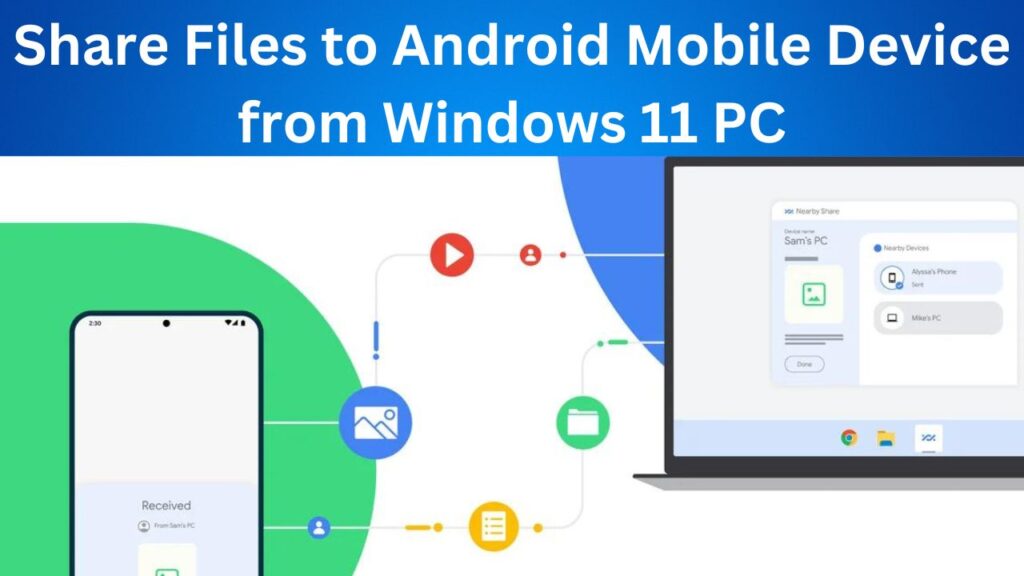
For bigger files, try Google Drive or Dropbox. Upload the file, share the link, and let your friend download it. The downside? You need internet, and if you’re in a dead zone, you’re basically sending smoke signals. Also, that “uploading…” bar can feel like watching paint dry on a humid day.
But honestly, for a quick “hey, look at this pic,” a messaging app is fine. Just remember: most apps compress photos and videos, turning your crystal-clear 4K masterpiece into something that looks like it was filmed with a potato. For video, always use the “send as file” option if you care about quality.
The Cable Savior (When All Else Fails)
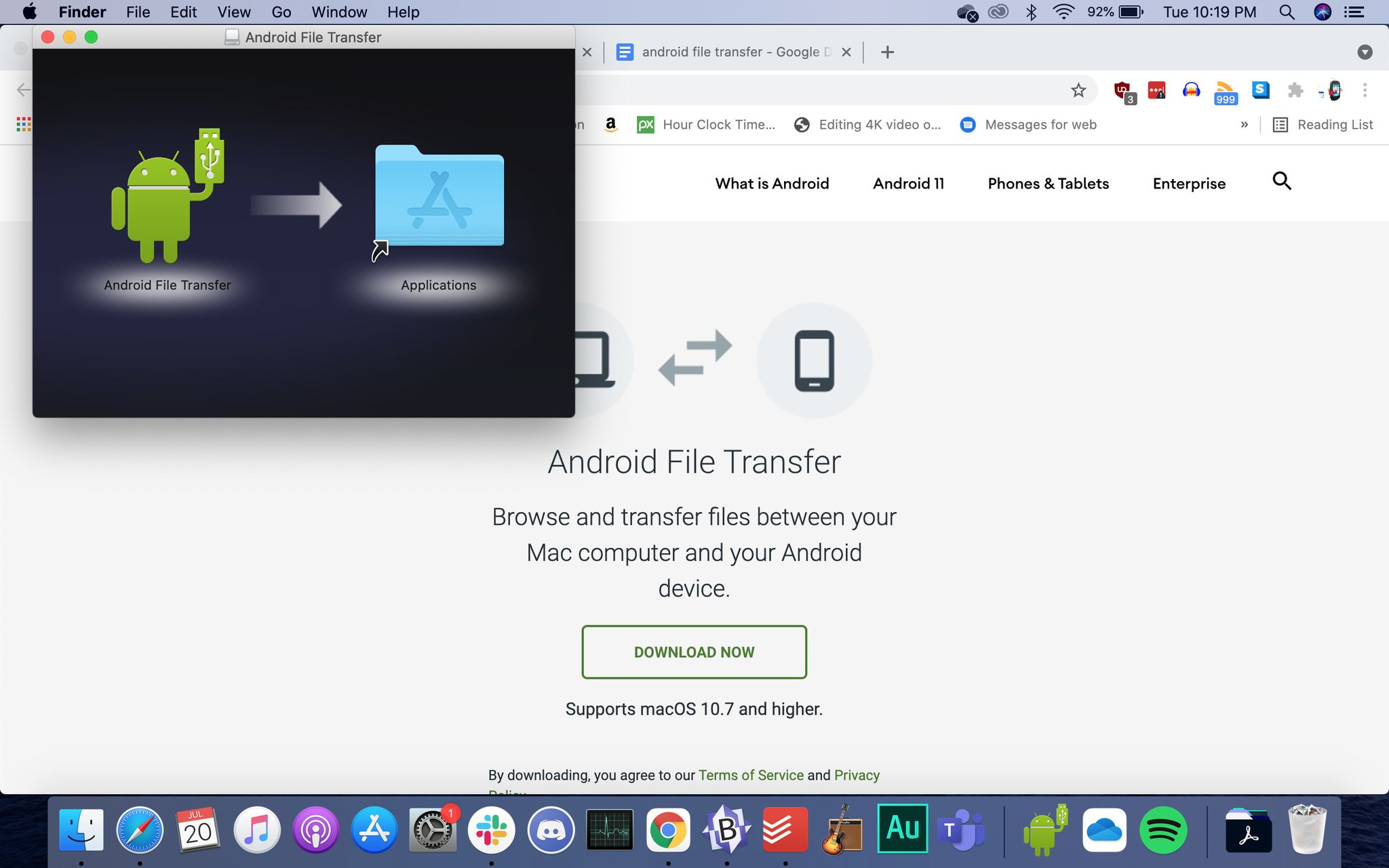
Let’s talk about the USB cable—the unsung hero that lives at the bottom of your drawer, tangled with old earphones and a lint-covered mint. If you have a USB-C to USB-C cable, you can plug both phones together and transfer files directly. It’s fast, secure, and doesn’t rely on Wi-Fi or magic.
When you plug them in, your phone will usually ask if you want to “share files” or “transfer data.” Pick “file transfer,” and your phone’s storage will appear like a tiny, rectangular world on your friend’s screen. Drag and drop, and you’re done. It’s the least flashy method, but it’s as reliable as your grandma’s Tupperware.
Just don’t pull the cable out mid-transfer. I did that once, and the file became a ghost—still showing on one phone, but gone from the other. It’s like those socks that disappear in the laundry. You never see them again.
Final Words of Wisdom
Let’s wrap this up like a burrito you’re trying not to spill. The best method is whatever works in the moment. If you’re at a party and need to share a group photo, use Nearby Share. If you’re at home on Wi-Fi, use an app. If you’re in a basement bunker with no signal, dig out that cable and be the hero.
Remember, the goal is to share the moment, not to become a tech guru. And if all else fails, just hold your phone next to theirs and say, “Look at this.” That’s technically sharing, right? Works every time, zero batteries required.
So go forth, share that meme, send that video of your dog running into a glass door, and laugh when the transfer fails twice. It’s all part of the Android experience—a little messy, a little quirky, but always getting the job done—eventually.
![How to Transfer Files from Android to Android [2021]](https://www.fonelab.com/images/hypertrans/android-file-transfer.jpg)