How To Send A Picture From Your Phone

Let’s be brutally honest for a second: if you are reading this, you have probably failed to send a picture from your phone at least once in the last 48 hours. Maybe you were the victim of a "blue bubble vs. green bubble" smear campaign. Maybe you hit "send" and watched in horror as a 4K video file compressed into a pixelated potato the size of a postage stamp. Or perhaps you are part of the deeply unwell demographic that still uses a USB cable to transfer photos to a laptop, like a digital archaeologist unearthing relics from 2009. In 2025, sending a photo seems as easy as breathing, yet it has become the ultimate social negotiation, a silent battleground of resolution, compression algorithms, and airtime. It is the low-stakes crisis of the modern age, and it is currently breaking group chats everywhere.
The pop culture zeitgeist has officially pivoted from "camera roll flex" to "delivery protocol." We are no longer impressed by a good picture; we are obsessed with how it travels. TikTok is flooded with skits about the anxiety of sending a photo to a friend and getting the dreaded single "k" in response, only to realize later it was because the image went through as a grainy, 144p nightmare. Meanwhile, dating apps are collapsing under the weight of men sending screenshots of their Spotify Wrapped instead of actual high-res portraits. The discourse is fiery, the stakes are high, and the irony is thick: we have supercomputers in our pockets, yet we still shriek with rage when a photo from a recent vacation arrives looking like it was painted by a blind impressionist. This is the new digital class divide, and it’s time we navigated it with the wit and savagery it deserves.
Don't panic. You are not technologically illiterate. You are merely a pawn in a game designed by multi-billion-dollar corporations who want you to hate the other guy’s phone. But before you throw your device into a river, know that there is a way out. There is a system. There is a way to send a picture that maintains your dignity, your resolution, and your social standing. We’re going to break down the mechanics, the etiquette, and the absolute nonsense that surrounds this mundane miracle. Buckle up, buttercup; class is in session.
Must Read
The War of the Bubbles: A Societal Breakdown
We have to address the elephant in the room, or rather, the green elephant. The iMessage vs. Android divide isn't just a technical issue; it’s a cultural apartheid that dictates the success of your social life. If your picture falls into the green bubble void, it is automatically compressed down to something that looks like it was taken by a toaster. You lose read receipts, you lose tapbacks, and you lose status. On the flip side, sending high-res photos via proprietary systems like AirDrop or iMessage is treated as the gold standard of digital luxury. It’s a weird, toxic hierarchy that has spawned entire subreddits dedicated to "green bubble shame." The wildest part? Most people don't realize that the compression isn't them—it’s the infrastructure. Your "good" photo is being strangled by a legacy SMS protocol that was designed to send text messages, not 12-megapixel sunsets.
But the toxicity doesn't end with the bubbles. We have a whole subculture of people who refuse to use anything other than WhatsApp, because in their country, that's the norm. Then you have the Snapchat purists who only send photos as ephemeral ghosts because they hate permanence. And let’s not forget the absolute sociopaths who use Facebook Messenger to send photos to their close friends, thereby announcing to the entire world that they are a digital boomer. This fragmentation forces us to memorize a matrix of "how to reach this person" versus "how to reach that person." The social nuance is exhausting. The cultural shift here is that we've stopped valuing the photo itself and started valuing the ecosystem it travels through. The medium is the message, and the message is: "I hope your phone brand matches mine, or I will erase your facial features with compression artifacts."
Mastering the Send: A Pragmatic Survival Guide
Step one: Identify your enemy. Before you take a picture, decide the destination. If you are sending to an iPhone user and you are using an Android, you have two options: embrace the suck or use a third-party app. Stop relying on MMS. It is 2025. If you are trying to send something that matters—a family portrait, a funny meme that has to be sharp, a saucy selfie—do not use the default messaging app across platforms. Download a proper messenger. WhatsApp, Telegram, and Signal are your new best friends. They all have a "HD" toggle; use it. Yes, it takes an extra second, but that extra second is the difference between your friend seeing your vacation in crystal clarity and seeing it as a watercolor painting on a rainy day.
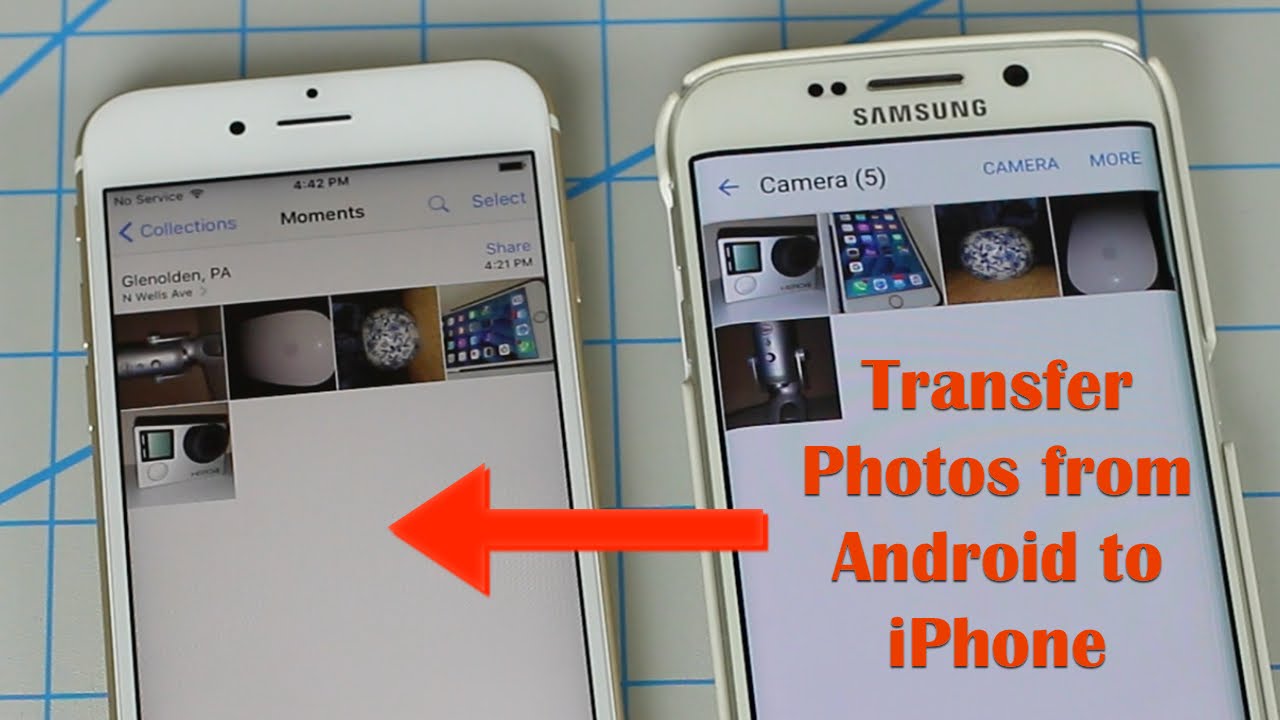
Step two: Master the "Original Quality" upload. If you are using iMessage, ensure you have "Low Quality Image Mode" turned off. I know you want to save data, but you are starving your friendships. Go to Settings > Messages and slide that bloody toggle to OFF. If you are on Android, look for "Original Quality" in your messaging settings. For the love of everything holy, do not rely on auto-compression. And if you are sending multiple photos? Do not, under any circumstances, select "Compress" when your phone asks. It asks because it is lazy. You are not lazy. You are a curator of visual stories. Send them as files, or better yet, share a link via Google Photos or iCloud. This saves your chat from becoming a laggy disaster and ensures the receiver can zoom in on the dirt on your shoes if they so desire.
Step three: Screen-shotting is a crime. I see you. You’re a friend of a friend who received a photo via Snapchat and decided to steal it with a screenshot. You are the villain of this story. Screenshotting a photo that was sent to you on a temporary platform is the technical equivalent of breaking into someone's house to steal their mail. It destroys the trust economy. If you need to save a photo, ask for it. If you need to re-share a photo, ask for it. The "sneaky screenshot" is a cardinal sin that will eventually get you banned from the "good" group chats. Instead, use the built-in "Save" feature on apps like Instagram or WhatsApp, which usually tell the sender you saved it (unless you're using a hacked APK, which is a whole other security nightmare we don't have time for).
Step four: The “Cloud” is your savior, but use it wisely. When in doubt, use a link instead of an attachment. If you have to send a photo of a document or a dense receipt, a direct image is fine. But if you are sending a batch of 300 photos from a wedding, do not spam your friend's phone with 300 separate notifications. Create a shared album or a Google Drive folder. Set the permissions to "Anyone with the link can view." This is the civilized way to do things. It also allows the receiver to scroll at their own pace, without feeling their phone vibrate like a dying fly every two seconds. This move screams "I have my life together," even if you are a chaotic mess behind the screen.
Step five: Compression awareness. You need to understand file sizes. A 10MB photo is huge, but most platforms cap you at 5MB via MMS. If you are sending via email and the file is too big, you will get a bounce-back. Don't panic. Learn to resize on the fly. Apps like "Image Size" or even your built-in photo editor can reduce pixel dimensions, which is much better than losing quality to automatic compression. The goal is to maintain a minimum of 1080px on the long edge. Anything less is a crime against photography. Anything more is pointless for a phone screen unless it’s for printing. Balance is key.
Frequently Asked Digital Debacles
Why do my photos look terrible when sent to an Android from an iPhone?
Ah, the eternal feud. This is because Apple refuses to play nice with the RCS standard (except for recently, but it's still a mess). When you send to a Green Bubble, your phone typically falls back to the ancient SMS/MMS protocol. That protocol was not designed to carry high-quality JPEGs. It uses a compression algorithm that squeezes the life out of your image, often getting capped at a resolution that looks wobbly. It’s a "technical limitation" that conveniently serves the competitive business model. Your photo is being caught in a corporate crossfire.
To fix it, you must bypass the default SMS app entirely. Use a cross-platform app like WhatsApp, Telegram, or even email. If you must send via text, you can try converting the image to a lower resolution manually—it will look better than the automated compression because it uses a smarter algorithm. Alternatively, you can send a link via iCloud to the photo. That keeps the quality pristine and saves you the embarrassment of sending a pixelated blob to your significant other.

Is AirDrop the only good way to send pics in 2025?
AirDrop is the champagne of photo sharing—fast, high-quality, and shockingly peer-to-peer. It uses Bluetooth to establish a handshake and then Wi-Fi Direct to blast the file over. It is glorious. However, it is only good for Apple phones. Among Gen Z, AirDrop has become a social ritual at concerts and parties; the "AirDrop me that pic" is the modern equivalent of swapping mixtapes. But the exclusivity makes it toxic. It creates a "walled garden" culture.
For Android users, the equivalent is "Nearby Share," which works similarly but is less universally adopted. Don't be a victim of ecosystem lock-in. Learn to use cloud links. A direct download link works on any device. AirDrop is great for speed, but if you want to be a master of the digital realm, you should be fluent in sharing via a Google Photos link or a WeTransfer file. That works universally and doesn't require the other person to be a blue bubble elitist. Be inclusive with your file sharing; it's a better look.
Should I use "Original Quality" on WhatsApp? Is it a scam?
It’s not a scam, but it is a trap for your storage. WhatsApp’s "HD" button is essentially a toggle that sends the file without their standard heavy compression. Standard WhatsApp eats your photos and spits out a highly processed 720p or 1080p version at a low bitrate. That’s fine for memes, but terrible for landscapes or faces with details. The "Original" toggle sends the full 4K or 12MP image. However, i

It will also make your WhatsApp backup balloon to massive sizes. You have to weigh the costs. If the photo is important, use it. If it’s a silly meme, don’t bother because it slows down the chat. Also, note that WhatsApp marks “Original” photos with a tiny icon in the chat. This has led to a new form of social warfare where people mock receivers for not sending original quality. As with all things, moderation is key. Reserve the HD toggle for content that deserves it—your travel photos, your new haircut, your pet’s portfolio. Don't waste it on a picture of your lunch.
The Verdict: Fad or Forever?
Is sending high-quality pictures a trend? Absolutely not. The way we send them is the trend. The physical act of transferring data is permanent. The desire to see a friend's face clearly is human nature. But the current obsession with compression algorithms and bubble colors is a sign of how deeply tech companies have inserted themselves into our emotional lives. We are not just sending data; we are expressing affection. A blurry photo feels like a slap in the face, a high-res photo feels like a hug. This isn't going away.
As we move into a future dominated by AR glasses and spatial computing, the "send" function will evolve. But the underlying anxiety—the fear of being seen as poor, inept, or antisocial due to a technical mishap—will remain. The best we can do is stay adaptable. Master the tools, know your audience, and never, ever let a compression algorithm ruin your vacation photos again. Now, go forth, capture stunning imagery, and send it with the ferocity of a tech mogul. Your friends are waiting. Don't let them down.