How To Save Music To Listen Offline

Picture this: you’re on a cramped subway, hurtling through a tunnel, and your phone has zero bars. Your favorite playlist is teasing you from the screen, but it won’t play. It’s a digital tragedy.
But wait—you can outsmart the signal gods. Saving music offline is your secret superpower against the dreaded “No Service” zone.
Why Bother? Because Buffering Is Boring
Streaming is magical until it isn’t. That spinning wheel of doom? It’s the soundtrack to your frustration. Going offline means your tunes are locked, loaded, and ready to rumble—anywhere.
Think of it as packing a musical picnic basket. You choose the snacks (songs) ahead of time, and nothing spoils the fun. Plus, you’ll save your data plan from crying in a corner.
Must Read
Step One: Choose Your Weapon (App)
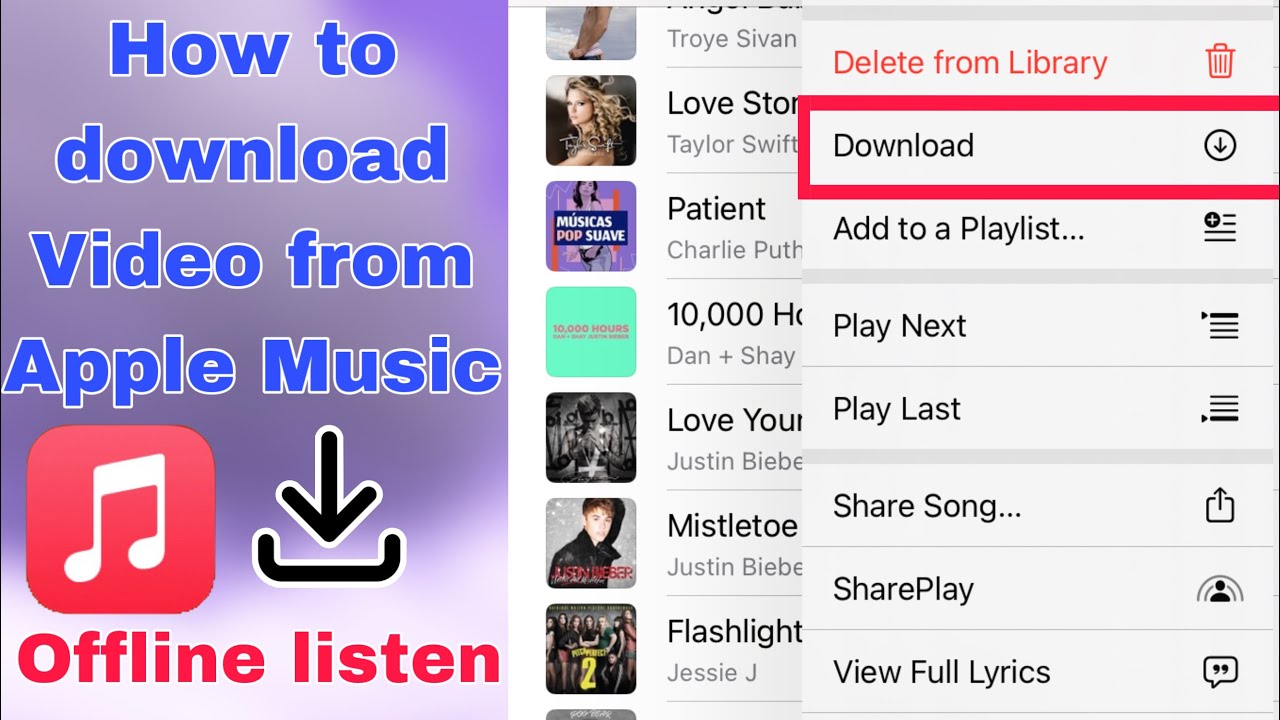
Spotify, Apple Music, YouTube Music, or even a simple app like VLC. Each one has a download button, but it’s often hiding like a shy squirrel. Look for a little downward arrow or a “Download” toggle near the album art.
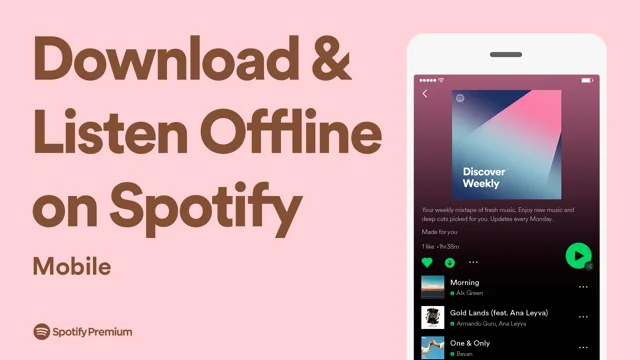
Fun fact: On Spotify, you need a premium plan to download. On Apple Music, it’s included—but only if you have a subscription. Free lovers, don’t worry—YouTube Music lets you download with a trial, but the catch is it expires. Always read the fine print; it’s like a treasure map without the X.
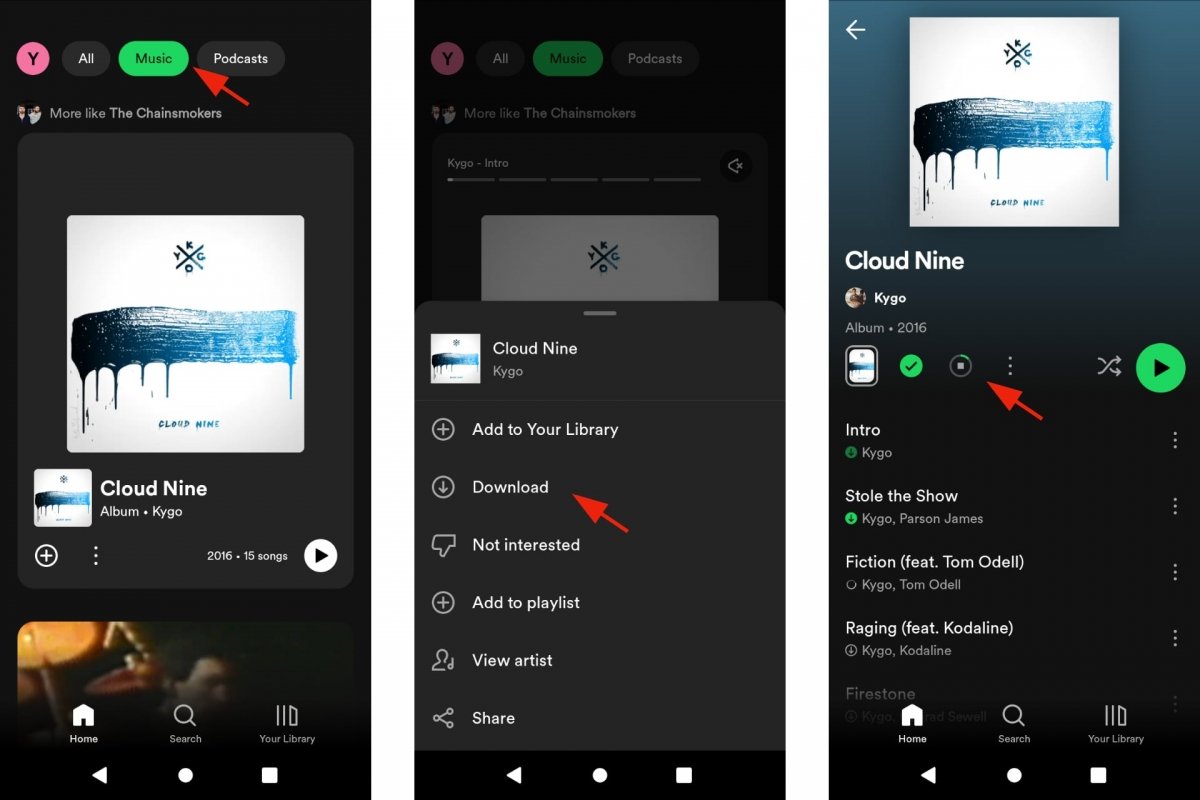
The Golden Rule: Download, Then Go Airplane Mode
Here’s the trick that feels like cheating: after you hit download, flip on airplane mode. Now, switch back to Wi-Fi. Wait—no, that’s wrong. Do the opposite. First, download while you have data, then switch to airplane mode to test your offline stash.
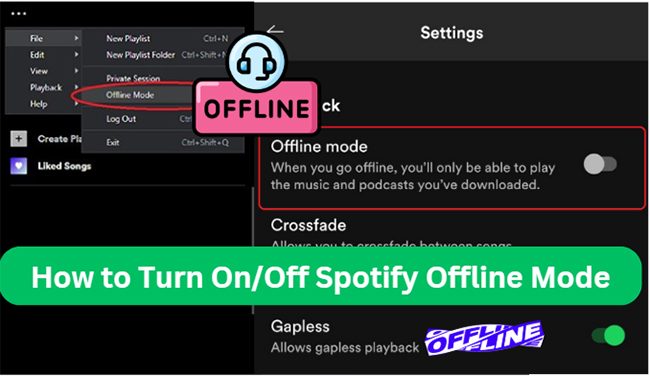
If your music plays in airplane mode, you’ve won the game of digital Tetris. If it doesn’t, you forgot to hit “Download” on the actual playlist, not just the album. Yes, that’s a trap. We’ve all been there.
Storage? Your Phone Is a Tiny Library
Each song takes about 3 to 5 megabytes at standard quality. That’s tiny—like a gummy bear in a candy store. But a 100-song playlist? That’s a whole bag of bears, roughly 400MB. Your phone can handle it, but check your settings for “Highest Quality” downloads. That option will eat space like a hungry goat.
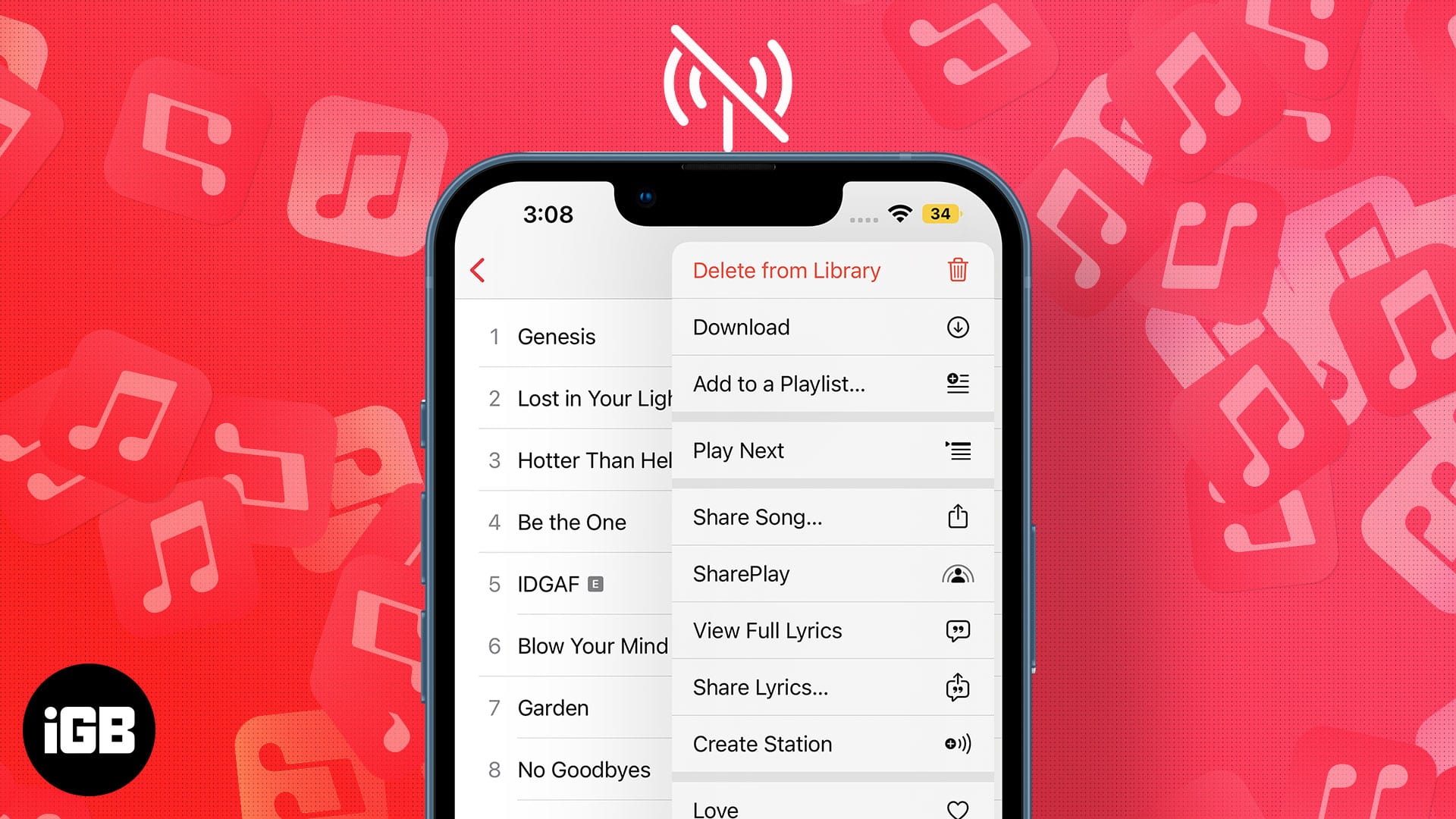
Pro tip: Download at “High” not “Very High.” Your ears won’t notice the difference on a bus, but your storage will thank you. Also, clean up old downloads once a month. Unused albums are digital dust bunnies.
Retro Vibes: You’re Basically Making a Mixtape
Remember burning CDs? This is exactly that, minus the sharpie and the scratched plastic. You curate, you click, and you’re set. It’s like time-traveling to 2005, but with better bass. You’re a DJ of your own pocket universe.
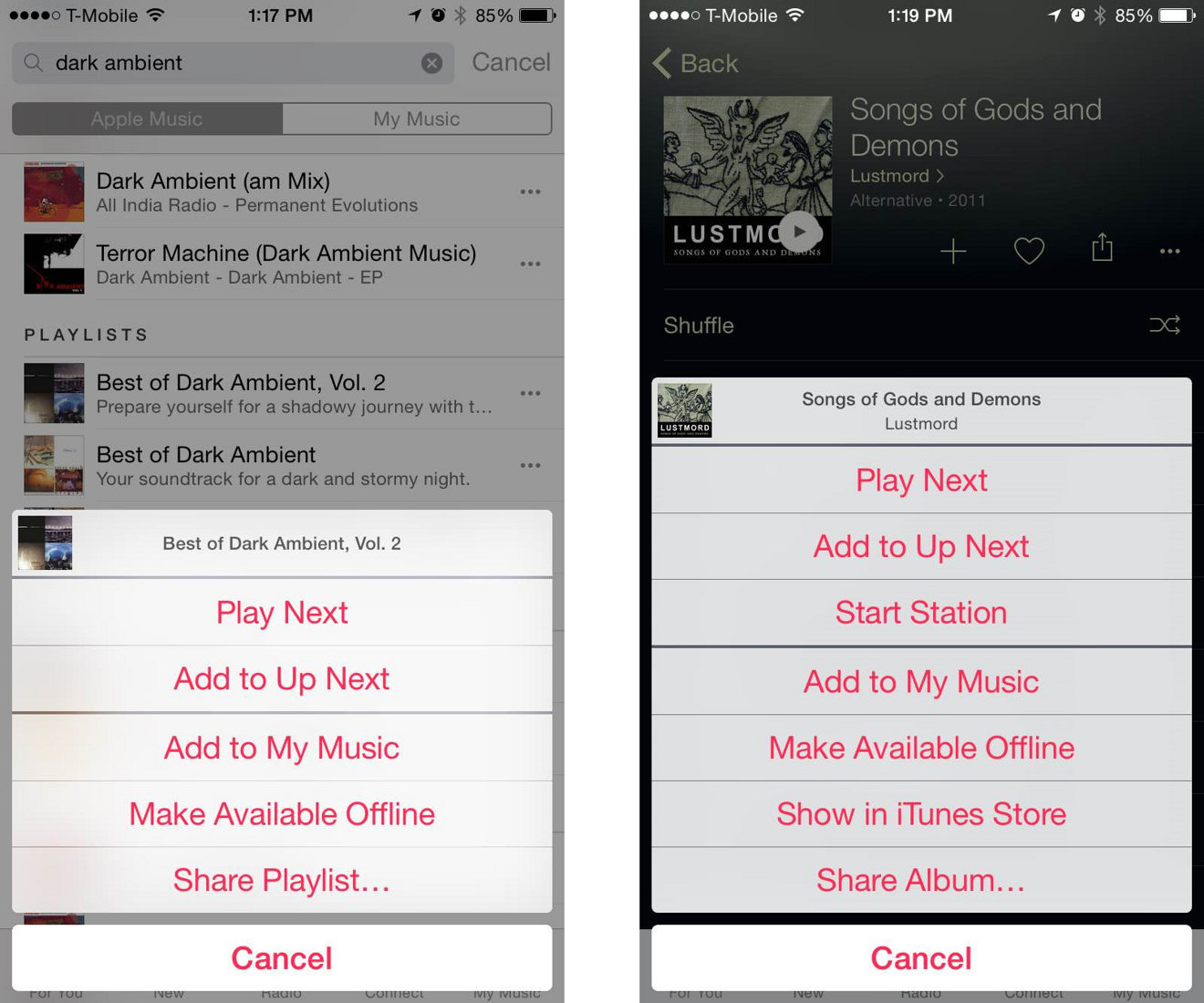
And here’s a quirky fact: Some apps “offline” mode won’t let you search. You have to browse your downloaded library blindfolded. So, organize your playlists before you leave home. Chaos is fun, but not when you’re trying to find “Smooth Jazz for Angry Commutes.”
The Emergency Smart Hack
Use your voice assistant. Say, “Hey Siri/Google, download this song offline.” Sometimes it works. Sometimes it laughs at you. Either way, it’s a conversation starter. If all else fails, buy an old iPod. Yes, they still exist, and they’re hipster-approved.
So, go forth. Build your offline fortress. And next time the network vanishes, you’ll just smile, press play, and whisper “Not today, silence.” Then, maybe, do a little victory dance on the platform. Nobody’s watching. Probably.