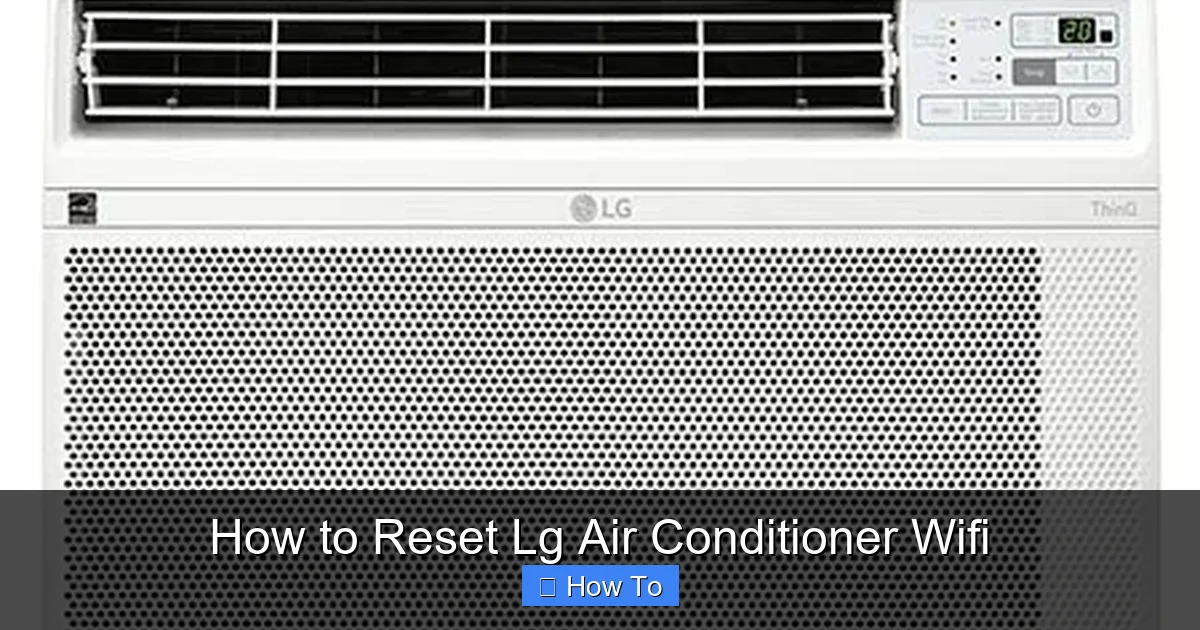
How To Reset Lg Air Conditioner Wifi

Picture this: You’re sprawled on the couch, sweating like a snowman in July, and you reach for your phone to blast the AC. But instead of a cool breeze, you get that dreaded “Offline” message. Your LG air conditioner has decided to play hide-and-seek with your Wi-Fi, and it’s winning. Don’t panic, and don’t start yelling at the remote—I’ve got the magic fix that takes less time than microwaving popcorn (and with way less drama).
The Great Unplug (Yes, It’s That Simple)
First, locate your AC’s power cord—the thick, snake-like thing that feeds it electricity. Unplug it from the wall, count to ten slowly, and pretend you’re a tech wizard performing a ritual. This isn’t just a silly step; it’s like giving your AC a tiny nap to clear its dizzy little head.
While it’s unplugged, find your Wi-Fi router and do the same thing—yank its power, wait ten seconds, and plug it back in. This dynamic duo of unplugging resets both devices so they can have a fresh “hello” conversation. It’s like rebooting your brain after a long Monday, but for machines.
Must Read
Once both are back on, give them two full minutes to stretch and wake up. Don’t hover—go grab a glass of lemonade or do a dramatic slow-motion walk back to the couch. Patience here is your secret weapon, trust me.
Hunt Down the LG ThinQ App
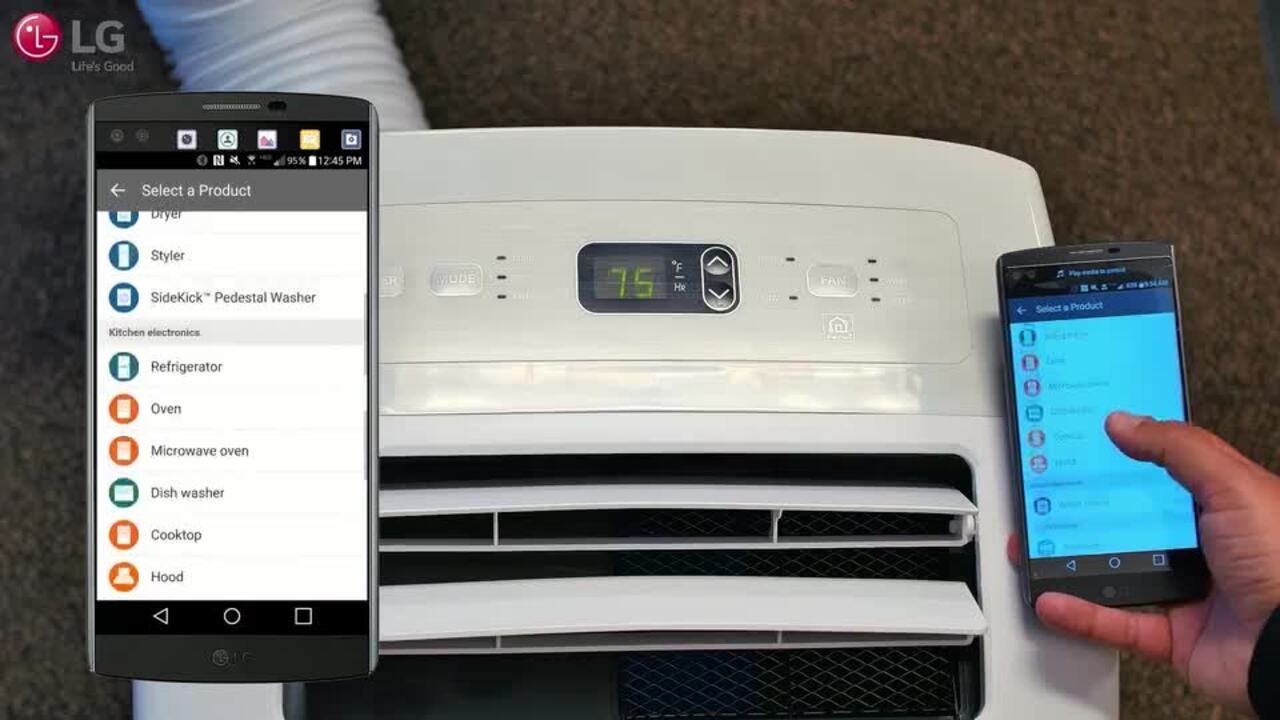
Now, open your phone and find the LG ThinQ app—that’s the magic remote for your AC’s brain. If you don’t have it, go download it from your app store; it’s free and won’t ask for your firstborn. Tap on the AC icon, and look for the gear icon (that’s “Settings” in tech speak).

Scroll down until you see “Delete Device” or “Remove Product”—don’t worry, you’re not killing it, just breaking up temporarily. Hit it, confirm yes, and watch your AC vanish from the app like a ghost. This clears out all the old, confused connection data that’s causing the drama.
Keep the app open, because we’re about to reintroduce your AC to your Wi-Fi like a matchmaker.
Think of this step as wiping the slate clean so your AC can learn your Wi-Fi password fresh—like a student on day one, not a zombie with amnesia.
Press the Fancy Button on Your AC
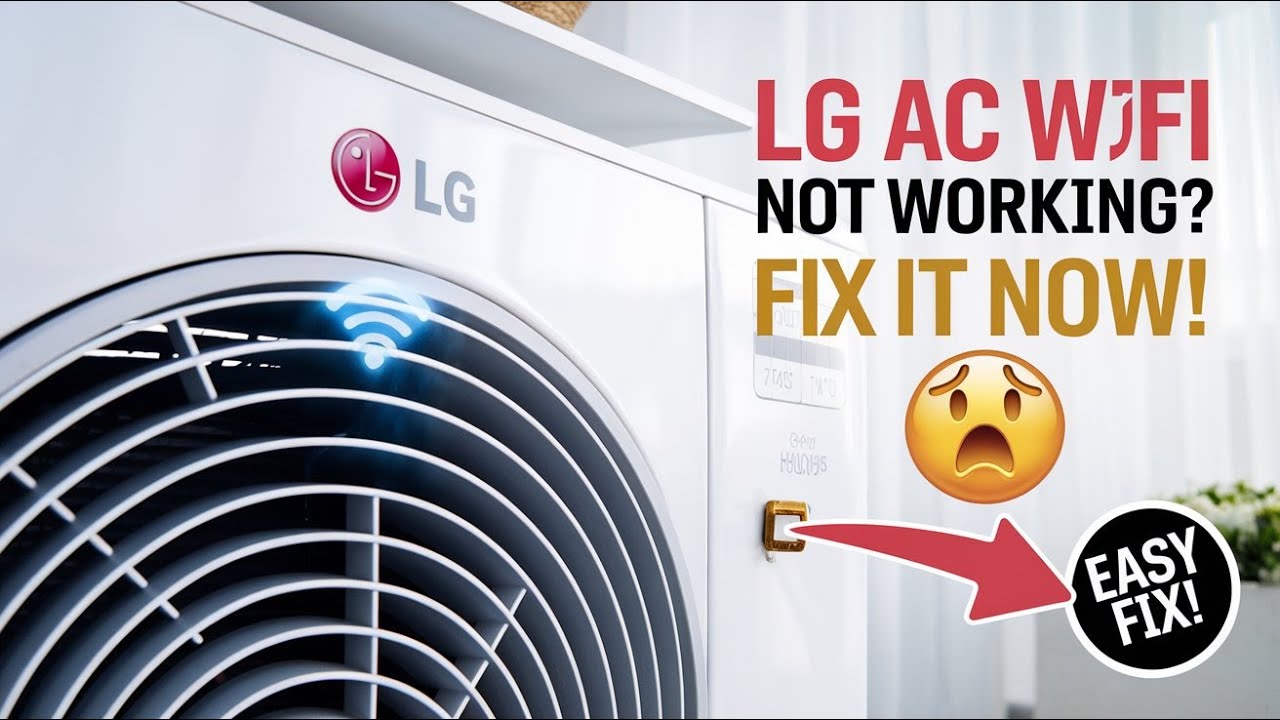
Go stand in front of your air conditioner and find the small button labeled “Wi-Fi” or sometimes it’s a tiny icon that looks like a signal wave. Press and hold it for about three seconds until you hear a cheerful beep or see the light start blinking fast. That blinking light is your AC saying, “I’m ready to mingle!”
If your AC doesn’t have a Wi-Fi button, check your remote for a button with a similar icon—it’s usually hidden near the “Energy Saver” key. Press that, and the unit will do the same happy dance. Just don’t press it while you’re watching TV; you might accidentally reset your cable box too.
![Lg Air Conditioner Wifi Reset [Easy Method]](https://smartacsolutions.com/wp-content/uploads/2023/02/ac-reset-1024x626.jpg)
Reconnect Like a Pro
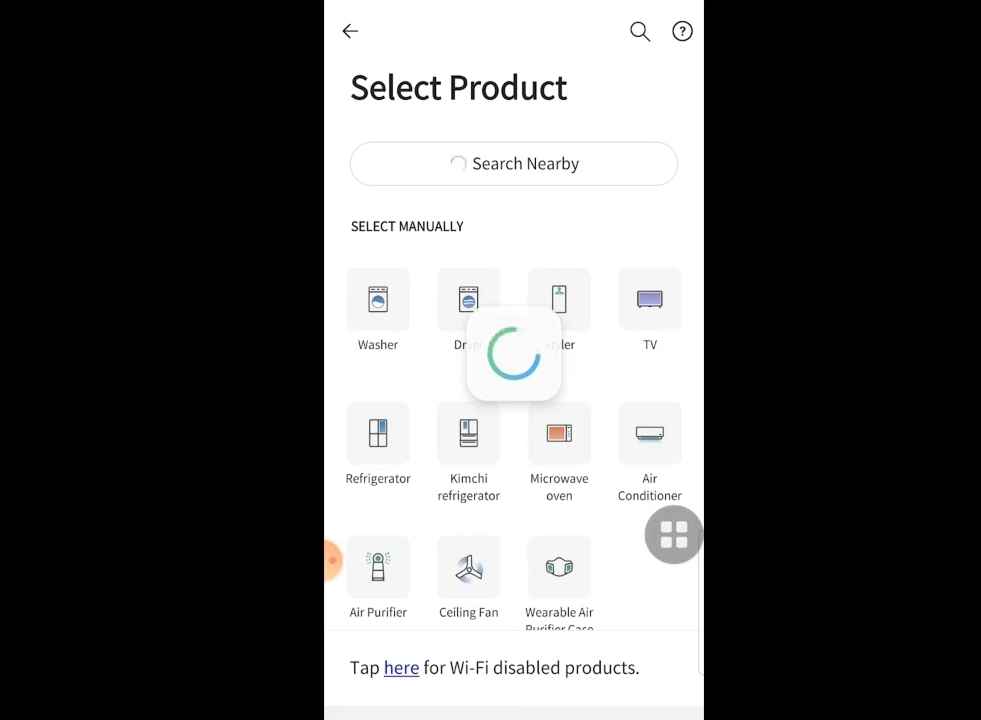
Now, back to the LG ThinQ app. Tap the “+” button to add a new device, and follow the on-screen steps until it asks for your Wi-Fi password. Type it carefully—yes, even those tricky capital letters and that exclamation mark at the end.
When the app says “Connected” or shows a green checkmark, do a little victory wiggle. Your AC is back on your network, and you’re the hero of your own living room. Give it a moment to sync, then try to send a “Cool Mode” command from your phone—it should work instantly.
If it still fails, just repeat the unplug-and-hold-button routine once more. Sometimes machines are stubborn, like cats that refuse to sit on the mat you bought specifically for them.
One Final Tip to Avoid Future Tantrums
To keep this from happening again, make sure your AC and router aren’t too far apart—walls and floors are evil Wi-Fi blockers. Also, always use the 2.4 GHz network on your router, not the snazzier 5 GHz, because your AC only speaks the older language.
And there you have it—your LG AC is back on Wi-Fi, and you didn’t need a technician, a hammer, or a tearful prayer to the tech gods. Go enjoy your icy room, your phone controls, and the smug satisfaction of conquering a gadget. Now crank that temperature down and nap like royalty.